It's 2026.Most of us are somewhat addicted to the internet, unfortunately.But beyond just needing to doomscroll for hours every day, we all rely on staying connected for work, education, and even just communicating with all the devices in our home.
For those reasons, when both your home internet and your cellular connection go down, it can leave the whole house looking...well, bare.Add How-To Geek on Google Add as Preferred Source Follow on Google Discover Fortunately, a local network can function entirely independently of the internet.
With a mini PC, a router, and some prep, you can build yourself a surprisingly capable offline network that keeps essential services available at all times.PSA: Your local network doesn't actually need the internet Wi-Fi and internet access aren't the same thing Close Wi-Fi and the internet aren't one and the same, and so, even if one is down, you can still have the other.Your Wi-Fi router can keep devices connected to one another even when your ISP has completely abandoned you.
That's because a local area network (LAN) operates independently of the internet, allowing devices to chit-chat using private IP addresses without ever needing to reach an outside server.This means that your PCs, phones, and other devices can still exchange files, access locally hosted services, and more without being able to access the outside world.In fact, keeping your home server off the public internet is something many people do, and they're not wrong: it the safer way to go about it.
Add a mini PC into the mix, and you've got a central machine that can host useful services for everyone on your network.Of course, anything that relies on external servers, from Netflix to cloud storage, won't magically start working.Your network will also reach only as far as your wired connections and Wi-Fi coverage allow.
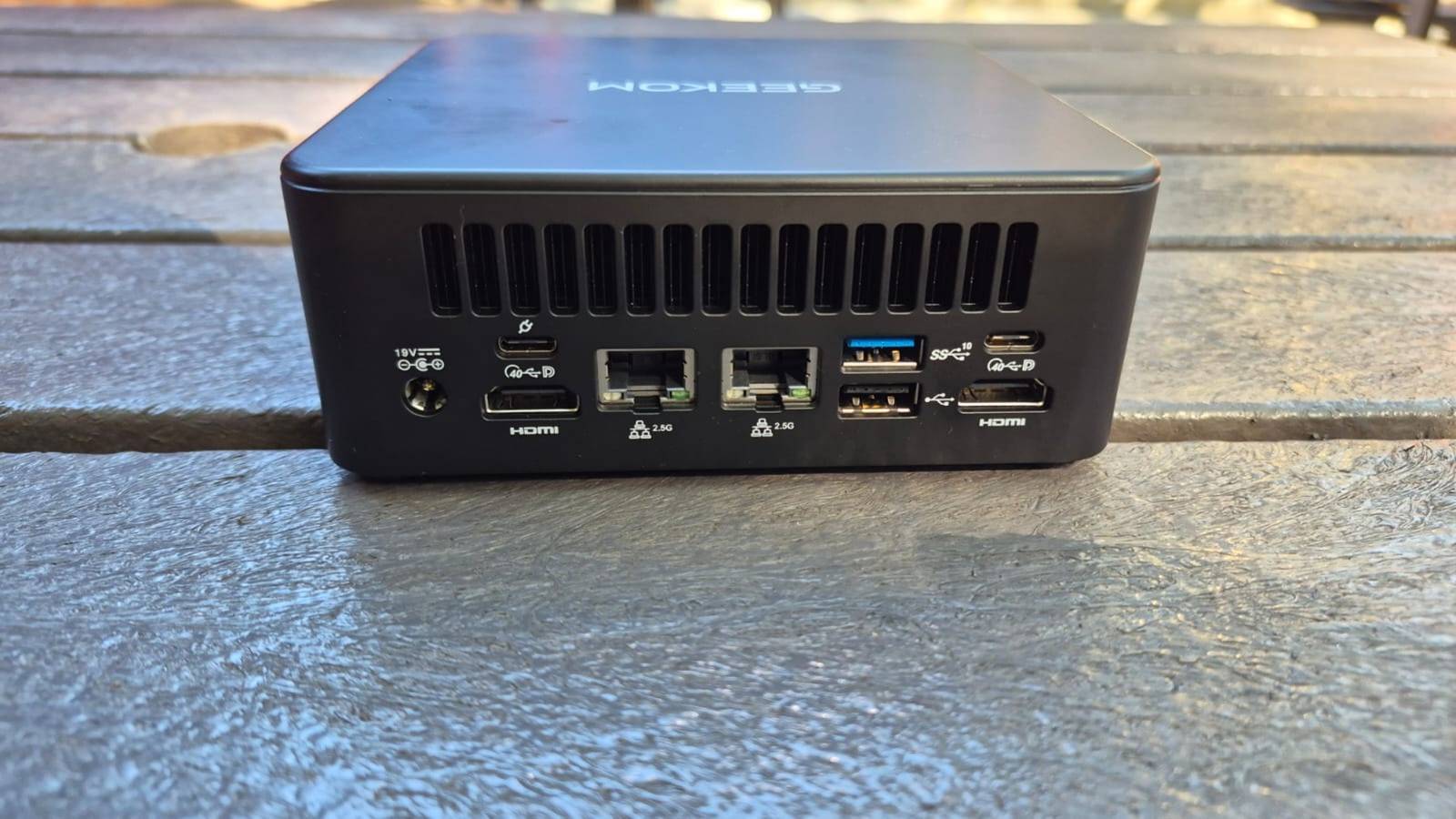
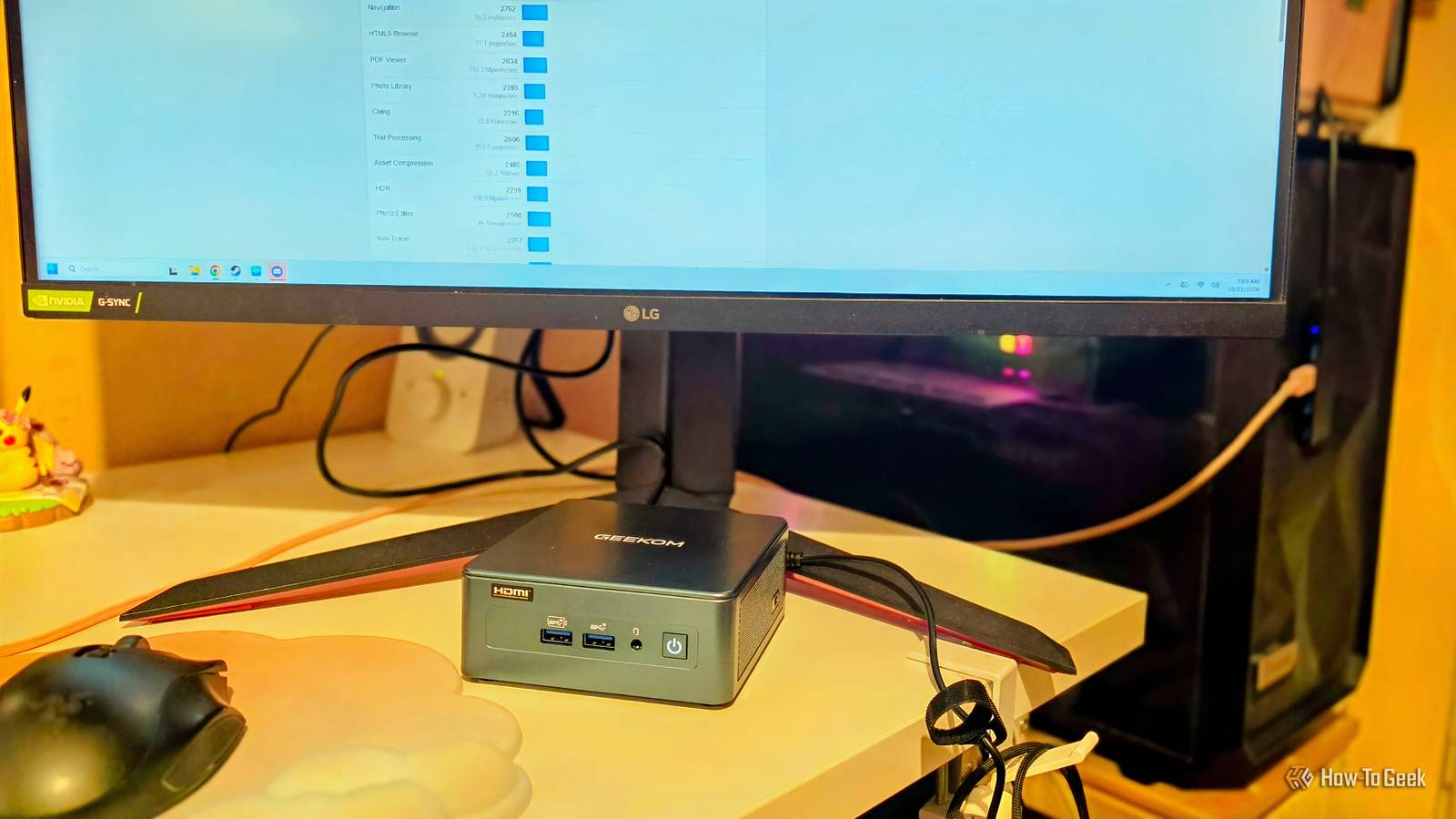
But honestly, that's plenty enough to keep you going until your ISP sorts itself out (assuming that's the problem).Related How I added Ethernet to every room of my home for under $50 I got Ethernet into every room without drilling a single hole Posts 5 By Monica J.White A cheap mini PC and a Wi-Fi access point are enough to get started Gotta love me a mini PC The best part about this setup is that you don't need expensive hardware to get it running.
A basic Intel N100 mini PC with 8GB of RAM will do just fine for lightweight services, and even an old office mini PC can work.Having multiple mini PCs can be smarter than relying on one big desktop, and if you have one to spare, it can become the brains of the operation here with relative ease.Install something like Debian or Ubuntu Server, connect the mini PC to your router with an Ethernet cable, and you're most of the way there.
Your existing Wi-Fi router can handle connecting all your devices, so you don't even need a fancy access point unless you're starting from scratch.Add a cheap unmanaged switch if you need more Ethernet ports, and you've got the hardware side of your offline network sorted.Related Adding more mesh Wi-Fi nodes seems like a good idea, until you see what happens to your speed More mesh Wi-Fi nodes should mean better internet, but is that true? Posts By Monica J.
White The secret is making everything work without the cloud Set up local addresses before the internet disappears Getting the hardware sorted out is one part of the equation; it's time to make sure your network actually works offline and is somewhat self-sufficient.Your router should handle DHCP, assigning private IP addresses to all of your devices, but I'd recommend giving the mini PC a reserved address so that you always know where to find it.You can then access its locally hosted web services by typing that address into a browser, and connect to file shares through a file manager or compatible client, without relying on external DNS servers or the internet.
This is also a good time to configure any necessary accounts, install your software, and make sure nothing requires cloud authentication to function.And while I'm a big fan of keeping your home networks simple, there's one extra thing you should take a peek at: some phones may switch to cellular data when Wi-Fi has no internet access, so check your phone's settings and confirm it stays connected to Wi-Fi when the WAN goes down. The mini PC becomes a private library of useful offline services Files, Wikipedia, and even movies so you don't get bored So, what do you do with this network-agnostic mini PC? You can set up Samba for sharing files across your network.You can also install Jellyfin to stream movies and music you've already downloaded, or use Kiwix to host an offline copy of Wikipedia and other useful resources.
The sky, or rather your creativity, is the limit here.You could even run Home Assistant for locally controlled smart home devices.There's a reason why even a decade-old laptop can become a useful home server: it doesn't take much.
Related This $11 adapter turned my useless old laptop into a powerful home server The leap from e-waste to a home server is only a cheap dongle away.Posts 2 By Ismar Hrnjicevic Backup power is what makes this a truly off-grid network No electricity, no network You can live without the internet when you build out this "we have internet at home" kind of alternative, but there's one obvious snag that could put this whole operation out of business: electricity.If the power goes out alongside your internet connection, your mini PC and router are going down with it, and with them, your entire offline network.
Fortunately, you can fix that too.You'll just need extra hardware in the form of a UPS or a portable power station.Keep both your mini PC and networking equipment powered; your entire offline network needs to be plugged into this.
This includes any switches and access points.Even a single point of failure will often pull the rest of the grid down with it, so plug everything in and let it sip power even during blackouts.Test the entire setup before an outage happens Once you're done setting this up, don't ever, not even for one second, assume it's going to work just fine.
Oftentimes, it won't, at least not on the first try.So, before anything goes south, disconnect your router's WAN cable and see what survives.Can your phone still connect to Wi-Fi? Can you access files on the mini PC or stream something through Jellyfin? Only once the answer is yes to every applicable question can you just leave it alone and assume your network will be fine even when the internet goes down.
Related Powerline adapters are better than their reputation Everyone hates powerline adapters, but I think they're underrated Posts 1 By Monica J.White
Read More