Overpriced home appliances with lackluster smarts are a pet peeve of mine.I’d never upgrade a perfectly functioning fridge or dishwasher just to get access to half-baked smart features, and I’d choose value or performance over features I don’t need, or that might backfire on me down the line.Add How-To Geek on Google Add as Preferred Source Follow on Google Discover I can say this with confidence because I built my own automations to make “dumb” appliances smart using Home Assistant.
The problem with smart home appliances Home Assistant support is thin on the ground Smart home features are slowly becoming standardized in a lot of home appliances.White goods like fridges, washing machines, dryers, and dishwashers often feature smart home functionality.As part of the installation process, you’ll be encouraged to connect them to your Wi-Fi network.
For me, that’s where the problems begin.We’re not just flirting with functionality that might not actually be useful; we’re connecting these devices directly to the internet.Unless you’re carefully managing your home network, the second you connect your fridge to the network, it will immediately call home and be exposed to the wider web.
Blocking these devices from having access to the internet will, most of the time, render them useless.The other problem with the smart appliance trend is that these devices heavily favor the cloud and rarely (if ever) support local smart home functionality.It’s arguably easier from a layman’s perspective to use some sort of proprietary app for these functions, which means sending and receiving requests via a remote server.
Those of us who advocate for platforms like Home Assistant are not the target audience; we’re in the minority of people who will end up attempting to use these features.One example I stumbled upon while looking at dishwasher brands is Bosch, with its Home Connect service.This is a company that makes some of the most highly rated dishwashers on the market, and they’re not cheap either.
There’s a Home Connect integration for Home Assistant, but it uses the official Home Connect API and requires access to the internet.Smart fridges go a step further, particularly those with large integrated tablets on the doors.Samsung’s smart fridges received an opt-out advertising service, which feels like the predictable (if undesirable) conclusion to what happens when you connect a fridge to the internet.
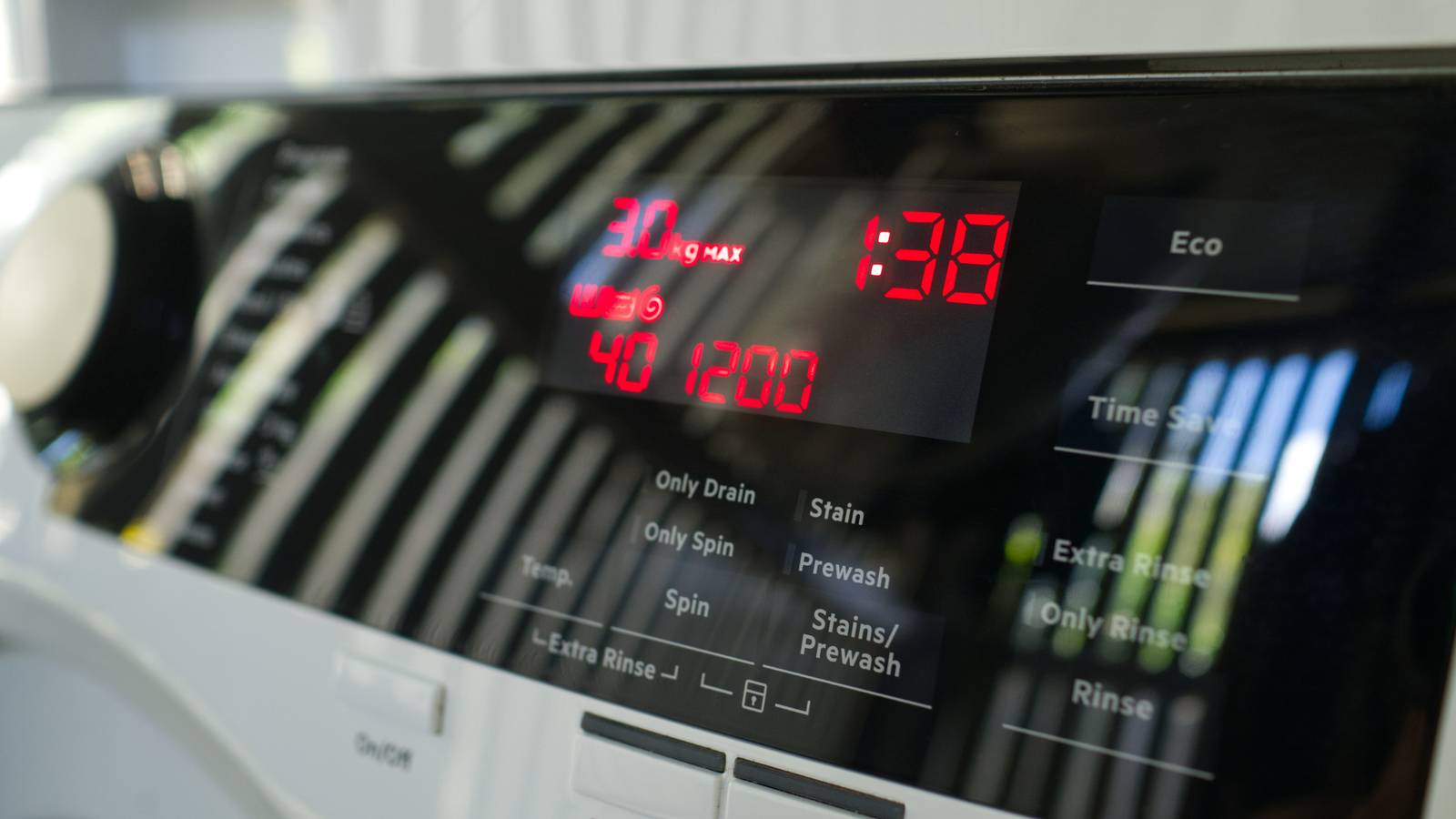
This is before we’ve even discussed the data privacy implications of having an appliance that can “phone home” on demand.Get laundry and washing cycle notifications using a smart plug An extra notification I don’t mind Close Appliances that depend on washing cycles have one clear use case when it comes to smart features: notifications.Being told that your laundry is done and it’s time to hang it up is genuinely useful, especially if you’ve made the mistake of leaving a load in the machine too long before.
You can do this with a cheap energy-monitoring smart plug, and it works with other appliances that use cycles too (like dishwashers).A plug costs around $10 and works with pretty much any machine, new or old.The automation is triggered when current is detected.
When the current dips below a threshold value to indicate an idle state, the automation fires off a notification to let you know the cycle is done.I used a Home Assistant blueprint for this, which meant that I didn’t have to design anything myself.You can even add a contact sensor to your machine and then trigger repeat notifications.
Once you open the door, the repeat notifications are turned off, so you’ll never forget to empty the machine.High-load devices like dryers might push normal smart plugs beyond their safe current limits.This could lead the plug to overheat and start a fire.
Make sure you use a heavy-duty plug where necessary.Monitor always-on appliances for outages too Is your refrigerator running? You can use the same technique to monitor any device that should always be running to get advanced warning of any problems that show up.This is a simpler automation that you could easily write yourself.
First, take a look at the average power consumption of your fridge or freezer under normal circumstances.Now you can write an automation that triggers a notification in the event that the device drops below that level of power consumption.Home Assistant will continuously monitor your appliance for signs of a failure.
Forewarning can help you plan around a bad situation, and potentially avoid wasting a fridge or freezer’s worth of food.Save your money on needless smart features and invest your time and (less) money in Home Assistant instead.With the smart home platform now more user-friendly than ever, there’s no excuse not to give it a try.
Read More