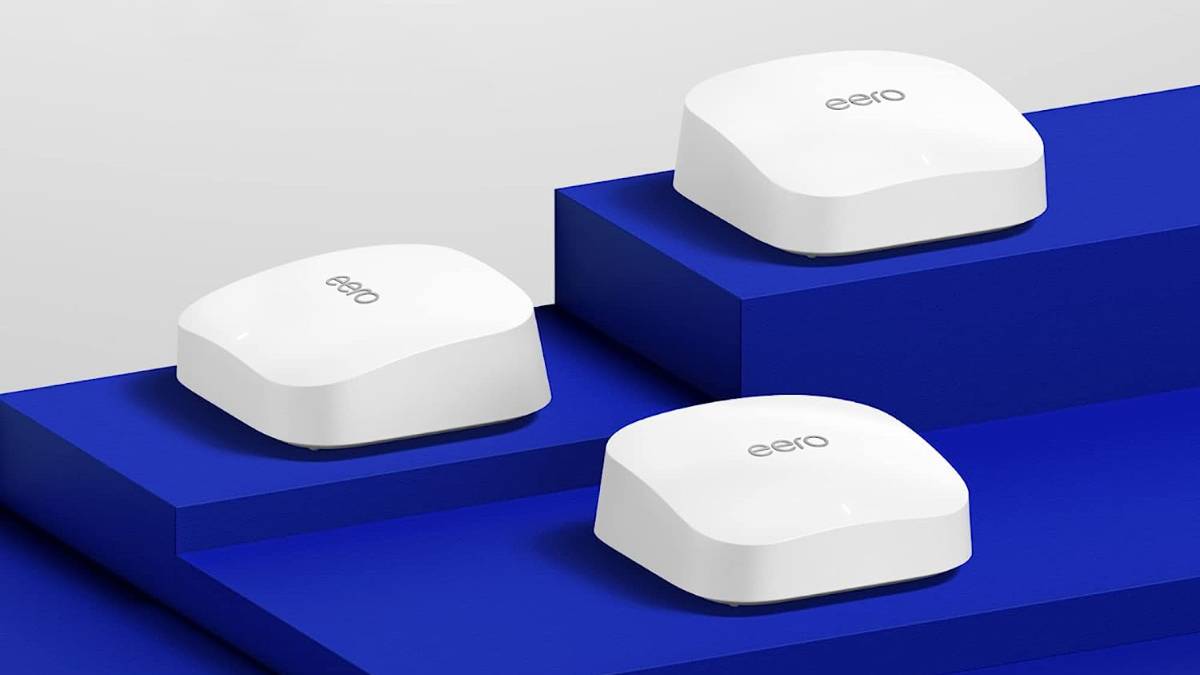
If you have a big house, or if you just have thick walls, a mesh network is a really good way to make your network reach every corner of your home.But you'd be surprised by how many people mess up the installation.If you're having signal or speed problems with your mesh network, it may or may not be related to some of the following issues.
Your nodes are too close to each other Placement is key.And getting placement wrong is extremely common.One common issue with mesh networks is having the nodes too close to one another.
Many operate under the false assumption that overlapping signals create a stronger, more robust "blanket" of Wi-Fi.In reality, placing nodes too close to one another—sometimes in the same room or just down the hallway—creates a phenomenon known as co-channel interference.When wireless access points are broadcasting on the same frequency channels within a short range, they essentially shout over one another.
This raises the noise floor of the radio frequency environment, making it difficult for your devices to distinguish clear data packets from the background noise generated by your own network hardware.You want to prevent your signals from overlapping more than what's absolutely necessary.Furthermore, insufficient spacing creates significant confusion for client devices like smartphones and laptops.
These devices rely on roaming algorithms to decide which node offers the best connection.When two nodes are placed too closely, their signal strengths (measured in dBm) are nearly identical.This causes your device to constantly hop between nodes or, conversely, stubbornly cling to the first node it connected to even if it is technically closer to the second one.
This is often referred to as the sticky client problem.Instead of a seamless handover as you walk through your home, you might experience stuttering on video calls or lag in gaming because your device is paralyzed by the choice between two equally loud signals.Your nodes need to be placed at a location where it can still receive a strong signal from the main router, but far enough away that it extends the network’s reach rather than just duplicating the signal in an area that already has coverage.
Your nodes are too far from each other Now that we've established that nodes being too close is a problem, the exact opposite is also a huge problem.While clumping nodes causes interference, placing them at the absolute edge of your coverage area creates a different, equally frustrating set of connectivity issues.A common mistake is placing a satellite node in a "dead zone" hoping to bring it to life.
For example, if your bedroom has no Wi-Fi, placing a node directly on the bedroom nightstand is usually the wrong move.This is because a mesh node requires a strong wireless backhaul connection to the main router to function.You want to be close to the node for a good signal, but the node also needs to be close enough to the main satellite to actually replicate the signal.
If the satellite is placed in a location where the main router’s signal is already weak or unstable, the satellite will simply pick up that degraded signal and rebroadcast it.Your phone might show full Wi-Fi bars because it has a strong connection to the nearby satellite, but the internet speed will be abysmal because the satellite has a poor connection to the modem.To fix this, you must understand the physics of radio waves and attenuation.
5GHz and 6GHz signals, which provide the fastest speeds, struggle to penetrate dense materials like brick, concrete, or even large appliances.If you stretch the distance between nodes too far, the system may fall back to the slower 2.4GHz band for communication between units, drastically reducing your total throughput.The ideal placement follows a daisy-chain or star topology logic where the satellite is placed roughly halfway between the main router and the dead zone.
This "Goldilocks" zone ensures the satellite can receive a high-speed data stream from the main hub and then throw that signal effectively into the area where you actually need it.You are essentially creating a wireless bridge; if the foundation of that bridge is too far from the shore, the structure will collapse under the weight of heavy data traffic.You have way too many nodes It is a common marketing trap to believe that a larger home automatically requires a three-pack or four-pack mesh system.
Or you might have just been tempted by that huge bundle of nodes that was heavily discounted last Black Friday, without thinking about whether you actually need so many nodes.Consumers often purchase the bundle with the most hardware units, assuming that more hardware equals better performance.Instead, you end up with spectral congestion, which is a major performance killer.
Wi-Fi is a half-duplex medium, meaning that on a given frequency, only one device can transmit at a time.Every additional node you add to the network requires airtime to communicate with the main router and coordinate network traffic.These management frames and "beacons" consume valuable bandwidth that could otherwise be used for streaming or downloading.
If you place three powerful mesh nodes in a 1,200-square-foot apartment, you are oversaturating the environment.The nodes will interfere with each other's broadcasts, leading to higher latency and lower overall speeds.This is similar to having too many speakers playing different music in a small room; the volume is high, but the clarity is lost.
For many medium-sized homes, a two-piece system (one router and one satellite) is vastly superior to a three-piece system.The efficiency of modern Wi-Fi 6 and Wi-Fi 7 standards means that a single router can cover significantly more square footage than routers from a decade ago.By installing unnecessary nodes, you are essentially paying extra money to degrade your own network performance.
The goal should be to use the minimum number of nodes required to achieve coverage, maintaining the cleanest possible radio spectrum for your actual devices.Your main router is in an awkward place The placement of your primary mesh unit—the one physically connected to your ISP’s modem—dictates the success of the entire network.Unfortunately, aesthetic preferences often override technical requirements—been there, and sadly, done that.
A lot of folks frequently hide their main router inside TV cabinets, behind large flat-screen monitors, inside utility closets, or on the floor behind a sofa.This happens even with regular, non-mesh networks, but with a mesh network, you might feel even more compelled to do so since you'll have nodes replicating the signal throughout the house.It's still extremely counterproductive, though.
This creates immediate physical obstructions that dampen the signal before it even has a chance to reach your satellite nodes.Wi-Fi signals radiate outward and downward from the antennas; placing a router on the floor means a significant portion of your signal is being absorbed by the ground or the foundation of your house.Placing the main unit in a far corner of the house, simply because that is where the cable company installed the jack, forces the signal to travel diagonally through the entire length of the building to reach other nodes.
This is the least efficient path for radio waves, as they must pass through more walls and obstacles at oblique angles.Specific materials found in these very awkward hiding spots are particularly damaging; mirrors, metal shelving units, and fish tanks are essentially Wi-Fi kryptonite.Metal reflects signals, causing erratic behavior, while water absorbs radio energy almost completely.
Subscribe to the newsletter for smarter mesh fixes Avoid costly Wi‑Fi mistakes—subscribe to the newsletter for step‑by‑step mesh placement guidance, practical troubleshooting checklists, and real-world optimization tips that help you fix sticky clients, backhaul problems, and interference in your home network.Subscribe By subscribing, you agree to receive newsletter and marketing emails, and accept Valnet’s Terms of Use and Privacy Policy.You can unsubscribe anytime.
If you want your mesh system to operate at peak efficiency, the main unit should be elevated, ideally on a shelf or mounted on a wall, and located as centrally in the home as possible.A strong core signal will allow your other nodes to work as well as they can.You're mixing and matching routers Finally, a mesh network relies on a unified system where all nodes speak the exact same language to manage traffic, hand off devices, and optimize backhaul channels.
So when users attempt to build a "Frankenstein" network by keeping their old service provider router and trying to mesh it with a new third-party system, or mix different generation nodes from the same manufacturer that are not fully compatible, it's not ideal.When you mix incompatible hardware, you usually end up with a "Double NAT" (Network Address Translation) situation, which can break secure connections, online gaming, and VPN usage.Even if you successfully connect an old Wi-Fi extender to a new mesh system, you break the seamless roaming capability that makes mesh attractive in the first place.
A true mesh system uses a single SSID (network name) and essentially "guides" your phone to the best node seamlessly.If you mix disjointed hardware, your phone sees them as separate entities.You will likely find yourself physically standing next to the new, fast router, while your phone stubbornly remains connected to the old, slow router at the other end of the house because it doesn't know how to execute the handover.
Additionally, mixing dual-band nodes with tri-band nodes can cripple the network, as the faster nodes often have to slow down to the speed of the weakest link in the chain to maintain communication.For a stable experience, the hardware must be homogeneous and controlled by a single, master operating system.If you made any of the above mistakes, a few adjustments around your house will likely greatly improve your experience going forward.
Read More