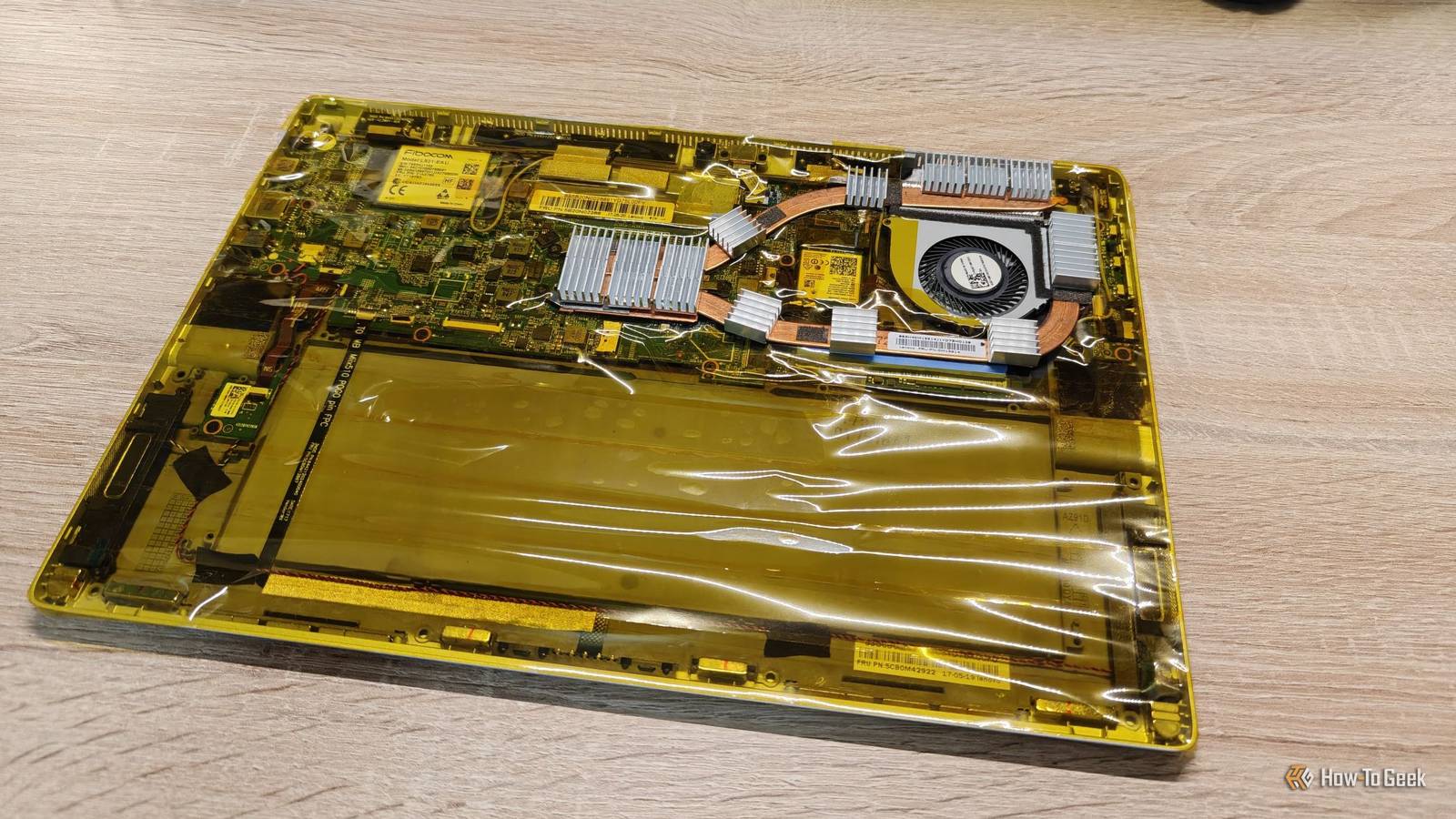
There are a few things you should double-check before turning a laptop into a NAS.While you definitely can just do it, these three BIOS options are definitely worth double-checking before diving down the rabbit hole.Make sure it boots from the right drive Though your internal drive shouldn't always be first in the boot order Close Using your laptop as a NAS will mean that you need to boot from a very specific drive or partition, depending on how you set it up.
For instance, Unraid typically boots from a USB drive.Same with umbrelOS.Both also have options to boot from internal storage if you prefer.
TrueNAS, on the other hand, requires you to install it on a specific drive.Regardless of what operating system you choose, your laptop-as-a-NAS system will likely have multiple storage drives installed in it, typically at least one for the operating system, one for storage, and maybe even one for cache.However, you don't always want the installer to set the boot order, though that is often a fine choice.
I personally set my boot order on my DIY NAS systems to boot to USB first, and not the USB for Unraid or whatever.I do this because if something breaks and I insert a recovery USB drive into the machine, I want it to boot to before anything else.This means I don't have to mash a specific key to boot to the recovery drive, and it makes my life easier.
Enable battery protection for constant AC use Constantly being plugged in isn't the best thing for battery longevity It's a fairly well-known fact that constant charging can be detrimental to a battery's health, and laptops are no exception.There's a good chance that the laptop you're turning into a NAS isn't brand-new, and the battery probably has many cycles on it already.Even if it's a brand-new laptop, you're going to want to preserve the battery as much as you can if you ever want to convert it back to a normal laptop again.
You have two options: unplug the battery or enable battery protection/optimization in the BIOS.Unplugging the battery is best for long-term battery health, but it may also defeat the purpose of using a laptop as your NAS, since the battery can act as a built-in UPS.So, check your laptop's BIOS for some form of battery protection.
Often, it'll keep the battery charged to 80% max, or it will do a special charging cycle every so often to keep the battery fresher with charging and discharging cycles.Not all laptops support this, so if yours doesn't, it might just be best to unplug the battery, or just live with the consequences that the battery isn't going to last a long time if it sits at 100% all the time.Enable virtualization if you plan to run virtual machines It's a simple toggle you should always check If you plan to do any form of virtualization on your laptop, like running a virtual machine, then you need to enable virtualization in the BIOS.
If it's not enabled, you simply won't be able to create or use virtual machines effectively on your laptop, regardless of the operating system.While QEMU can often work to run emulators or virtual machines on any host, it's always better to enable hardware-accelerated virtual machine settings if your BIOS offers them.Some operating systems are fine with this because Docker doesn't require virtualization technologies to work.
However, if you want to run full virtual machines, this is needed.Why would you want to run a virtual machine on your NAS at all? Well, Home Assistant runs best in a virtual machine.VMs are great for segregating services even more than Docker allows.
And there are plenty of other reasons, so consider enabling it up front so the feature is ready to go whenever you want to use it.A laptop could actually be the ideal NAS I've seen people make fun of those using a laptop as a NAS, but I'm here to say it might actually be the perfect solution.You see, many modern NAS systems run on laptop chips already.
It's very rare to find a NAS using a desktop processor.So, the processing power is on par with normal NAS systems.It's true that the storage options aren't as good, but a DAS can easily solve that problem.
The best part of using a laptop as a NAS is that it has a built-in battery backup.This doesn't help any connected devices that aren't host-powered, like a DAS, but it does keep smaller 2.5-inch hard drives or SSDs powered when the power goes off.A built-in battery means your NAS won't shut down the moment the power goes out, giving you time to shut it down properly and help avoid data loss from an unexpected shutdown.
Read More