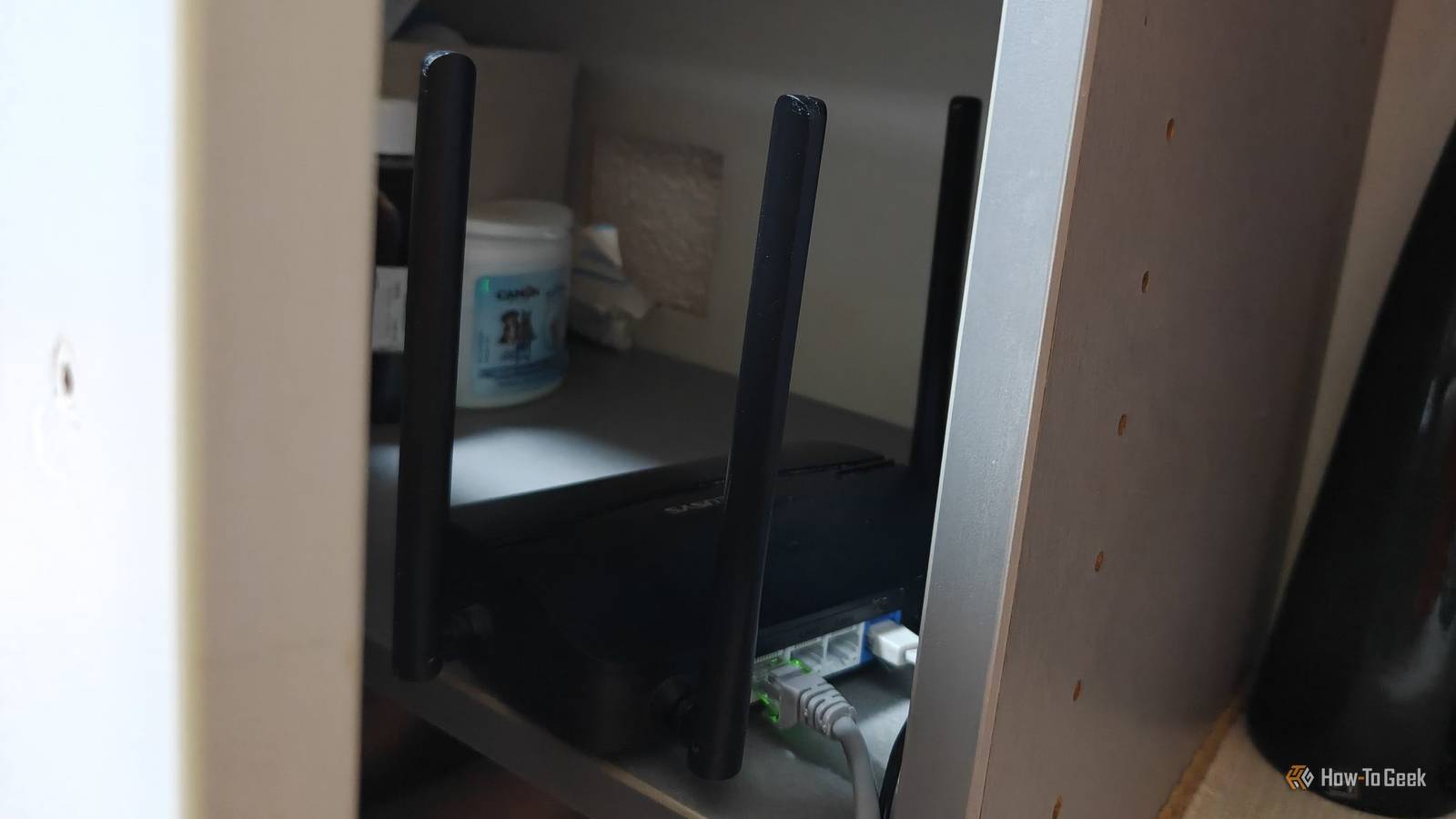
My Wi-Fi router sits out in the open in the kitchen next to the TV, and I've been thinking about hiding it in the cabinet under the TV for a while now.This would make the whole setup look a little tidier, but I didn't want to sacrifice Wi-Fi performance just for better aesthetics.So, I decided to test just how much worse my signal actually gets when I put the router in a cabinet.
I measured my Wi-Fi before and after putting the router in a cabinet Here's how I ran the test Close Before putting the router in the cabinet to see what it would do to the signal, I first had to establish a baseline.To keep everything as consistent as possible, I disconnected every other device from my network except for my PC (which was just sitting idle), placed some tape on the floor to help me place the phone in a consistent spot, and positioned the router at the same height and orientation as it would sit in the cabinet.I only focused on 5GHz test results here, as that's the only band that I actually need in my relatively small apartment.
Since 2.4GHz is considerably better at penetrating through objects, it wouldn't have been the perfect way to perform this test.I used the WiFiman app on my OnePlus 15 with my Wi-Fi 7 router to test the signal strength, and I also ran iPerf3 to benchmark the local transfer speeds between my wired PC and phone.I ran five consecutive 10-second upload and download tests each time and calculated the averages, which we'll discuss later on.
As for the locations where I tested the signal, I ran one test in the kitchen, just a few feet away from the router, and a second test in the bedroom on the opposite side of the apartment, which is where I get the worst (but still acceptable) signal.Without further ado, here's the signal strength and latency baseline from my WiFiman app in the kitchen: Close And here are the results from the bedroom: Close After quickly moving the router into the cabinet, I ran my tests again, and this was the signal strength and latency I was getting in the kitchen: Close And here's what I got in the bedroom: Close Your router has a harder time when you box it in Radio signals don't like physical obstacles Here’s how the average results compared between the router sitting out in the open and tucked away in the cabinet.The first number tells you the total data transferred in megabytes, while the second (the one we focus our calculations on) is the actual bitrate, expressed in megabits per second.
Location Test Open router (control) Cabinet Difference Change Signal strength Kitchen Upload 692MB — 578.6Mbps 342MB — 286.0Mbps −350MB — −292.6Mbps 50.6% slower −50 dBm → −48 dBm Kitchen Download 893.8MB — 748.4Mbps 944MB — 791.2Mbps +50.2MB — +42.8Mbps 5.7% faster −50 dBm → −48 dBm Bedroom Upload 228.2MB — 190.4Mbps 169.2MB — 140.8Mbps −59MB — −49.6Mbps 26.0% slower −71 dBm → −78 dBm Bedroom Download 302.75MB — 253.5Mbps 77.74MB — 64.93Mbps −225.01MB — −188.57Mbps 74.4% slower −71 dBm → −78 dBm The slight improvement in download speed and signal strength in the kitchen isn't an accident—when the router transmits to the phone, it sends a substantially more powerful signal that was able to penetrate the cabinet door.When sending data from the phone, though, the transmission rate gets quite a bit worse.Also, despite being technically inside the cabinet, the phone was actually quite close to it on the floor, and moving the router from the side of the cabinet to inside it removed one of the sidewalls and brought it closer to the phone.
So, when you see that (technically speaking) improvement, don't read too much into it.The real results that we should focus our attention on are the bedroom results.As I was checking the latency with WiFiman, I noticed at one point that packets were occasionally being lost, even though the latency itself was okay-ish.
Same story with my continuous iPerf3 download tests.The throughput was okay-ish at the start (around 140Mbps), but in tests #3 and #4, the phone stopped transmitting for a few seconds altogether, dropping the throughput to just a few Mbps.And this is exactly the kind of annoying Wi-Fi performance that you want to avoid.
Slow Wi-Fi is one thing, but when your phone randomly starts buffering while you're scrolling or watching a video, or worse, lags on a video call, it gets annoying fast.Mind you, my cabinet was made of light and relatively thin particle board, with no other obstructions.If you were to place the router in a cabinet made of metal or had some objects further blocking the signal, it could become unusable even when you're a few feet from the router.
If you need to hide your router, there are better ways to do it Look, I get that having a router sitting out in the open isn't everyone's cup of tea.Even those "gaming" routers are kind of ugly, with those pointy antennas and cables running from the back.At the same time, drilling a bunch of holes and placing the router on a high shelf, which is one of the better locations for a router, isn't always feasible.
So, if you must place your router in a somewhat prominent spot in your house to get a good signal but still want to hide it, try to keep it somewhat unobstructed.Wi-Fi signals can penetrate some objects with relative ease, and the lighter and less dense the material you're enclosing the router in, the better.Instead of tucking it away into a cabinet, place it in a woven basket, box with large cutouts, fabric storage basket, plant basket, milk crate, or any other kind of semi-hollow object where the antennas will remain relatively unobstructed.
It shouldn't hurt your signal nearly as much, and the router will blend more easily with the rest of your decor.Related Stop pointing your router antennas straight up—the secret to positioning them for perfect Wi-Fi coverage You might not like it, but this is what peak performance looks like.Posts 24 By Timothy Jacob Hudson
Read More