Routers are usually set up once or twice and then they sit in a corner somewhere until a setting needs to be changed, or the router gets replaced.However, they're mini computers capable of doing far more than we normally use them for.Here are a few good ones to try.
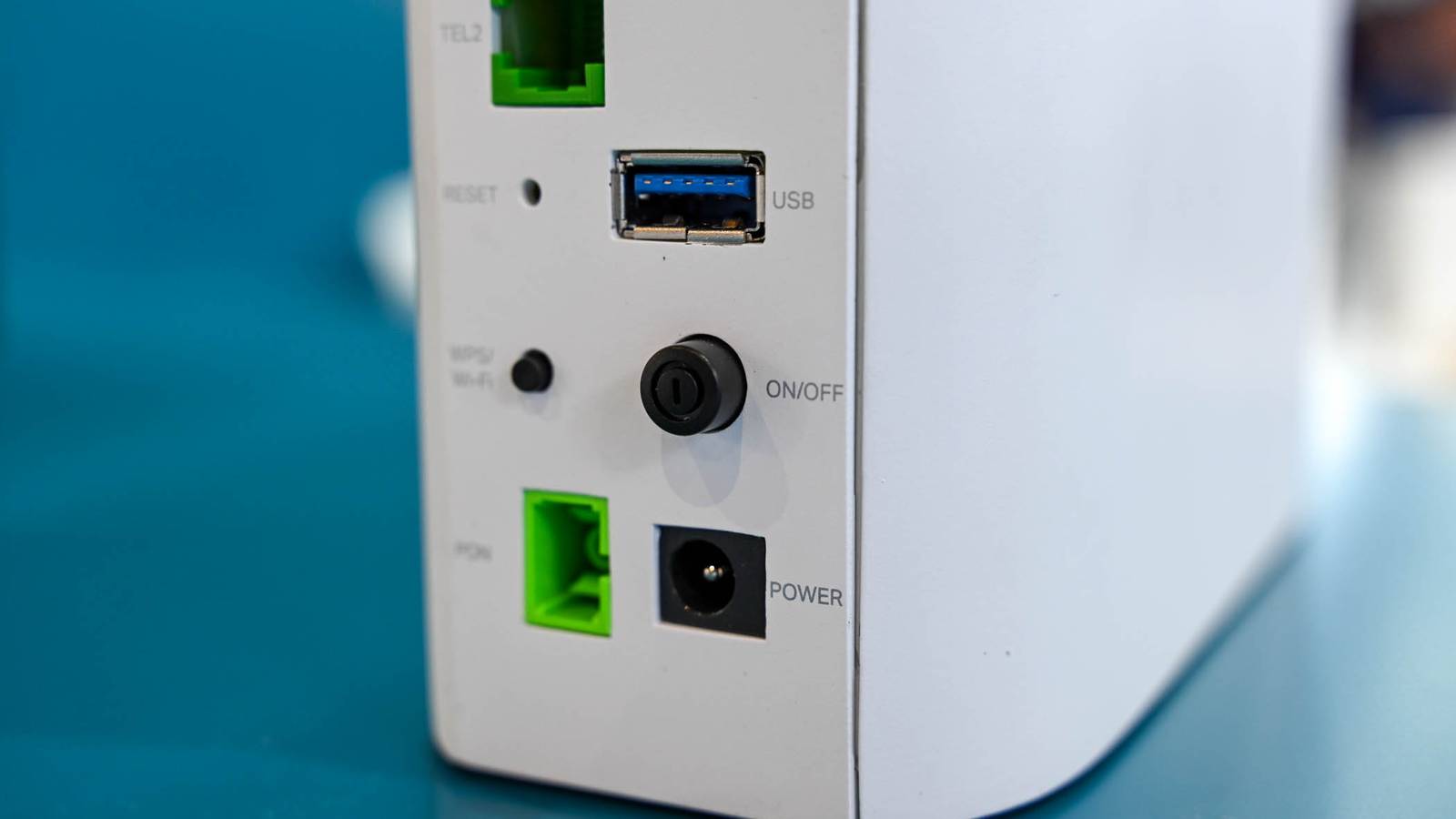
Network attached storage USB drives, USB HDDs, and USB SSDs If something as fully-featured as a decidated NAS isn't for you, you're in luck: there are often simpler options.Most routers allow you to connect a USB storage device directly to the USB port.That storage device will then be visible on the network, a bit like a very basic NAS.
There aren't usually a whole lot of limitations on what you can use, but the router can only deliver 15 watts out of a regular USB type A port.That means you'll need a separate power supply if you want to plug in a regular hard disk drive.On the other hand, USB flash drives and external SSDs tend to consume less power, and they're pretty much plug and play.
Most routers will let you use any of the major file formats.I'd recommend something that works with multiple operating systems, like exFAT, just in case you need or want to connect the drive to a PC in the future.Options like NTFS, which is what Windows typically uses, be connected to a Mac or Linux PC, but there are extra considerations involved.
It is best just to avoid the problem entirely.Some routers will also let you set up the storage device as a Time Machine backup location, which is great if you have a Mac.WD 16TB Elements Desktop External Hard Drive Storage Capacity 16TB Brand Western Digital The WD Elements Desktop External Hard Drive is great for your storage needs.
It comes in sizes up to 24TB and supports USB 3.2 Gen 1 speeds for data transfer.$250 at Amazon $450 at B&H Photo Video Expand Collapse A wired printer Make any printer wireless Wireless printers can be convenient, but if it is at all possible, I prefer to connect mine via Ethernet or USB.In order for your router to connect to your printer over USB, it must have a print server function that you can enable.
Not every router does, so you'll need to check your specific model.If your router doesn't support that function, unfortunately, you're out of luck, and you'll need to connect using Wi-Fi or Ethernet.If you're trying to figure out how to conveniently connect an older, USB-only printer to your modern network, you could always set up a Raspberry Pi as a print server instead.
It takes a little bit of preparation, but it is quite reliable once you get it going.You don't need anything high-powered either—even a Raspberry Pi 0 W2 will work.A cellular hotspot or phone hotspot Never get knocked offline Some routers allow you to connect a cellular hotspot to the USB port on your router to share a 4G or a 5G connection.
Typically, the performance you get won't be broadband or fiber, but it is a great way to get your network back up and running in the event of an inconveniently-timed outage.Related The Best Mobile Hotspots of 2025 Take the web with you anywhere! Posts If your router supports that feature, you can probably also use your phone the same way.You'll just need to set your phone's hotspot mode to USB tethering mode.
Low-power IoT devices Get smart There are a million and one great projects you can run on a low-powered device like a Raspberry Pi 0 W (or later versions).Subscribe to the newsletter for practical router hacks Explore practical router projects - subscribe to the newsletter for hands-on guides that show how to turn routers into NAS, print servers, mobile backups, and Pi-powered services.Perfect if you want usable home-network projects and clear instructions.
Get Updates By subscribing, you agree to receive newsletter and marketing emails, and accept our Terms of Use and Privacy Policy.You can unsubscribe anytime.If your router has a USB port you can easily use the USB port to deliver power to the Raspberry Pi, which guarantees you'll get a solid wireless signal if you're connecting wirelessly, or that you don't need to go far if you're connecting over a wired connection.
My favorite example of this has been a PiHole, but you're really only limited by your imagination and the computational horsepower of low-powered single-board computers (SBCs).Related I Took My Pi-Hole to the Next Level With This Custom Theme Pi-Hole doesn't have to look so boring anymore.Posts 4 By Patrick Campanale I've been hosting a small WireGuard VPN on my network using a Raspberry Pi 0 W powered by my router's USB port for a few years now with no major issues.
It isn't the fastest device in the world, but I don't need it to do all that much, and it consumes next to no power.The ability to create your own mini-network-attached storage device is pretty common, and one that everyone should be using if their router supports it.A basic backup of your important files is essential.
Read More