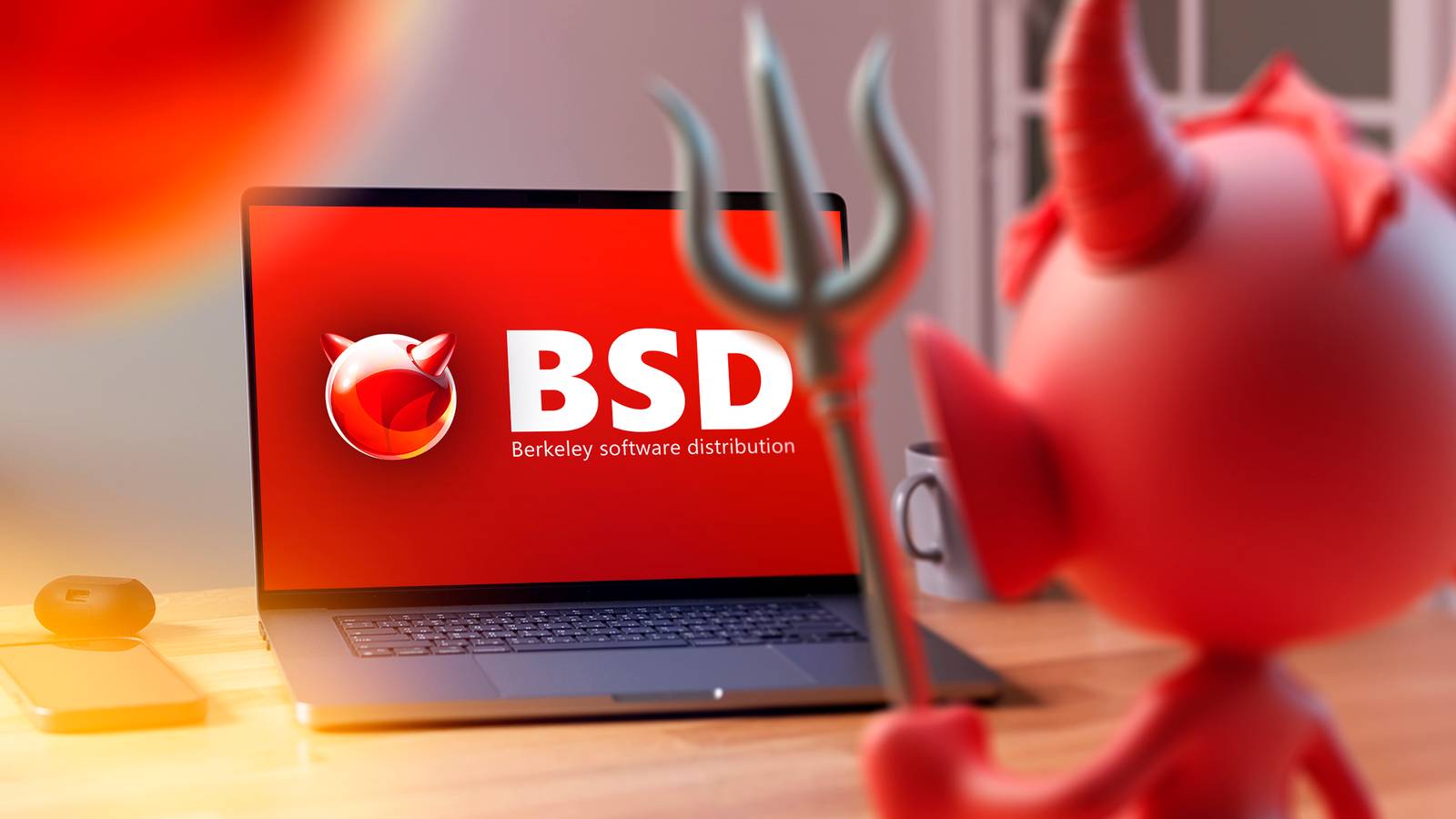
When you think of open-source OSes, you might think of Linux distros, but BSD-based systems have been around for a long time.Here are some of the best BSD systems that you can try that can give Linux distros a run for their money.FreeBSD The top contender FreeBSD might be the most well-known BSD variant.
The project dates back to the early '90s, after an earlier effort to bring the BSD codebase to the PC, dubbed 386BSD, sputtered.FreeBSD came out of an effort for some of 386BSD's users to keep the project going.FreeBSD attempted to continue the effort to port the BSD codebase developed at UC Berkeley in the '70s and '80s.
BSD, or Berkeley Software Distribution, was the result of grad students like Sun Microsystems founder Bill Joy tinkering with the original Unix code from Bell Labs to make their own improvements, such as the vi editor.FreeBSD was notable in that it was available free of charge and the source code was included, traits that would spread Linux.The modern internet was largely developed on BSD systems, including TCP/IP standards.
A lawsuit from Bell Labs against the university and some of the original BSD programmers who'd formed their own company initially created a cloud over BSD-based systems, but after it was resolved mostly in BSD's favor, FreeBSD built a dedicated following because it brought a workstation and minicomputer OS onto cheap PC hardware.FreeBSD may be less popular the Linux, but it's been used in some important places.FreeBSD powers Netflix binge-watching sessions with the Open Connect content delivery network.
This is a box that's placed in ISP data centers that streams the video files to your devices.Aviation geeks will be pleased to know that flight-tracking site FlightAware runs heavily on FreeBSD.Yahoo also initially used FreeBSD on its servers back in the '90s.
The user utilities, or "userland," are also the default in the macOS terminal.It makes a perfectly serviceable desktop system.GhostBSD Better for beginners GhostBSD is an offshoot of FreeBSD that aims to create a friendlier out-of-the-box experience.
If you install FreeBSD by itself, you're confronted with a text-based installer that looks straight out of the '90s.You also get only a minimal text console.While this may be acceptable if you've ever used or installed a more technical Linux distro like Debian or Arch, it's a significant barrier for people less familiar with Unix-like systems.
GhostBSD tries to fix that by offering a GUI out of the box that installs from a live environment.This means that you can take it for a test-drive as you would with a bootable live Linux USB drive to decide if you want to install it.GhostBSD comes with the MATE environment by default, though a community edition based on Xfce is also available.
They're also developing their own Gershwin desktop, which is patterned after macOS.GhostBSD seems user-friendly, but the downside is that the current versions require a lot of RAM to boot the live environment, since it loads completely into memory.It takes 8GB to do this, double even Windows 11's minimum requirement.
Related BSD: What is it, and how is it different from Linux? Learn the ABCs of BSD.Posts By Dave McKay MidnightBSD For those braver than I MidnightBSD is another attempt to offer a slick, user-friendly interface.The reality of MidnightBSD is that it's more of a fixer-upper at the moment.
The system was originally named after the original developer Luca Holt's cat, a black Turkish Angora who, like a lot of people who have both cats and computers, had found that Midnight liked to sit on machines and monitors.MidnightBSD might strive for user-friendliness in theory, but it seems to fall down in practice.I couldn't even install a graphical environment because its package manager wouldn't even install the package.
The installation program is still quite technical, and you'll find yourself having to answer questions about your hardware that you might not know immediately, without digging into system specifications.MidnightBSD might be more of a fixer-upper than a full desktop system at the moment.If you're willing to tinker, it might appeal to you.
NetBSD BSD anything NetBSD's motto is "Of course it runs NetBSD." The project is committed to portability, being able to run on many different systems rather than just the x86 hardware that FreeBSD initially targeted.NetBSD, like FreeBSD, traces its roots to the 386BSD project in the early '90s.Where FreeBSD developers wanted to target PCs, NetBSD developers wanted it to run on different hardware platforms.
This was a nod to the historical Unix value of portability across hardware.NetBSD runs on PCs, but also on lots of hardware platforms.There are different tiers, with widely-used platforms like x86-64 and ARM with priority support and other, often "orphaned" platforms like the Amiga or original Macintosh supported at their own place.
You can even get NetBSD for the Digital Equipment Corporation VAX line of minicomputers, if you run across one at a garage sale.You can even run it on a toaster, according to Instructables.Because NetBSD supports different architectures and licensing that allows it to be used in proprietary code, it's popular in embedded computing.
The support for older hardware also makes it a favorite among retrocomputing enthusiasts, especially with the Linux kernel dropping support for 386 and 486 processors.OpenBSD More popular than you'd think OpenBSD, like the rest of the BSDs, has an affinity for networking and has become known for its focus on security.Theo de Raadt founded OpenBSD after a disagreement with NetBSD developers, so he started his own project.
Given the genesis of OpenBSD, the development of the project seems opinionated compared to other software.OpenBSD aims for security through code correctness, or at least their interpretation of code correctness.This has resulted in what its home page boasts as "only two remote holes in the default install, in a heck of a long time!" As de Raadt is based in Canada, this allows OpenBSD to skirt restrictions on encryption that it would be subject to if the project were based across the border in the US.
Even if you don't use OpenBSD, there's a good chance you might have used some of its software.OpenSSH is developed by the OpenBSD, and is ubiquitous in accessing remote machines.tmux is a popular terminal multiplexer that's handy for running multiple windows in one terminal.
This is also handy over remote connections and offers an alternative to GNU Screen.Related I tried OpenBSD as my main desktop OS, and it made me rethink Linux Not just for routers anymore.Posts 3 By David Delony DragonFly BSD A more abstract way of thinking In what seems to be a theme in BSD development, DragonFly BSD is a fork of another BSD project.
DragonFlyBSD is an offshoot of FreeBSD.DragonFly was founded by former FreeBSD developer Matthew Dillon in 2004.The name comes from when he was taking pictures in his backyard and happened across a dragonfly.
DragonFly focuses on multiprocessing.This was forward-looking back then, as what few machines were capable of symmetric multiprocessing were server and mainframe behemoths.Nowadays, even budget smartphones have multiple CPU cores.
Another part of development that turned out to be prescient was developing code to handle SSDs efficiently.DragonFly is committed to multiprocessing.Even network operations can be parallelized.
As with microkernel-based systems like Mach, operations can be split between kernel and user space.While the modern BSDs have a reputation for a sense of technical conservatism, DragonFly seems to relish being on the cutting edge.One interesting idea is the virtual kernel, where a kernel can be run in userspace.
This allows it to be tested more easily.Virtual kernels could also be helpful in massive clusters.All of these interesting features make DragonFly BSD a system to watch in the future.
It will likely appeal to those who like to tinker or experiment.If you like bleeding-edge distros like Arch or Gentoo, you might enjoy installing and running DragonFly BSD.Give BSD a try, it might cure your distro hopping BSD systems have a legacy that predates Linux, going all the way back to the late '70s.
You can have real Unix on your machine with these open-source OSes.Whether you want to explore new ideas in computer science or bring an old machine back to life, BSD can do the same things that Linux can and maybe more.
Read More