Powering Android Auto is one of the most demanding things your phone does.Sometimes you can even keep your phone plugged in and still find that the battery level drops during a long drive.However, with these changes to your setup, you can minimize battery drain and make sure you've still got a decent amount of power left when you reach your destination.
Being more selective about using wireless Android Auto You don't need to go wireless all the time I like the convenience and lack of clutter that comes with wireless Android Auto, but it does drain the battery pretty quickly.So I started using it a lot more selectively.For short trips in my local area where I mostly need maps for live traffic information rather than turn-by-turn directions, I tend to stick to the wireless option.
For longer journeys that are going to be heavier on the battery, and where I want to ensure that I'm going to arrive at my destination with my phone charged, I switch to the wired mode instead.It's a good compromise.The convenience of wireless on a day-to-day basis, and the more reliable and less power-hungry option for special trips.
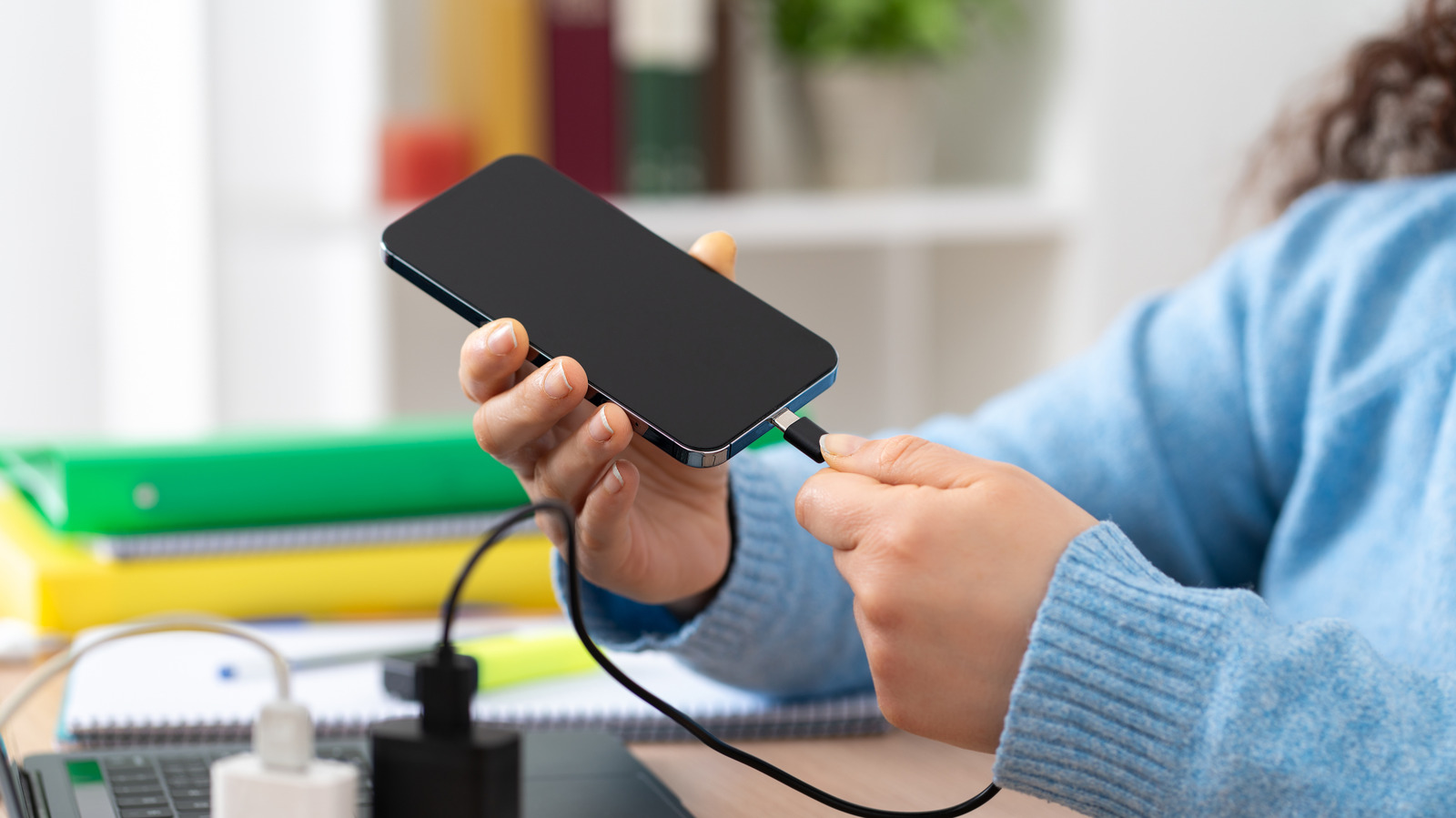
Wired Android Auto brings other benefits as well.AAWireless TWO+ Dongle Type Android Auto & Apple Carplay adapter What's Included Adapter, USB-C to USB-A cable Easily add wireless Android Auto or CarPlay to your vehicle with this capable dongle that works with both platforms. $65 at AAWireless Expand Collapse Charging the phone properly You might be using the wrong port The USB ports in cars are often designed for data rather than charging.If you plug your phone into one of the ports in the hope of keeping it fully powered while you're using Android Auto, you might end up disappointed.
Mine barely puts out enough power to keep the phone's battery level steady, let alone topping it up.If you don't have a new car with more powerful USB ports, you should use the 12V cigarette lighter instead.You can get an adapter to add one or two USB ports if it doesn't have them.
Failing that, you should use a portable power pack.This should have enough capacity to charge your phone several times over, and will always give you a consistent power supply.Make sure you use the right USB cable as well.
UGREEN 130W Car Charger $23 $35 Save $12 Brand UGREEN With 100W power delivery via one of its USB-C ports, the UGREEN 130W Car Charger can juice up most mobile devices, including laptops, at their top speed. $23 at Amazon $40 at Ugreen Expand Collapse Going offline more often Local maps and music FTW One of the biggest battery drains when using Android Auto comes from the constant need for a mobile data connection to pull in maps and music as you drive.This is especially true in poor signal areas where the modem has to work a lot harder to maintain a connection.You need to keep a live data connection for things like real-time traffic information and ETA updates, though, so you can't simply switch into airplane mode.
You can limit usage instead.Most major navigation apps, including Google Maps, HERE WeGo, and the open source OsmAnd, let you download maps to use offline.It's the same with your media apps.
Load up Spotify, download one or two choice playlists to your phone, and you can access them without needing your data connection to be in constant use.Disabling 5G often helps Don't waste power in poor coverage areas Most phones now use 5G, but 5G coverage is still quite patchy in most places around the world.Even in a big city, you can turn a corner and find your phone switches from 5G to LTE because it's hit a coverage dead spot.
As the 5G signal gets weaker, your phone uses more power to maintain its connection.And constant radio switching to 4G and back also uses extra power.It's especially bad in more remote areas.
LTE is more than fast enough for Android Auto.If you're driving somewhere where you know the 5G coverage is going to be poor, disable it until you get to your destination.Cutting out background tasks General phone power-saving tips also help Close A lot of the things you might do on a day-to-day basis to extend your phone's battery life can also help when using Android Auto.
Turn off the screen, for one, or knock the brightness right down.Limiting the background tasks your phone performs can also help.I often switch my phone into Battery Saver mode as a shortcut to restricting a lot of background syncing.
You can do it manually instead, pausing cloud photo uploads, or disabling wireless hotspot mode if you've got it active for your passengers.The less your phone has to do while you're driving, the better it will be.Keeping the phone cool One of the biggest causes of Android Auto battery drain Heat increases power consumption and slows charging.
Android Auto will make your phone warm at the best of times and can make it particularly hot in the middle of summer.You can't avoid it to a certain extent, but you can take precautions.I started keeping my phone near an air conditioning vent and out of direct sunlight, and removing it from its case so it's got more room to breathe.
Wireless connections generate heat.That could include wireless charging instead of USB charging, using wireless Android Auto itself, and having your phone's 4G and 5G radios constantly connecting and downloading data.Another big culprit is the screen.
Many of the tips in this article will reduce heat as a side effect.But it helps to understand what generates heat in the first place, so you can help to minimize it in the future.Android Auto doesn't have to eat through your battery There's no doubt that Android Auto can be heavy on the battery.
At the end of the day, the best option is to charge it as you drive.On top of that, there are several other steps you can take to reduce battery use.The important thing is to understand what drains the battery, and then you can start to cut it out.
Read More