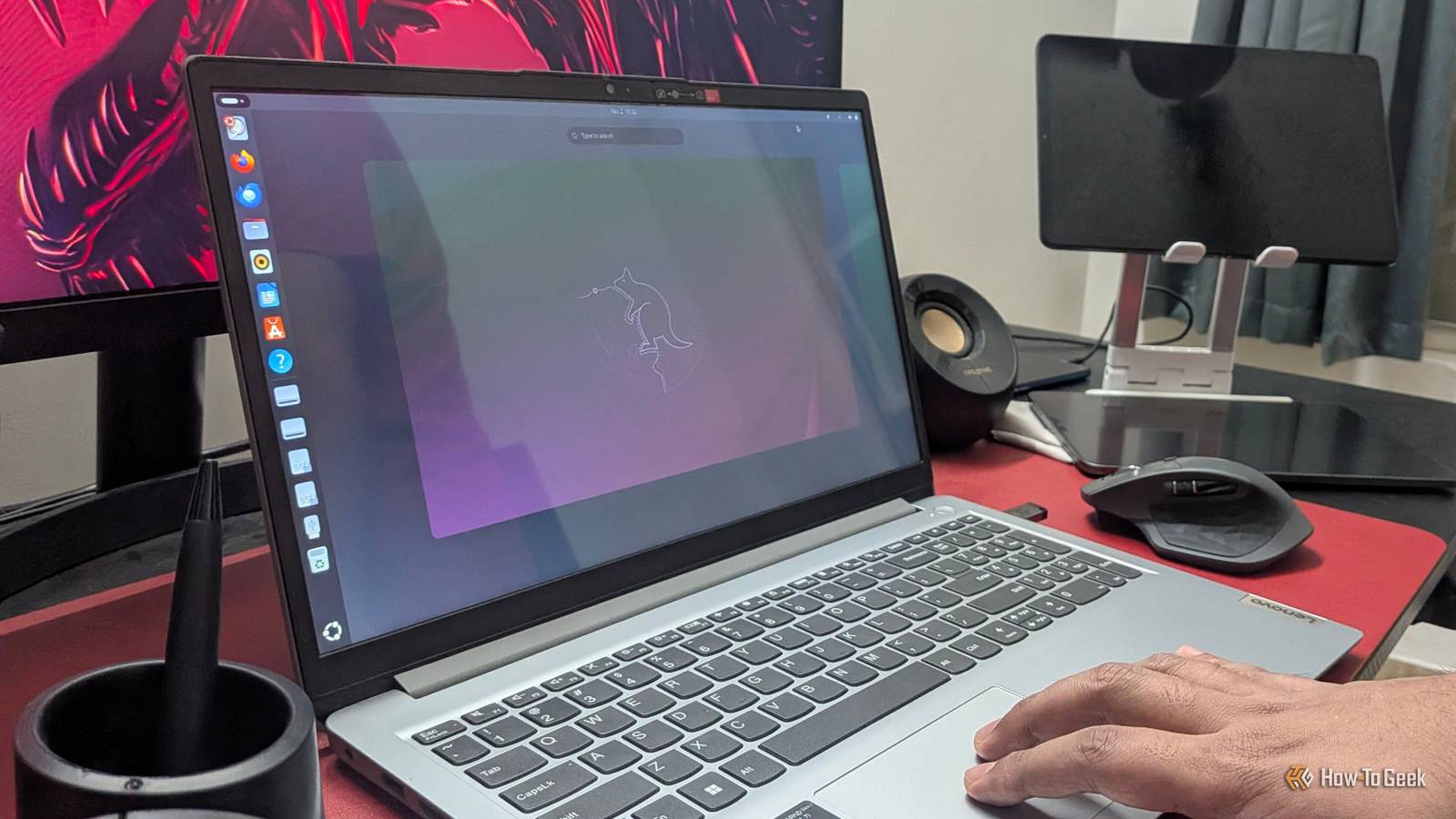
If you're heading to college and shopping for a new laptop or PC, get the best hardware you can afford—but when it comes to software, don't think you're locked into Windows.Linux has evolved a lot over the years, and modern distros are just as intuitive to use as Windows.More importantly, Linux is generally more efficient than Windows, so you can get more performance out of the same hardware.
And as someone who went through college using a Linux PC, I can tell you that Linux has an impressive collection of apps to help you get through your day-to-day student life.Obsidian Finding the missing link between your notes Close Obsidian is probably one of the best apps out there for students and anyone who likes to gather knowledge in general.At its core, it's a local-first, Markdown-based note-taking application—but it can be so much more than that.
Beyond writing notes, you can save web clippings, add images, attach PDFs, and pull in pretty much anything you want.However, the real magic is in how Obsidian allows you to connect all your notes.You can create wiki-style links between notes and visualize those connections in a Graph view, where every note shows up as a node with lines connecting it to other notes.
This lets you notice patterns between your notes that you could otherwise overlook.For example, there could be two notes that you never thought were related, but they actually connect to a mutual third note.Suddenly, you have a bridge between two separate ideas.
This helps you find commonalities between different concepts, which can help you learn topics in a more cohesive way and build a deeper understanding of how everything fits together.Related Claude + Obsidian: The cheat code for building a second brain that actually sticks Building a second brain has never been easier.Posts By Dibakar Ghosh Anki Get those difficult concepts in your head Close Anki is one of the most effective underrated apps I've encountered.
It's popular among many med students, but there are also plenty of people who know nothing about it.It's basically a flashcard tool with a really clever spaced repetition algorithm built in.You create flashcards that could simply be your Obsidian notes turned into question-and-answer pairs—with the question on the front of the card and the answer on the back.
These flashcards can be organized into decks, typically one per subject or topic.Then every day, you'd open Anki and quiz yourself on how well you remember everything.Now, a lot of flashcard tools can do this—what makes Anki interesting is that after answering each card, you can rate it based on how difficult you found it to remember the concept.
These ratings directly feed into the spaced repetition algorithm, influencing which cards appear in your following review sessions.Questions you found hard to recall will show up more frequently than those you found easier.This increases your exposure to the questions you find hard, allowing you to remember them better.
Related I used Claude to build Anki flashcards—and it's the future of learning How I use Claude to build personalized Anki flashcards based on my own study material, in minutes.Posts 2 By Dibakar Ghosh Super Productivity Manage your day like a pro Close Super Productivity is by far one of the most powerful productivity apps I've come across.At its core, it's a task management application—you fill it up with everything you need to do for the day, whether that's studying a subject, researching a topic, or finishing homework.
Big tasks can be broken down into subtasks to make them more manageable.Each task can also have an estimated completion time, and when you start working, you can track how long it actually takes.This lets you see how well your estimates stack up against your real-world performance—which is particularly useful if you have a tendency to be overoptimistic.
Beyond this, Super Productivity gives you multiple ways to view your tasks.There's a planner board that lays out your tasks in a daily, time-boxed view, a calendar mode that shows how your week looks, a Kanban board for tracking progress across everything you have going on, and an Eisenhower Matrix for prioritization.That last one is especially handy when you've captured a ton of tasks but don't know what order to tackle them in—the matrix helps you sort everything by importance and urgency.
And that's just the tip of the iceberg—there's a whole plugin ecosystem that adds even more features and functionality.If you're someone who's ambitious and has a lot on their mind but lacks a system to follow through and stay accountable, Super Productivity can be that tool.Related This free, open-source app is my task manager, cheerleader, Kanban board, and calendar Most task managers just let you capture and store your tasks.
This one also helps you get them done.Posts 4 By Dibakar Ghosh Claude Code The tool that’ll make you AI native You've probably heard all the hype around AI by now, but not all AI is created equal.The quality of any AI tool comes down to the model powering it underneath—and Claude is one of the best models out there.
On Linux, you get access to it through Claude Code, which also happens to be one of the best ways to use Claude.You see, unlike the Claude web app, Claude Code gives the LLM direct access to your system.It can run terminal commands, allowing it to make direct changes to your PC.
This means it can read your files, edit existing files, and even create new ones.Of course, there's a permission model built in, and it can only access directories that you allow it to.Ideally, I'd use Git or have a backup of a directory before giving Claude Code access to it, because there's always a slight chance it could mess something up.
But once you have those precautions in place, it becomes one of your most powerful tools.For example, you can literally use Claude Code to create all your Obsidian notes, Anki flashcards, and Super Productivity tasks.Just voice-dump all your thoughts and let the AI do the rest.
This basically removes the biggest hurdle of using the above tools—the setup process—and lets you jump right into using them.Granted, building these automations isn't easy—it largely depends on how well you can break down an automation, explain what you want it to do, and systematize the process.However, as you build more and more of these automations, you'll be training a muscle that's in high demand in the job market right now.
Related Claude Code on my Google Pixel is the best portable agent—no PC or laptop required Your Google Pixel can run one of the most powerful AI agents locally, with surprisingly deep access to the system.Posts 1 By Dibakar Ghosh Bonus: course-specific apps Because your major might need more than the essentials above I've specifically focused on general-purpose learning apps that should benefit all college students.However, depending on your course, you'll sometimes need very specific software.
You might think these are Windows-only, but plenty of them run on Linux as well.And if they don't, there are often excellent FOSS (Free and Open Source Software) alternatives that are just as good—some even better.Blender for 3D modeling, animation, and rendering.
It's actually an industry-grade tool used in real production pipelines.FreeCAD for CAD modeling.MATLAB for mathematical modeling.
KiCad for PCB design and schematic capture.DaVinci Resolve for video editing—it's actually used by filmmakers and has one of the best color-grading systems around.Avogadro for molecular modeling and visualization.
Linux is preferable for computer science students If you're taking a computer science course like cybersecurity, server administration, or software development, especially web development, using Linux is actually preferable to Windows.Not only do all of these subjects have better tooling on Linux, but when you get a job in one of these fields, you'll likely be interacting with Linux environments all the time.Getting familiar with Linux in college will make you more comfortable with the platform and potentially make you a more desirable hire.
Read More