Building a homelab can turn into an insanely expensive and complicated hobby, with racks of servers, network switches, and a mess of wiring.The good news is that you don't have to go to those extremes to set up a perfectly workable homelab.Add How-To Geek on Google Add as Preferred Source Follow on Google Discover My homelab still runs in Proxmox on an inexpensive mini PC, and it continues to do everything that I want from it.
When friends ask about setting up their own first homelabs, I always recommend running Proxmox on a mini PC, and these are some of the reasons why.A mini PC is still (relatively) affordable You don't need expensive hardware for your first homelab It's not the greatest time to buy computer hardware right now.The skyrocketing cost of RAM has pushed up the prices of a lot of devices.
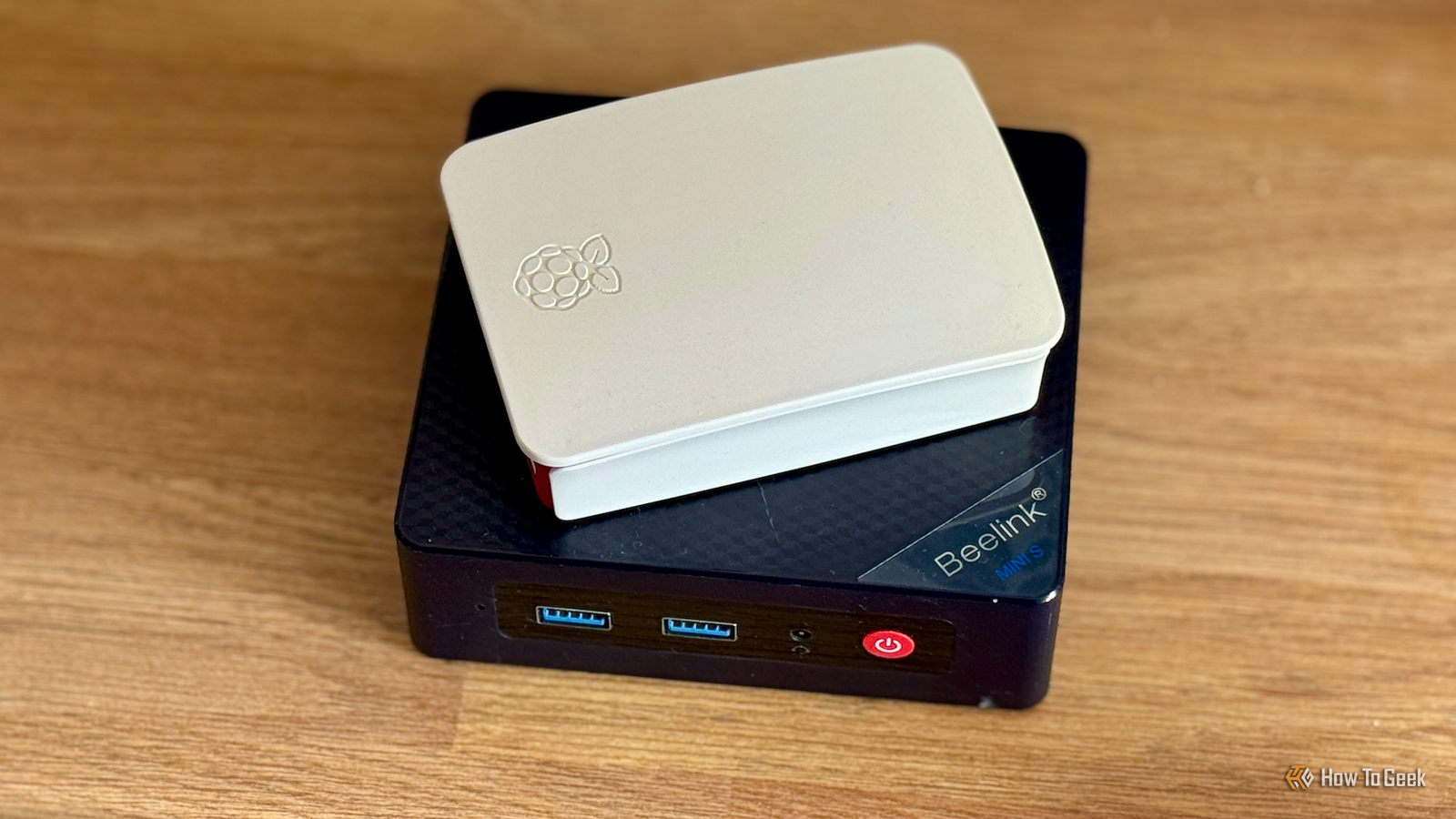
The mini PC that I bought for around $200 a couple of years ago is about $350 these days, and that's a device that has been superseded by better models.Even so, if you want to set up a homelab now, rather than waiting in hope for RAM prices to finally come down again, then a mini PC is still comparatively affordable.You can get one that's good enough to run a modest homelab for a few hundred dollars, which, for comparison, is less than the price of the most expensive Raspberry Pi model.
My mini PC has 16 GB of RAM, a 500 GB SSD, and an Intel N100 processor.This has been sufficient to run multiple services without any issues, including Home Assistant, Uptime Kuma, Jellyfin, Node-RED, n8n, and more.Related 6 self-hosted apps that are better with Proxmox The "just use Docker" crowd isn't going to like this one.
Posts 2 By Umair Khurshid Proxmox lets you run multiple computers on one device Virtual machines and containers keep your services separated Close A mini PC is the hardware I recommend to friends, but hardware is nothing without software to run on it.I use Proxmox, and it's what I recommend to friends, too.Proxmox is a hypervisor platform, which sounds scary, but is just a way to run multiple virtual computers on the same physical device.
Instead of having a single OS, such as Windows, running lots of different apps, Proxmox lets you run multiple virtual machines (VMs) that can run their own operating systems and services completely independently of whatever else is running on the same machine.It can also run Linux containers (LXCs) which share the host's kernel but keep their services isolated.For example, I have Home Assistant running in a virtual machine, while Node-RED runs in a separate container, and an MQTT server runs in another.
Each can talk to the others, but they're all running independently.If I restart the Home Assistant VM, Node-RED and MQTT can keep running, since they're in their own separate containers.Setting up services can be relatively simple Helper scripts can do the hard work for you Setting up services in Proxmox can also seem a little daunting at first.
You need to set up a new VM or container, install an operating system on it, install the services you want to run, and configure things such as the network connection.It's possible to do all of this yourself, and learning how to do it is something that's definitely worthwhile.However, if you just want to get your homelab up and running as quickly and easily as possible, there are some awesome helper scripts that you can use.
Proxmox VE Community Scripts is a community project that has hundreds of installation scripts for the most popular self-hosted services.These scripts can perform most of the actions necessary to get a service up and running, such as creating and configuring a container or VM, and installing the relevant software.All you need to do is run the script in Proxmox and follow the on-screen prompts to configure the service.
The original source for many of these scripts (including the first ones I ever used) was a developer called Tteck, who sadly passed away in 2024.The community continues to develop scripts in Tteck's memory, but you should ensure you only use scripts from trusted sources, as they can execute code with elevated privileges.Making mistakes isn't too painful Backups and snapshots let you experiment without fear When you're running a homelab, things can and will go wrong.
Experimentation is part of the fun of running a homelab, but those experiments can bring things crashing down.The good news is that Proxmox makes it easy to recover from these minor catastrophes.Snapshots can capture the state of a VM or container, and if something goes wrong, you can roll back to the last working snapshot.
Snapshots aren't the same as full backups, but Proxmox also makes it easy to schedule full backups of your VMs and containers.You should ideally use a full 3-2-1 backup system to ensure that you can access these backups if your mini PC dies or something else goes wrong.Your homelab can grow with you You're not limited by your mini PC's initial specs As with all the best hobbies, the hardware that you start with is unlikely to be the hardware you end up with.
The urge to upgrade is real, especially when you see the unbelievable homelab setups that some people are running.You don't have to go crazy, however.If you do start outgrowing your mini PC, there's a lot you can do to upgrade it without having to buy an entirely new device.
Many mini PCs allow you to upgrade the SSD or memory, and you can usually expand storage with external USB drives or shared network storage.You can even start running Proxmox on other machines but keep it running on your mini PC.If necessary, you can create a cluster where you have Proxmox running on multiple devices but manage it as if it were a single device.
This allows you to do things such as moving services between devices, and with the right configuration, you can even start up services on other computers if one machine goes down.A cheap mini PC can serve you well If you want to set up your first homelab, running Proxmox on a mini PC will allow you to set up a lot of the most popular services without paying a small fortune.If you decide to stick to a handful of services, it may be the only device you need, but if your homelab starts to grow, your mini PC can still come along for the ride.
Read More