Whether you buy expensive SSDs or choose more affordable models (which are also quite expensive right now, let's be real), you probably think that nothing is safer than a new SSD.As in, at no point during the SSD's lifespan will your files be safer than right now, when you just bought it.That was me, too.
I trusted a new SSD without thinking twice.And that was a major, mistake to make.A new SSD has no history yet Fresh hardware still has to prove itself I haven't had the best luck with new SSDs.
Once, a supposedly brand-new SSD turned out to be ancient, and it caused boot times of up to 30 minutes.Still, that taught me nothing, as I chose to trust a new SSD implicitly just a few months later.A new SSD feels like the safest storage you can possibly have, but that confidence is mostly based on make-believe.
The drive hasn't survived months of use in your system yet, hasn't been filled and emptied, hasn't dealt with heat, sleep states, firmware quirks, large file transfers, or whatever else your PC is about to throw at it.That's the part I didn't understand until one of mine failed far too early.New hardware can still have defects, and the problem is that you usually discover them at the worst possible time: right after you've moved your files over.
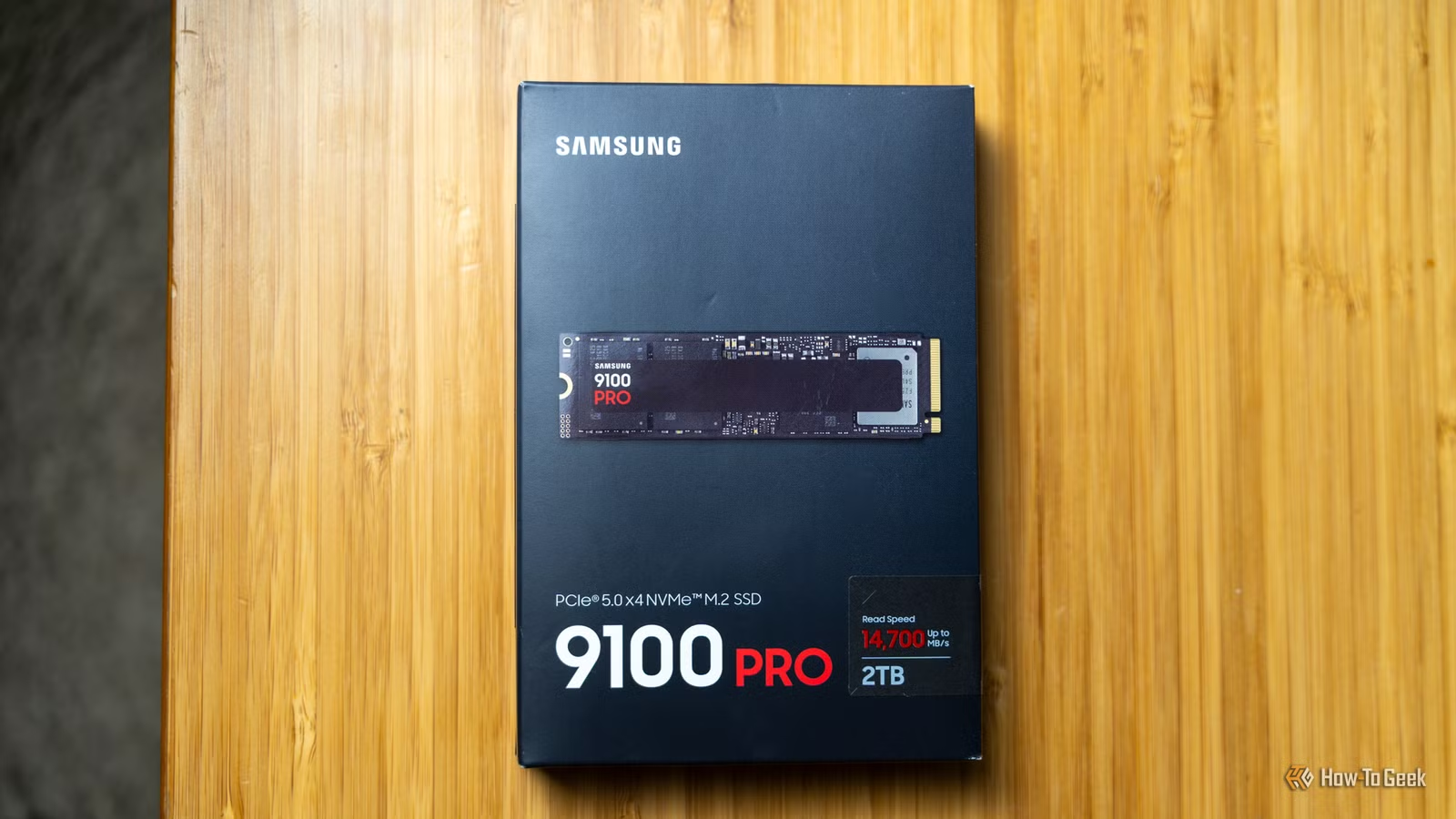
Samsung 9100 PRO $425 $680 Save $255 7 Storage capacity 1TB, 2TB, 4TB, 8TB The Samsung 9100 Pro was not the SSD that let me down.In fact, I own a couple of these, and both are excellent.Hardware Interface M.2 NVMe $425 at Amazon $480 at Best Buy Expand Collapse I test the drive before I trust the drive Speed benchmarks hardly matter here After being burned by new hardware, I stopped treating sealed packaging like a guarantee.
After all, there have been plenty of times when I ordered something online, only for it not to work.This can happen to PC hardware, too, and the consequences of it happening to an SSD tend to be on the disastrous side.These days, I don't care how fast the SSD is supposed to be until I know it can behave normally in my PC for a while.
That starts with the basics: making sure the drive is detected correctly, checking for firmware updates, and looking at its health data in the manufacturer's own software or with CrystalDiskInfo.(Although, unfortunately, SSDs can fail even at 100% health.) If the manufacturer's tool offers any kind of diagnostic scan, I run that before the SSD becomes home to anything important.I also like to do a big copy test: move a large folder onto the drive, copy it back, open some of the files, and generally make the SSD do actual storage work without committing to it as my main backup target.
None of this guarantees that the SSD will last for years, of course.It just gives the drive a chance to fail in a semi-controlled environment, before your files are depending on it to work as intended.Related SSD prices have doubled: Why buying 'just in case' is a waste of money It's too late to panic-buy SSDs: Why you should wait out the shortage Posts By Monica J.
White SMART data helps, but it doesn't promise anything Green checkmarks can still lie by omission The frustrating thing about SSD health data is that while it's super useful, it's not the end-all, be-all of SSD performance.I still check it, because there are obvious warning signs you don't want to miss, but a healthy status screen isn't the same thing as a guarantee that your drive won't just up and die on you tomorrow.(Sadly, there's no such guarantee when it comes to PC data storage.) That's why SMART data needs to be treated as one piece of the puzzle, not the whole puzzle.
If CrystalDiskInfo or the manufacturer's software shows errors, overheating, or other warnings, that's a very good reason to stop trusting the drive.And yes, this still applies if it's brand new.My backup comes before the migration The old drive gets a stay of execution The most important change I've made, and it's one I recommend you make as well, is that I no longer treat a new SSD as the final destination right away.
If I'm moving files from an old drive, that old drive doesn't get wiped that same day.Not even that same month, if I'm being honest.After all, the 3-2-1 backup rule calls for having multiple copies, and you can bet that if it's important, I'm keeping it.
The data stays on the old drive the new drive until I've had the chance to test the new SSD thoroughly.And even then, important files need multiple homes, anyway.Give the SSD a probation period The easiest way to think about it is this: a new SSD is allowed into my PC, but it doesn't get promoted to trusted storage immediately.
For a while, it can hold games, temporary files, copied folders, downloads, or anything else I can replace.My actual important files only move over once the drive has behaved normally for a while, and even then, they don't live there without another backup somewhere else.Lexar NM790 SSD $385 $392 Save $7 Alongside the Samsung 9100 Pro, this Lexar NM790 drive has been a real champ.
I recommend picking it up when it's on sale.$385 at Newegg $418 at Amazon Expand Collapse
Read More