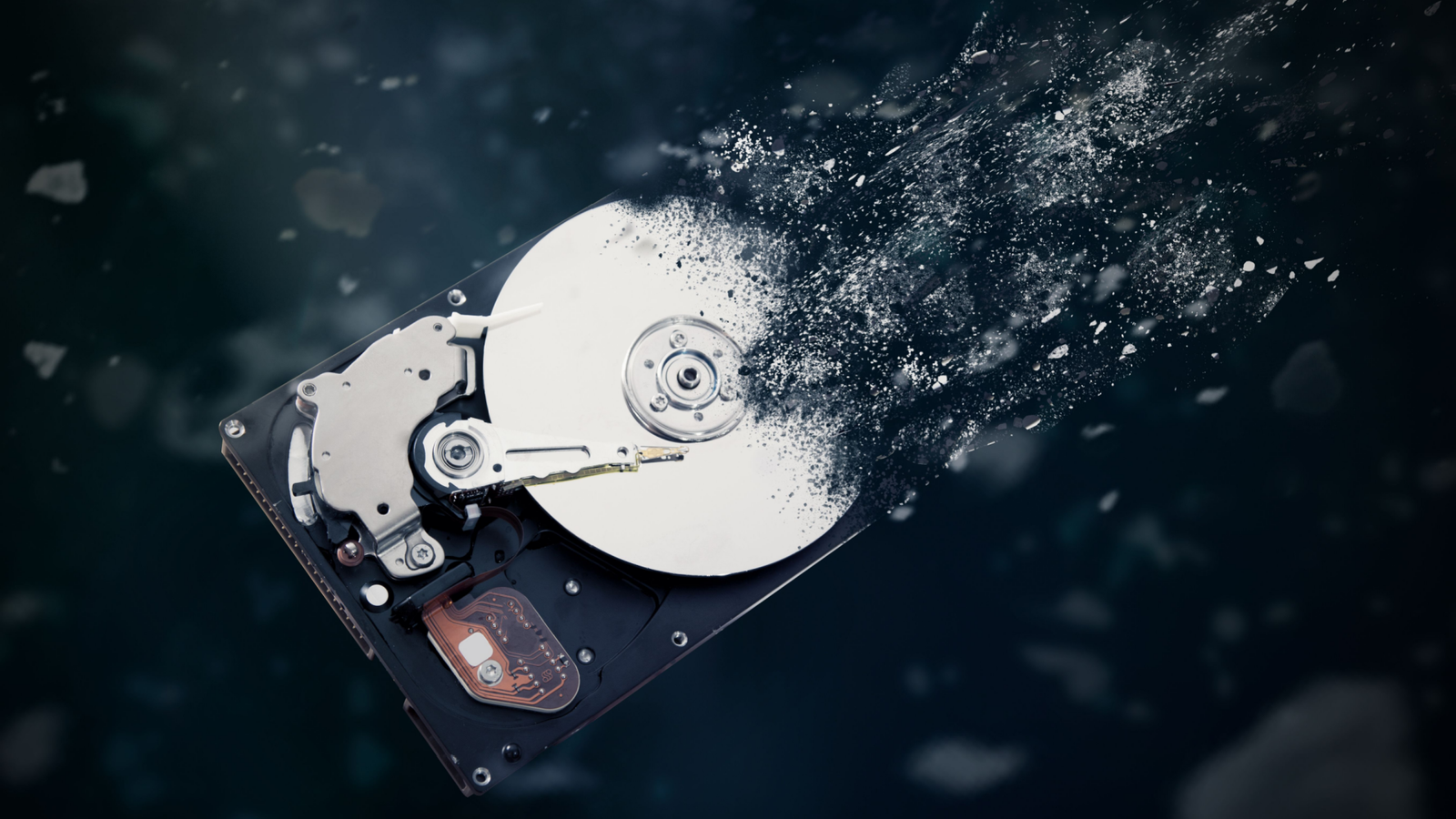
Instead of being replaced by SSDs, mechanical hard drives have become bigger, faster, and cheaper per gigabyte than ever before.There's a good chance that you use at least one internal or external hard drive to store things that don't benefit from SSD speed, but still need a reliable storage device.For the most part, modern hard drives take care of themselves, but if your drive is set to keep spinning even when you aren't using it, you could be shortening its life.
The good news is that on Windows there's a way to control whether your drive is always spinning or not.Hard drives wear out even when idle It really can be a mean time before failure Unlike SSDs, hard drives contain moving parts, and when mechanical parts move, they experience friction.Now, thanks to lubrication and precision-machined parts, hard drive designers have minimized this rate of wear, but it's still happening unless the moving parts in your drive are standing still.
Continuous operation creates heat, vibration, and long-term mechanical stress.Enterprise and NAS drives are designed for constant uptime, but most consumer desktop drives aren’t necessarily intended to spin 24/7 for no reason.This is particularly important if you use your drives for semi-cold storage.
If you only need to access files on those drives now and then, and aren't running active applications from them, there's no reason for the drive to always be in the highest state of readiness.Instead, you can have the drive "spin down" and "spin up" as needed.Quiz8 Questions · Test Your KnowledgeThe wild world of pre-cloud data storageTrivia challengeBefore the cloud, we had spinning disks and prayer — see how much you remember about the glory days of physical storage.Floppy DisksOptical MediaTape DrivesCapacityHistoryBegin01 / 8Floppy DisksThe iconic 3.5-inch floppy disk that dominated the '90s had a maximum storage capacity of how much?A720 KBB1.44 MBC2.88 MBD4.5 MBCorrect! The standard 3.5-inch high-density floppy held 1.44 MB — barely enough for a handful of Word documents by modern standards.
It's wild to think entire operating systems were once distributed on stacks of these little guys.Not quite! The correct answer is 1.44 MB.While 2.88 MB 'extended density' floppies did exist, they were rare and barely caught on — 1.44 MB was the reigning champion of the floppy era.Continue02 / 8HistoryWhich company invented the floppy disk in the late 1960s?AAppleBXeroxCIBMDCommodoreThat's right — IBM invented the floppy disk, with the first 8-inch version arriving around 1971.The project was led by David Noble, and the goal was simply to load microcode into the IBM System/370 mainframe.
Nobody predicted it would reshape personal computing.Close guess, but it was IBM! The floppy disk was born from a very unglamorous need: getting microcode into mainframes.IBM engineer David Noble led the effort, and the resulting 8-inch disk quietly launched a storage revolution.Continue03 / 8Optical MediaWhat does 'CD-R' stand for, and what makes it different from a regular CD?ACompact Disc – Readable, meaning it can only be read by computersBCompact Disc – Recordable, meaning you can write data to it onceCCompact Disc – Rewritable, meaning you can erase and rewrite it multiple timesDCompact Disc – Reinforced, meaning it has a scratch-resistant coatingNailed it! CD-R stands for Compact Disc – Recordable, and once you burned data onto it, that data was there forever — or until you left it face-down on a desk for a week.The 'burning' process literally used a laser to make permanent marks in a dye layer.Not quite! CD-R stands for Compact Disc – Recordable.
The key word is 'once' — you could write to it, but never erase or change it.That's what separated it from the CD-RW (Rewritable), which let you wipe and reuse the disc.Continue04 / 8Tape DrivesMagnetic tape storage is considered ancient history, but it's still widely used today for what purpose?AGaming consoles use it for save filesBEnterprise-level cold data backup and archivingCNASA uses it exclusively for satellite communicationDModern smartphones use a miniaturized version for extra storageYou got it! Magnetic tape never died — it just moved to the basement.Huge organizations like banks, studios, and cloud providers still use tape for cold storage because it's incredibly cheap per gigabyte and can last decades.
Modern tape cartridges can hold tens of terabytes each.Surprisingly, tape is still very much alive! The correct answer is enterprise backup and archiving.While it sounds prehistoric, modern tape cartridges hold tens of terabytes and cost pennies per gigabyte compared to hard drives, making them a go-to for cold storage in 2024.Continue05 / 8Floppy DisksThe original 8-inch floppy disk shrank to 5.25 inches, then to 3.5 inches.What was the defining physical feature of the 3.5-inch design that made it more durable?AIt was coated in a waterproof polymer shellBIt used a rigid plastic casing instead of a flexible sleeveCIt had a metal shutter to protect the disk platterDBoth B and CDouble win! The 3.5-inch floppy had both a rigid hard plastic shell AND a sliding metal shutter that covered the read/write slot when the disk wasn't in use.
This made it far tougher than the floppy 5.25-inch version, which you could literally bend — and ruin — with your bare hands.Almost! The answer is actually both B and C.The 3.5-inch floppy's genius was combining a rigid plastic shell with a sliding metal shutter over the data slot.The 5.25-inch predecessor had a flexible sleeve and an always-exposed slot, making it easy to accidentally destroy.Continue06 / 8Optical MediaWhen burning a music CD in the late '90s and early 2000s, what was the dreaded consequence of a 'buffer underrun' error?AThe CD would play back at half speedBThe disc would be permanently ruined and unusableCThe burn would pause and automatically resume laterDThe software would revert to a lower audio qualityCorrect, and painful! A buffer underrun happened when your PC couldn't feed data to the CD burner fast enough, causing the laser to stop mid-burn.
Since the disc was already partially written, it became a shiny, expensive coaster.This is why people would nervously avoid touching their computer during a burn.Oh, if only it had just slowed down! The correct answer is that the disc was permanently ruined.A buffer underrun broke the continuous writing process, leaving the disc in a half-written, unreadable limbo with no recovery option.
Losing a blank CD-R was a real sting back when they weren't exactly cheap.Continue07 / 8CapacityThe Iomega Zip disk was a popular storage solution in the mid-to-late '90s.What was the capacity of the original Zip disk?A1.44 MBB20 MBC100 MBD250 MBExactly right — 100 MB! At a time when floppy disks maxed out at 1.44 MB, the Zip disk felt almost sci-fi.Graphic designers and digital photographers loved them.
Later versions bumped up to 250 MB and even 750 MB, but the original 100 MB model was the one that made everyone's jaw drop.The original Zip disk held 100 MB — a staggering amount compared to the 1.44 MB floppy it was meant to replace.Iomega later released 250 MB and 750 MB versions, but the 100 MB original is the one that defined the brand and earned it a cult following in the late '90s.Continue08 / 8HistoryThe 'Click of Death' was a notorious failure symptom associated with which storage device?AThe Iomega Zip driveBThe SyQuest EZDriveCThe LS-120 SuperDiskDThe Castlewood Orb driveSpot on! The Iomega Zip drive became infamous for its 'Click of Death' — a rhythmic clicking sound that signaled imminent drive or disk failure.Worse, an infected drive could corrupt every disk inserted into it, spreading the problem.
It became one of the most dreaded sounds in '90s computing.The culprit was the Iomega Zip drive! Its 'Click of Death' was a repetitive clicking sound that meant the drive head was failing — and it could corrupt every disk you inserted afterward, spreading data loss like a disease.It's still considered one of the most notorious hardware failures of the personal computing era.See My ScoreChallenge CompleteYour Score/ 8Thanks for playing!Try Again What hard drive “spin down” actually does You spin me right down Windows (and other operating systems) can tell a hard drive to spin down, which stops the platters, parks the drive heads, and puts the drive into an idle sleep mode.When you try to access data on the drive after spindown, you'll experience a few seconds delay and you'll hear the drive spin up to operation speed first.
The drive won't spin down again until it gets the command, so you won't experience that delay every time, just as the drive wakes up.How does spinning down extend the drive's lifespan? It reduces mechanical wear and decreases the temperature of the drive.There's no vibration, and there's less power flowing through the device.
It's doing just the bare minimum to remain accessible on short notice.Now, before we look at how to control hard drive spindown in Windows, it's important to understand that Windows isn't the only system in control of a hard drive's spindown behavior.Remember that hard drives have their own firmware built in, so the drive might decide to spin down by itself after being idle for a set time even if you don't do anything.
If your drives are already spinning down, you don't need to do anything special.Unless you want to prevent that from happening.In some cases, Windows can't override a hard drive's internal policies on spindown.
This mostly happens with external USB hard drives, where the controller inside the drive makes the rules.With that said, let's check the procedure out.WD Red Pro NAS Hard Drive Storage Capacity 2 - 26TB Workload 550TB/yr Western Digital's Red Pro NAS hard drives come in sizes from 2TB to 26TB.
Suitable for NAS $360 at Amazon $494 at Amazon Expand Collapse How to enable spin down in Windows The nuts and bolts First, open the Start Menu and search for “Edit power plan” and open it.Then select “Change advanced power settings.” Now under the "Hard disk" section, you can choose how long to wait before telling the drives to spin down, or if they should do this at all.You might immediately notice a problem here: this is a global setting.
As of this writing, Windows doesn't let you set spindown times for individual drives.They will wake up individually, but when the timer runs out they all go to sleep if idle.If you need only certain drives to spin down, you're going to need the manufacturer's utility app for that hard drive model, if it has one.
Which will let you speak to the firmware on that drive and tweak settings more precisely.Spin down works best for semi-cold storage If you set drives to spin down too aggressively, that can also be an issue.Stopping and starting the drive platters takes its own toll, so you don't want to do it excessively.
It works well for semi-cold storage.That is, you need files occasionally, but the drive can be idle for long stretches of time.For example, the hard drives attached to my Plex mini PC server all spin down and only spin up when someone wants to watch a show or movie.
That happens once every few hours, so the drives are spending something like 80% of each day idle.Having them spin down means (hopefully) extending their lifespans by years, and if your Windows power plan is set to never spin down yours at all, they could experience more wear or simply use more power than necessary.
Read More