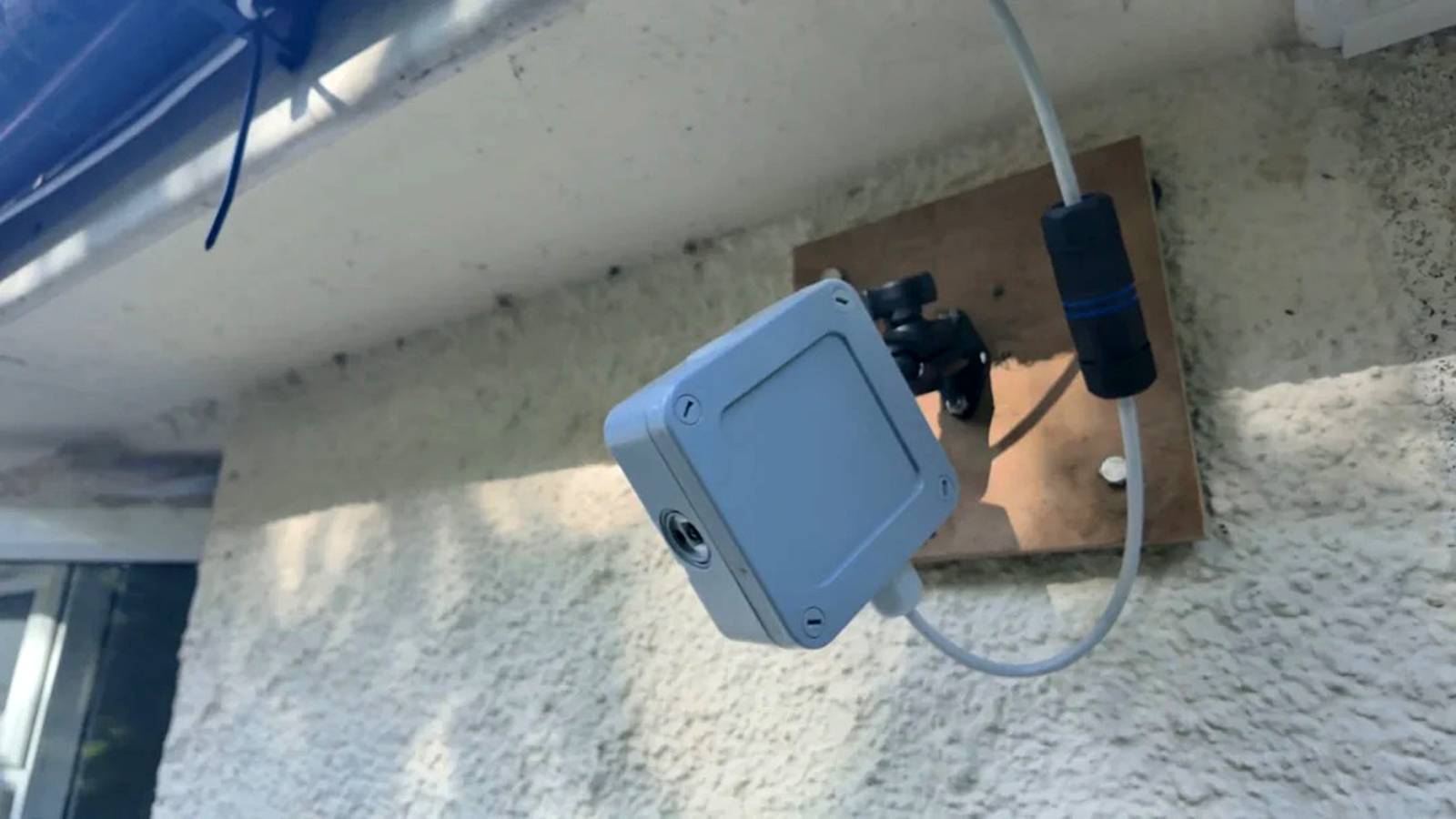
You don't have to buy an expensive dedicated camera (or repurpose an old phone) just to take timelapse photos of your garden.Reddit DIY engineer Atypicalworkshop has made a Raspberry Pi camera that captures timelapse footage from his backyard.The creator's design melds a Raspberry Pi 4 with a Camera Module 3 Wide that takes 12-megapixel photos every minute during the daytime.
It takes power over Ethernet like some outdoor cameras and keeps images on an SD card before transferring them to a Mac's external archive storage.It's controllable from your phone.The invention not only lets you jump back to a particular day and time, but create videos from a given date range.
There are five-second and filming modes, too.It follows the seasons using your latitude and longitude.You don't have to worry about filling the SD card, as the camera automatically deletes older photos once the card is 85% full.
Atypicalworkshop built the camera to record a garden renovation over two years.However, there are other clear uses for an outdoor timelapse camera.You can track plant growth, spot animals roaming your yard, or review incidents.
This isn't meant to replace a security camera.It won't flag potential intruders or let you know when a package arrives.However, that's not the point — this is as much a creative tool as it is a practical one.
How can I make my own timelapse camera? You can tinker with the design The timelapse camera project is open source and available in a GitHub repository.You're free to modify the Claude-generated code and change the hardware.Related 7 Raspberry Pi Projects to Try This Weekend I really should build a Raspberry Pi-powered weather station, shouldn't I? Posts By Patrick Campanale You'll need technical knowledge and pricey equipment to recreate the exact camera.
In addition to the Raspberry Pi, camera, and power over Ethernet gear, you'll want a junction box as the enclosure and a 3D printer to make the necessary wall mount and camera bracket.The current software uses command line functions on both the Raspberry Pi and a Mac.You'll need to run elaborate instructions, and there's no step-by-step guide as of this writing.
Still, the appeal is clear: you can assemble a relatively inexpensive timelapse cam that you can customize to your liking.It might be the route to take if off-the-shelf options are too costly or inflexible.
Read More