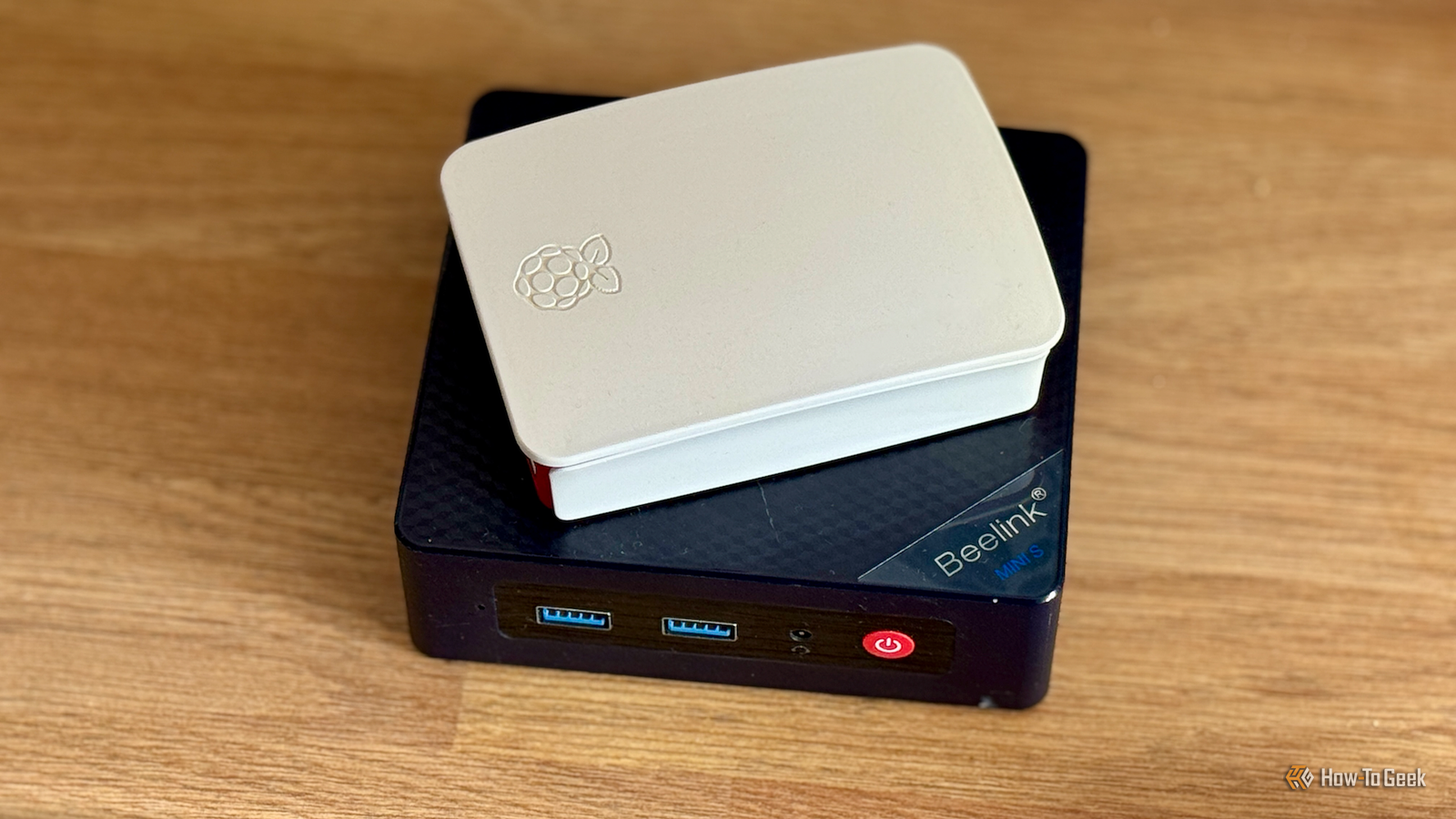
Raspberry Pi-based Plex servers look like a DIY-friendly, low-power way to build a compact Plex server.They're readily available, easy to work with, and have fantastic community support.Unfortunately, the builds you see on YouTube and social media only look good because they avoid one of the Raspberry Pi's greatest weaknesses.
This is what you should do instead.Using a Raspberry Pi as a Plex Server The Pi perfect The Raspberry Pi 4 and 5 are some of the most popular devices for tinkering and low-power self-hosting, and you'll sometimes see it used as a Plex media server.In theory, the Pi could make an appealing Plex server.
They're small, don't consume much power, and if you pick your case correctly, they're very quiet.You can attach a USB SSD to the Pi 4 or use an NVMe SSD with the Pi 5 to ensure that you're not limited by the speed of a microSD card.If you're careful about what media you store on the device, it can actually work pretty well.
In practice, however, it has some serious drawbacks.A Raspberry Pi isn't everything Transcoding is a problem for a Pi When you play a video file from your Plex server on another device, like a TV, there are three different ways your Plex server handles that.Direct Play — The video is sent directly from your Plex server to the device playing the media.
Direct Stream — The video is packaged in a different container before being transmitted from your Plex server to the playback device.This is done when the playback device can't handle the container format used by the video file you have.Transcode — The media file is converted from one format to a different format by the Plex server before it is sent to the playback device.
This is necessary when the playback device can't play the format.In an ideal world, you'd always use Direct Play.It is easy on the server and gets you the best quality.
Unfortunately, it isn't always an option.I frequently run into media files that can't be played back natively by all of my devices.That the server to convert (transcode) it first, and that is where the Pi fails miserably.
Beelink Mini S12 Pro CPU Intel N95 Memory 8GB Storage 256GB The Beelink Mini S12 Pro packs a lot for less than $275.The CPU is powerful enough for everyday tasks, there is 16GB of memory, an iGPU capable of playing 4K videos, a 512GB SSD, Wi-Fi 6, all inside a tiny case that can fit anywhere.$149 at Amazon Expand Collapse Neither the Pi 4 nor the Pi 5 are particularly good at transcoding.
You be able to handle transcoding 1080p content with acceptable performance, but you're going to be limited to one or two streams at a time.4K is out of the question.If you can guarantee that all of your devices will be compatible with Direct Play, then a Pi will be .
However, there are better ways to build a small Plex server.A mini-PC is more cost-effective Get Intel for QuickSync A Raspberry Pi with 8GB of RAM starts at about $170, and if you want something with 16GB of RAM, you're going to spend well over $300 once you get a case and power supply.For that price, there are a range of mini PCs that can handle transcoding multiple 4K streams concurrently, if you opt for Intel.
Intel processors have a technology called Quick Sync, which is specialized transcoding hardware built into the CPU itself.That means that even low-power Intel CPUs will be able to quickly (and efficiently) transcode streams from your Plex server to your 10-year-old television without a problem.Related Intel vs.
AMD: Which CPU Is Better for Plex? Sadly, the answer hasn't changed in over a decade.Posts 6 By Patrick Campanale If you're shopping for budget-friendly options, I'd look for a mini PC with an N95, N100, or an N150.They're compact and low-power, which means you don't need to worry too much about electricity cost, cooling them, or their footprint.
In most situations, a mini PC will also give you better performance for other self-hosting purposes, too.If you install Proxmox, you can turn a $300 dollar mini PC into a game server, Plex server, and a NextCloud server, all without missing a beat.Subscribe to the newsletter for smarter Plex server choices Want better Plex builds than a Raspberry Pi? Subscribe to the newsletter for clear hardware comparisons, hands-on mini-PC recommendations (Quick Sync tips), storage strategies, and practical self-hosting advice that helps you pick the right server.
Get Updates By subscribing, you agree to receive newsletter and marketing emails, and accept our Terms of Use and Privacy Policy.You can unsubscribe anytime.If you're storing video, especially 4K, you're going to need a of storage space.
While the Raspberry Pi can use external drives to provide extra room, it is.USB cables can come unplugged, drives get bumped while they're spinning, and you add another power cable into the mix.Seagate Expansion 6TB External Hard Drive HDD Storage Capacity 6TB Brand Seagate The Seagate Expansion 6TB external hard drive is an excellent starting point if you are building a laptop NAS, offering plenty of capacity for backups and media.
It is affordable, easy to set up, and fast enough over USB 3.0 for most home server use cases.$220 at Amazon Expand Collapse On the other hand, most Mini PCs can take an additional SATA drive (either SSD or HDD), which means you'll usually be able to add a few terabytes without worrying about configuring external storage.Every device has its place The Raspberry Pi isn't a bad device—on the contrary, it is a great device for tinkerers.
However, its hardware specs don't lend themselves to a Plex server.If you're going to use a Raspberry Pi to self-host anything, try a music server, audiobooks, a small VPN, or Joplin—they're all easier on the CPU than transcoding video.
Read More