Home Assistant is all about automation and control of your smart home.Not every Home Assistant project needs to focus on writing automations, however.Sometimes a little work on your hardware can make your smart home even better.
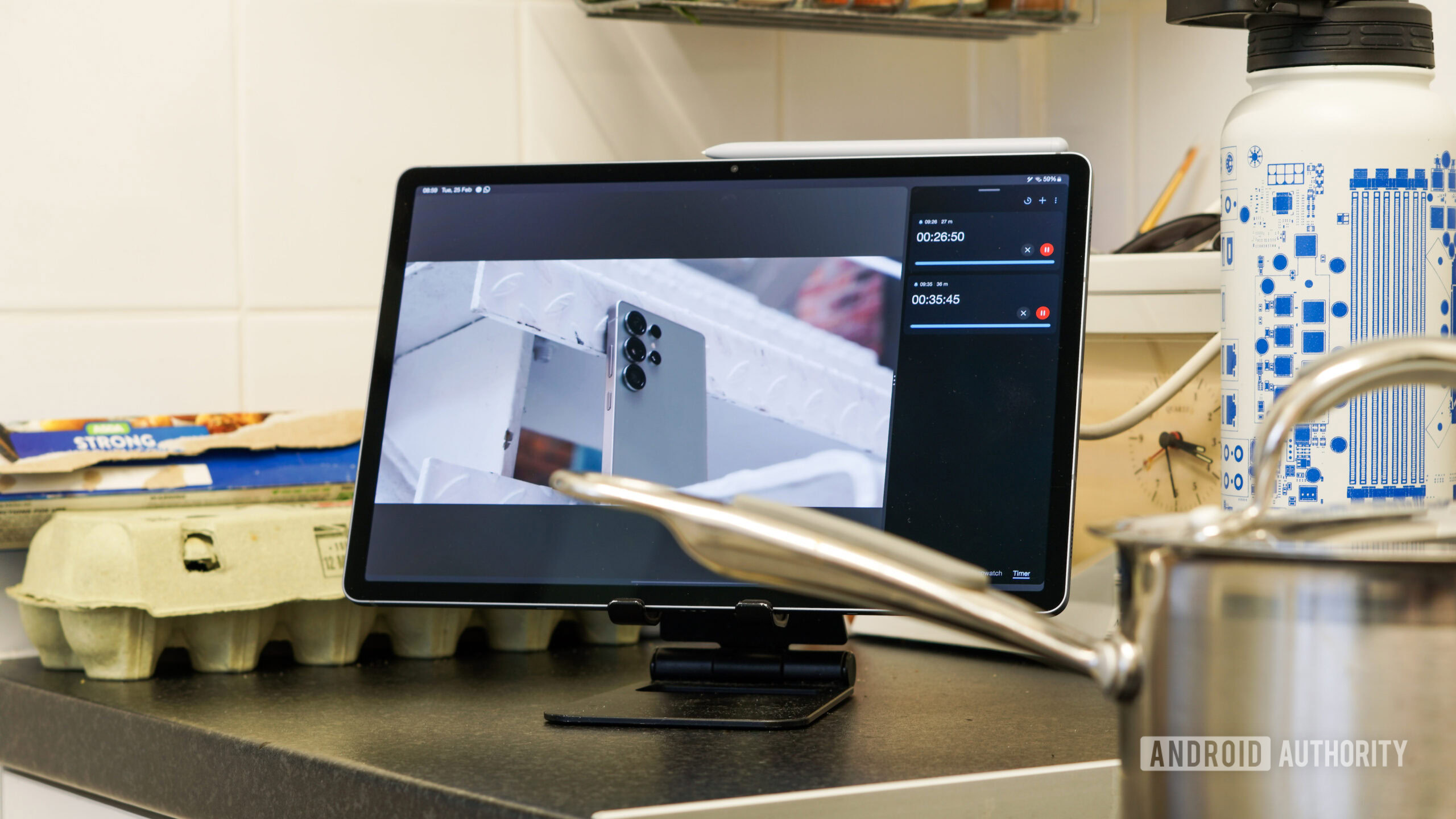
Make your wall-mounted dashboard detachable Don't be pinned down to one location I'm not a big fan of wall-mounted dashboards.While being able to monitor and control your smart home from a tablet can be useful, mounting it on a wall means that you can only use it from a specific location.If you're not standing right by the dashboard when you want to use it, you have to move to where it is, which could be on the opposite side of the room or in a different room altogether.
If it's not wall-mounted, you can use a tablet as a dashboard and put it wherever you need it, or even take it from room to room with you, so it's always at hand when you need it.The problem here is that it can run out of battery power or end up down the back of the sofa, so that you can never find it when you really need it.One solution is to give yourself the best of both worlds.
With a little effort, you can have a wall-mounted dashboard that's connected to the wall with magnets, making it easy to remove and use as a portable dashboard when you need it.With power available when wall-mounted, if the battery gets low, you can just stick it back on the wall to charge.With a little effort, you can make your magnetic wall-mounted tablet look nice and clean on your wall, but still be able to remove it and use it when you need to.
A magnetic mounting system removes one of the biggest problems with wall-mounted dashboards and makes them far more versatile.Google Pixel Tablet Brand Google Storage 128 or 256GB UFS 3.1 The Google Pixel Tablet is half entertainment device and half smart display.Pick up the tablet to watch Netflix, or leave it on the speaker dock to scroll through recipes while you cook.
$499 at Google Store $499 at Best Buy Expand Collapse Build a home intercom system using ESPHome Answer calls directly from Home Assistant When I was growing up, our house had three floors.If I were in my bedroom at the very top of the house listening to music, and I was being called down to eat, I couldn't hear a thing, no matter how much people yelled.My dad is a practical guy and found a simple but effective solution.
He bought a wired intercom system and placed one intercom in the kitchen, the other in my room, and then connected the insanely long wire between them, with hours of painstakingly pinning the wire to the edges of floors and ceilings to keep it mostly hidden.The upshot was that anyone could call my room from the kitchen, and vice versa.Modern technology no longer requires you to wire two intercoms together.
In fact, you can use ESPHome to turn ESP32 devices into a wireless intercom system for your home.Unlike my old intercom system, you can have full-duplex audio, so that you can talk and listen at the same time.Calls can be made directly between any ESP32 audio devices that you set up, so you can call from room to room, with Home Assistant routing the audio.
Even better, you can add Lovelace cards to Home Assistant dashboards that allow you to make or receive calls to other intercom nodes directly from Home Assistant.If you have ESP32 devices that you use as voice assistants, you can also use these as intercom endpoints, making them even more useful.Related How to get everyone to love your smart home as much as you do Home is where the heart is.
Posts 1 By Tim Brookes Automate your standing desk An ESP32 can make your dumb desk smart Standing desks are a great way to combat the significant health issues that can be caused by sitting down for too long.This is something I'm guilty of, and I use a number of smart home tricks to ensure that I don't sit down for too long at a time.I still need to get work done, however, so I can't spend all of my time walking around when I need to be working.
A good middle ground is a standing desk; it means I can stand up while I'm working, rather than sitting on my rear end all day.While you can get smart standing desks, many of the more affordable models have simple controls that you can't hook up to Home Assistant.However, with ESPHome, it's possible to turn some dumb standing desks into smart ones.
Deals Score smart home deals on tablets, ESP boards, and mounts Explore discounts on smart home hardware and accessories: save on magnetic mounts, tablets, ESP32 development boards, audio endpoints, desk controllers, power supplies, and sensors - everything to upgrade dashboards, intercoms, and automations.Deals Explore Smart Home & Gadgets Deals Some standing desk controllers use RJ45 ports, and there are several projects that allow you to connect an ESP32 to this port and control your standing desk.Not only does this allow you to move your standing desk up and down via Home Assistant, but it can also read the current height, so that you can track how long you're standing up and sitting down.
Not every desk has the required port, but if yours does, it's well worth seeing if you can integrate it into Home Assistant.Some users are even selling ready-made boxes you can hook up if you don't want to try to build one yourself.Home Assistant is nothing without hardware The Home Assistant software is awesome, but it's also mostly pointless if you don't have any hardware for it to control.
These projects can make the devices you already own even more useful, making your smart home a little better without having to touch a single automation.
Read More