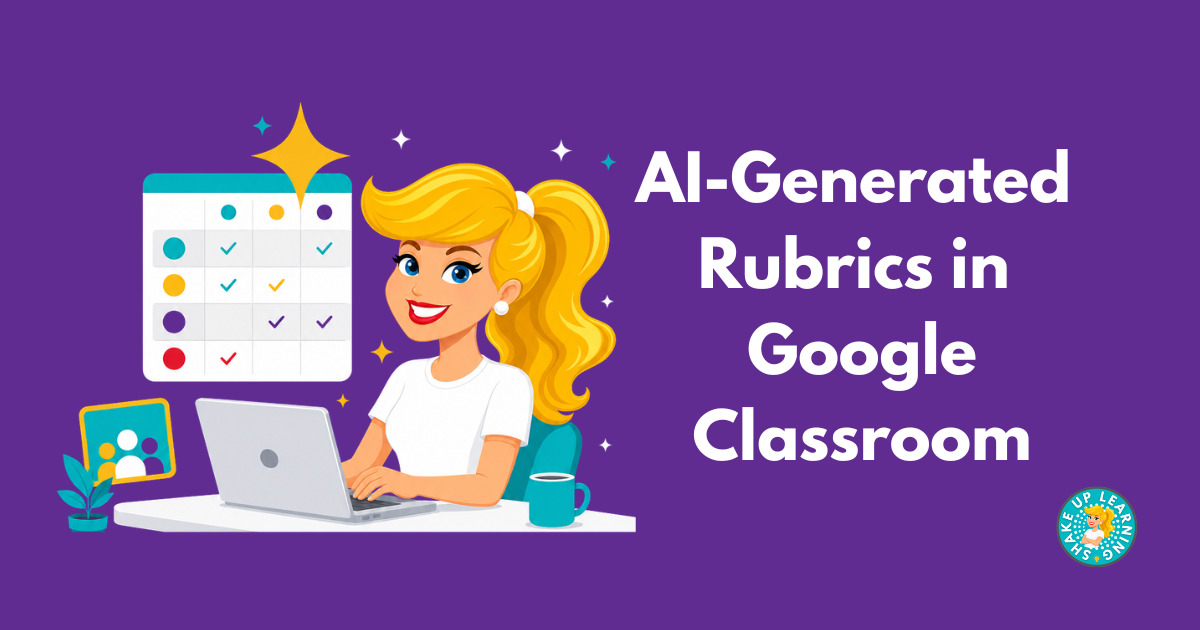
Creating rubrics is even easier now inside of Google Classroom.This is not a prompt…this is Google Classroom and Gemini working SMARTER! There’s no blank box asking you to describe what you want.Gemini reads the assignment details: the description, the materials, and turns that into a set of criteria that you can revise.
I shared this Google Classroom update (and many others) in e254: Google Classroom Deep Dive.AI-Generated Rubrics in Google Classroom Please note, Gemini in Google Classroom must also be turned on for your school.(This is an admin setting, not something you enable yourself).
How to Generate a Rubric in Google Classroom Open Classwork and create your assignment.Add a title, your assignment description, and any materials.The more Gemini has to work with, the better the rubric.
Click Rubric, then Generate new.You’ll see this option alongside “Create rubric” (build one manually) and “Reuse rubric” (pull one you’ve used before).Set your grade level and performance levels.
Tell it how many performance tiers you want (like Exceeds, Meets, Approaching, Below).Give it the content to work from.Either upload the assignment materials straight from Drive, or describe the knowledge and skills you’re actually assessing.
Click Generate criteria and review what comes back.This is a draft, not a final answer.Read and revise it before it goes in front of students.
Click Generate rubric.This builds out the full rubric structure from the criteria you just approved.Review and Revise, then click Save.
Adjust wording, point values, or performance-level descriptions before it attaches to the assignment.*Related: How to Create AI-Generated Audio Lessons in Google Classroom Where this actually saves time The real win isn’t “AI writes my rubric”; it’s that you’re not explaining the assignment twice, once when you write it and again when you build the rubric.Gemini already has the context.
Where to still use judgment Review the criteria the same way you’d review any AI draft: are the performance-level descriptions specific enough to actually grade against, or vague enough that three different teachers would score the same paper three different ways? A rubric that sounds right but doesn’t discriminate between skill levels isn’t saving you time later; it’s just moving the problem to grading day.The Gemini AI in Google Classroom Master Class The Gemini AI in Google Classroom Master Class is included in our ALL ACCESS Teacher Membership! Join today and get access to this course and over 75 hours of professional learning courses, downloads, cheat sheets, and more! Shake Up Learning 2025.Unauthorized use and/or duplication of this material without express and written permission from this blog’s author and/or owner is strictly prohibited.
Excerpts and links may be used, provided that full and clear credit is given to Kasey Bell and Shake Up Learning with appropriate and specific direction to the original content on ShakeUpLearning.com.See: Copyright Policy.
Read More