Throughout my life as a PC user, I've always used a dedicated PC monitor.When CRT monitors were current, a TV didn't have anywhere near the resolution needed for anything beyond watching standard-definition videos, which I did! However, after buying my latest TV, I came to a realization: why do I actually need to use a monitor at all? I started using my TV as an alternative work monitor when I didn't want to be in my office, and eventually I hardly used any of my monitors at all.So I got rid of them all.
My last monitor was a trooper It expanded my horizons I've owned so many monitors in my life, but the last primary monitor I had before switching to TVs was a 34-inch Dell ultrawide monitor with a resolution of 3440x1440.Believe it or not, I didn't buy it for gaming.In fact, most of the time, I hooked this monitor up to whatever MacBook I was using.
Since my job mainly consists of having resources on one side of the screen and a working document on the other, an ultrawide is perfect for my needs.But this was a VA panel with no local dimming, and it wasn't exactly what I was looking for when playing games, though I'm sure it's fine for most people.I mostly ended up using the screen that came with my gaming laptop, a lovely 240Hz, 1440p IPS panel.
Then I moved my personal TV (an edge-lit Samsung at the time) onto a rolling TV stand, letting me move it wherever I wanted to use it that day.This meant I started hooking up my gaming laptop to the TV.Instead of using its own screen.
Since I already had a laptop connected (with a wireless keyboard and mouse), I naturally started doing some light work there too.I quickly realized how much I liked having a 55-inch 4K screen for work.Bit by bit, my ultrawide started gathering dust.
It was an entry-level TCL that made me see the light Literally, it's so darn bright! Close My final epiphany came when I decided to hop on the mini-LED train.TCL was selling its 55-inch C6K (an international variant of the QM6K sold in the U.S.) for just $500.I had grown tired of my old Samsung's terrible contrast and lack of local dimming, so I sold it for $300 and nabbed the TCL.
TCL QM6K 7 Brand TCL Display Size 85-inches The 2025 model TCL QM6K Google TV delivers a stunningly clear and bright picture with a new Mini-LED panel, improved local dimming zones, Dolby Vision IQ, and a neat new Halo Control system for improved visuals.Get this TV and elevate your living room. Dimensions 74 x 42 x 2.3 (without stand) Operating System Google TV Display Type QD Mini-LED Display Resolution 4K (3840 x 2160) Connectivity Wi-Fi 5 (802.11ac) Refresh rate 144Hz (Up to 288) Weight 71.8 lbs Others HDR10, HDR 10+, HLG, Dolby vison, Dolby Vision gaming, Dolby vison IQ Speakers ONKYO 2.1 Speaker System VESA 600x400 Dimming Zones Up to LD500 Precise Dimming See at Amazon Expand Collapse After a few weeks with it, I realized this TV had pretty much all the features I'd want in a PC monitor.It's a 144Hz panel at 4K, or 240Hz at 1080p.
It has proper HDR, mini-LED local dimming, VRR, works with G-Sync and FreeSync, and in its PC mode the latency is no different than I'm used to on a monitor.It was effectively just a big monitor that also happened to have a smart TV built-in, and even a half-decent 2.1 speaker system.To make things worse, it cost half as much as that ultrawide monitor did when it was new.
At this size, 4K actually makes sense as a practical work resolution.It's basically like having a quad 27-inch monitor arrangement with no bezels, at 1080p each.You can even use it in a "fake" ultrawide mode where only half of the vertical pixels work, and with the mini-LED array the inactive part of the screen is perfectly black.
It is, honestly, one display that does everything I need it to.As a bonus, I don't have to worry about OLED burn-in, since it's just an LCD.It's been months, and I've yet to find the downsides Bigger, it turns out, is better I finally sold my ultrawide monitor, and my wife actually also sold her ultrawide monitor.
She's now using the living room TV as a monitor when she needs more real estate than her laptop screen can provide.Which means that, apart from the laptops, there are no more purpose-built flat-panel computer monitors in our house.Each of us uses a TV as our primary "docked" computer display.
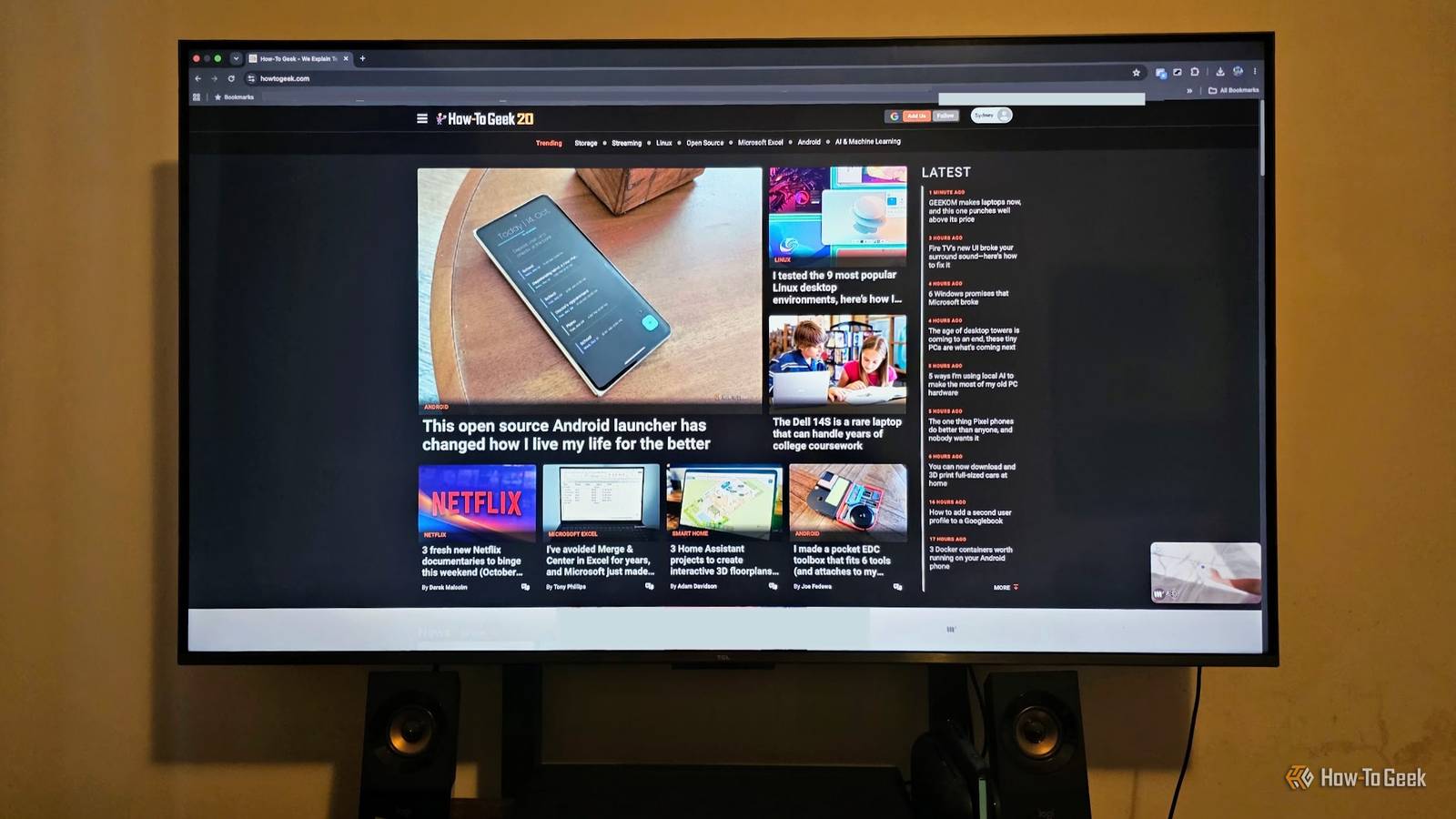
As you can see from my setup above.I tuned the distance from my seat to the monitor so it fills pretty much the same portion of my field of vision as a monitor that was standing on my desk.After fine-tuning the display scaling so I have a nice balance of readability and space to work, it's been an absolute blast, and I can seamlessly switch between my MacBook for work, my Blu-ray player, my Switch 2, and my gaming PC with the press of a button.
"But what about longevity?" you might ask.Won't I wear this TV out fast by using it for 12 hours a day as both a work and entertainment display? I don't know, but if this is what $500 can buy you today, I can't wait to see what the low-end of the TV market looks like in four or five years.OK, I actually did keep one monitor You've probably noticed that there is still, in fact, a computer monitor on my desk, so I am fibbing, but you can take my vintage Sun Microsystems CRT monitor from my cold, dead fingers after digging me up from my grave, because they are burying me with it.
Read More