WPA3 is one of those router settings that most people will tell you to use.You might have done it and assumed your job was done, but that's not always true.Unfortunately.
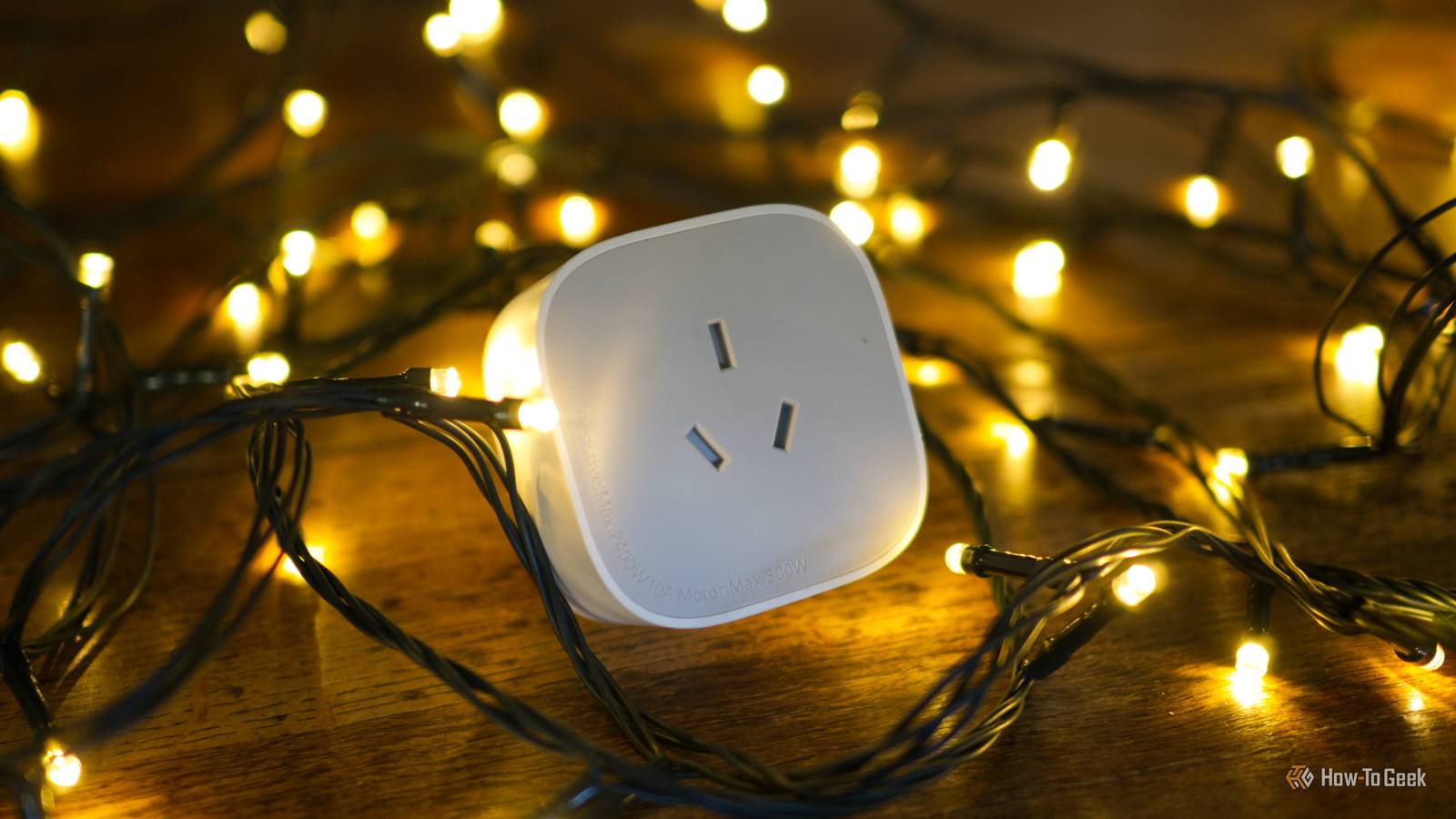
One ancient (well, as ancient as can be in this context) smart plug or another IoT device could be sabotaging your network, and you might not even know about it.WPA3 transition mode is doing exactly what it was designed to do Compatibility is what you want, in theory Close Before you get too into the weeds with this, let's go over what WPA3 even is.WPA stands for Wi-Fi Protected Access, and it's the security standard your router uses to control how devices authenticate and how traffic is encrypted on your wireless network.
WPA2 has been the default for years, while WPA3 is the newer version with stronger protections against password guessing and certain types of wireless attacks.When you dive into your router settings, you'll often be presented with the choice between WPA2 and WPA3.(Not always, though, as some ISP-issued routers won't let you pick.) This choice is a bigger deal than it seems, as you're essentially deciding which security method devices must use to join your network.
And yeah, that pretty important.Now, transition mode? WPA3 transition mode is a compatibility setting that allows one Wi-Fi network to support WPA2 and WPA3 at the same time.You may also see it called WPA2/WPA3 mixed mode or WPA2/WPA3-Personal.
Instead of forcing every device to use the newer standard, the router lets each one connect using whichever version it supports.Your phone and laptop may connect through WPA3, but older smart home gear will still get in through WPA2.It's nice, convenient, sure.
But it might make you think your network is more secure than it really is.Govee Smart Plug $28 $30 Save $2 Brand Govee Perhaps all you need is a better smart plug? Govee's option is ideal for Google Assistant users.Connectivity Wi-Fi & Bluetooth $28 at Amazon Expand Collapse Your router may claim it's using WPA3 while still happily accepting WPA2 Make sure to double-check You see, things can get a little sneaky when you dive into the WPA3 transition mode rabbit hole.
Your router's dashboard may tell you that WPA3 is enabled, and honestly, that'll be enough to put most inquisitive minds at rest.However, that doesn't necessarily mean the network is running in WPA3-only mode, and that's the key difference.If the security setting says WPA2/WPA3-Personal, mixed mode, or transition mode, the router is still advertising both standards and accepting connections from devices that run only WPA2.
You may be unaware of it, and that can be a problem.To check which setting you're actually using, open the wireless security section of your router settings and check the exact mode selected for each network.You may also be able to open the list of all devices connected to your network and see which device is using which protocol.
Any device you spot still using WPA2 when you thought you were, in fact, using WPA3, is proof that the router is more flexible than you might have intended.Related I stopped rebooting my router to fix Wi-Fi, and these 7 tricks worked instead Rebooting your router won't fix your Wi-Fi: 7 tricks that actually work Posts 2 By Monica J.White Keeping WPA2 available limits the security upgrade WPA3-only lets you enforce newer protections That flexibility is nice, but it's not free.
WPA3 uses a newer authentication method called SAE, which makes captured Wi-Fi handshakes much less useful to anyone trying to guess your password offline.It also requires Protected Management Frames, which help prevent certain attacks that try to disconnect devices from your network.Your WPA3-capable devices can still use those fancy protections in transition mode, but WPA2 remains available for anything that asks for it.
Switching the network to WPA3-only closes that compatibility door and forces every device to stick to WPA3.It's a "my way or the highway" situation.But, of course, the moment you put your foot down, those older IoT devices that don't support WPA3 may be left with no way to function.
Put old smart home devices on a separate WPA2 network Keep the main SSID WPA3-only Far be it from me telling you to get rid of all your smart plugs, bulbs, and what-have-yous, though.The solution is to just open your router settings and look for an option to create a guest, IoT, or secondary Wi-Fi network.This is also useful for moving devices between 2.4GHz and 5GHz.
Give the new network a separate name from your main network, set its security to WPA2-Personal with AES, and connect only the older devices that refuse to cooperate with WPA3.If your router offers client isolation or an option that blocks access to the main local network, enable it so those devices can reach the internet without freely poking around your computers and storage drives.Once the holdouts have moved, return to security settings for your main SSID and change it from WPA2/WPA3 transition mode to WPA3-Personal only.
Reconnect all the good stuff to this strictly WPA3 network and enjoy.Sometimes it comes down to convenience vs.security Transition mode isn't some security disaster that will blow up your whole network, and for plenty of people, one dying smart plug isn't going to make or break their connection.
But if you want to prioritize security above all else, creating a separate network for those things you trust just a little bit less is a sensible move.UniFi Dream Router 7 9 Brand Unifi Range 1,750 square feet A secure router is the backbone of a secure home network, and UniFi's Dream 7 is one of our favorites.$295 at B&H Photo Video $279 at Unifi Expand Collapse
Read More