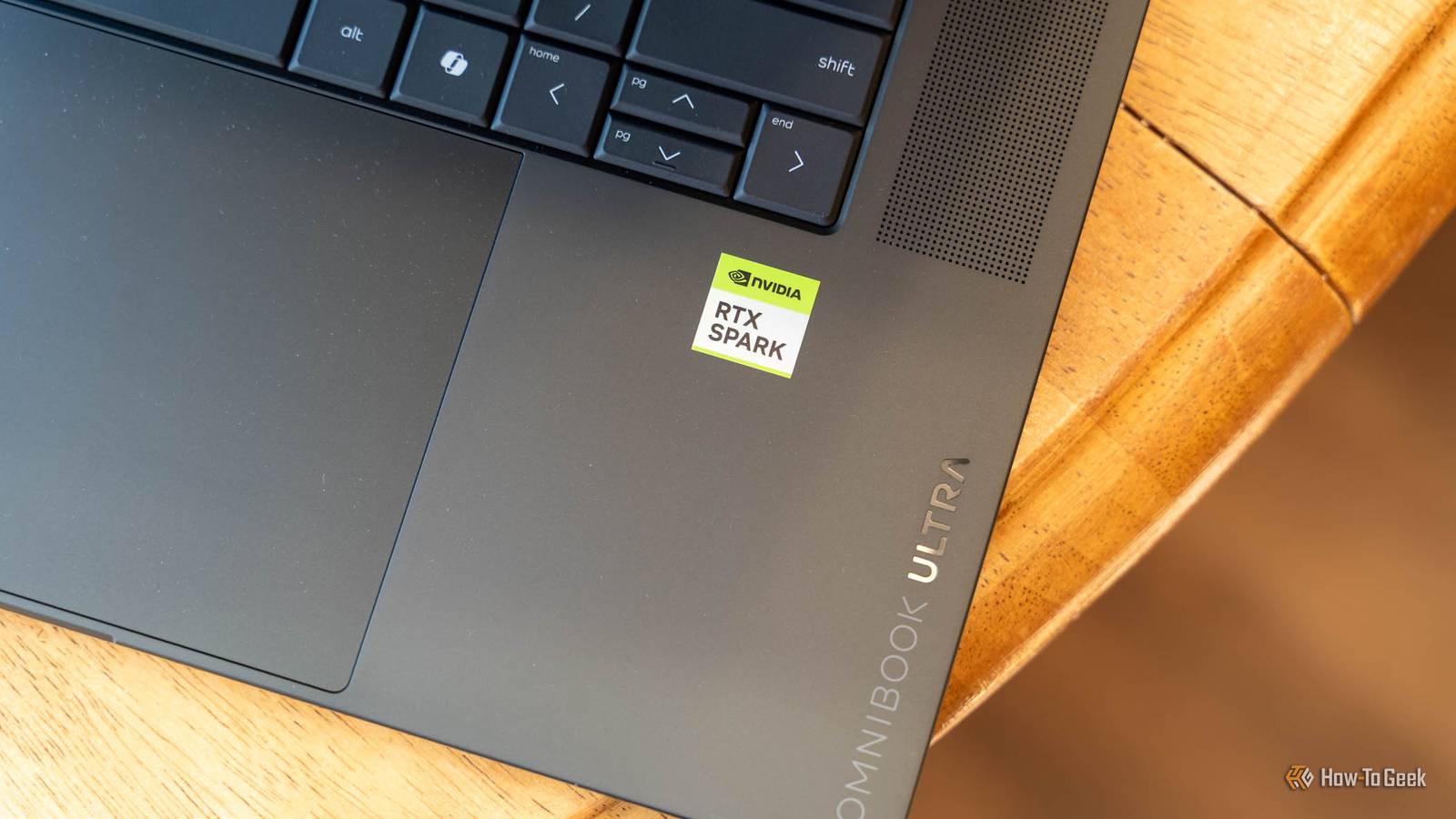
HP’s first RTX Spark laptops are here, and I've spent the past two weeks with the 32GB OmniBook Ultra 16.It really is a fantastic laptop in almost every way.I was able to game on it with basically no issues, and both its keyboard and OLED screen are among the best I’ve used.
Then I asked it to do the thing NVIDIA is pitching hardest: run AI agents locally.With only 32GB of memory, that’s where this laptop hits a wall.Add How-To Geek on Google Add as Preferred Source Follow on Google Discover HP OmniBook Ultra 16 7 Operating System Windows 11 Home CPU NVIDIA RTX Spark N1X, 20-core NVIDIA Grace Arm CPU (10 performance + 10 efficiency cores) GPU NVIDIA Blackwell RTX GPU, 6,144 CUDA cores (RTX Spark N1X) RAM 32GB LPDDR5X-9400 unified memory (onboard) HP's first RTX Spark-powered laptop is the OmniBook Ultra 16.
With a 16-inch 2880x1800 120Hz OLED display and three memory configurations from 32GB to 128GB, this laptop is built to handle anything you throw at it.Pros & Cons Multi-core CPU performance leads every laptop in the comparison group Excellent gaming performance Fantastic 120Hz OLED display One of the best laptop keyboards, plus a haptic trackpad Smaller local models and image generation run well 32GB is too little memory for agent-class local models Setting up local AI takes manual tuning, and app defaults mislead Emulation caps frame rates in older x64 games Expensive $3200 at Best Buy $3200 at HP Expand Collapse See our process How We Test and Review Products at How-To Geek We go hands-on with every product to ensure it's worth your time and money.Posts By Justin Duino Price and availability The HP OmniBook Ultra 16 RTX Spark starts at $3,200 for 32GB of RAM and 1TB of storage, and is available from Best Buy or HP.
Upgraded models with 64GB RAM and 2TB of storage or 128GB of RAM and 2TB of storage are available as configurations directly from HP.Specifications Brand HP Operating System Windows 11 Home CPU NVIDIA RTX Spark N1X, 20-core NVIDIA Grace Arm CPU (10 performance + 10 efficiency cores) GPU NVIDIA Blackwell RTX GPU, 6,144 CUDA cores (RTX Spark N1X) RAM 32GB LPDDR5X-9400 unified memory (onboard) Storage 1TB PCIe 5.0 NVMe SSD Battery 6-cell, HP rates up to 17 hours Display (Size, Resolution) 16-inch, 2880x1800 Speakers Poly Studio quad speakers Colors Eclipse Gray Ports 2x USB-C USB4 (40Gbps, USB PD, DisplayPort 2.1), 2x USB-A (10Gbps), HDMI 2.1, 3.5mm headphone/mic combo jack Network Wi-Fi 7, Bluetooth 5.4 Dimensions 14.01 x 10.01 x 0.62 inches Weight 4.89 pounds Price $3,199.99 (32GB RAM, 1TB SSD, as reviewed) Adaptor and Battery 140W GaN power adapter Power Up to 70W TDP Card Reader microSD Keyboard Backlit latticeless keyboard, haptic touchpad Display type OLED, 120Hz, touch, 1,100 nits, VESA DisplayHDR True Black 1000 Webcam 5MP Size 16-inch Box contents HP OmniBook Ultra 16, 140W power adapter Expand Collapse The 32GB model turned local AI into a memory juggling act Every app had a different idea of what would fit I was very excited to get an RTX Spark for what it could enable me to do with local AI on-the-go.However, the 32GB model isn't quite ready for current local AI models.
Though the system does have 32GB of RAM, it is split up into two chunks by default: 12GB dedicated to the Blackwell GPU, and 10GB shared between the system and GPU.This gives a total budget of around 22GB as Windows reserves the other 10GB for itself, though most apps I tried to use AI with only saw around 20GB of VRAM available.After running my benchmarks, I started off by trying to load Hermes on the laptop to run some local AI agents—which is one of the things that NVIDIA is pushing heavily for the RTX Spark.
I run Hermes already on a virtual machine with Opus 5.5 as its model, but I wanted to give it a try with a local model on the RTX Spark.It didn't work.There wasn't a single model in the Qwen 3.6-35B-A3B family above IQ2_M (a heavily compressed 2-bit version of the model) that the Hermes app said it could run.
So, I set out to try LM Studio, which was able to load Qwen 3.6-35B-A3B IQ4_XS as a partial offload.I had to fight with it, though, as Hermes needs 64K context, and it was quite difficult to get the model to load reliably at the compression level I was aiming for at 64K context.I was able to get it working through LM Studio by loading Qwen 3.6-35B-A3B IQ4_XS with 64K context and one parallel slot.
It wasn't perfect, and it failed a few times, but it did run with this configuration during my testing.Close On the other side of things, the RTX Spark N1X is a beast of a processor.Bringing CUDA cores to an Arm chip is a fantastic choice, and it elevates tasks like video or photo editing like other Windows-based Arm chips aren't really capable of doing.
It also doesn't slow down when you unplug it from the wall.Sure, in best performance mode it'll chew through battery faster, but it gives essentially the same performance both unplugged from the wall and plugged in.I never once felt that the system slowed down unless I was loading down all of the memory with a bigger LLM.
But, outside of that, the RTX Spark N1X held up fantastically under all the performance benchmarks I put it up against.In many of the benchmarks I ran on the RTX Spark N1X, it was a leader in its class, outpacing even the Snapdragon X2 Elite Extreme in some instances.I just wish it had more than 32GB of RAM—and it does, if you buy the right configuration.
When an agent finished a task, it finished it well The hardware isn't the problem, the headroom is The RTX Spark is an AI-focused laptop, so I was determined to try and run local AI on it in a way that I imagined anyone would with Hermes.After fighting and fighting with it, I was finally able to get some models running halfway decently.The Qwen 3.6-35B-A3B model I did eventually get loaded on it actually worked quite well in Hermes—when it would work.
The responses were great, reasoning was good, and the token response time was actually fast.It was slightly slower than Opus 5.5, but I'd say it was on par speed-wise with GPT-6.1 Sol.The problem is, it wasn't reliable.
A prompt would work one time, fail the next.I could have downgraded the model, but I really didn't think using a dumber model was the best option.This isn't because the hardware couldn't handle it, but simply that there wasn't enough memory headroom to load the models I tried in reliably.
Close My benchmarks tell a little bit of a different story using a different model.With Qwen 3.5 27B, I was able to run Hermes with 100% success at just over 100 seconds per task.Qwen 3.5 just isn't the model that I personally would choose to use if I was running this laptop.
However, for models that do fit in the memory, it works well.Qwen 3.5 9B ran at just over 46 tokens per second, Qwen 3.5 27B was around 15 tokens per second, and CUDA proved to be the better engine compared to Vulkan.Image generation also turned out to be possible with FLUX.2 Klein 4B coming in at 7.6 seconds and SDXL at 22.2 seconds per image.
If you're really wanting to run local models on-the-go though, get at least the 64GB version of the RTX spark and avoid the 24GB or 32GB models at all costs in that scenario.This laptop is actually great at gaming Emulation, not the GPU, sets the ceiling in older games Close I was extremely surprised at the gaming performance that the HP OmniBook Ultra was able to achieve with the RTX Spark.I mean, it's an NVIDIA chip with a Blackwell GPU, so it should be able to game, but I didn't expect it to do this well.
My two go-to games for benchmarking a laptop's performance are Forza Horizon 5 and Forza Horizon 6.It passed with colors.This laptop was able to run Forza Horizon 5 at its native 2880x1800 resolution at 79 FPS on extreme settings, or 118 FPS on low settings.
Forza Horizon 6 tells a similar story, with 45 FPS on extreme, and 74 FPS on low.Forza Horizon 5 was definitely CPU/emulation bound, as the GPU was only sitting at about 60% utilized during gameplay no matter the quality preset.Forza Horizon 6 was GPU bound, for sure, but that's to be expected on a newer game.
The cooling of this laptop is also impressive, as the GPU sat at around 70°C and never throttled, holding at around 2.2 to 2.4GHz.All of my other gaming experiences on the RTX Spark, including No Man's Sky and Minecraft, were equally as flawless.I didn't go into this review expecting it to be a great gaming laptop, but I'm coming out on the other side realizing that this Arm-powered laptop actually games as well as a dedicated gaming system.
Though run at slightly different resolutions, my Lenovo Yoga Pro 9i (Gen 11) Aura Edition shipped with a Core Ultra 9 386H and RTX 5060 and ran Forza Horizon 5 on the extreme preset at 79 FPS—the same frame rate as the RTX Spark.Just remember that the GPU and AI models share the same memory, so I wouldn't try to game while running a local AI model in the background.The OLED display is probably one of my favorites I genuinely think this OLED screen is one of the best I've used I've used a lot of laptops with lots of OLED displays, but HP takes the cake here.
The display on the OmniBook Ultra 16 is a 16-inch 2880x1800 OLED panel with a 120Hz refresh rate, touch support, DisplayHDR True Black 1000, and a 1,100-nit max brightness.As far as screens go though, I think this is probably one of the most color-accurate and vivid screens I've used.While I don't use touch all that often, it is nice to have.
The 120Hz refresh rate also makes everything buttery smooth.I do wish that HP would have gone a higher resolution like the Yoga Pro 9i I mentioned above.But, I think 2880x1800 is still tack sharp on this 16-inch screen.
HP nailed the build This was one of the best laptop keyboard experiences I've ever had Close When it comes to build quality, I expect a lot out of a laptop that has a starting price of over $3,000—and HP delivers.The keyboard is one of the most unique and satisfying keyboards I've ever used on a laptop.The key presses have a satisfying click, and each key has a shape that makes it easy to tell one key apart from the next.
There's a haptic trackpad that feels the same no matter where you click it, and that's something I think every premium trackpad should have.The USB-C ports on the left side are USB4, while there is a microSD card slot and two USB-A ports on the right side.There's also an HDMI 2.1 output, too.
The metal build is very premium, and at under five pounds for a laptop with as much power as the RTX Spark delivers, I think it feels hefty enough to not feel cheap but is light enough not to be a brick on the lap.Close The HP OmniBook Ultra 16 is also powered by USB-C, which is a fantastic change from the high-power laptops that still ship with proprietary chargers.The included 140W charger in the box is actually ultra-compact for what it's capable of outputting, and makes my 96W Apple charger look small by comparison.
Plus, it doesn't have the AC plug in the center like other RTX Spark laptops, meaning it can plug into an outlet with something else also plugged in at the same time.Should you buy the HP OmniBook Ultra 16? I think the HP OmniBook Ultra 16 is a fantastic laptop, but not with 32GB of RAM.I think it would be a great local AI system with 64GB or 128GB of RAM, but the 32GB RAM model is severely held back on the local AI front.
It can game well and the CUDA cores are a huge benefit for creative tasks like video editing.However, if you're thinking that you can run effective large language models on-device with this 32GB laptop, sadly, it's going to be a battle.While NVIDIA does allow for shifting around how much RAM is allocated to the GPU (up to 16GB, as low as 4GB), that doesn't change the actual physical amount of RAM a 32GB system has.
Which means the models that you can fit into the RAM doesn't change, either.So, if you're looking to run those local AI models, I would recommend getting the RTX Spark 64GB or 128GB version, just not the 32GB.If you want an Arm-powered laptop that delivers insane performance in gaming and content creation, then it's a great system, but on the pricey side.
HP OmniBook Ultra 16 7 Operating System Windows 11 Home CPU NVIDIA RTX Spark N1X, 20-core NVIDIA Grace Arm CPU (10 performance + 10 efficiency cores) GPU NVIDIA Blackwell RTX GPU, 6,144 CUDA cores (RTX Spark N1X) RAM 32GB LPDDR5X-9400 unified memory (onboard) HP's first RTX Spark-powered laptop is the OmniBook Ultra 16.With a 16-inch 2880x1800 120Hz OLED display and three memory configurations from 32GB to 128GB, this laptop is built to handle anything you throw at it.$3200 at Best Buy $3200 at HP Expand Collapse
Read More