The start of my Home Assistant journey was more of a stumble than a confident stride, and I’m still trying to right some of those wrongs years later.Here are some things I’d recommend that newcomers do right out of the gate.Put Ethernet cable everywhere PoE’s law Close I’m in the process of setting up home security, and that means carefully positioning a few cameras and integrating them with open-source network video recorder (NVR) Frigate and Home Assistant.
Ethernet makes a security system far more reliable and versatile, and Frigate’s own documentation even recommends against the use of Wi-Fi due to reliability problems.I’m now going to have to retrofit Ethernet into the home.Thanks to excellent under-floor access, this isn’t as big of a job as it could be—but it’s still something I wish I’d have done right when I moved in.
In addition to providing a speedy data rate, I want to use Ethernet to power my cameras using Power-over-Ethernet (PoE).Of course, there are other benefits to this: my Mac mini Home Assistant server can be wired in, as can consoles, smart TVs, and any future upgrades like access points.Wi-Fi is great, but nothing beats a cable for reliability and speed.
Purchased a mesh network adapter Don’t delay, Zigbee today! I don’t regret my first foray into the world of Home Assistant.I basically installed it in a virtual machine on a spare Mac mini and began to explore what was possible.It was a very non-committal affair; I wanted to know what all the fuss was about before I jumped in.
Immediately after installing, I realized that Home Assistant was very much worth the hype.Unfortunately, I spent weeks to months fiddling with the operating system, adding simple Wi-Fi devices, and integrating remote services.What I should have done was quickly decide which mesh network I wanted to use, ordered it, and got to work.
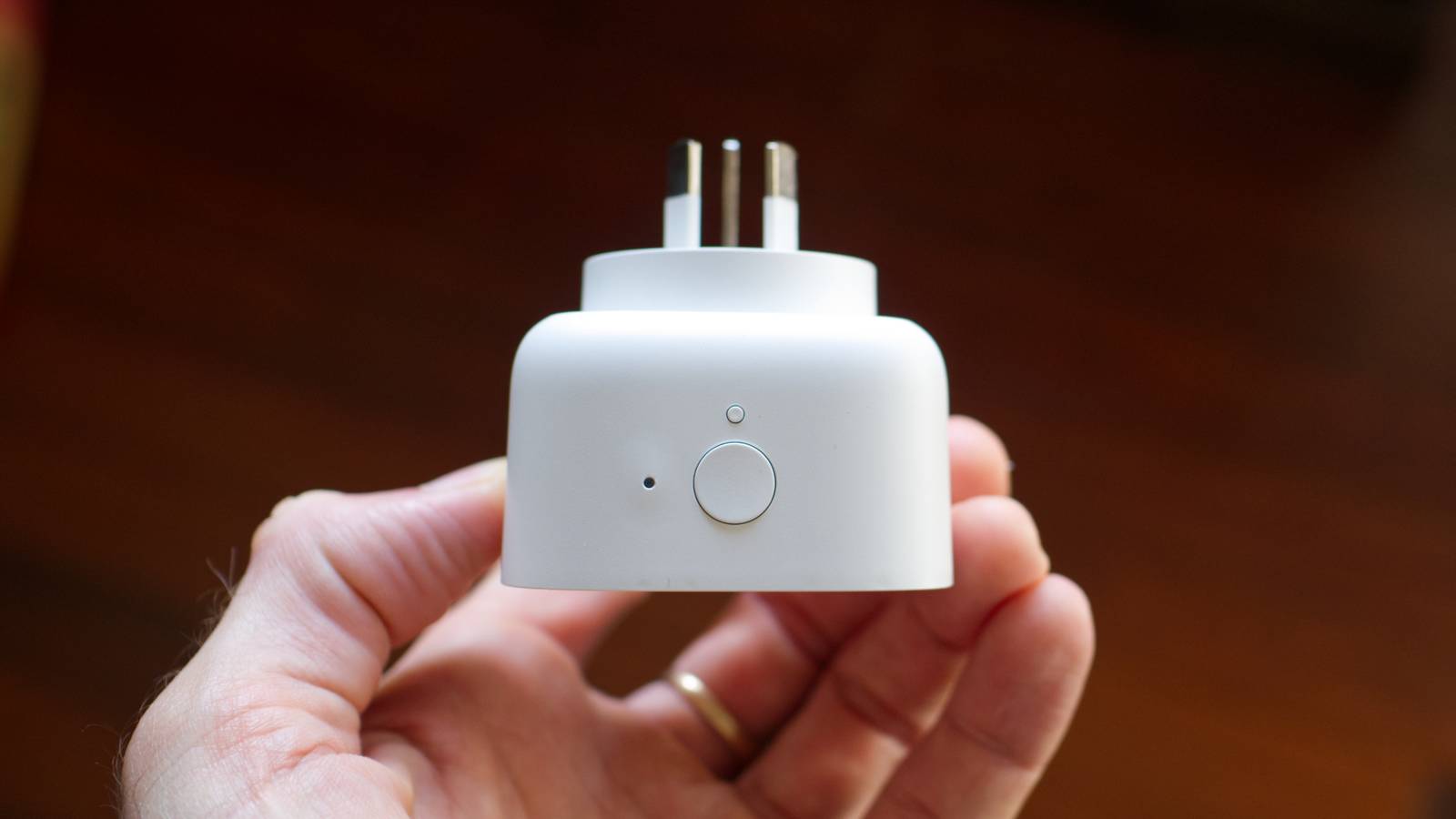
In the end, I went for Zigbee and invested modestly in IKEA’s now-defunct range of smart home accessories (they still work great).The day the adapter arrived was the first day my home felt truly smart.I added smart plugs to lamps, energy-monitoring smart plugs to my washing machine, and sensors for motion, air quality, and contact surfaces.
If I were to start again today, I’d strongly consider Matter over Thread due to IKEA’s shift towards the technology.Given my Home Assistant virtual machine more space One total wipeout taught me a lesson This is a small issue and one I’m sure many of you won’t run into, but it’s worth saying.My Home Assistant server runs in VirtualBox on a Mac mini, and it suits me just fine.
The only problem is that I have run out of space on the drive twice, since I like to experiment with add-ons and integrations.When you run out of space on a Home Assistant drive, your smart home platform stops automatically creating backups.To avoid this, make sure you dedicate enough space to all of your experiments beforehand, to keep all the messing about with volumes down to a minimum.
I accidentally wiped my entire first Home Assistant drive by resizing the virtual disk, so believe me when I say that backups are important.Assigned static IP addresses The numbers don’t lie The first time you visit your Home Assistant dashboard using a web browser, you type home-assistant.local into the address bar and hit enter (new installs don’t need the :8123 port number anymore).This is great, until nothing happens.
Some routers simply don’t play nice with the multicast DNS (mDNS) protocol required for this to work.For me, it works probably 70% of the time.Otherwise, you can always use your server’s IP address to access your dashboard.
The only problem is that unless you set a static IP, this can change without warning.Setting static IP addresses for Home Assistant is easy on most routers, and comes with a range of other benefits for Wi-Fi smart home devices too.Understood the potential of HomeKit Bridge and Matter Hub I would have jumped in quicker I knew Home Assistant was a particularly powerful platform, but I always envisaged myself going with Apple Home.
This is an iPhone, Apple Watch, Mac, and HomePod household.I figured it would be easier to go with Apple Home, even if it meant more limitations.That was before I realized just how powerful HomeKit Bridge and Matter Hub could be.
Rather than spending a year or more waiting for Apple Home to get better and more devices to arrive, I could have been living my best Home Assistant life.HomeKit Bridge and Matter Hub are tools that allow you to mirror your Home Assistant setup to Apple Home and Matter-based smart home platforms.I have my entire Home Assistant smart home mirrored to Apple Home, so I can control it with Apple’s native apps, Siri, my HomePod, and even build Apple-native scenes and automations if I want.
Matter Hub works the same for Matter-friendly platforms like Google Home or Samsung SmartThings.This allows you to “run the show” with Home Assistant, but control your smart home using competing platforms.It really is the best of both worlds, and even allows you to remotely control your smart home without setting up a VPN or paying for Home Assistant Still on the fence? Learn how much Home Assistant has improved over the last year thanks to its monthly update cycle.
Read More