When you're designing a smart home system, it makes sense to stick to one brand as much as possible.But in reality, most smart homes are not designed and implemented all at once; they slowly build up over multiple years.And that tends to lead to inconsistency.
Some products are bought on sale, others for specific features, and basically, as long as they claim compatibility with each other, it's all good.But here's the thing: every one of those random-brand gadgets is piling onto your Wi-Fi, and the more brands you mix, the messier it gets.Your lights lag, your automations fire late, devices randomly drop offline, and somehow it's always when you're trying to show the setup off to a friend.
Let me explain what's actually happening behind the scenes.Every cheap smart device is on the same crowded band The 2.4GHz band is a tiny room and everybody's shouting in it Most budget smart home gear defaults to the 2.4GHz Wi-Fi band, because it has a longer range and punches through walls better than 5GHz.Sounds great, right? Here's the catch.
That band only has three non-overlapping channels, which are 1, 6, and 11, and literally everything is fighting for that same sliver of space.That means your devices and Bluetooth gadgets, as well as your smart plugs, bulbs, and cameras, are all fighting for the same limited space.The wild part is that your router can even interfere with itself if it's auto-hopping between overlapping channels.
When you buy from a bunch of different brands, you're basically guaranteeing a pile of cheap 2.4GHz gadgets, all dumped into the most crowded 'room' in your house.TP-Link Dual-Band BE6500 Gaming Router $180 $220 Save $40 Supported standards 802.11.be, 802.11ac, 802.11ax, 802.11g, 802.11n When your router is juggling a massive network, you need it to be good.This TP-Link Wi-Fi 7 router will do the trick.
Speeds 6500 Megabits Per Second $180 at Amazon Expand Collapse Your poor router is keeping a guest list it can't handle Every gadget is one more name on the door Every single Wi-Fi smart device is a client sitting on your network, and each one takes up a slot in your access point's connection table.A home with 30 Wi-Fi smart devices is adding 30 clients to that table before you've even counted your phones, laptops, and TVs.Cheap consumer routers start to struggle once you push past 50 to 60 simultaneous clients, and in a fully kitted-out smart home, the smart gadgets alone can saturate a basic router.
Every one of these devices talks straight to your access point, so a weak signal means an unreliable gadget, full stop.More brands mean more standalone Wi-Fi clients, and your router feels every single one of them.Related Don't trash your old router: Turn it into a wired workhorse instead Wi-Fi standards moved on, but your old router can still do something useful Posts By Monica J.
White The protocol soup is even worse than the device count Buy five brands, end up with five things fighting for airtime It's pretty intuitive when you think about it—when you buy the same brand, the separate smart devices are designed to work together for the same shared goal.When you buy randomly, it's just every smart plug for itself.The disparate devices don't know that they're meant to be part of the same system; they're just doing whatever they can to make themselves work properly Crowded Wi-Fi channels cause problems for all kinds of devices, but it's particularly common with smart devices precisely because we tend to have so many of them.
Like, what kind of household has just one single smart plug? The good news is you can untangle most of this You don't have to throw the whole setup out, I promise First, give your gadgets their own lane.Setting up a dedicated IoT network or a separate SSID keeps all that smart home chatter away from your main devices.Next, take control of your channels instead of letting the router guess.
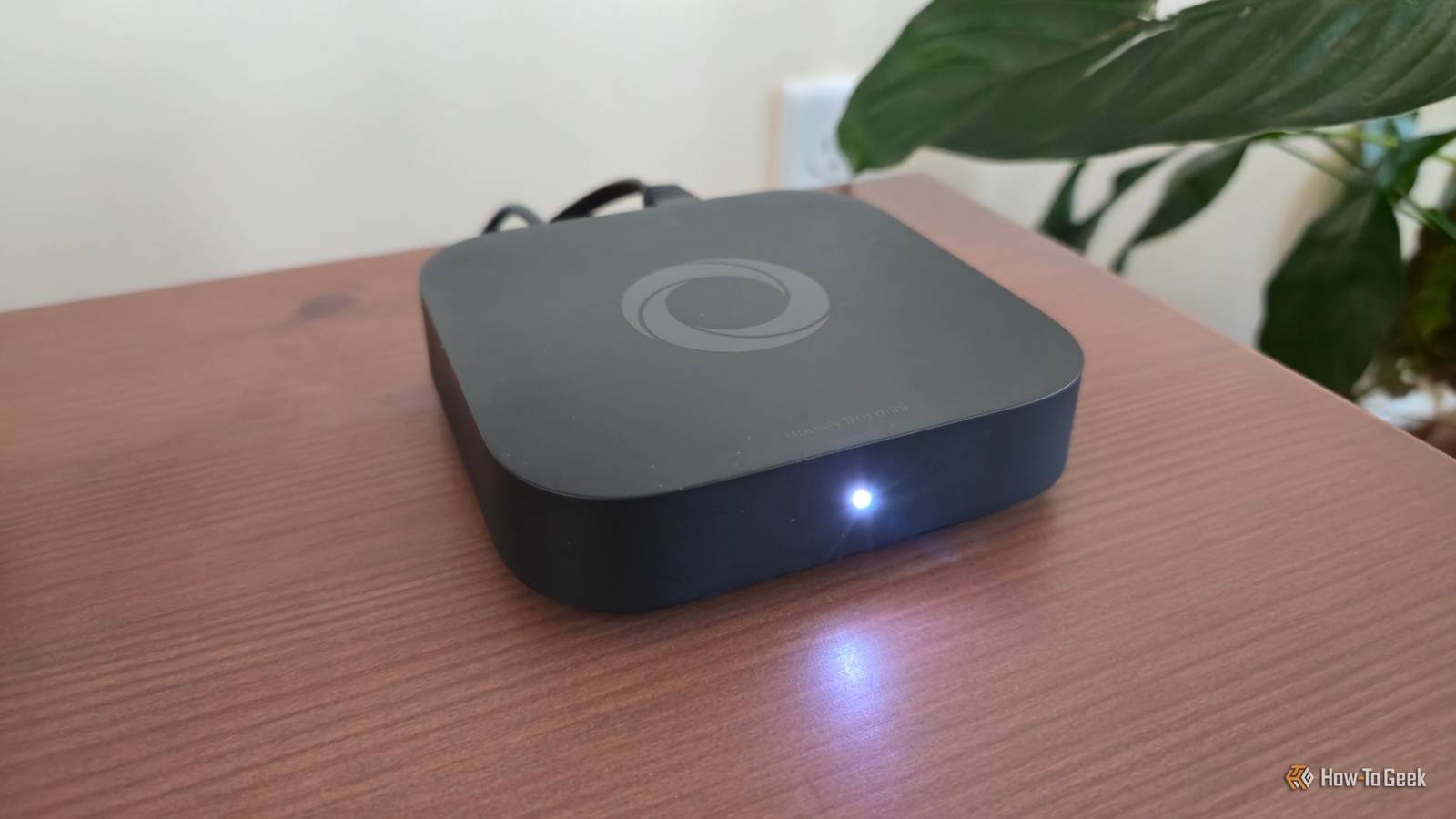
Manually setting your 2.4GHz band to channel 1, 6, or 11 and turning off auto-selection cuts down a ton of self-inflicted interference.While you're at it, move your bandwidth hogs like cameras and smart displays onto 5GHz or 6GHz so the 2.4GHz band is free for the low-power stuff.If you've got Zigbee in the mix, keep that coordinator's antenna at least three feet away from your Wi-Fi router, because that separation alone noticeably reduces interference.
And honestly, lean on non-Wi-Fi protocols where you can.Sensors that don't need Wi-Fi can run on Zigbee or Thread to take the load off your network entirely.Lastly, if your router is creeping up on four or five years old, a modern Wi-Fi 6 router or a mesh system handles a high device count way better than the old thing wheezing in your closet.
Mixing brands isn't a crime, but it has a hidden cost Just go in with your eyes open Look, I'm not telling you to marry one brand forever and never deal-hunt again.Mixing brands can genuinely be the right move, especially since tools like Matter bridges now let a lot of Zigbee and Z-Wave hubs expose their gear to Apple Home or Google Home without you replacing anything.That's a real win for households where everybody's loyal to a different ecosystem.
The lag was never random The point is just that every random-brand gadget you toss onto the network has a cost, and that cost shows up as the laggy lights, the late automations, and the mystery dropouts you've been blaming on your internet.It was never the internet.It was 40 cheap devices and three different hubs, all elbowing each other on the same crowded band.
Once you know that, you can actually fix it, and your smart home will finally start acting, well, smart.Eero 6+ Mesh Wi-Fi 3-Pack If you want to strengthen your entire network, you need a solid mesh system.Eero's pack of three is a good value pick.
$300 at Amazon Expand Collapse
Read More