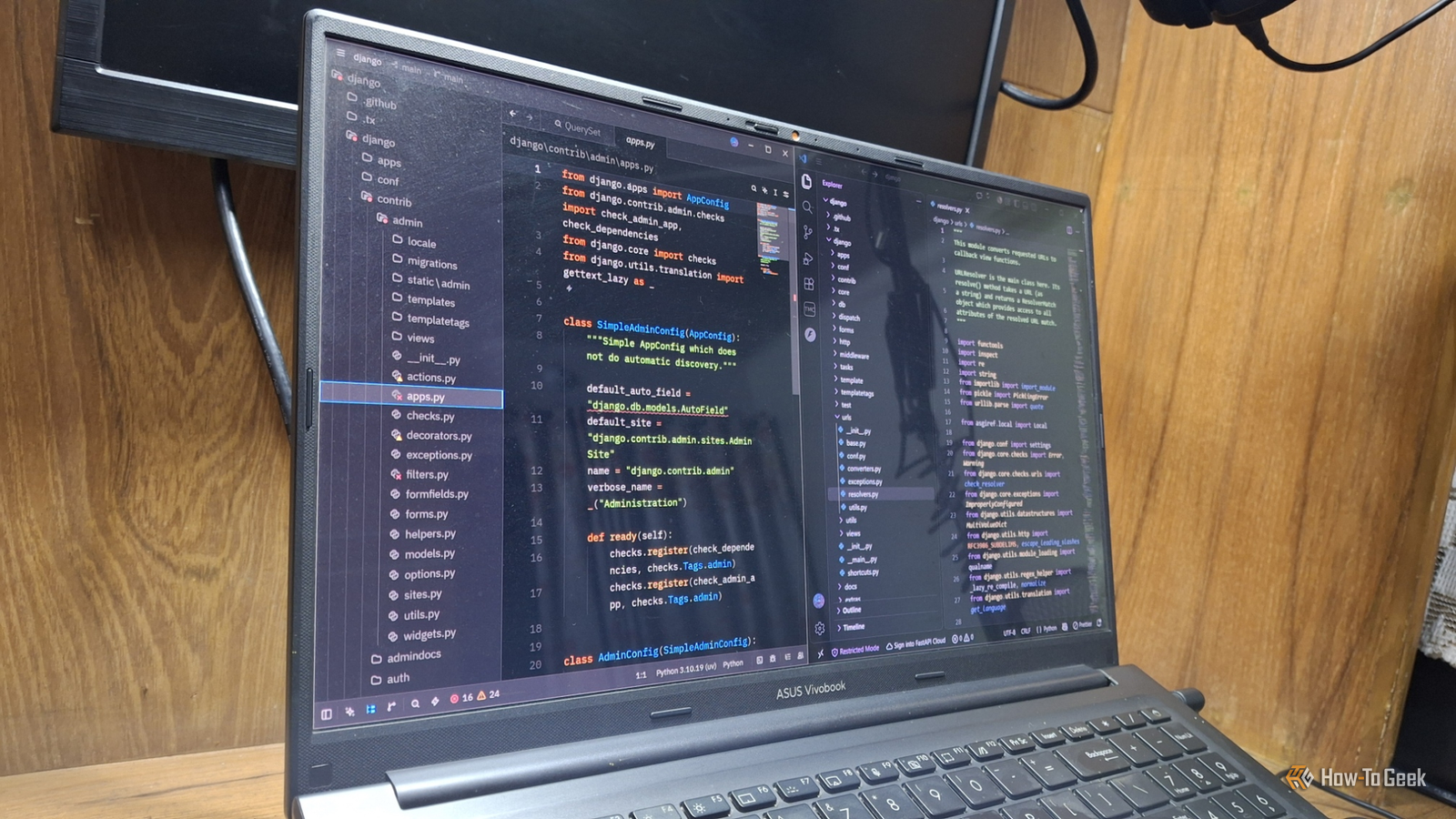
As a programmer, I'm obsessed with code editors and IDEs.I've used VS Code for the longest time, but whenever I find a new editor, I don't shy away from trying it out.The other day, while watching a Python tutorial, I found the YouTuber using an editor called Zed.
Add How-To Geek on Google Add as Preferred Source Follow on Google Discover Zed editor has created a lot of hype.Without buying it at face value, I decided to test it myself and see how it stands up to VS Code.I've previously stacked VS Code up against Vim.
Now it's time to see how well it holds up against Zed.I benchmarked Zed and VS Code on my everyday laptop Speed and memory tests fresh out of the machine Zed's own comparison page claims under 1s startup, under 10ms typing latency, and about 600MB of RAM.However, it doesn't say how it got those numbers.
So I tested both editors on my Windows 11 laptop with an Intel Core i5-1235U, 16GB of RAM, and Iris Xe graphics.For testing, I used Zed 1.29.3, VS Code 1.147.0, and the Django source code for the project.I ran VS Code twice: once with my 20-or-so extensions and once with none.
I timed each launch with small PowerShell scripts and summed the memory of every process, including language servers.Here's a quick glimpse at the results.Test VS Code (with extensions) VS Code (no extensions) Zed Startup with Django (median of 5) 1,369ms 1,344ms 452ms Processes right after launch 13 10 2 Memory, Django open and idle 2,384MB (14 processes) 1,207MB (12 processes) 480MB (6 processes) Opening a 200MB CSV file 1,077ms Not tested 673ms Memory with that CSV open 2,466MB Not tested 966MB Zed opened the project about three times faster.
VS Code with my installed extensions used roughly five times the memory.As a Python programmer, I found something interesting too.Close Without extensions, VS Code has no Python support at all.
Zed's 480MB already includes basedPyright and Ruff, its Python tools, which make up about 40% of that total.So, bare VS Code did less work and still used about 2.5 times as much.Close Memory figures are private bytes, the memory each process keeps to itself.
Startup is the time until the editor's window shows the project, not until every feature has finished loading.Zed is fast because it skipped the browser entirely One of Atom's creators chose not to build on web tech again VS Code runs on Electron, which is basically a web browser packaged as a desktop app.In case you didn't know, Electron apps eat a lot of memory, which can cause slowdowns.
Funnily enough, Electron started life as Atom Shell, the framework Atom was built on.Nathan Sobo, one of Zed's co-founders, helped build Atom.On the Syntax podcast in August 2026, Sobo called building on web tech "the devil's bargain." His team first tried a Rust core wrapped inside Electron.
However, passing data between the two layers ate up the speed they wanted.So Zed draws its own interface on the GPU, with no browser in between.The goal is to show each keystroke on the screen's very next refresh.
Sobo sums up the pitch as the speed of TextMate, the snappy old Mac editor, with "the features of something like Visual Studio Code." Most of my VS Code extensions are already built into Zed Python support, previews, and a debugger I actually enjoy As I mentioned earlier, I use a lot of VS Code extensions.Some of them are essential for coding, like IntelliSense extensions and Code Runner.Other ones are helpful, like themes and file viewers, but not mandatory.
In Zed, most of that is simply there.Python support is built in, with basedPyright for code smarts and Ruff for formatting and linting.Markdown gets a preview.
Moreover, since version 1.19.2, CSV and TSV files open in a table preview.Catppuccin, my favorite theme, is a one-click extension, published by the Catppuccin team itself.Debugging won me over the most.
I never liked it in VS Code.In Zed, F4 lists the scripts, modules, and pytest tests it finds in a project, ready to debug through debugpy with no setup.Since 1.26.2, debugger hovers also show an expandable tree of your variables.
The minimal interface keeps my eyes on the code.Better yet, Zed stays smooth beside a browser full of tabs, where VS Code used to lag and freeze.Zed's latest updates fill gaps VS Code users notice Recent releases added Git tools, data previews, and better code navigation One of Zed's most exciting features is the multibuffer.
Project search results open as one editable page, with an excerpt from each matching file.That means you can fix ten files without opening ten tabs.New stable versions land almost every week, and Sobo says outside contributors fix about 40 bugs a week.
A few recent additions that stood out to me are: Call hierarchy (1.19.2): Lets you see which functions call the one you're on, and which ones it calls.JSONL and NDJSON tables (1.23.2): These log-style files now open in the same table preview as CSV.Git tags (1.24.2): Allows you to create a tag right from the Git history or Git Graph menus.
Git Panel branch mode (1.29.1): Lists every file changed since a base branch like origin/main, which is handy before a pull request.In VS Code, a few of these jobs usually mean hunting for an extension.So, seeing them like that in Zed was a breath of fresh air.
Zed still has rough edges for VS Code converts Single files, PDFs, and huge files need a little patience Now, it would be unfair if I didn't admit the things I miss on VS Code.My first real struggle was not being able to find a Code Runner-style button for a single Python file.F4 is great for projects, but it's built for debugging.
The closest thing Zed offers to this is "task", which lets you run commands.To set it up, you have to open the task file, configure your task, and then run the command using a keyboard shortcut.As a newcomer, I was looking for a more plug-and-play solution.
The other gaps are smaller.I couldn't find a way to view PDFs, and the community Live Server extension hasn't been updated since April 2025.Giant files are a mixed bag too.
With that 200MB CSV open, Zed's memory roughly doubled while VS Code's barely moved.Zed still used less overall.However, VS Code handles one huge file more efficiently.
VS Code keeps improving, too.Version 1.147 keeps Markdown tables rendered while you edit them.Still, none of this touches my daily work.
PDFs open in my browser, and a task takes two minutes to set up.The speed I get back counts every single time I open my editor.A combination of speed and features VS Code is still a great code editor and one of my favorites.
But after finding Zed, I just can't resist its speed and forgiving nature on my system resources.Interestingly, I'm not the only one who switched to Zed from VS Code after giving it a trial.
Read More