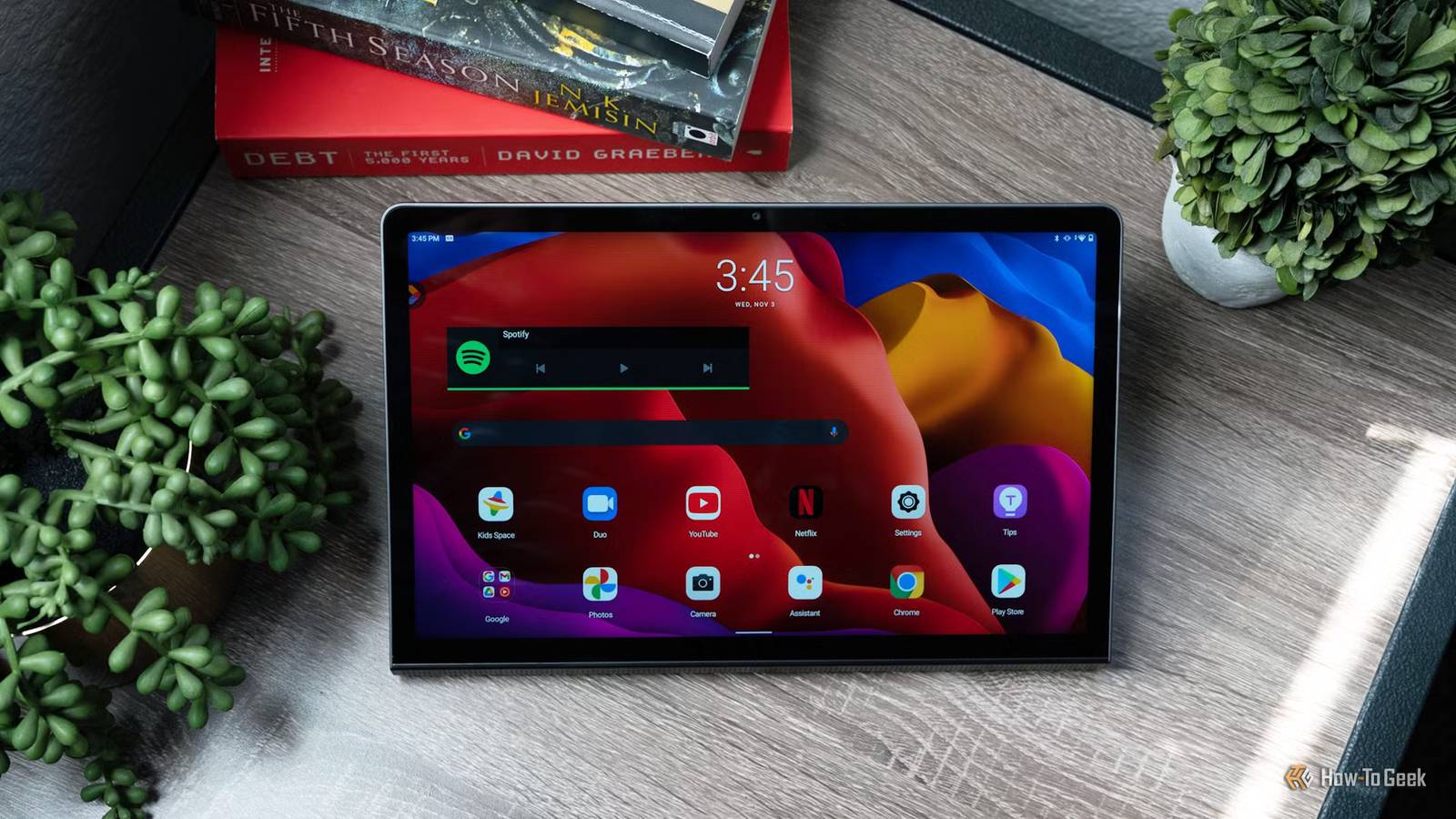
Many tech fiends, myself included, feel the urge to constantly upgrade our gear even when it doesn't make much sense, and I completely understand why you'd want to ditch your old Android tablet for something newer.But the reality of the Android tablet market is that Google — and most OEMs, for that matter — stopped prioritizing tablets a while ago.Whatever your trusted old tablet does for you, a new one might not be enough of an upgrade to topple it, and in many cases, keeping your veteran machine is the more sensible choice.
Your current tablet might not be much slower than the one you're eyeing Unless you're a gamer, you likely don't need the performance bump in the first place Close New Android tablets are mostly iterative upgrades that bring slightly faster processors, slightly better screens, and more memory and storage — and even that isn't a given unless we're talking about high-end offerings.Worse still, if you're currently rocking an older flagship tablet, switching to a new mid-range model may not bring any noticeable performance boost at all and could even end up being a downgrade.That's especially true if your current tablet has a punchy OLED screen, lots of memory and storage, boomy stereo speakers, and other extras the new model might lack.
Unless your current tablet is old enough to barely drag its feet, there are only two reasons worth upgrading for, if you ask me.The first is if you're a gamer, and you need a new machine capable of running the latest and greatest Android games and emulators.In that case, upgrading to something like the Lenovo Legion Tab Gen 5 with its Snapdragon 8 Elite Gen 5 chip makes lots of sense.
Secondly, newer tablets come with much longer software support, so buying one for up-to-date security patches and major Android updates also makes perfect sense.Related The first Android tablets were so much weirder than you remember It was the wild west, but a winning strategy was eventually found.Posts By Joe Fedewa A new tablet won't fix Android's app problem Many Android apps still look like stretched-out phone apps on any tablet Getting a new Android tablet won't change the poor state of the Android tablet app ecosystem.
Apps that don't play nice with tablets won't magically improve after you upgrade.The silver lining is that the rise of foldables might benefit tablets as well, since more and more apps are getting updates that let them work well and look natural on larger screens.Still, the situation is a far cry from what you get on the iPad.
Poor battery life? You might be able to replace the battery It's likely much cheaper than buying a new tablet If poor battery life is the main reason you want to upgrade, see whether you can replace the battery in your current device.If you own a popular tablet from Samsung or Lenovo, your local repair shop can likely replace it for much less than a new tablet, since Amazon has replacement batteries for many models from both brands.Alternatively, Samsung offers official battery replacements for many of its tablets, so it's worth checking how much it would cost to have the battery swapped at a Samsung service center.
If you're a DIY person, you can order a battery and swap it yourself for just a few dozen bucks.iFixit and YouTube are full of tutorials on how to do this, so all you need is patience and a knack for messing around with electronics, and you could end up with a tablet with a brand-new battery in a single afternoon.Just remember that when working with batteries, you can't be too careful; the last thing you want is one catching fire.
You could lose some handy features if you upgrade You might have to say goodbye to the SD card slot, the headphone jack, and even classic DeX Getting a shiny new Android tablet might end in disappointment.Many Android tablets, like phones, have been ditching SD card slots for years, and plenty of newer models lack headphone jacks as well.If your current tablet has one or both, and you use them regularly, you might want to think twice before spending your hard-earned money on a device that lacks them.
Hardware features aren't the only ones you might miss.For instance, with One UI 8, Samsung removed the classic DeX desktop UI on its tablets.You can still use DeX on a Samsung tablet, but the new DeX UI is fairly limited compared to the classic DeX experience, and it might stay that way for the foreseeable future.
Want a tablet for sketching? Your current one might already do the job Your current tablet likely works with a stylus Many old tablets work fine with styluses, so you don't necessarily need a new device to use one.Support might be limited, and you likely won't get fancy features like thousands of pressure levels, tilt detection, palm rejection, or low latency.Still, you can use a stylus with your current tablet, and the overall experience might be just good enough for your needs.
So instead of immediately spending hundreds on a new tablet, why not just buy a stylus, try it with your current device, and see whether the experience is up to snuff? If it isn't, you'll only be out a few dozen bucks.Aside from beefier specs, newer Android tablets don't offer that much over older models As I've said, the Android tablet market is in a rut and has been for quite some time.Foldables are slowly encroaching on territory where tablets once reigned supreme, providing a 2-in-1 experience that costs about as much as a high-end phone and a pricey tablet combined.
On top of that, a foldable fits in your pocket and transforms into a tablet whenever and wherever you want in just a few seconds.A new tablet might give you more powerful hardware, a brighter screen, and longer software support — the last of which is, granted, very important for many people, as it should be — but aside from that, you likely won't get much else.If your current device works fine, there's little reason to replace it.
Related 7 ways to repurpose your old Android tablet Your old tablet isn't obsolete yet—it just needs a new job appropriate for its age.Posts 8 By Dibakar Ghosh
Read More