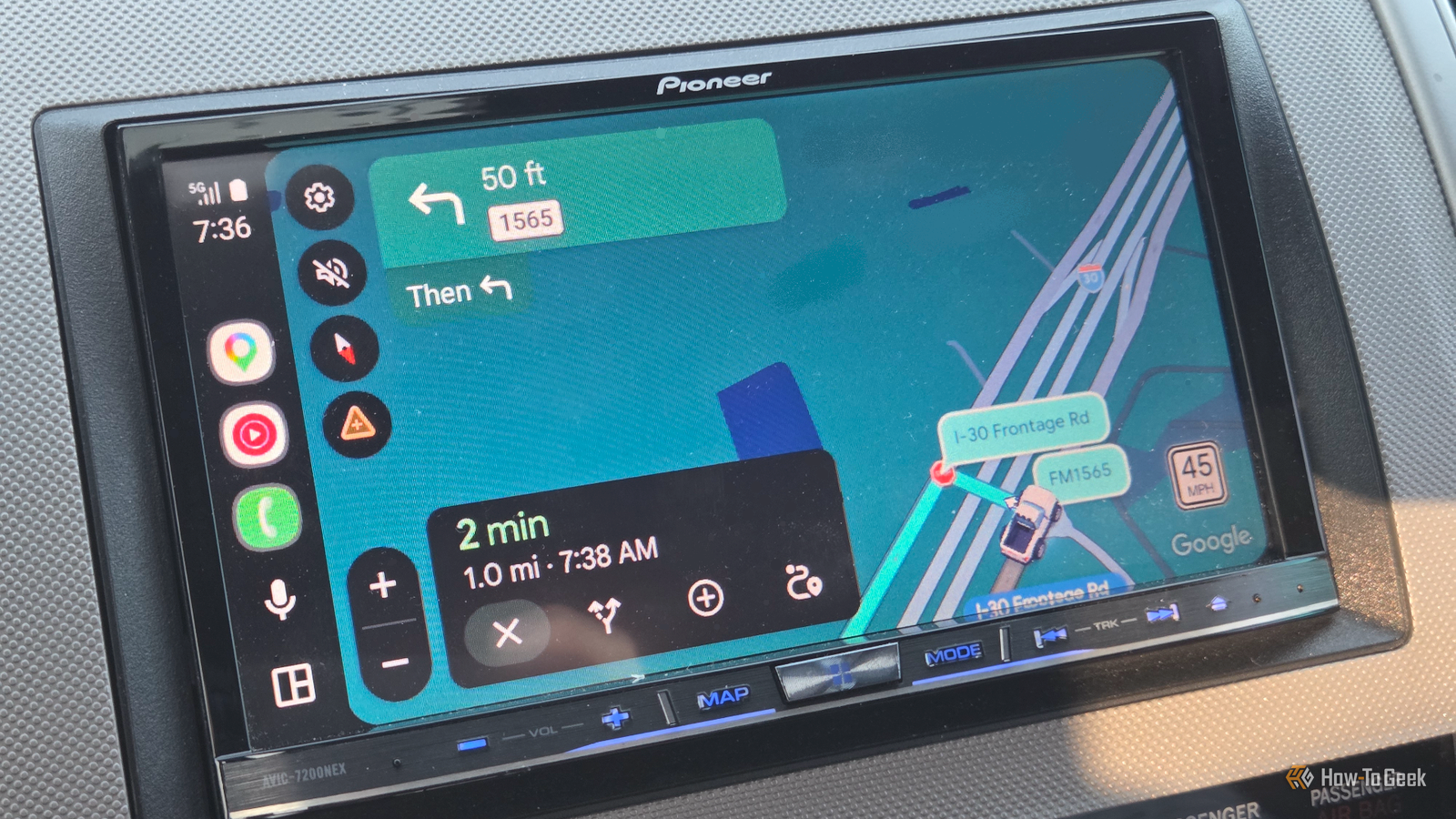
I love to drive.Driving is my safe place when I want to disconnect from the world for a while.No one asking me where something is, no one asking what’s for dinner, just me, my car, and whatever playlist I’ve decided to play for the hundredth time.
So, of course, I use Google Maps more than I’d like to admit.I thought I knew the app pretty well.Turns out, I was confidently using about 10% of it.
I stumbled across some of these features while sitting in my car waiting to pick up my kid after school.I had a few minutes to kill, opened Google Maps, and started poking around.One feature led to another, and I realized I know almost nothing about the app I use all the time.
You might find a few of these features hiding in there, too.Maps do the remembering Parked.Forgot.
Found it.Close Whenever I’m out, my brain is already running through a ridiculous checklist.How many groceries do I need? What time are the guests coming? Oh, right, I still need to pick up those candles.
And somewhere in between all that, I’m also supposed to remember where I parked? No, thank you.If I’ve spent 30 minutes shopping, the last thing I want is to spend another 10 finding my car.Google Maps can take care of that for me.
I tap the blue dot showing my location, then tap “Save parking.” Maps drops a parking marker right where I left my car.I generally add a note or photo if I’m in a massive parking lot.When I’m ready to leave, I just open Maps, tap the parking marker, and continue with my next assignment.
Honestly, I’m more than happy to let Maps handle this one.I got curious and started measuring Now I’m weirdly into it Close I actually found this one by accident.I was messing around in Google Maps and accidentally long-pressed on the map.
Instead of doing what I intended, it dropped a pin and showed me Measure distance.Wait, what? I knew Google Maps could do this on my PC, but I had no idea I could do it right from my Android phone.Now I can see myself using it for all those random questions that pop into my head.
How far is that restaurant from the movie theater? How far is the park from my kid’s school? Or even those moments when someone says, “It’s really close,” and I want proof.I just long-press an unlabeled spot on the map, tap Measure distance, move the map to my next point, and tap Add point.I can keep adding points to build a longer path, and Maps shows the total distance at the bottom.
I’m definitely using this on my Spain trip next week.Imagine all the random things I’ll end up measuring once I start! I made my own Maps list Because my “places to try” list needed help Close I used to go back and forth between Google Maps and my Google Keep notes.I’d save a restaurant I wanted to try in Maps, then write down another place in Keep, and somewhere in between, I’d have a random list of trips I wanted to take.
And, of course, six months later, I’d have no idea where I had saved half of them.Now I can keep all of that in one place with Google Maps lists.I can make a list of dessert places I want to try, places I want to take the kids, or even shops I keep meaning to visit.
When I find something interesting, I can save it straight to Google Maps using my custom lists.To create one, I open Google Maps, tap You at the bottom, tap New list, give it a funny name, and hit Create.Once I find a place I want to save, I tap Save and choose the list.
That’s it.I can even share my list with a friend, which means I can finally stop sending screenshots and random place names in WhatsApp and just send them the list instead.Before I leave, I ask Maps one thing “How bad is traffic?” Close My husband has a habit of texting me whenever I’m out: “What’s your ETA?” And honestly, I used to throw out a random number based on absolutely nothing.
Now I check Google Maps first.Traffic can turn a 20-minute drive into 35 minutes pretty quickly, so I’d rather check before replying than confidently give him a time I just made up.I tap the layers icon (the stacked squares) in Google Maps.
Under Map details, I select Traffic, and Maps shows me the traffic conditions directly on the map.Green means traffic is moving normally, yellow shows some slowdown, and red means it adds an extra 30 minutes.So even when I’m already running late for a party, I can quickly check what I’m dealing with before I hit the road — one less thing to guess about.
Related Google Maps’ new 3D Immersive View is so good I’m ditching Waze The biggest update in a decade is a good one.Posts 9 By Cory Gunther My next car wait might get interesting I was just waiting in my car to pick up my kid after school, but that wait just got worth it.I use Google Maps almost every time I drive, so discovering these little extras was a nice surprise.
The next time I’m sitting outside school waiting for my kid, I might do a little more poking around instead of scrolling through Instagram.Related 4 Google Maps tasks that are easier on a PC I'd never do these on my phone.Posts 1 By Sanya Shah
Read More