Linux is famously smaller and lighter than Windows, but that understates just how small Linux distros can really be.There are complete, general-purpose operating systems that only take up 200MB of storage—truly tiny by the standards of 2026.Practically useful operating systems are the ones that count Small should mean light on resources Close When searching for a tiny distro, I looked at four things: download size, installed size, idle RAM, and how much time it took to do "normal" things.
If I were only interested in the absolute smallest distro numerically, it is tough to beat Tiny Core Linux.The download is about 20MB, and the full desktop is 26MB.But Tiny Core Linux is a pretty niche tool.
Everything above and beyond the minimum requirements has to be added as an extension you select.The repository is also pretty small, which gives you fairly limited options.It isn't even necessarily persistent, either.
If you don't configure Tiny Core to write to your storage drive, everything you do will exist only in RAM and get wiped whenever you restart your PC.That doesn't make it useless.It is great I you have a specific, ultra-lightweight use case.
I can easily imagine building something like a small OS for a car head unit using it.However, it isn't a great general purpose distro—-it just requires too much work to use as a normal PC.Alpine Linux is a different story.
Apline Linux is a tiny OS that you can use as your daily driver It doesn't trade off too much practicality Alpine takes a more practical approach.The minirootfs file is about 3.5 MB, and the container image is only around 5 MB compressed.A headless installation uses only a few dozen MB of RAM when idling, while a usable desktop uses a few hundreds of MB, not the gigabytes we expect from Windows.
While the Standard and Extended ISOs are notably larger because they have more modules and firmware included, Alpine is still about an order of magnitude smaller than Ubuntu Server.Critically, you get a normal package manager (APK) with a pretty robust repo to pull from.It isn't as extensive as what you get while running Debian, but it is more than enough.
An independent distro built on musl, BusyBox, and OpenRC Alpine isn't a derivative of Debian or Arch.It started in 2005 as router and firewall firmware.At its core, it relies on musl libc rather than glibc, BusyBox for the userland, OpenRC for init, and the apk package manager.
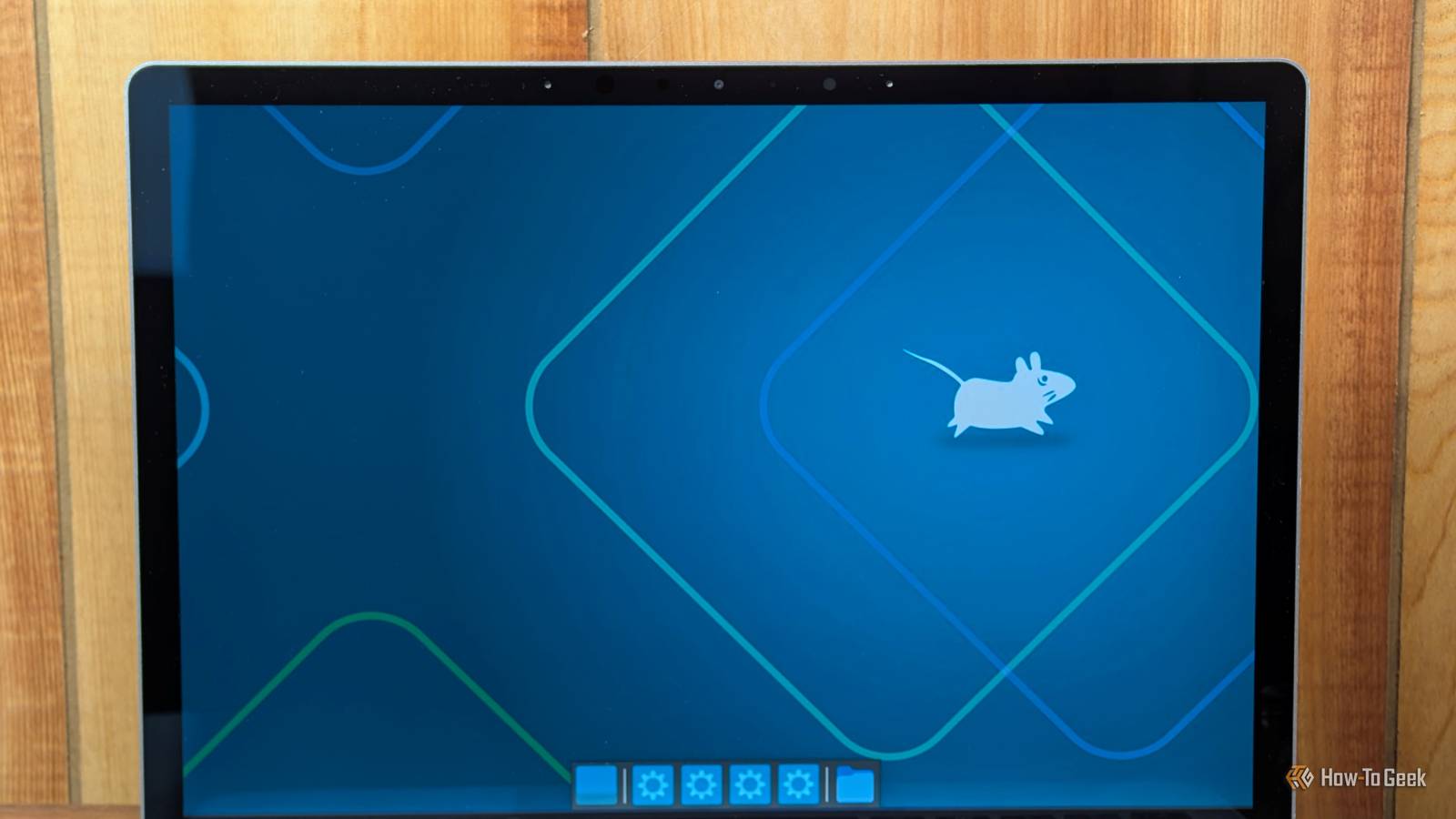
The main releases are supported for about two years, though you can use a bleeding-edge variant if you prefer a rolling release.Alpine supports nearly every major architecture out there, including x86_64, aarch64, riscv64, and loongarch64.You can run GNOME, KDE Plasma, Xfce, Sway, and even System76’s COSMIC if you want a modern desktop.
I'm partial to KDE Plasma or XFCE depending on the hardware I'm working with.Related KDE Plasma feels faster after you disable this one animation nobody needs Lots of KDE’s animations are superfluous resource hogs, but this one in particular has me reaching for the off switch.Posts 7 By Bobby Jack Alpine is a great distro by any standard Tiny, secure, and useable without the headache Close Alpine has become my go-to Linux distro for self-hosting services.
Security is a significant factor.By default, Alpine's attack surface is tiny—after all, a hacker can't exploit a vulnerability in a program if it isn't installed.It also attempts to protect itself by implementing things like stack-smashing protection (SSP) and a few other things.
Alpine is largely configured using plain-text configuration files and service scripts for OpenRC.They're purposefully designed to be approachable, and you don't need any esoteric Linux knowledge to understand what you're reading.The other advantage, as you might guess, is size.
I can run dozens of Alpine Linux containers or VMs and use as much storage and RAM as a handful of Ubuntu Server VMs.Musl is not glibc The biggest inconvenience I run into is compatibility issues with musl.Many apps, including many prebuilt binaries, like games, Electron apps, or proprietary drivers, you're using glibc (the C library found on most larger Linux distros.) There are a few ways to get around it, like gcompat or Flatpaks, but you will encounter some apps that just won't run.
In general, I haven't found it to be a significant problem.Getting Alpine Linux running Pick the right image Before you use Alpine, you need to pick the variant that works for you.Your hardware and use case will dictate which is appropriate for you.
Standard—For bare-metal installations with a network connection.Extended — Bundles more packages and runs from RAM; good for routers and similar devices Virtual — A cut-down kernel specifically for VMs.Raspberry Pi/Generic ARM — Dedicated images for Pi Zero through Pi 5.
minirootfs— For containers.Always verify that you downloaded a legitimate ISO.There are plenty of malicious fakes out there.
Install in ten minutes Like with any Linux distro, you first need to burn the ISO.Then, log in as root (which has no password by default) and run setup-alpine.It'll walk you through the entire thing, like selecting a keyboard, passwords, and your network settings.
When you reach the disk mode section, you can pick between three options: sys for a regular install, data for a system that lives on RAM but stores files permanently in the storage, or none for a setup that runs purely on RAM.I use sys for most of my setups, but I have a very old laptop that I configured as data because it only has a mechanical hard drive for storage.The other tiny Linux distros are situationally useful too Tiny Core Linux can be a better option when the is the primary point.
If you're working with something that only has 64MB of RAM, it is a good choice; otherwise, Alpine is often easier.Puppy Linux, another popular tiny Linux distro, is still small, but it moves in the other direction.The builds are larger, but you get a full desktop with hundreds of apps.
Alpine is the smallest Linux that is still an operating system in the ordinary sense.It provides a useful package manager, a typical support window, and a hrlpgul installer.If you only try one small distro in 2026, make it Alpine.
Your homelab's idle RAM use will thank you.
Read More