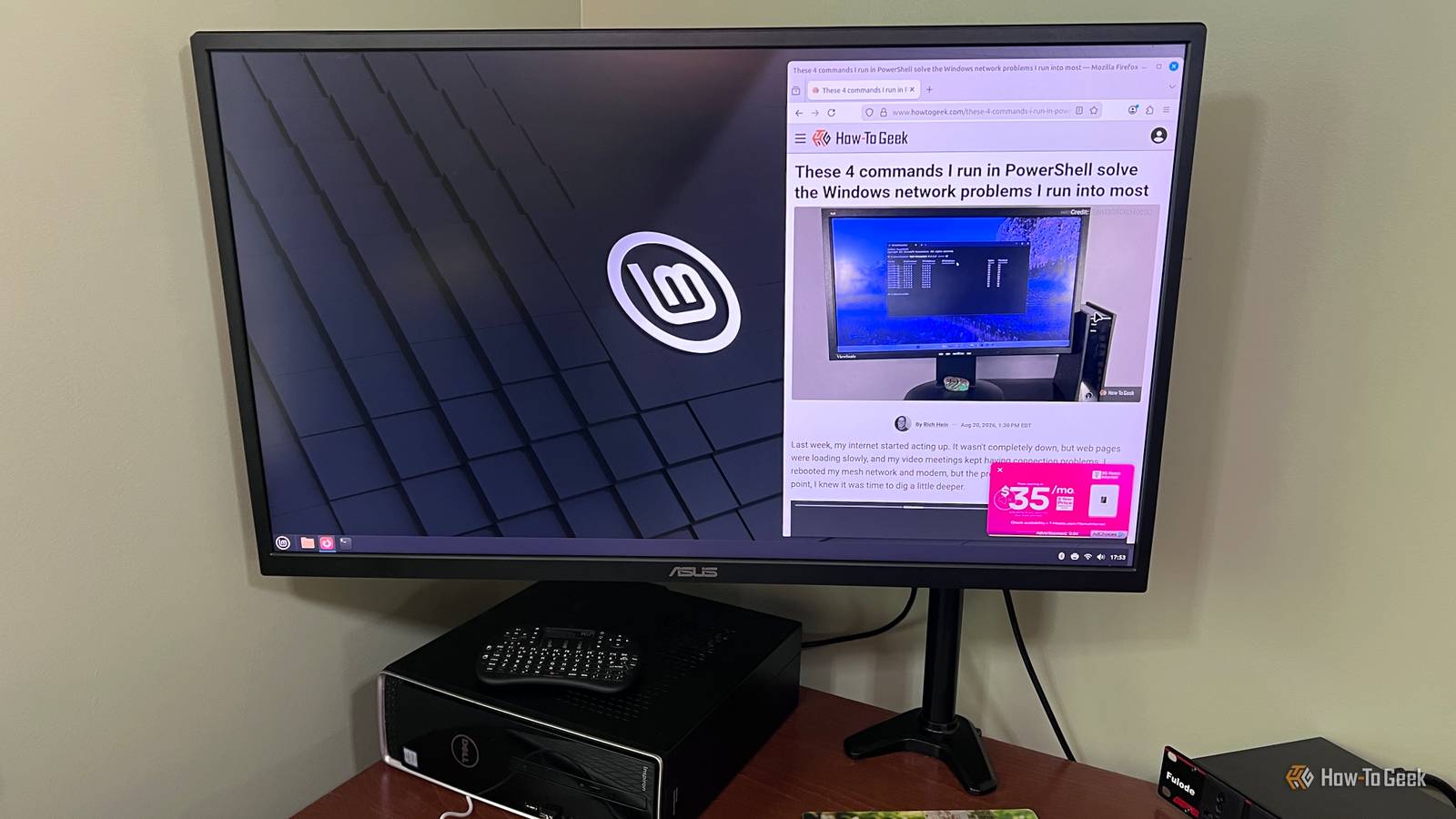
I've been using Linux more and more over the past year, and one of the things I've come to appreciate is how much choice it gives you.With Windows, you're largely working within the system Microsoft gives you.With Linux, if something doesn't work the way you want, there's probably another distro that handles it differently.
Linux Mint was my first choice when I started using Linux regularly.It was familiar, easy to get around, and didn't make me relearn everything at once.But after using it for a while, I started running into a few things I didn't care for.
That eventually pushed me to look at other distros and figure out what I actually wanted from Linux.I didn't outgrow Mint because I suddenly wanted a more complicated distro.I still wanted something easy to use and maintain.
The problem was Mint's approach to major upgrades.It worked, but it wasn't how I wanted to maintain a desktop PC long-term.Once I realized that, switching distros made more sense than trying to convince myself it didn't bother me.
Linux Mint was the distro that made Linux feel approachable I didn't have to relearn how to use my computer Close I've dual-booted a few versions of Linux over the years, but most of them still felt like something I had to learn before I could really use them.Linux Mint felt different.The desktop made sense right away.
Menus were where I expected them to be, and I could start using the system without spending the first few hours figuring out where everything had gone.Mint didn't feel like a project or an experiment I had to keep working at.It felt like a normal desktop operating system that just happened to be Linux.
Major upgrades became the one part of Mint I didn't enjoy I wanted to click through and move on Updating Linux Mint from day to day was never a problem.The regular updates were easy enough, and I never felt like maintaining the system was especially difficult.Major version upgrades were different.
They took more attention than I wanted to give something as basic as moving my desktop OS to the next release.I knew how to do it, so the issue wasn't that Mint's upgrade process was too difficult.I just didn't like how much attention a major upgrade could demand.
I wanted to click through an upgrade, let the system do its work, and get back to using the computer.Instead, it felt like something I needed to prepare for and keep an eye on.Mint was still perfectly usable.
I just started wondering whether another distro handled major upgrades in a way that suits me better.Related They promised Linux Mint could replace Windows—here's 3 ways it falls short The most beginner-friendly distro still expects you to stop thinking like a Windows user.Posts 74 By Dibakar Ghosh I wanted to move on from Mint without moving to something harder Zorin felt familiar without bringing the same upgrade friction Once I decided Mint's upgrade path wasn't for me, I didn't want to swing in the opposite direction and pick a distro that needed more attention just to keep running.
That brought me to Zorin OS.It's one of the best beginner-friendly distros I've used, mostly because it doesn't ask you to think like a Linux user right away.Features like its Windows App Support also make that transition easier if you still rely on some Windows software.
The more time I spent with Zorin, the less I thought about Mint.It gave me the familiar desktop experience I liked about Mint without making Linux feel like something I had to constantly manage.I may end up somewhere else eventually.
Bazzite is already on my radar because of its gaming focus.For now, though, Zorin is the distro I'm sticking with.Zorin OS made major upgrades feel like a normal desktop task The upgrade process works more like I expect it to This is where Zorin OS really won me over.
When a major version is available, the upgrade is handled through a graphical tool that walks me through the process.I don't have to treat it as a separate maintenance job, and I don't have to fall back on a clean install just to move to the next major release.It feels much closer to the way I'm used to upgrading Windows.
The system tells me an upgrade is available, I start it from the desktop, and Zorin handles most of the work from there.That's a noticeable difference from Mint, whose own documentation describes major upgrades as more complex and recommends a fresh installation if an upgrade isn't possible.For the way I use Linux, Zorin's approach makes a lot more sense.
Related I gave Ubuntu another chance, and now I'm tempted to leave Zorin OS behind Zorin OS helped me leave Windows behind, but Ubuntu's newer desktop, smarter workspaces, and endless customization have me rethinking my Linux home.Posts 15 By Rich Hein Zorin OS ended up being the better fit for me Linux Mint did exactly what I needed it to do when I first started using Linux more seriously.I just reached a point where one part of the experience kept bothering me enough to look elsewhere.
Zorin OS solved that problem without asking me to give up the simplicity that drew me to Mint in the first place, and for now, that's enough reason for me to stay with it.
Read More