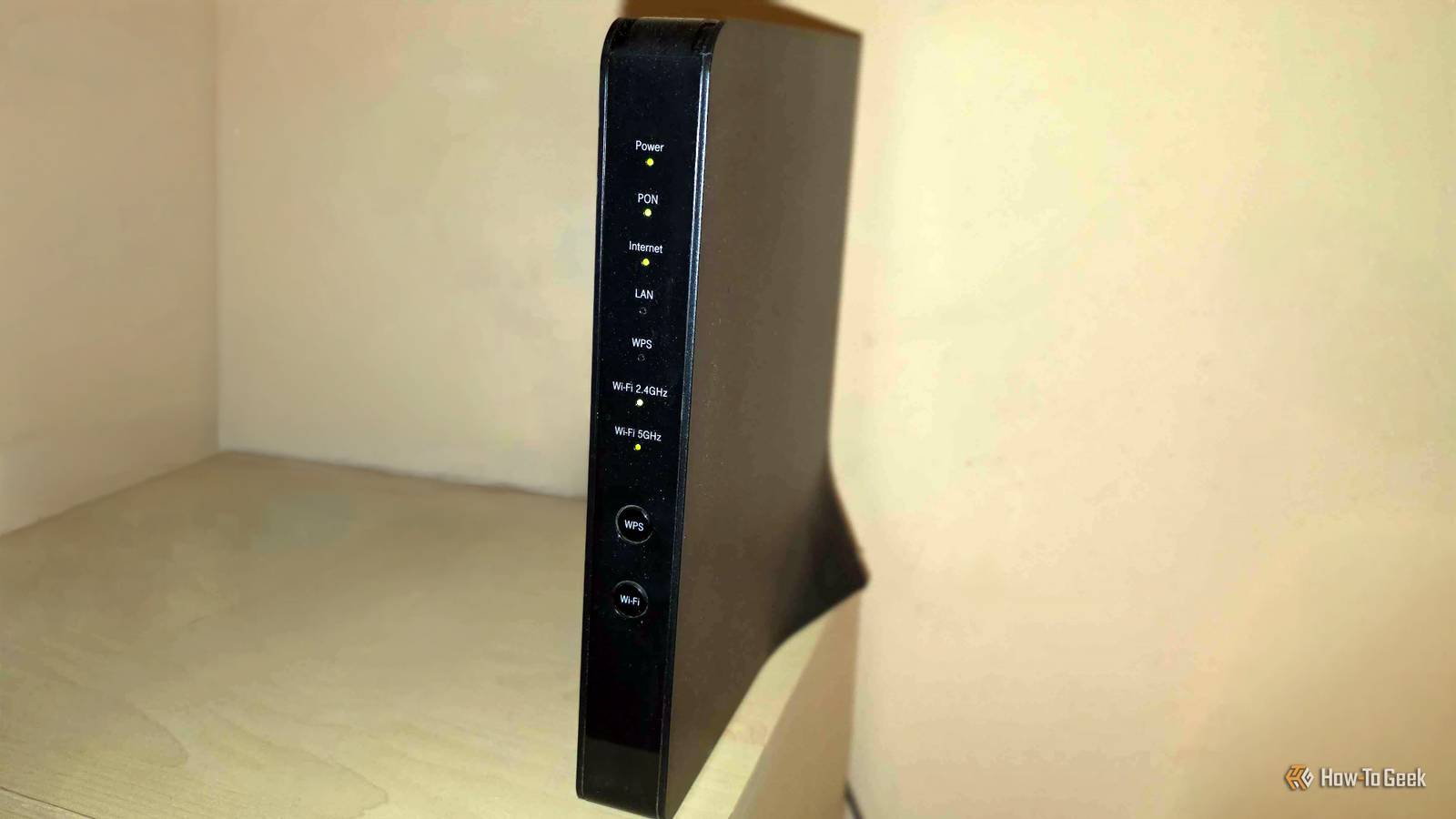
I used to let my router choose between 2.4GHz and 5GHz for every device in my house, but I realized I was leaving a ton of performance on the table.Once I took control by moving specific devices to the faster 5GHz lane, my streams and downloads finally stopped buffering.You don't need to move everything to 5GHz, though.
Here are the 6 devices that actually deserve it.Smart TVs and streaming boxes Your streams shouldn't be fighting a smart plug Close A single 4K stream doesn't require an extraordinary amount of bandwidth, but your smart TV needs that bandwidth to remain stable for hours at a time.When it shares the crowded 2.4GHz band with smart plugs, security cameras, speakers, and dozens of other low-bandwidth devices, you may see buffering, slower app loading, or sudden drops in picture quality.
Moving your TV or streaming box to 5GHz gives it access to higher speeds and more available channels.Smart TVs and streaming boxes are also ideal candidates because they're always (usually?) in the same place.It's not like you're going to cart your TV around the house on a regular basis.
It being static is good, because you can connect it to 5GHz, play a few high-res videos, and quickly find out whether the signal is strong enough where the TV sits.And if not? Ethernet is right there.TP-Link Dual-Band BE6500 Gaming Router $180 $220 Save $40 Supported standards 802.11.be, 802.11ac, 802.11ax, 802.11g, 802.11n If your router is pretty ancient by modern standards, it's time to upgrade.
This TP-Link option is dual-band, letting you do exactly what I'm talking about in this article.Speeds 6500 Megabits Per Second $180 at Amazon Expand Collapse Work laptops Video calls expose an unstable connection immediately Video calls don't use anywhere near as much bandwidth as game downloads or 4K streaming, but they're still extremely sensitive to an inconsistent connection.I'm sure you're well aware of that if your job has you attend Zoom calls regularly.
A momentary slowdown can slow your video, distort someone's voice, or introduce an awkward delay during a meeting.Nobody likes that awkward moment when nobody can hear you and their patience is wearing thin.The 5GHz band is generally less crowded than 2.4GHz, which can help your laptop maintain a smoother connection while handling calls or screen sharing.
This is especially useful if your laptop sits close to the router for most of your day.You may also have a Bluetooth mouse, keyboard, or headset competing for space around the 2.4GHz frequency, so 5GHz becomes an even more sensible choice.Related I thought my smart TV was slow, but it just needed this cheap cable A $15 cable brought my expensive TV back to life.
Posts 2 By Nick Lewis Phones and tablets used for cloud gaming Portable doesn't always mean low bandwidth If your phone or tablet is little more than a doomscrolling tool, it should be fine on 2.4GHz.But if you're doing cloud gaming, 5GHz makes a lot more sense.Services such as Xbox Cloud Gaming and GeForce Now continuously stream video to your device while sending your control inputs in the opposite direction, so even small latency spikes can cause blurry visuals, broken audio, and sluggish controls.
The challenge is that a phone is not like a TV; it's going to move around the house.Meanwhile, 5GHz has a shorter effective range than 2.4GHz.It may perform perfectly while you're gaming on the sofa near the router, then weaken once you move elsewhere.
Keep both bands available, but make sure your device connects to 5GHz whenever possible.Game consoles and gaming handhelds Downloads are only half the reason Modern games are hefty things.A 100GB download isn't unusual anymore, so putting your console on 5GHz can make those downloads significantly faster, assuming your internet plan and router have enough speed to offer.
It also keeps the console away from the congested 2.4GHz band, where smart home devices and older Wi-Fi hardware are locked in a constant battle for airtime.Online multiplayer games don't usually consume massive amounts of data, but they do depend on a stable connection with as few delays and retransmissions as possible.Ethernet is, of course, the best choice here, but if you're console gaming via Wi-Fi, go with 5GHz.
Gaming PCs and laptops Don't waste a modern Wi-Fi adapter on 2.4GHz Look, I'm always going to tell you that a desktop PC should be using Ethernet instead of Wi-Fi.But I know that some home layouts don't allow for that, so if your PC/laptop is stuck on Wi-Fi, please, at least move it to the 5GHz band.The narrower and more congested 2.4GHz band can become a bottleneck during most workloads PCs are usually occupied with.
Connecting through 5GHz lets a Wi-Fi 5, Wi-Fi 6, or Wi-Fi 7 adapter take advantage of higher speeds, wider channels, and a cleaner section of the wireless spectrum.Sounds great, right? Wireless VR headsets This is where 2.4GHz becomes a real bottleneck Wireless PC VR is one of the most demanding jobs you can give your home network.Your PC has to send a high-quality video stream to the headset with very little delay while continuously receiving tracking and controller data.
The limited bandwidth and heavy congestion of 2.4GHz can result in compression artifacts, stuttering, delayed movement, and brief connection drops that are far more distracting in VR than on a regular screen.The fast lane only works within range Moving high-bandwidth devices to 5GHz can free up 2.4GHz for distant smart home equipment.At the same time, it gives streaming, gaming, work, and VR hardware more room to operate.
It's a win-win, so it's definitely worth spending 10 minutes on the next time you're tired of Wi-Fi bottlenecks.UGREEN Cat 8 Ethernet Cable Brand UGREEN Wi-Fi bands aside, a lot of these devices will perform better with a good Ethernet cable.It's always worth considering.
$10 at Amazon Expand Collapse
Read More