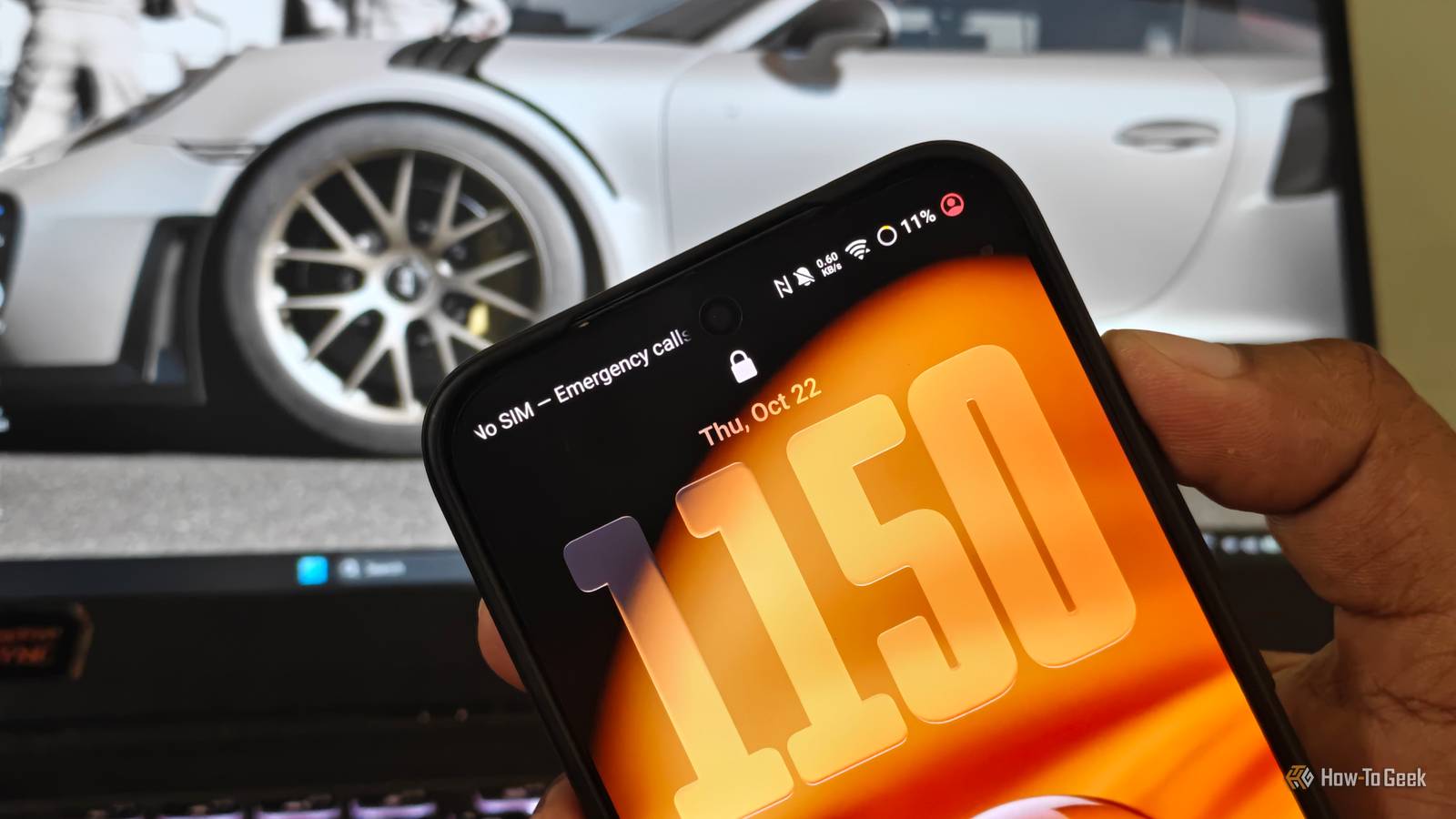
The HTC Dream (T-Mobile G1) was the world's first commercially available Android smartphone, released back in October 2008 with a modest 1,150 mAh battery.If you used it moderately for calls, emails, and occasional web browsing, you were lucky enough to get through the day.Fast-forward to today: my daily Android phone packs a massive 5000 mAh battery, almost five times bigger than the HTC Dream, and has an efficient 3nm processor.
Yet like millions of others, I still plug my phone in every night before bed.Over the past 18 years, battery capacity has nearly quintupled, memory has gotten faster, and silicon efficiency has broken theoretical records.In reality, modern smartphones illustrate a version of Jevons' paradox: every time technology makes an energy resource more efficient, our consumption increases to swallow the gains.
Here's why the multi-day flagship battery life is still an illusion.The display and screen time surge 5+ hours of daily usage cancels out LTPO panel efficiency We can't blame the hardware every time our phone dies before the day ends.Our reliance on these devices is part of the problem, too.
In 2008, an Android phone was a secondary pocket utility.You pulled it out to respond to a short SMS, check a basic mobile webpage, or make a voice call.Today, it serves as a mobile computer where we watch TV, handle payments, navigate maps, and more.
On average, smartphone users now log more than five hours of active screen-on time (SoT), with more than 100 phone unlocks a day.A 2026 study tracking university students found that they spent an average of 6.1 hours on their phones daily.This isn't passive standby.
Every time you wake your phone, you're waking up its large OLED screen, with a high refresh rate of 120Hz and peak brightness over 1000 nits in certain situations.Even with display-engineering efficiency, like LTPO (low-temperature polycrystalline oxide) OLED panels that dial the refresh rate down to as low as 1Hz, it doesn't mean much if we constantly interact with the device.As a result, increased screen use can offset some of the battery-life gains from larger batteries and more efficient displays.
Your phone is busy even when you're not using it Persistent wake-ups and location tracking deny deep idle states As I wrote in my earlier article, your Android phone pinging your location more than 500 times a day is another reason.Modern smartphones are packed with sensors, and most apps rely on aggressive, persistent synchronization in one direction or the other, increasing telemetry load.Food delivery, rideshare, and shopping apps poll device location APIs to provide real-time tracking and geofenced offers, while messaging apps, productivity suites, and social networks maintain push-channel connections to deliver notifications.
Each background wake-up can force CPU cores out of low-power idle states into active states.When dozens of apps trigger separate polling routines throughout the day, the cumulative power draw can quietly consume 15–25% of your battery in the background alone.Related Your Android phone is checking location 500+ times daily—here's how to stop it I dug into Android's Permission History and found apps pinging my GPS 500+ times a day.
Here is how I reclaimed two hours of battery life.Posts 16 By Vishwamoorthy Ramakrishnan The 5G network penalty Carrier aggregation and weak signal hunting spike modem power Cellular connectivity remains another silent battery drain.Modern 5G modems handle complex standalone (SA) and non-standalone (NSA) connections across multiple carrier-aggregated bands simultaneously.
While 5G delivers incredible peak download bandwidth, it can consume more power than 4G LTE under certain conditions.Furthermore, if you travel through or work in an area with fluctuating 5G coverage, your phone's cellular modem repeatedly increases its transmission power to hunt for and maintain a stable tower handshake.This can generate additional heat and drain the battery, even while your phone rests in your pocket.
Taking back control of your battery envelope Three actionable system toggles that curb daily drain Close While you cannot change the physical battery configuration of your device, a few deliberate software configurations can meaningfully curb excessive background power draw: Restrict background app drain: Open your device's settings, go to the battery menu, and review your phone's power consumption.Take note of apps that consume more power, then open their individual settings and switch to an optimized or restricted background power mode Plug the "while using the app" location loophole: Most apps rely on our phone's location in some way, but setting permissions to "Allow only while using the app" is a poor choice.While it may feel safe, cached social and shopping apps can keep pinging your precise location from temporary background states.
Setting this permission to "Ask every time" or "Don't allow" is safer and helps avoid unnecessary background battery drain.Drop back to stable LTE: If you work in an area with patchy 5G reception, go to Settings -> SIM settings and change the preferred network type to LTE/4G.This gives you reliable, stable internet without a major battery tradeoff, depending on your network conditions.
Related Stop charging your Android phone to 100% overnight—here's the setting that protects it Extend your Android phone's battery lifespan.Posts 4 By Vishwamoorthy Ramakrishnan Will bigger batteries finally deliver two-day battery life? Silicon-carbon anode batteries are taking center stage, and mainstream companies like Samsung and others are slowly adopting them.This tech pushes battery capacity past 6000 mAh comfortably without adding weight.
So manufacturers can easily add high capacity in a thin, light form factor.Technically, it sounds brilliant, but history suggests this headroom could quickly be consumed by brighter displays, more complex software, richer animations, and on-device AI tasks.
Read More