Recently, I finally took the plunge and signed up for a shiny gigabit plan, fully expecting my downloads to finish before I could even blink.Reader, they did not.For weeks, I sat there glaring at speed tests topping out at a sad fraction of what I was paying for, convinced my ISP was pulling a fast one on me.
Turns out the culprit was almost never the ISP.It was a parade of little gremlins hiding inside my own house, strangling my connection one wire and one ancient gadget at a time.Here's everything that was holding me back, so you can skip the months of frustration I went through.
That ancient Ethernet cable from 2009 Yes, the cable absolutely matters I assumed an Ethernet cable was just an Ethernet cable, but I was quite wrong about that.Much like other cables, there are old, slower versions and new, faster versions.If you plug your fast modem and router together with an old Cat5 cable, it limits every connected device to 100Mbps, no matter how good the rest of your gear is.
The fix is simple: anything Cat5e or higher will happily carry a full gigabit over a normal household run of up to 100 meters.And if you've ever rolled over a cable with your office chair or crushed it in a doorway, swap it out anyway.A damaged cable is one of the classic reasons a gigabit link can drop back to 100Mbps.
Grab some Cat6 and stop guessing.UGREEN Cat 8 Ethernet Cable Brand UGREEN There's no such thing as too many Ethernet cables.Well, maybe there is, but you should stock up on a couple of known-good options -- such as these Ugreen cables.
$10 at Amazon Expand Collapse My router was old enough to have grandkids Bless its heart, it just couldn't keep up I clung to my old router for way too long out of pure sentimentality.The thing is, a third-party router that's a few generations old may simply be incapable of pushing 1Gbps in the first place.A lot of the time, it's the router's CPU just not being fast enough to route traffic at that rate, which is why folks see their connection mysteriously cap out around 500Mbps.
If you're renting your router from your ISP, you're usually fine since it's basically guaranteed to handle whatever you're paying for.While you're at it, check that the firmware is up to date, because out-of-date router firmware is a known speed killer too.Related I upgraded to fiber and my Wi-Fi still lagged: How to find the hidden bottlenecks in your home network Your fiber internet is fast, but your home network probably isn't Posts By Monica J.
White The device I was testing on was part of the problem Sometimes it's not the network, it's you This one sucks because it means all my router-swapping fury was aimed at the wrong target.Even with everything else dialed in, a network card somewhere in the chain that maxes out at a gigabit (or worse) will cap whatever you're doing.To actually hit 1Gbps, every piece needs to support it, including the network adapter in the specific machine you're testing on.
So before you rage-quit and call your provider, take a clean speed test on a couple of different devices and compare against the plan you're paying for.If one machine flies and another crawls, then it's your tech that's the problem.I was relying on Wi-Fi for everything Convenient, sure, but predictable? Absolutely not I love Wi-Fi as much as the next person, but I had to accept a painful truth.
The speed in your contract is really only guaranteed between your house and the ISP, not at every random spot on your wireless network.The moment you add distance, walls, interference, and a pile of other devices into the mix, your gigabit connection starts feeling a lot less gigabit.Your gear has to match too, so make sure the device's adapter supports gigabit, that you're plugged into an actual gigabit port, and that the link is negotiated at full speed rather than settling lower.
But there are some devices that just shouldn't be on Wi-Fi, so get ready to wire up.My router was hidden away in a cabinet Out of sight, out of bandwidth I'm a tidy person, so, naturally, I'd stuffed my router into a cabinet where I couldn't see its ugly antennas.Big mistake.
A router broadcasts its signal outward in all directions, so it belongs as close to the physical center of your home as possible to spread coverage evenly.Shove it in a corner, hide it under furniture, or bury it behind a wall, and the signal degrades fast.The fixes are almost embarrassingly basic: elevate it off the floor, keep a clear line of sight, and keep it away from microwaves, cordless phones, and other electronics that throw interference.
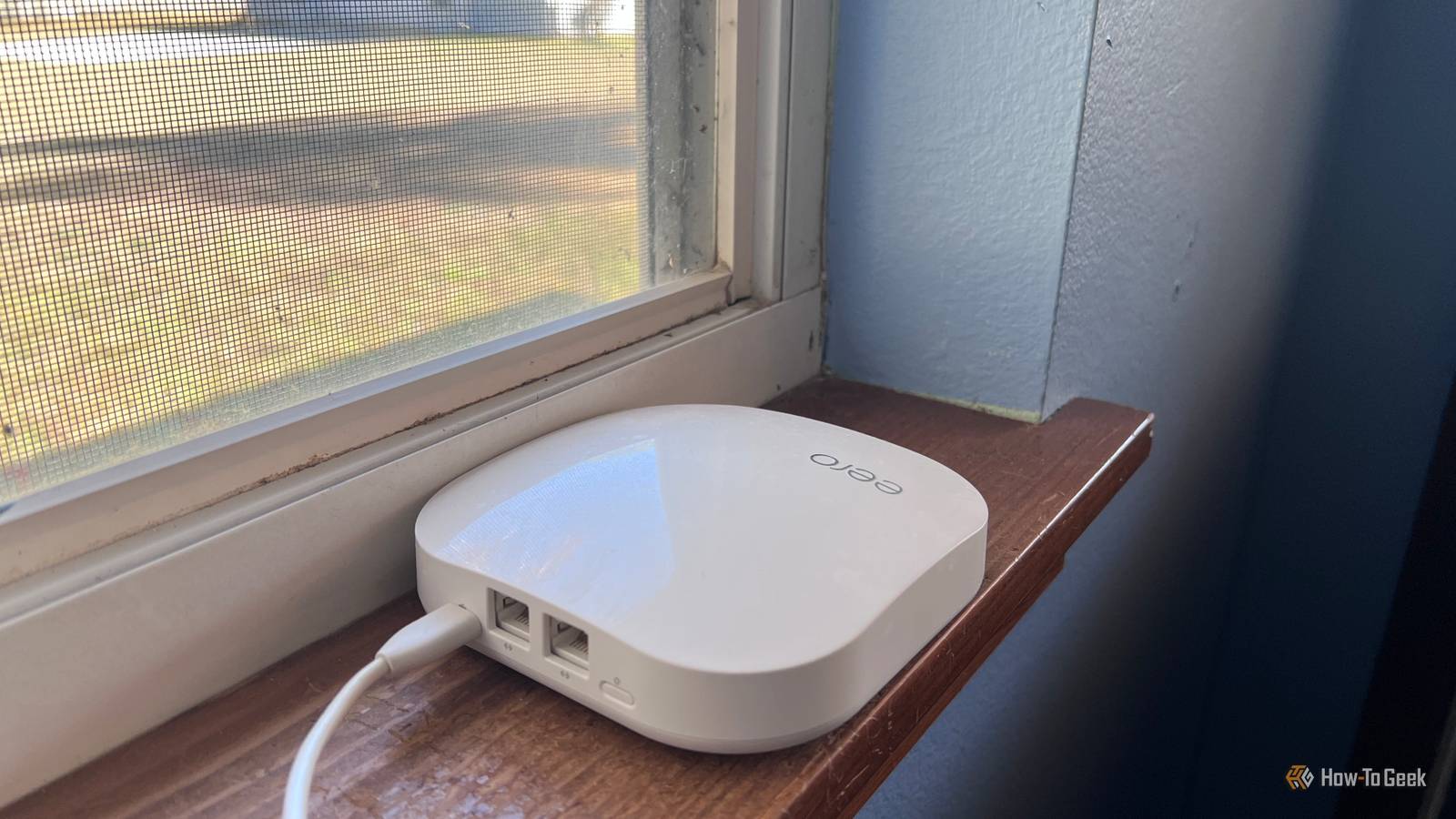
Moving it even a few feet can save you from endless connection woes.My mesh system was talking to itself Wireless backhaul is eating your speed When I added a mesh system to fix my dead zones, I accidentally introduced a brand new problem.It's totally normal for Wi-Fi speed to drop significantly with wireless backhaul, especially when there's a concrete floor or thick wall sitting between your mesh units.
The satellite nodes basically can't match the main node's speed when they're connected wirelessly.Deals Score networking deals: save on routers, switches, and cables Find deep discounts on networking essentials and accessories to fix slow home internet.Shop offers on Cat6 cables, gigabit switches, modern routers, mesh backhaul kits, and network adapters — practical savings to restore real-world speeds.
Deals Explore Storage & Networking Deals The good news is that wired backhaul fixes most of this by stripping out the retransmission overhead, letting nodes hold higher throughput and lower latency.If your mesh nodes support a wired backhaul, use it.It defeats a bit of the cordless magic, but your speeds will thank you.
A duplex mismatch I didn't even know existed The settings gremlin nobody warns you about This is the nerdiest entry, and it's the one that took me the longest to diagnose.When two devices connect, they negotiate speed and duplex, and if one side isn't auto-negotiating it defaults to half duplex, causing packet loss from collisions and a connection that limps along at 100Mbps.The fix is to enable auto-negotiation on both ends so the devices agree on the best possible settings, or manually force both sides to 1000Mbps full duplex if auto keeps failing.
It's tedious, but it works.Your network is only as fast as its weakest link If there's one thing I wish someone had told me at the start, it's that gigabit isn't a switch you flip and forget.The good news is that the causes are usually possible to identify and fix, ranging from cable issues to misconfigured settings, and once you sort them, you can restore and keep that high-speed connection.
Work through your gear one item at a time, fix the weak links, and that speed you're paying for will (eventually) show up.UniFi Dream Router 7 9 Brand Unifi Range 1,750 square feet Upgrading your old router can be one of the things that help you reach that coveted gigabit speed.Unifi's Dream Router 7 is a fantastic pick.
$295 at B&H Photo Video $279 at Unifi Expand Collapse
Read More