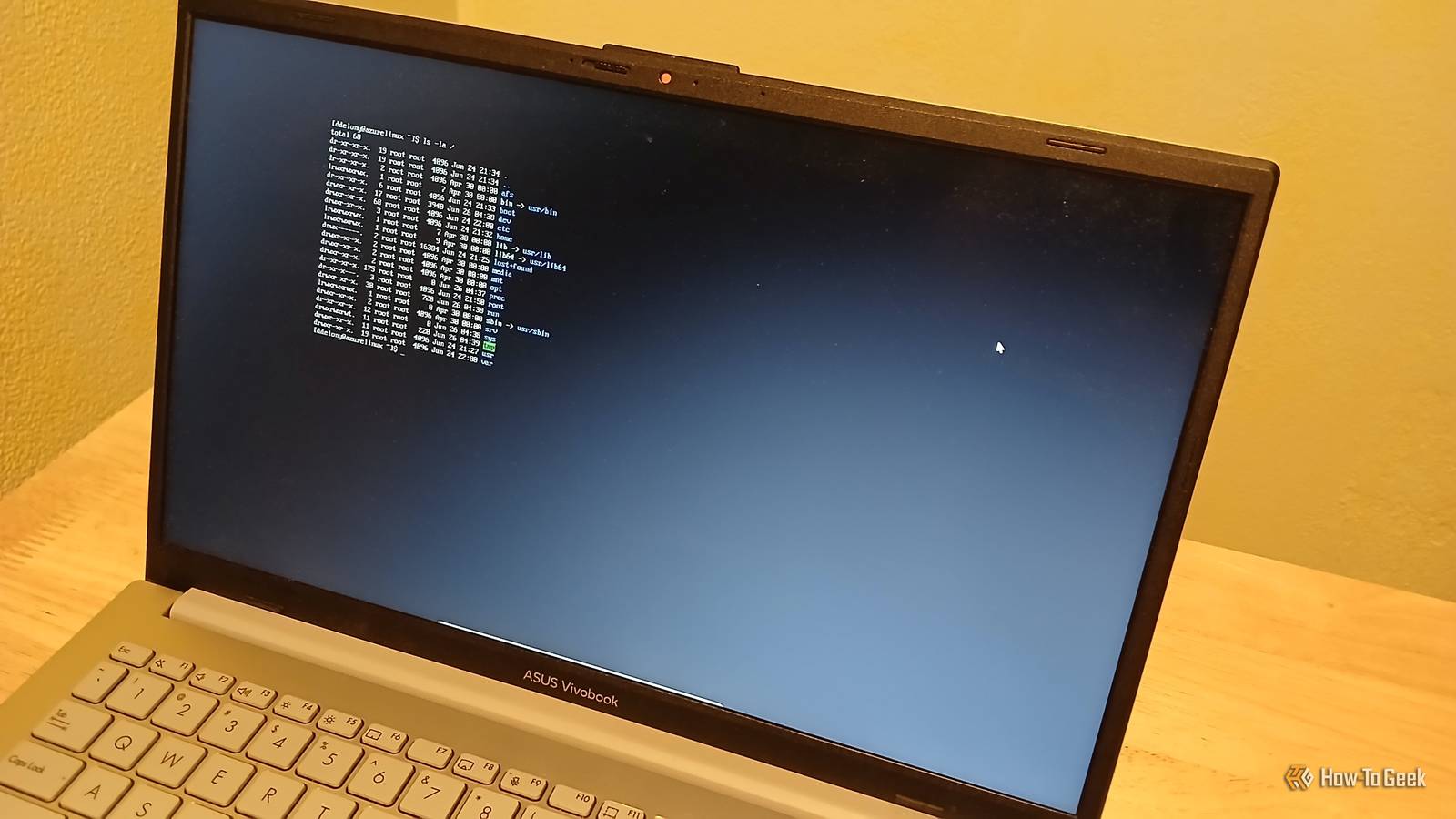
While modern Linux distros will come with a slick user interface, in the past, they tended to be basic affairs.Because Linux and Unix systems offer much more choice in how the interface is set up, there is a wide range of window managers available.Here are some classics that shaped the early days of the system.
They're obscure, but they shaped a lot of modern desktops like GNOME and KDE Plasma.twm One of the first window managers twm, alternately Tom's Window Manager (after its original developer, Tom LeStrange) or Tabbed Window Manager, was the first window manager for the X Window System.Graphical user interfaces were taking the computer world by storm through the Apple Macintosh or the fledgling Windows in the 1980s.
The X Window System was different.It didn't provide a full GUI with the standard desktop metaphor.X11 was a set of graphical primitives that would allow programmers to build interfaces out of a set of separate software components piecemeal.
Instead of a monolithic desktop, the interface would be built from a window manager to manage the placement of windows, a file manager to allow users to navigate through the directories, a program to set the desktop background, and so on.twm replaced the earlier uwm, or Ultrix Window Manager, developed by Digital Equipment Corporation for their Ultrix version of Unix, and which was donated to the project.uwm was so minimal that it didn't even draw decorations around windows.
twm did.It also allowed users to group windows with tabs, similar to modern tabbed browsing.While it's been surpassed by other window managers and desktop environments, it's still considered a reference window manager and is still actively maintained.
Fvwm A favorite of the early Linux era Close While Linux started gaining a following in the '90s, the GNOME and KDE desktops didn't exist.Graphics barely existed in the Linux world.The main graphics system by then was the X Window System, or X11.
While it was flexible, as mentioned earlier, it also had high system requirements for the era, as Marshall Brain wrote in in 1991.Even workstations had trouble running it at an acceptable speed.Since many users were programmers or otherwise technically sophisticated, plus the fact that many programs used the terminal exclusively, many early Linux users forewent X11 and simply used the text console, especially on cheaper PCs.
This was still the era of MS-DOS, so this would be hardly unusual among PC users.Fvwm was created by Robert Nation, who was working at a company that supplied electronic countermeasures to the U.S.military.
Wanting a low-cost system that could be used for signal analysis in the field, he hit upon Linux, as it could be installed on PC laptops.Nation modified Fvwm to add virtual desktops and reduce memory usage.These features made it popular on Linux installations.
It also featured the chiseled look similar to Windows and OS/2 at the time.Fvwm is still available as a lightweight option for modern Linux systems.Enlightenment A window manager with everything but the kitchen sink Enlightenment was founded in the late '90s by Carsten Haitzler.
By then, Linux was growing and making a buzz in the tech world, especially when it was a low-cost option for building web servers and other internet infrastructure.It had also usurped OS/2's position as the "alternative" environment on the PC.At the same time, PCs were powerful enough that low-end machines could run X comfortably.
Enlightenment was more ambitious than previous projects to implement window managers and desktop environments on Linux.While other systems were parsimonious, Enlightenment decided to add more features.At the time, Enlightenment was regarded as bloated for its features and system requirements, but it had a fervent fan base.
Over time, Enlightenment became, in fact if not in name, a full desktop environment.vtwm One of the first with virtual desktops Another offshoot of twm is vtwm.Like Fvwm, it was one of the first window managers to support virtual desktops.
This meant that one single screen could be divided into multiple desktops and could be switched at will.This helped people on PCs, which had smaller monitors than workstations at the time, to make better use of their screen space.This feature became ubiquitous on Unix-like systems and even made its way into modern versions of Windows.
But it was the introduction of an "icon manager" to call up minimized or "iconified" applications, similar to the Windows taskbar today, that also influenced modern desktops.VTWM and the other window managers in the "TWM" family carry on because even beyond the modern "lightweight" desktops, these window managers offer even less resource usage.They have a retro appeal for anyone who came up in that era of computing.
It's not hard to see why they've held on despite the ubiquity of modern desktops in the Linux world.Window Maker NeXTSTEP was an innovative operating system when it debuted in the late '80s, and we could expect nothing less from a company headed by Steve Jobs.While NeXTSTEP won praise for its elegant feature set and development environment, it was never a commercial success, even as it shaped the future direction of macOS and even the iPhone and iPad when NeXT was acquired by Apple.
The aesthetics of the NeXT hardware and software also made an impression, even far outside the NeXT orbit.Window Maker is a good example.It's a clone of the original NeXTSTEP interface.
If you've ever used a modern Mac, it will look familiar.There's a Dock for frequently-used apps.It established the trend of other Linux desktops drawing influence from other systems, either for looks or to ease people coming from other platforms into it.
Linux desktop features are older than you think A lot of modern Linux desktop features like virtual desktops had to start somewhere.The great thing about Linux is how decoupled the desktop is from the underlying system.It makes it easy for developers to experiment, and open-source code lets others build on these concepts to spread the ideas that work.
Your modern Linux desktop owes a lot to these occasionally awkward experiments.
Read More