I was tired of Amazon getting all of my audiobook listening history (and money), so I knew there had to be a better way.Taking an old Raspberry Pi I had lying around and installing Audiobookshelf on it was just the ticket to building the private audiobook server I had always wanted.Audiobookshelf is the Plex of audiobooks Audible who? In 2025, I really started getting into audiobooks.
The only problem is that Audible is too expensive to keep paying for, especially when it's so easy to find other places to get audiobooks from.Audible also didn't really offer a discount on new audiobooks, and I'd rather buy those directly from the publisher.So, I set out looking for a way to replicate the Audible listening experience but at home.
I tried Plex, but the audiobook experience was quite lackluster.That's when I found Audiobookshelf, which, to me, is the Plex of audiobooks.Audiobookshelf handles everything you need with your audiobook collection.
It primarily supports MP3 or M4B files, but you can also upload Opus, M4A, FLAC, AAC, and many other formats.Normally though you'll use MP3 or M4B.Supporting such a wide range of formats is part of Audiobookshelf's superpower, though.
You can either download an audiobook from a non-DRM provider, purchase an audiobook from a DRM-free seller, or rip your own and Audiobookshelf will likely be able to parse and play it.There's a built-in tool to convert any audiobook to an M4B file though, if you prefer that.I do that myself to keep the library neat and tidy and to cut down on having hundreds of MP3 files on my disk.
It's just simpler that way for me.Not only does Audiobookshelf handle playing back your audiobooks, but it also handles all of the metadata.You can have it attempt to tag a book on upload, or you can manually tag it afterward.
I normally have it auto-tag the book on upload and then manually verify it's the proper one.It also supports overwriting chapters by pulling the chapter list from Audible, which works extremely well for me.I'd say about 98% of the time it's able to pull chapters and timestamps properly for any book I have on my server, old or new.
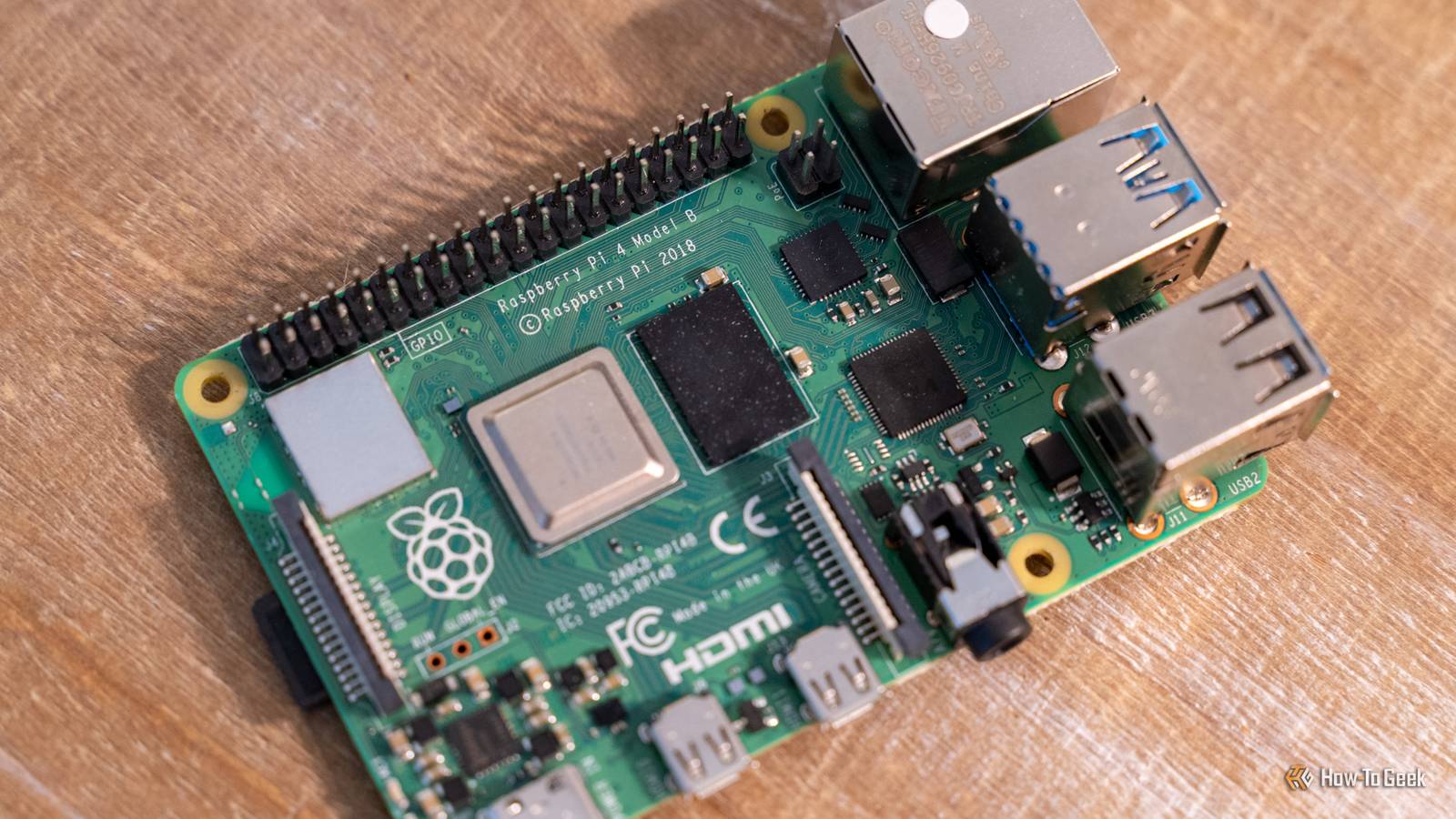
You don't need a ton of horsepower to run Audiobookshelf Just about any Raspberry Pi will do The great part about Audiobookshelf is it's typically just doing direct play of the files from your server on your device.There might be a few rare instances where it needs to transcode, but if you aim to keep your library MP3 or M4B files, then they'll play directly.Because of the direct play nature of audiobooks (and the light work that transcoding is compared to transcoding a video file), you can run Audiobookshelf on any Raspberry Pi.
If you want to be prepared for transcoding, I'd stick to a Pi 4 or newer.However, if your library is direct play only, then any Pi will do.I ran my Audiobookshelf library on my Pi 3 B for quite a long time, and it ran flawlessly.
Audiobooks are notoriously easier to stream because they have a much lower bitrate than movies, so even the 10/100 Ethernet port of an older Pi 3 B can keep up without breaking a sweat.Plus, audiobooks take up far less disk space than movies, so the SD card in my Pi easily held hundreds of audiobooks without filling up.You don't have to pay to access your content remotely It just takes a little bit of setup One place where Plex really has taken a turn for the worse is accessing your library outside of your network.
If you want to listen to audiobooks both at home and on-the-go, then Audiobookshelf can handle that task without charging you a dime.Audiobookshelf itself acts as the authoritative server for your audiobook progress.Any audiobook you listen to, on any app that supports Audiobookshelf, will report listening progress back to the main server.
This was crucial for me, as it allows me to start listening to an audiobook on my phone in the car, then pick it up on my computer in the house, and transfer to my iPad before bed—all without losing a single second of where I last listened.The only catch is you have to set up external access yourself.While Plex handles it all for you, Audiobookshelf requires you to run a reverse proxy, Cloudflare Tunnel, or Tailscale to access it when you're not at home.
Of course, a traditional VPN would also work.However, this does require a bit of setup.Right now, I run my Audiobookshelf behind a reverse proxy so I can access it outside of my home, and it works flawlessly.
Raspberry Pi 4 Model B Brand Raspberry Pi CPU Cortex-A72 (ARM v8) Memory 2 GB With the Raspberry Pi 4 Model B, you can create all kinds of fun projects, and upgrade gadgets around your home.Alternatively, install a full desktop OS and use it like a regular computer.$38 at CanaKit $97 at Amazon Expand Collapse Audiobookshelf gave me the audiobook freedom I had been searching for Not only does Audiobookshelf allow me to source audiobooks from wherever I want, but it also keeps my listening history private.
Amazon can't snoop on what audiobooks I'm listening to anymore—only I have access to that data and information.So, if you've been looking for an excuse to break that Raspberry Pi out of a drawer and put it to use, spin up Audiobookshelf on it.You'll regain your audiobook privacy, learn a new skill or two, and set up a useful tool along the way.
Read More