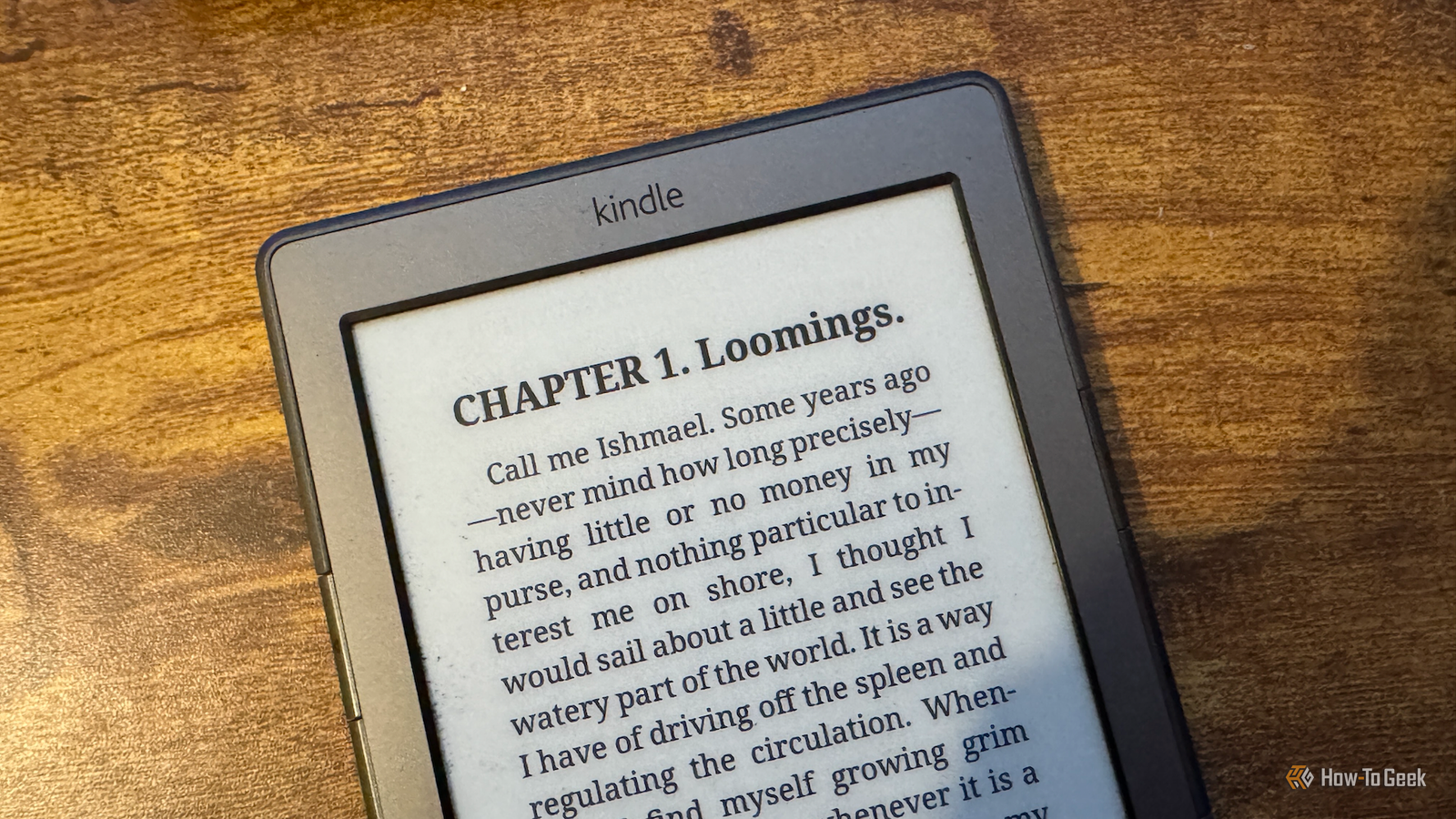
I've used my Kindle for many years.Until recently, I was still using Amazon's Kindle ecosystem for buying and uploading books to my Kindle.I finally decided to cut ties with Amazon, and doing so was easier than I expected.
Why I finally dumped the Kindle ecosystem Amazon forced my hand I'm a big fan of physical books, and I much prefer reading a real book to reading something on my Kindle.The Kindle offers serious convenience, however.If I'm going on vacation, I don't have to pack 12 heavy books; I can upload them all to my Kindle and read them on that instead.
Until recently, I'd used my Kindle as the manufacturer intended, buying books through Amazon or uploading them to my Kindle using the Send to Kindle feature.It worked fine, although there was always the niggling issue of Amazon's poor privacy record.I'd always been tempted to try jailbreaking my Kindle, but not enough to actually get around to doing it.
It was Amazon that finally gave me the push I needed.When the company announced that my ancient Kindle 4 would no longer receive support and would lose features I used, such as the ability to purchase books or use Send to Kindle, I realized that it was time to say goodbye to Amazon.Amazon Kindle (2024) Storage 16GB Screen Size 6-inches Even in the budget department, the Amazon Kindle is a stellar value, from its light and compact design, to its adjustable front light and 6-inch display.
$130 at Amazon Expand Collapse The jailbreak was the hard part My ancient hardware didn't make life easy Despite its age, I didn't want to retire my Kindle just yet.I decided to see if I could jailbreak it and escape the Kindle ecosystem by replacing it with something else.The problem was that because my Kindle is so old, there have been a ton of Kindle models released since I bought it.
This means that there are multiple jailbreaking methods out there, and not every method works for every Kindle.It took me several attempts to jailbreak my Kindle, as the instructions I was following were aiming to cover a range of models and weren't specific to my device.This meant that I hit a few dead ends and had to completely factory reset my Kindle at one point.
I also made the fatal error of leaving the Kindle's Wi-Fi turned on, which meant that Amazon immediately locked me out of the app launcher, so I had to start the process all over again.If you're trying this yourself, leave Wi-Fi off in the Kindle settings.You can safely turn it on from within specific apps once they're installed.
Related How I replaced Audible with a self-hosted alternative Who needs Audible when you have your own server? Posts 1 By Patrick Campanale KOReader replaces the Kindle interface completely It does a lot more than what Amazon offered Having managed to jailbreak the device, everything else was a breeze in comparison.I installed the Kindle Unified Application Launcher (KUAL) software, which gives you a simple menu system for accessing and launching custom apps and extensions.I then installed the KOReader app, which you can use in place of the native Kindle reading interface.
Once this was done, I was truly free from Amazon.KOReader allows you to read eBooks on your Kindle and is packed with features, many of which are superior to the native Kindle tools.For example, you can set custom font weights, have complete control over the word and line spacing, and even set the exact width of your margins on all four sides.
Reading PDFs in KOReader is also so much better; the software can even transform a PDF file into a readable book-style format.Other features, such as the time-to-finish stats based on your historical reading speed, are also more accurate than they were using the standard Kindle software.There are thousands of free books available You can also use your Calibre library The reading experience was already an improvement on Amazon's software, but the biggest feature I needed to replace was accessing books.
I could no longer browse, buy, and download books from Amazon, so I needed an alternative option.Thankfully, there's one built directly into KOReader.Using the Open Publication Distribution System (OPDS) feature in KOReader, you can access free digital libraries from sources such as Project Gutenberg and ManyBooks.
You can browse these catalogs for public domain titles and download them directly to your Kindle, with a huge number of books to choose from.You can also connect KOReader to a Calibre server and access your local collection of eBooks.I already had a library of eBooks in Calibre, and I can download books from my collection and read them directly in KOReader without having to connect my Kindle to a computer.
I don't miss the Kindle ecosystem Since I said goodbye to Amazon, I can honestly say that I haven't missed the native Kindle experience one bit.KOReader gives me more options, and I can access books I want to read from free libraries or from Calibre.Jailbreaking allows me to do even more, too; I've even managed to turn my fingers into a wireless page turner for my Kindle.
Read More