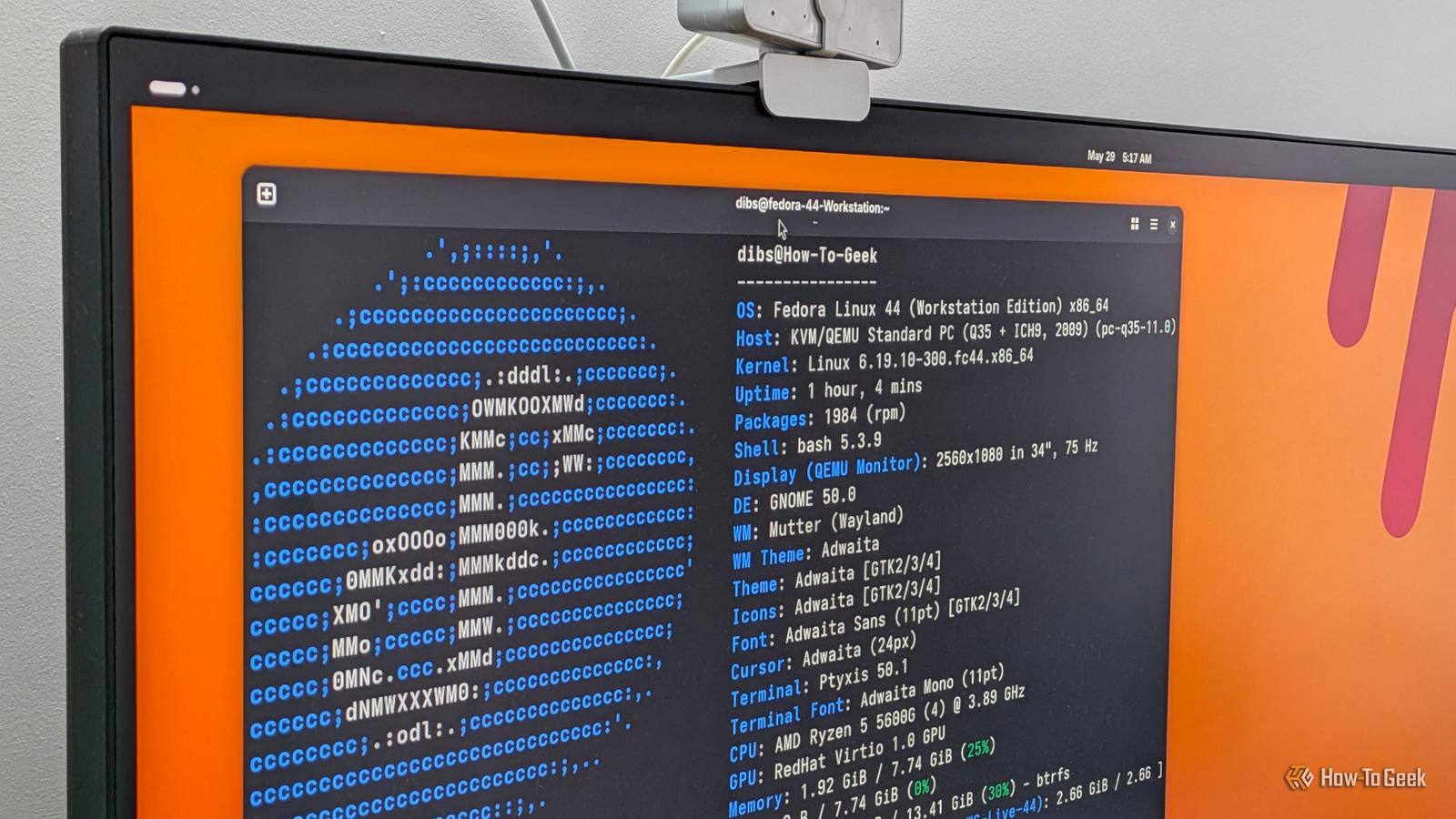
For most of my computing life, Debian and Ubuntu have been my go-to Linux distros.That will likely stay the same, even as Fedora gains traction, likely because I'm not ready to uproot my life into a new distro.If I did have to start over, I'd look closely at Fedora, and here are the reasons why.
Regular release schedule A new version every six months One thing I appreciate about Fedora is that new releases come out around every six months.Ubuntu releases a new version in a similar timeframe, but most of these are "non-LTS." Canonical intends the "Long Term Support," or LTS, as the main releases, and these come out every two years in the spring.The other releases seem to be public betas to me.
That's why I generally stick with the LTS releases for systems I rely on, including in WSL.Debian, which Ubuntu is based on, takes even longer between releases.Releases for the stable version seem to come out when the developers feel they're ready, though generally several years pass.
If you want newer software, you can switch to the "testing" or "unstable" versions, and these seem to be popular among Debian power users.Arch Linux is the other extreme as a rolling release distro.This means that instead of distinct version numbers, new versions of packages are added as they become available.
Since Fedora comes out every six months, you get a release schedule you can rely on.Different versions You can probably get Fedora with your favorite desktop Close The nice thing about Linux distributions is that you don't have to take them as they come, including Fedora.If you want a different desktop, you can just install it and switch.
Fedora seems to recognize this, and offers a lot of different versions for download from the website.You can choose the standard GNOME desktop, or you can use KDE Plasma if that's what you prefer.You can also install a version with Xfce.
That happens to be my favorite desktop, so I went with the "spin" that includes it for this article.Since it's easy to switch desktops on Linux, the different versions are more of a convenience, since it saves time downloading and installing a different desktop.I could easily install it myself in the regular version, but then I would have GNOME taking up space.
This way, I can jump right into my favorite desktop.I really like the choice Fedora gives you.If I wanted to go back to the 2000s, I can install a version with Compiz in all its 3D goofiness (wobbly windows, anyone?).
There are also special versions for astronomy, general science, and Python.It seems that if it exists, there's a version of Fedora for that.And that's before getting into all of the distros that are based on Fedora.
Fedora is noncommercial Making decisions for the good of the community One reason that Debian is one of my go-to distros, even as I still use Ubuntu, which is based on it, is that Debian is a community project.Debian's decisions are made by the community.They'll pose major changes in policy to their community via mailing list polls.
This is in contrast to commercial developers like Canonical who will make changes by fiat.While Fedora is sponsored by Red Hat and serves as the basis for Red Hat Enterprise Linux, the project is governed as a community project.It's organized under the umbrella of the Fedora Project.
According to the Fedora Project website, decisions are made by consensus, described as "with a focus on giving voice rather than on balance of power." Package management Simple updating without Snaps Package management is something that's routine in Linux, but if you remember the bad old days where you had to download and compile programs from source and do the same thing for the libraries and programs your program depended on, you'll appreciate how much of a help a package manager is.The idea is so good that Windows has it.While rpm was Red Hat's original package manager, the current one popular across the Red Hat ecosystem is DNF.
Unlike in Ubuntu, there's only one package manager.You don't have to bother with Snaps, though you could install Flatpak to manage popular desktop apps instead.At the command line, the dnf client is the main tool for managing packages.
It's similar to using apt on Ubuntu or Debian.For example, to install a package: sudo dnf install package And to remove it: sudo dnf remove package To update all of the packages on a system: sudo dnf upgrade I like how this combines updating the available package list and updating the packages into one command.On a Debian or Ubuntu system, I have to use two commands: sudo apt update sudo apt upgrade Explicit developer orientation And the desktop of a big name in Linux In contrast to other distros that try to be all things to all people, Fedora is mainly a project by developers and for developers.
Or at least that's how it's been for most of its existence.It seems to be attracting more defectors from Ubuntu because of some of the distro's controversial decisions, including Snap packages.Fedora has been a popular choice among Linux developers, and it's the daily driver of one developer in particular: Linus Torvalds, the creator of the Linux kernel.
The fast release cadence, preference for open-source software, and Fedora's flexibility are all reasons that Fedora is a favorite among developers.Why Fedora has such loyal users While I probably won't be switching to Fedora as my main distro any time soon, if I had to pick a Linux distro from scratch, Fedora would be one of my top picks for a desktop machine.It's timely, easy to update, and popular with developers.
It's not hard to see why it has such a loyal following among Linux users.
Read More