Your DNS server may log every website you visit, and if you've never configured a privacy-respecting one, you're likely exposing your activity online.It's not a technical issue but a legal one.I'll go over which services I trust and why.
Everyone who uses the internet relies on the domain name system (DNS), which turns domains (example.com) into IP addresses (8.8.8.8), allowing computers to communicate.These are configurable, but people often stick with the default-provided ISP services, which may collect data.Everyone should opt for a privacy-respecting DNS service, and I believe both Quad9 and Mullvad provide the most privacy you can find.
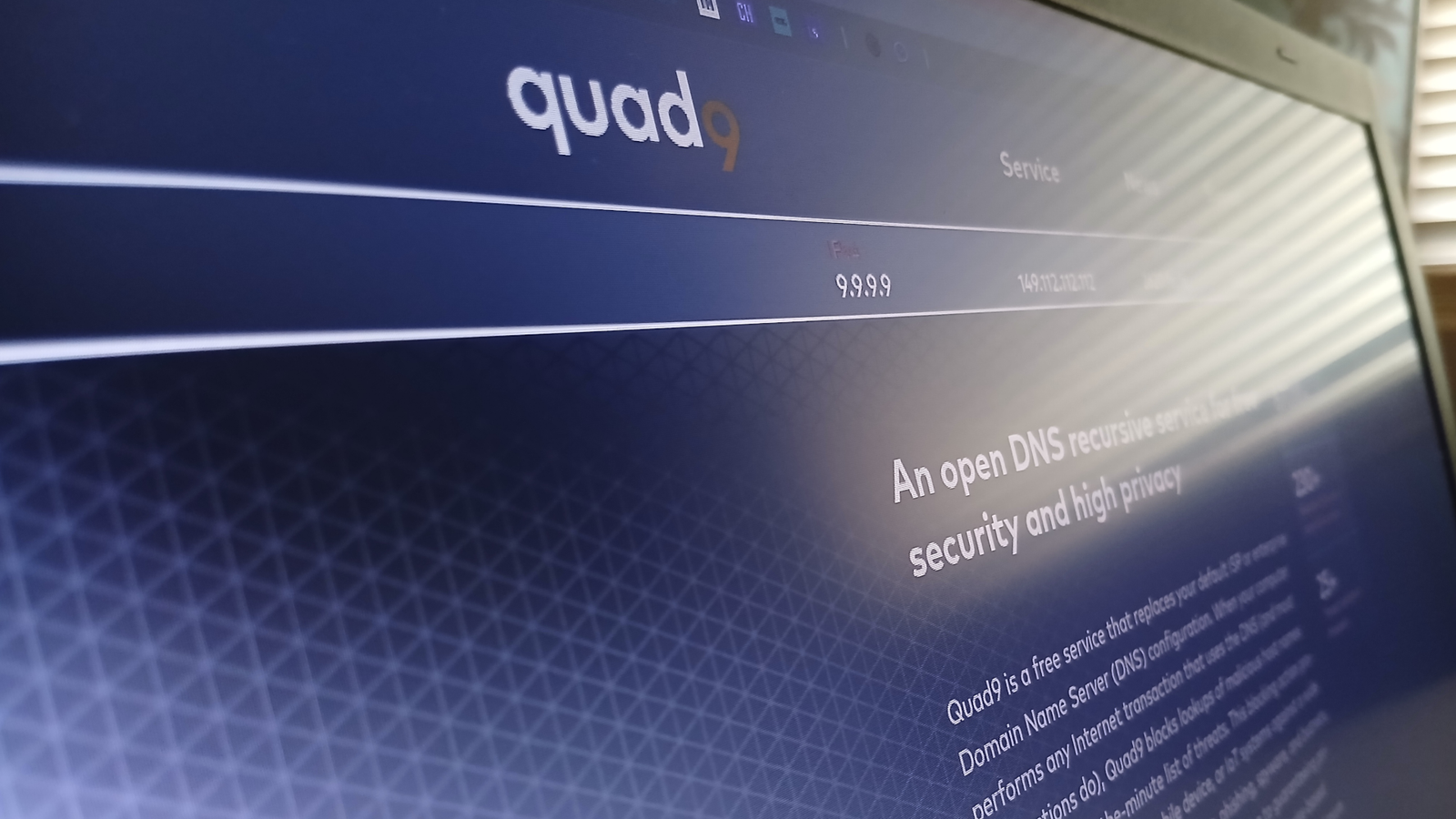
With a legal system that permits log-free services, technology that combats snoopers, and a transparent commitment to privacy, they tick all the right boxes.I trust them absolutely.Quad9 A trustworthy, public-benefit, non-profit organization Quad9 is a public-benefit, non-profit foundation based in Switzerland that focuses only on providing private, security-enhanced DNS services.
In short: they're the good guys.Quad9's privacy stance Privacy is a foundational pillar rooted in their core service.In their policy, Quad9 transparently states that they don't collect personally identifiable information (PII) of any kind, as legally defined in US, EU, and Swiss law.
Quad9 does not log IP addresses or perform fingerprinting.They don't buy, sell, or correlate data (only sharing threat intelligence).They follow DNS privacy recommendations closely, which are strict on data collection, sharing, and technology use.
In addition, under Swiss law, they're not compelled to gather data or perform KYC (Know Your Customer.) Any data requests fail because they have nothing to give.They comply with strict local privacy laws and, for EU users, the GDPR too.Here's a summary of why I trust Quad9: No PII collection: Including IP addresses and lots more Altruistic: A nonprofit, public-benefit organization with no commercial incentive, serving the greater good Transparent: Professional, honest, and follows standard recommendations Related Why your DNS traffic is a privacy leak and how to fix it once and for all One protocol betrays your entire browsing history.
Once you fix it, you'll never feel safe without it again.Posts By Graeme Peacock Quad9's DNS offerings Quad9 offers a comprehensive suite of DNS services: Normal DNS: Most people use this because it's the default, but it's also unencrypted.DNS over HTTPS (DoH): Encrypted and the simplest to configure DNS over TLS (DoT): Encrypted but more difficult to set up than DoH DNSCrypt: My favorite, which protects queries even further using anonymous relays If you're serious about privacy, I strongly recommend encryption because it scrambles the packets that traverse the internet, keeping your activity hidden.
If you're not comfortable setting that up, using "DoH" is merely a simple tweak in your OS or browser's settings.Quiz8 Questions · Test Your KnowledgeDNS servers & how the internet finds its wayTrivia challengeFrom 8.8.8.8 to how your browser finds cat videos — find out how much you really know about DNS.DNS BasicsIP AddressesSecurityProvidersHistoryBegin01 / 8DNS BasicsWhat does DNS stand for?ADigital Network SecurityBDomain Name SystemCDistributed Node ServiceDDynamic Naming StandardCorrect! DNS stands for Domain Name System — the internet's giant phone book that translates human-friendly domain names like 'howtogeek.com' into IP addresses computers can actually use.Without it, you'd need to memorize a string of numbers every time you wanted to visit a website.Not quite — DNS stands for Domain Name System.
It acts like the internet's phone book, converting easy-to-remember domain names into the numerical IP addresses that computers use to route traffic.It's one of the most fundamental building blocks of the modern web.Continue02 / 8HistoryBefore DNS was invented, how did computers resolve hostnames on the early internet (ARPANET)?AEach router kept its own lookup tableBUsers typed IP addresses directly every timeCA single text file called HOSTS.TXT was downloaded from a central serverDA broadcast message was sent across the network asking for the addressThat's right! Before DNS, every computer on ARPANET relied on a file called HOSTS.TXT maintained by the Stanford Research Institute.Admins had to manually download the updated file to get new hostname mappings — not exactly scalable once the network started growing rapidly.The answer is HOSTS.TXT.
Before DNS existed, a single text file maintained at the Stanford Research Institute mapped all hostnames to addresses, and every machine had to download it periodically.As the internet grew, this system became completely unmanageable, which is exactly what motivated the creation of DNS in 1983.Continue03 / 8ProvidersThe famous DNS server at IP address 8.8.8.8 is operated by which company?ACloudflareBOpenDNSCGoogleDMicrosoftCorrect! 8.8.8.8 (and its companion 8.8.4.4) is Google's Public DNS service, launched in 2009.It was one of the first major free public DNS resolvers and became incredibly popular as a fast, reliable alternative to ISP-provided DNS servers.The 8.8.8.8 address belongs to Google's Public DNS, launched in 2009.
Google made 8.8.8.8 easy to remember on purpose.Cloudflare runs 1.1.1.1, OpenDNS uses 208.67.222.222, and Microsoft's Azure DNS exists but isn't the same service — each provider pitches slightly different benefits like speed, privacy, or filtering.Continue04 / 8ProvidersCloudflare's DNS resolver at 1.1.1.1 launched in 2018 with a strong emphasis on what selling point?ABuilt-in ad blocking for all usersBUser privacy and not logging IP addressesCFaster speeds guaranteed by a global CDNDParental controls enabled by defaultSpot on! Cloudflare launched 1.1.1.1 on April 1, 2018 (yes, really) with privacy as its headline feature, promising never to log users' IP addresses or sell browsing data.It was independently audited by KPMG to back up those claims, which set it apart from many competitors.Cloudflare's big pitch for 1.1.1.1 was privacy — specifically the promise to never log users' IP addresses or sell their data.
While 1.1.1.1 is also very fast (often ranking #1 in independent speed tests), privacy was the headline claim at launch, backed by a third-party audit from KPMG.Ad blocking is available via a separate 1.1.1.2 address, but it's not on by default.Continue05 / 8DNS BasicsWhat is a DNS 'resolver' (also called a recursive resolver)?AThe server that stores the original authoritative records for a domainBA piece of hardware inside your router that caches all domain names locallyCThe server that does the legwork of querying other DNS servers on your behalfDA security certificate that verifies a domain name is legitimateExactly right! A recursive resolver (like 8.8.8.8 or 1.1.1.1) is the middleman that takes your query and chases down the answer by contacting root servers, TLD servers, and authoritative nameservers — then delivers the final IP address back to you.It does all the heavy lifting so you don't have to.A recursive resolver is the server that does the legwork on your behalf — it contacts root nameservers, top-level domain servers, and authoritative nameservers in sequence until it finds the IP address you need.
The authoritative nameserver is the one that actually holds the official records.Your resolver is essentially the internet's investigator, tracking down answers one clue at a time.Continue06 / 8SecurityWhat type of attack involves poisoning a DNS cache with false records to redirect users to malicious websites?ADNS spoofing (cache poisoning)BDDoS amplificationCBGP hijackingDARP floodingCorrect! DNS spoofing, also known as cache poisoning, tricks a DNS resolver into storing a fraudulent IP address for a legitimate domain.When users then request that domain, they're silently redirected to a malicious server — which is exactly why DNSSEC was developed to cryptographically sign DNS records.The attack you're thinking of is DNS spoofing or cache poisoning.
An attacker injects fake DNS records into a resolver's cache, causing anyone who queries that resolver to be directed to the wrong — often malicious — IP address.DNSSEC (DNS Security Extensions) was designed specifically to fight this by adding cryptographic signatures to DNS records.Continue07 / 8DNS BasicsWhich DNS record type is responsible for mapping a domain name to an IPv4 address?AMX recordBCNAME recordCA recordDTXT recordRight on! The 'A' record (short for Address record) is the most fundamental DNS record type, mapping a hostname directly to a 32-bit IPv4 address.Its cousin, the AAAA record, does the same job for 128-bit IPv6 addresses — you'll sometimes see both configured for the same domain.The correct answer is the A record (Address record), which maps a domain to an IPv4 address.
An MX record handles mail routing, a CNAME is an alias pointing one domain name to another, and TXT records store arbitrary text — often used for things like SPF email verification or domain ownership confirmation.The A record is the bread-and-butter of DNS.Continue08 / 8SecurityDNS-over-HTTPS (DoH) and DNS-over-TLS (DoT) both aim to solve the same core problem.What is it?ADNS queries are too slow over long distancesBTraditional DNS queries are sent in plain text, making them visible to eavesdroppersCISPs charge extra for unencrypted DNS trafficDIPv6 addresses are too long for standard DNS packets to carryAbsolutely correct! Traditional DNS queries travel as plain, unencrypted text — meaning your ISP, network admin, or anyone monitoring traffic can see every domain you look up.
DoH wraps DNS in HTTPS (using port 443), while DoT uses a dedicated TLS connection (port 853), both making your browsing queries much harder to snoop on.The core problem that DoH and DoT solve is that standard DNS queries are completely unencrypted and readable by anyone watching your network traffic — your ISP, a coffee shop Wi-Fi operator, or a government.DNS-over-HTTPS hides queries inside normal HTTPS traffic, while DNS-over-TLS uses a dedicated encrypted channel.Both approaches protect your privacy at the DNS layer, which is surprisingly often overlooked.See My ScoreChallenge CompleteYour Score/ 8Thanks for playing!Try Again Upstream privacy Your DNS service isn't the end of the line Now is the time to tackle a little technical detail.
In my other article on DNSCrypt, I explained how DNS queries work.In a nutshell, the connection between your computer and chosen DNS service is not the end of the line.That service (aka recursive resolver) sends out further queries to other, higher-level resolvers.
Sometimes those requests contain more information than necessary, and the privacy recommendations mentioned earlier outline acceptable behaviors for DNS services, which include: QNAME minimization: Don't send queried domain names to upstream services (they don't need them) EDNS Client Subnet (ECS): Don't send IP addresses upstream If that's confusing, it simply means don't send identifying information upstream.Quad9 implements both features, so your DNS query doesn't leak from their services.Mullvad A proven track record of a no-log policy You may have heard of Mullvad VPN, which is a well-respected VPN service in the privacy community.
However, it also provides a privacy-respecting DNS service.Mullvad VPN is owned by Amagicom AB, a Swedish company founded by Fredrik Strömberg and Daniel Berntsson.As such, they're bound by Swedish and EU law, which doesn't recognize any of Mullvad's operations as an electronic communications service (like an ISP), and so they're not required to collect and retain logs.
Mullvad explicitly states that they do not collect information and profit only from their VPN service.In 2023, a police raid on their premises verified that fact because they turned up empty-handed.There are no stipulations in Swedish law that compel them to log user data, except for typical payment details.
If you're using their free DNS service (no account required), then they store zero information about you.Why I trust Mullvad: Proven track record: An impromptu audit by local authorities No logs: Upheld by local law Mullvad offers the following DNS services (all encrypted): DNS over HTTPS (DoH): As stated earlier, the easiest to set up DNS over TLS (DoT): More difficult to configure One should know electronic information crossing the Swedish border is subject to possible snooping, but Mullvad doesn't offer an unencrypted DNS service, so packets remain secure.Related Your DNS server knows every website you visit—here's why Google's 8.8.8.8 is different 8.8.8.8 offers more than just a simple alternative—there are potentially privacy benefits, too.
Posts 35 By Nick Lewis I focused on why these services are trustworthy.Ultimately, it boils down to encryption and legal protections.We cannot reasonably expect companies to disregard the law, so jurisdiction is paramount.
Both Switzerland and Sweden have strong privacy laws, and the mentioned organizations have some relevant credibility.Subscribe for expert DNS privacy guidance and trusted picks Join the newsletter for concise, actionable coverage of DNS privacy—trusted provider comparisons (Quad9, Mullvad), encryption and protocol choices, and jurisdictional privacy context so you can confidently pick and configure a privacy-respecting DNS.Get Updates By subscribing, you agree to receive newsletter and marketing emails, and accept our Terms of Use and Privacy Policy.
You can unsubscribe anytime.For me, Quad9 wins because of better transparency, greater professionalism, and DNSCrypt support.The latter adds a layer of anonymity, which relays encrypted queries through third-party servers.
On top of Quad9's strong privacy guarantees, these make it prohibitively difficult for them to know who I am.I should also suggest that VPN subscribers use their VPN-provided DNS service.If they don't trust that, then they seriously ought to consider an alternative provider.
For that, Mullvad VPN is a superb choice and one I highly recommend to anyone.Mullvad VPN Logging policy No-Logs Policy Mobile app Android and iOS Free Trial No Supported platforms Windows, macOS, Linux, iOS, Android, Firefox Always €5/month Expand Collapse
Read More