On my personal computer, I do a lot of the things I care most about protecting.I use it for banking and shopping, and I keep personal documents on it that I wouldn't want exposed.Firefox is usually the browser I reach for when privacy matters, but for this machine I wanted something that went a little further.
That led me to LibreWolf.It's based on Firefox, but it comes with stricter privacy settings out of the box.I liked the idea of getting a browser I was already comfortable with while tightening up privacy at the same time.
The tradeoffs ended up being pretty minor.A few things, including DRM playback and WebGL, needed some extra setup before they worked the way I expected.LibreWolf barely feels like switching browsers If you know Firefox, you already know LibreWolf The first thing I noticed about LibreWolf was how little it felt like I had changed browsers.
Since it's built on Firefox, the layout is almost identical.Tabs are in the same place, the menus look familiar, and most of the controls are where I expected them to be.That means there is almost no learning curve.
I installed LibreWolf and was able to start using it right away without changing how I normally browse.Most of the important differences are in the privacy settings and defaults rather than the interface itself, so day-to-day use still feels very much like Firefox.Most websites worked just as you'd expect Logins, checkout flows, and everyday browsing all worked without a hitch For the most part, LibreWolf handled the sites I use the same way Firefox does.
Pages loaded normally, logins worked, and I wasn't constantly running into broken layouts or missing features.I even checked out on Amazon without any issues.I expected the stricter privacy settings to cause more problems, but during normal browsing, LibreWolf just worked.
The privacy tradeoffs show up in small everyday annoyances LibreWolf changes more than the settings menu suggests What separates LibreWolf from Firefox is mostly what it disables, blocks, or tightens by default.Tracking protection is more aggressive, telemetry is removed, and features that can expose more information about your browser are treated more cautiously.None of that makes LibreWolf difficult to use, but it does mean you occasionally have to step in and allow something that another browser would just handle automatically.
LibreWolf rarely got in my way for long, but every so often a site needed an extra permission or a setting changed before it behaved normally.Those interruptions were small, but they were the clearest reminder that the browser is making different choices than Firefox does.Another difference shows up when you close the browser: LibreWolf clears all cookies and site data by default, which means websites won't keep you logged in between sessions unless you explicitly whitelist them.
You can create exceptions for sites you trust, but it's another small bit of setup that I don't usually have to think about in Firefox.Some features need extra setup before they work DRM and WebGL aren't enabled the way you might expect Close The two places where LibreWolf had extra steps were DRM and WebGL.When I opened Netflix, LibreWolf told me I needed to enable DRM before I could watch anything.
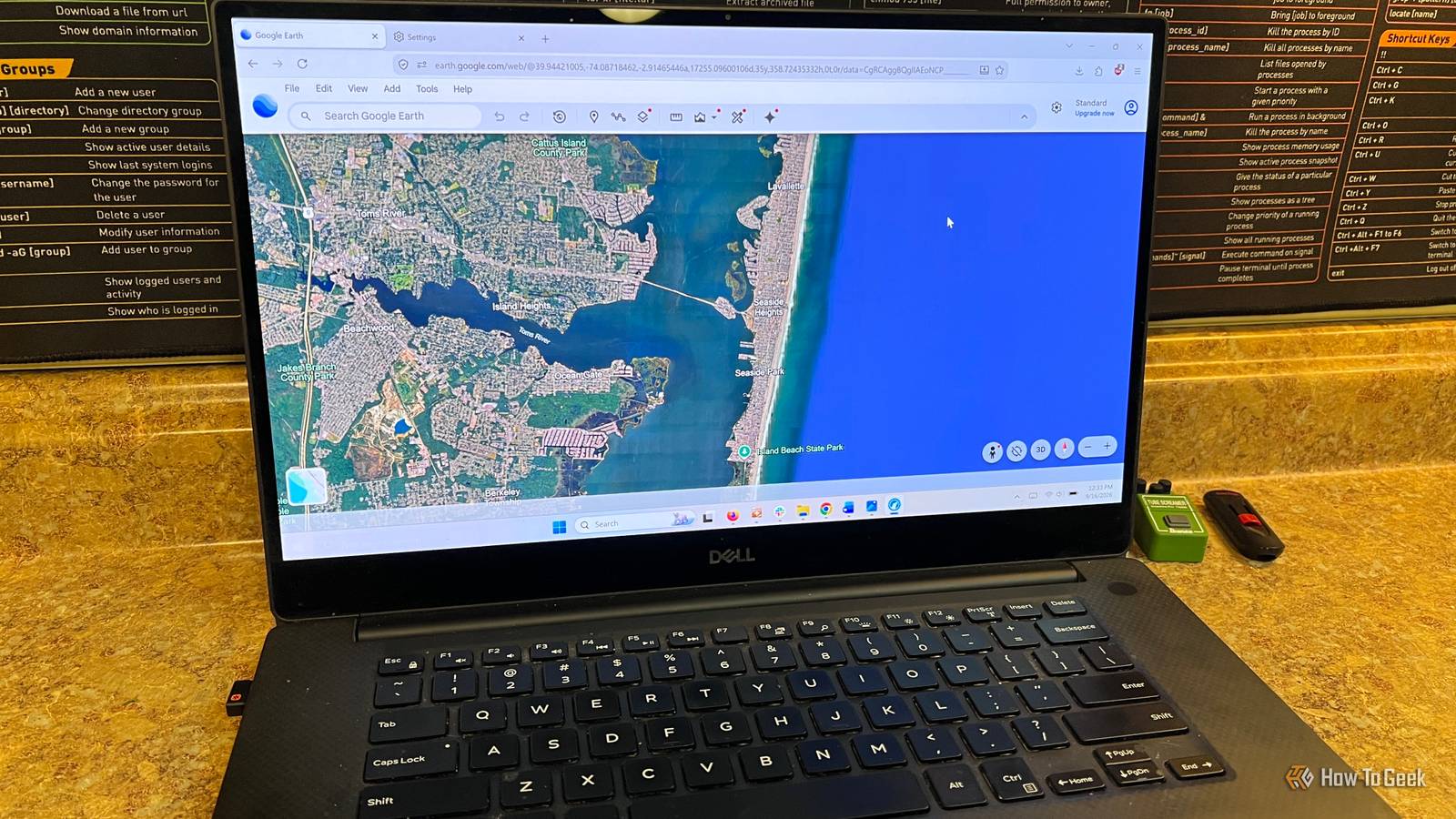
It wasn't difficult to fix, but it was an extra step that Firefox normally handles without me thinking about it.Google Earth was similar, initially reporting that WebGL wasn't supported because LibreWolf's default fingerprinting protection restricts WebGL access until you explicitly configure or override it.These are both good examples of how LibreWolf's stricter defaults occasionally make you do a little more work.
LibreWolf still feels like Firefox when it comes to updates I don't have to babysit it LibreWolf doesn't feel like some obscure browser I have to maintain.It gets regular updates based on Firefox releases, so I'm still getting current browser fixes and security patches without having to think much about it.That matters on a computer I use for financial transactions and shopping.
I wanted stronger privacy, but I didn't want to trade that for a browser that created more work for me.LibreWolf makes the most sense on the PC where privacy matters most I'm going to keep using LibreWolf on my personal computer because that's where the extra privacy matters most to me.I use that machine for banking, shopping, and handling personal information, so I don't mind putting up with the occasional extra step if it means the browser is doing more to limit tracking by default.
I wouldn't put LibreWolf on my media server or the PCs connected to my TVs.On those machines, I care more about convenience and making sure streaming sites and other web apps work without any extra setup.Where privacy is the priority, LibreWolf makes sense.
Where convenience matters most, it doesn't.
Read More