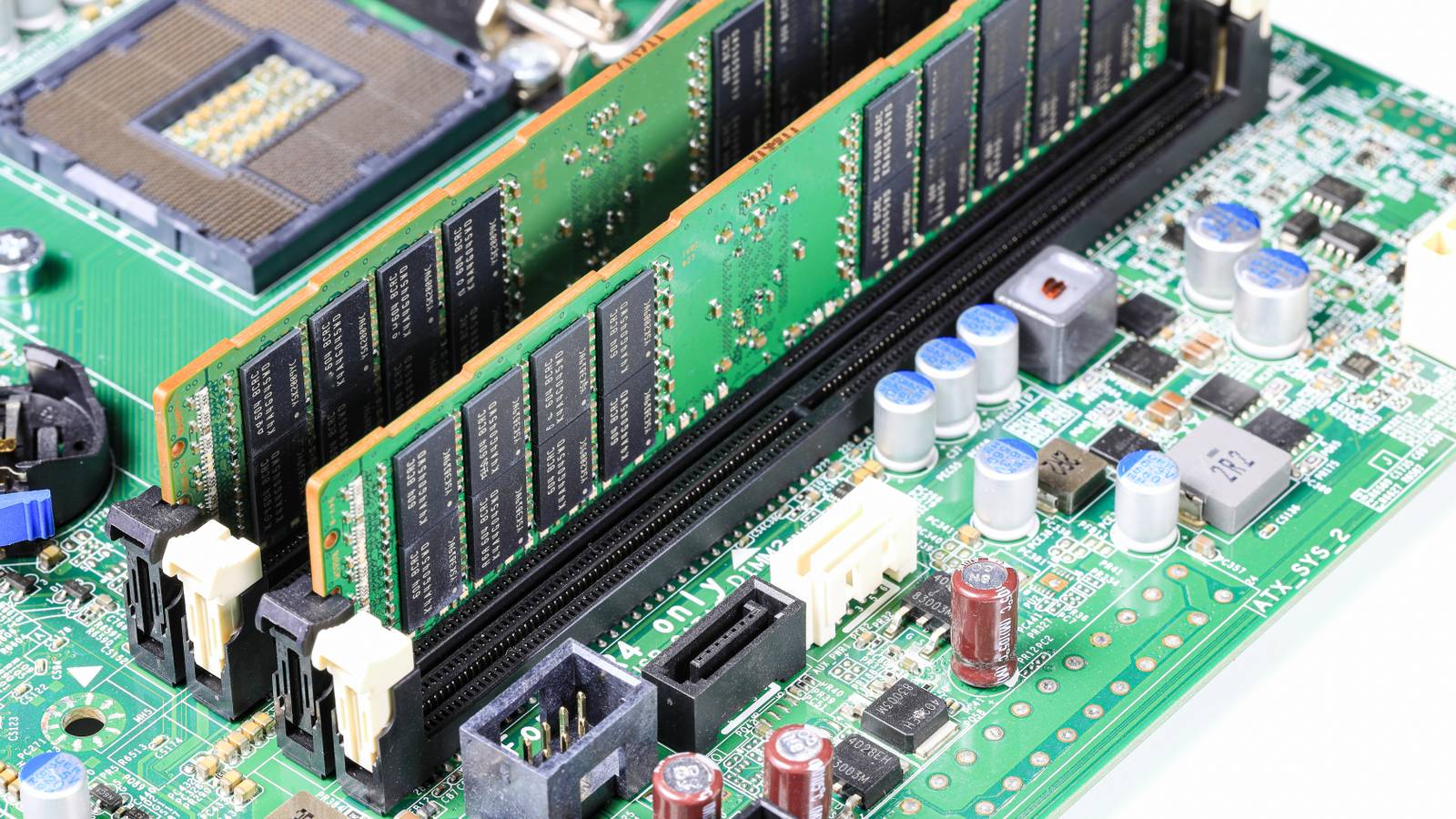
You may have heard of ECC (Error-Correcting Code) memory before, but have the impression that this special type of RAM is only meant for workstations and data center servers.That's understandable, because that's where it's used the most.However, you may already have a PC (or other devices) that supports ECC RAM, and there are a few specific cases where it actually makes sense to use it.
You’re running a home NAS full of irreplaceable data All your eggs in one basket Not every NAS is made equal, and not every NAS needs ECC RAM.If you look it up, you might find that your NAS already has ECC RAM installed, which is more common for higher-end units.Alternatively, it might not have ECC RAM, but offer the option to switch out the standard memory it came with for ECC RAM.
In the worst-case scenario, your NAS might just not support it.But, do you actually need it? As our colleague Rich Edmonds at XDA explains: The important issue here is how valuable that data on your NAS is, and what the consequences would be if you lost it.Weigh that up against the cost of having ECC RAM, and make the call.
The insidious thing about memory corruption is that you might only realize your NAS has corrupted files months or years after it happened.Ugreen iDX 6011 Pro AI NAS 9 Brand UGREEN CPU Intel Core Ultra 7 255H The Ugreen iDX 6011 Pro AI NAS is one of the most powerful NAS servers in the Ugreen lineup.With Intel's Core Ultra 7 255H 16-core processor and 64GB of LPDDR5/x RAM onboard, there's more than enough power to handle anything you can throw at this system.
Add to that dual Thunderbolt 4 ports, dual 10GbE LAN ports, an OCuLink expansion port, and more, and you have a very solid network attached storage system.Memory 64GB LPDDR5/x Drive Bays 6 Expansion OCuLink Ports Thunderbolt 4, USB3, USB2, HDMI, SD OS UGOS Price $2,599 LAN Ports Dual 10GbE $2599 at Ugreen Expand Collapse Your computer stays on 24/7 Your uptime is how much?! Memory errors are rare, but they're also largely a numbers game.The longer a system runs, the greater the chance that something unexpected will happen.
Cosmic radiation, electrical noise, manufacturing defects, and aging hardware can all contribute to bit errors in memory.So if you never turn your computer off, and especially if you leave it to run jobs overnight like rendering videos, compiling code, or shoving tokens through a local LLM, flipped bits can become a genuine issue.It might be why (again, rarely) your code won't compile, or why your 3D render has a geometry error in it.
You host virtual machines or containers Home is where the lab is We've seen firsthand how popular homelabs are becoming and how people have embraced hosting their own services on a LAN.Virtualization is a powerful tool that makes this much easier.Docker containers, game servers, AI tools, media platforms, and an almost literally endless list of other applications all run together on one machine.
When you're running so many virtualized systems on a single computer, the system has a larger memory footprint and is on for long stretches of time.That means bit flips that ECC memory can correct have a greater chance of happening, and the results can be especially unpredictable because it's hard to map something going wrong in the bare metal memory to errors in just one virtual machine.You’re building a serious media, backup, or archive server Going big or going home I said earlier that ECC memory could be important for a NAS that hosts irreplaceable data, especially if it's sensitive and should not leave your home network, but it could also be important if you're archiving data where integrity matters for other reasons.
Large movie libraries, music archives, photo collections, ROM sets, software backups, and creative projects can easily consume tens or even hundreds of terabytes.At that scale, data integrity becomes increasingly important.You can (and should) use a RAID solution to ward against drive failure, but functional drives don't protect you from corrupted data in memory being written to disk.
Combining RAID with ECC memory further reduces the risk of data corruption caused by memory errors during the process of backup and archiving.We're always advocating for the 3-2-1 backup strategy at How-To Geek, where you have three copies of your data in two different formats and at least one off-site location.However, for large volumes of archival data that might just not be feasible.
So the most practical thing to do is protect that data while it's "hot." You rely on your server more than your desktop While a lot of people think they have a "homelab" in the sense that they're experimenting with self-hosting and thereby learning about networks and servers, the truth is a little different.Once you and the other people in your home start relying on your self-hosted services, it stops being an experiment and moves into being a production environment.Many enthusiasts now depend on self-hosted services for cloud storage, password management, home automation, media streaming, security cameras, network services, and remote access.
Consider the consequences if your self-hosted services fail.If nothing bad happens, and you don't stand to lose anything important, well, use whatever RAM you like.However, if you realize that your self-hosted setup has actually become mission-critical for you, then ECC RAM's cost is a small price to pay.
Read More