I recently swapped out my beloved Samsung Galaxy Z Fold 6 for a de-Googled Android phone, but I was devastated to learn that my group chats would no longer be accessible.I’ve since switched back to regular Android, but I’ve learned a much simpler way to de-Google in the process—one that comes with fewer compromises.Don't sign in to a Google account during setup Your phone will still function just fine When setting up a new Android phone, there comes a point in the process when Google asks you to sign in to your account.
Tucked away in the corner, there’s a button that simply reads “Skip.” Tapping this allows you to proceed without logging into anything.What are the downsides to this? Well, there are various Google apps that won’t function, but both Google Maps and YouTube will work if you’re not up for seeking out an alternative.The most vital loss is the inability to download apps from the Play Store.
Fortunately, there are numerous Play Store alternatives out there, as well as another way to download software from Google's own app store.Open a browser and download an alternate app store It’s vital to do this before you give Google the boot Google Chrome has the same function for me that Internet Explorer used to have in the past: it’s the browser I open in order to download a different one (I currently use Firefox instead).In this case, I also need to make sure I install an alternate way to get apps.
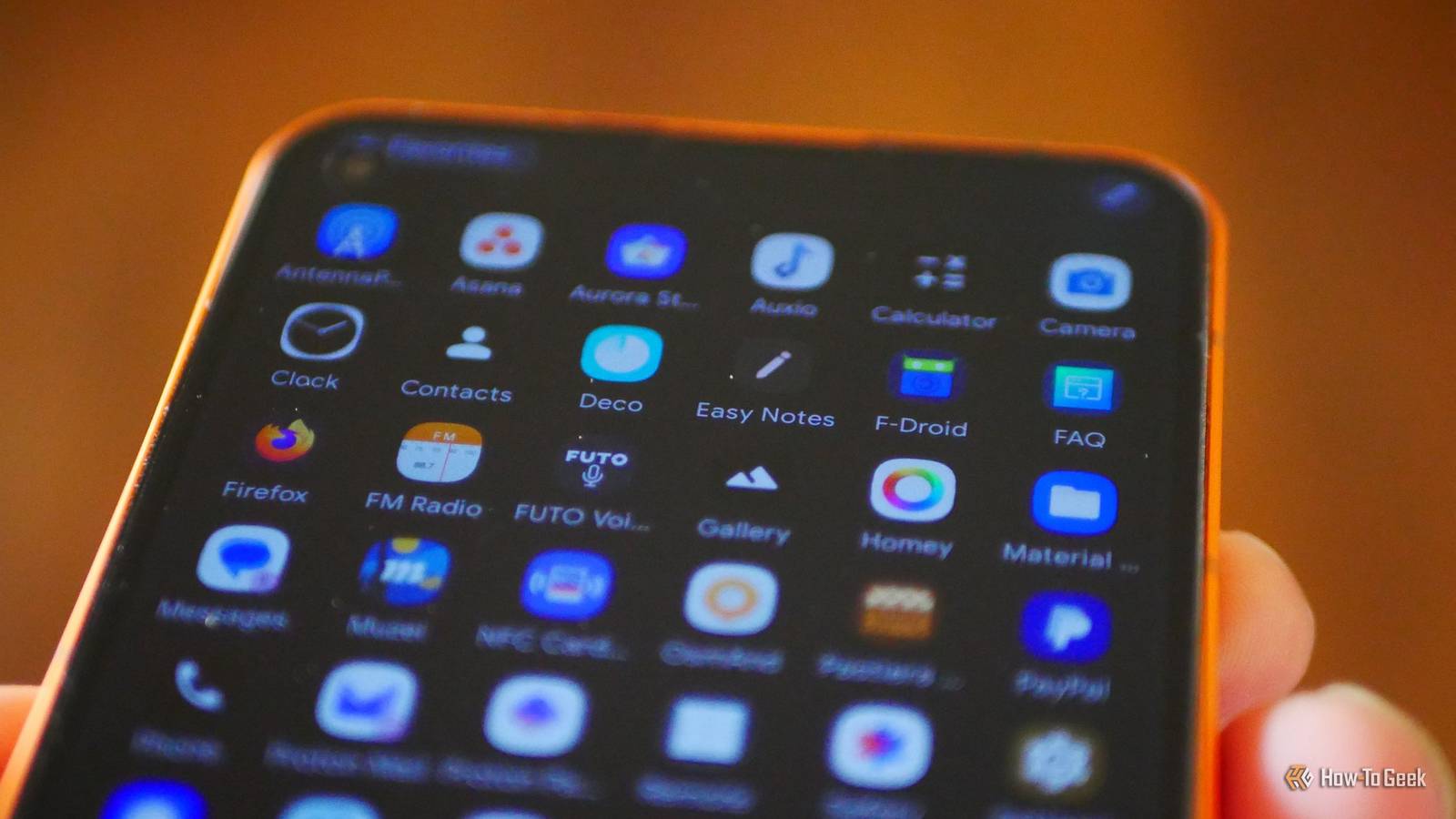
First, you want F-Droid, a well-established source of free and open source apps for Android phones and tablets.F-Droid also has the added perk of warning you when an app has what are known as anti-features, such as reliance on a web server that isn’t open source.When we recommend our favorite open source Android apps, you can expect to find most of them on F-Droid.
Next, we’re going to download Aurora, which you can find inside F-Droid or you can download Aurora directly from a browser.Aurora is an alternative way to download apps from the Play Store without needing to sign in to a Google account.It generates an anonymous account on your behalf, but you do need to sign in to your Google account if you wish to restore any paid apps.
Like F-Droid, Aurora will give you some privacy information about each app and will also tell you if an app requires Google Play Services.This is important information to know, depending on just how much you personally want to do Google.Now, before we seek out all those additional apps we desire, let’s first do something about the ones we don’t.
Remove or disable all included Google Apps You can even disable the Play Store and Google Play Services With new app stores installed, it’s time to remove as many Google apps as we can.My current phone comes with a relatively stock version of Android, which means most of the apps are Google bloatware companies are required to ship if they want to sell a device that includes the Play Store.Fortunately, just about all of these apps can be uninstalled or disabled.
I have disabled every Google app that I can viably swap out for something else.That means I’ve said goodbye to apps like Files by Google, Google Calendar, YouTube Music, and even Google's Phone app.The only Google app I’m currently interacting with regularly is Google Messages, which unfortunately has become the only way to send RCS messages on Android.
I would prefer to use any of the open source alternatives to Google Messages, but that would mean becoming estranged from RCS group chats.Subscribe to the newsletter for practical de-Google tips Dig deeper into device privacy—subscribe to the newsletter for focused coverage on de-Googling Android: practical, hands-on guides, trade-offs to weigh, and real-world tactics to reduce Google services while keeping your phone functional.Get Updates By subscribing, you agree to receive newsletter and marketing emails, and accept our Terms of Use and Privacy Policy.
You can unsubscribe anytime.To Google’s credit, we can now disable the Play Store, removing it as a way to download apps or manage updates.I’ve chosen to do so.
For the time being, this is where I’ve currently stopped my de-Google journey, but you can go even further by disabling Google Play Services.Just now that at this point, you will lose out on a bunch of functionality.RCS messaging will no longer be an option, nor can you use Android Auto or Google Wallet.
Many apps will no longer be able to send you notifications.With Google Play Service disabled, you have taken the last big step to limit Google’s tracking.But even if you chose not to, by not signing in to a Google account and seeking out private alternatives to Google apps, you are generating less information and better anonymizing any remaining metrics that Google does generate about your device.
This is perhaps the most practical way to de-Google I purchased the Murena Fairphone 6 because I like supporting free and open source software that can be purchased directly.After all, recommending that people learn about ADB and fastboot is simply not practical.This lazier approach is perhaps the most realistic option available to most people.
You don’t have to pay the premium for a new phone, and you can do it on the phone you already have without having to touch a single line of code or risk breaking anything.The best part? Depending on your choice of apps, your phone will largely continue to function the way it always has.Murena Fairphone (Gen.
6) Brand Murena Display 6.31 inches The Murena Fairphone (Gen.6) is the perfect option to bring together privacy and sustainability.Powered by the /e/OS operating system, the Fairphone (Gen.
6) protects you and your data at all times, while at the same time protecting the planet.$750 at Murena Expand Collapse
Read More