Small SSDs may seem a bit useless in this day and age, when a single AAA game can take up over 100GB.But I have a bunch of these old, outdated drives, including 120GB and 250GB options, that still work just fine.I can bet that you might have some too, if you dig through old drawers or disassemble an old PC.
Why let these SSDs rot? Mine continue to be useful every single day—here's how.A 250GB SSD is too small for your PC in 2026 But is it too small to be useful? A 250GB SSD used to feel like a massive drive, but those times are gone.These days it's almost nothing, especially when Windows, some core apps, and one or two large games can eat through that space in no time.
As a main boot drive, it's cramped; as a game drive, it's way too small.My Steam library alone is well over 2TB (and I don't even have all the games installed).You'd have a hard time buying one of these tiny drives now, and I'd never advise you to do that.
It is better to splurge and get at least 1TB.But if you already have one lying around somewhere, as I did, you might as well use it.Just don't build your entire PC or storage strategy around it.
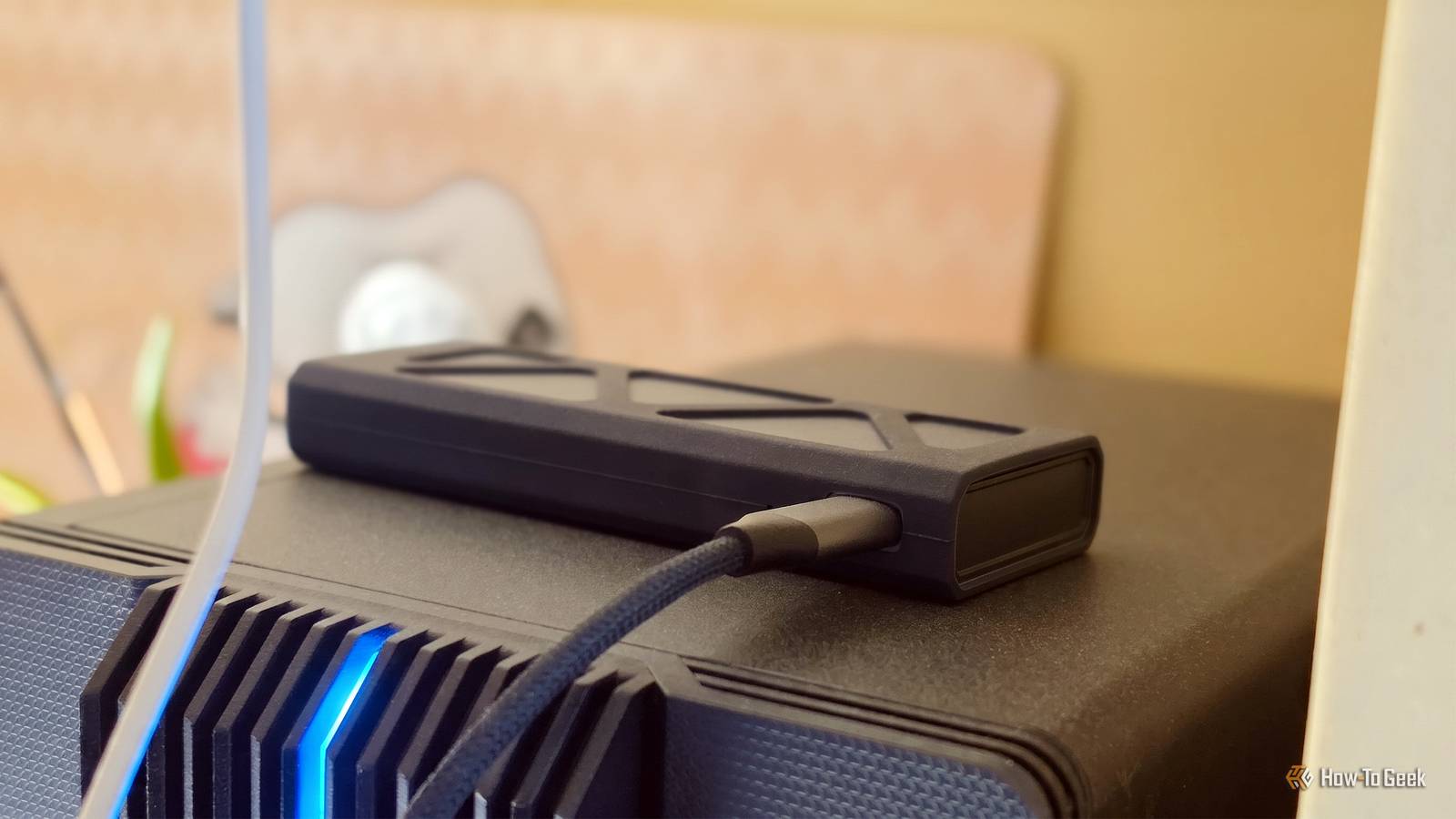
SanDisk Extreme Portable SSD Need more storage than your old SSD can provide? The SanDisk Extreme is an excellent choice.$189 at Amazon Expand Collapse Lexar Armor 700 The Lexar Armor 700 is a rugged SSD that gives you a lot more capacity.$435 at Amazon See at B&H Photo Video Expand Collapse I turned mine into a fast external drive with a cheap enclosure This is the easiest upgrade path for an SSD An obvious job for an older SSD is to put it in an enclosure and let it thrive.
That's what I did with mine: I moved it out of an old PC and into an enclosure.While NVMe SSDs waste some speed in enclosures, SATAs aren't fast anyway, so you're not missing out on anything.But even an old NVMe is better off in an enclosure than collecting dust somewhere, and these drives don't typically deal with tasks that rely on fast transfer speeds.
So, once I decided to give this 250GB SSD a second lease on life, I cleaned it out of all the files I no longer had any use for, tested it with CrystalDiskInfo, and performed a few file transfer tests to make sure it was working well.Once I felt like I could trust it enough, I figured out how to make good use of it.Related The all-SSD PC is dead—here's what actually makes sense in 2026 5 reasons an SSD-only PC still doesn't make sense in 2026 Posts 14 By Monica J.
White It became my rescue drive, at least at first Installers, ISOs, drivers, and recovery tools all fit comfortably If you follow my coverage here at How-To Geek, you've probably heard me talk about rescue drives.They can be anything from a small USB stick to a full-on portable drive, and their purpose is to have all the files and installers so that you can jump right in if something goes wrong with your computer.My initial rescue drive was a small USB drive, but expanding to this 250GB SSD gave me room for all the installers, ISOs, drivers, portable tools, and recovery utilities I could dream of.
I'm the designated PC troubleshooting person in my circle, so having this drive and being able to pop it in and sort it out is definitely helpful.With that said, there's more to an old SSD than just carrying install files.It's perfect for temporary backups, but not as your only backup Treat it like a staging drive, not a vault A 250GB SSD isn't large enough to become a serious backup destination, and I wouldn't trust an old drive as the only copy of anything important anyway.
But it's perfect for quick, temporary backups, and although I have other drives for that, the 250GB SSD is a solid option if you own one.You can dump documents, screenshots, save files, config folders, drivers, or project files onto it without thinking too much.Move them somewhere safe later, and always keep a second copy elsewhere.
This is about convenience, but as 250GB SSDs are now pretty old, you don't want to entrust them with your most important files.Use it freely, just don't trust it blindly Old SSDs have their limits, and you don't want to find them At the same time, this is still an old SSD, and I treat it like one.I don't keep irreplaceable files on it, and I wouldn't ignore warning signs like random disconnects, weird slowdowns, failed transfers, or SMART errors just because the drive has been useful so far.
If it starts acting up, let it retire, but until then, use it and enjoy it (with some degree of caution).Once I gave my SSD the right job, it became useful overnight With the current prices of RAM and SSDs as they are, most of us are in no position to be picky about our storage options.I've gone through my old hardware and dug up what I could, and I'm making the most of what I already have.
Give your old SSDs another try, because they may still surprise you.Samsung 9100 PRO $400 $680 Save $280 7 Storage capacity 1TB, 2TB, 4TB, 8TB If it's internal storage you're after, you can't go wrong with the Samsung 9100 Pro.Just be wary that it's not cheap.
Hardware Interface M.2 NVMe $400 at Amazon $400 at Best Buy Expand Collapse
Read More