Most of you reading this probably use just one Google Chrome profile to do everything.So that means your banking, work, leisure, and all other activities happen using the same online identity.Clearly, this works, but is it ideal from a privacy perspective? Instead of lumping everything you do online into a single identity, you can use the Chrome profiles feature to keep things separate that should not mix.
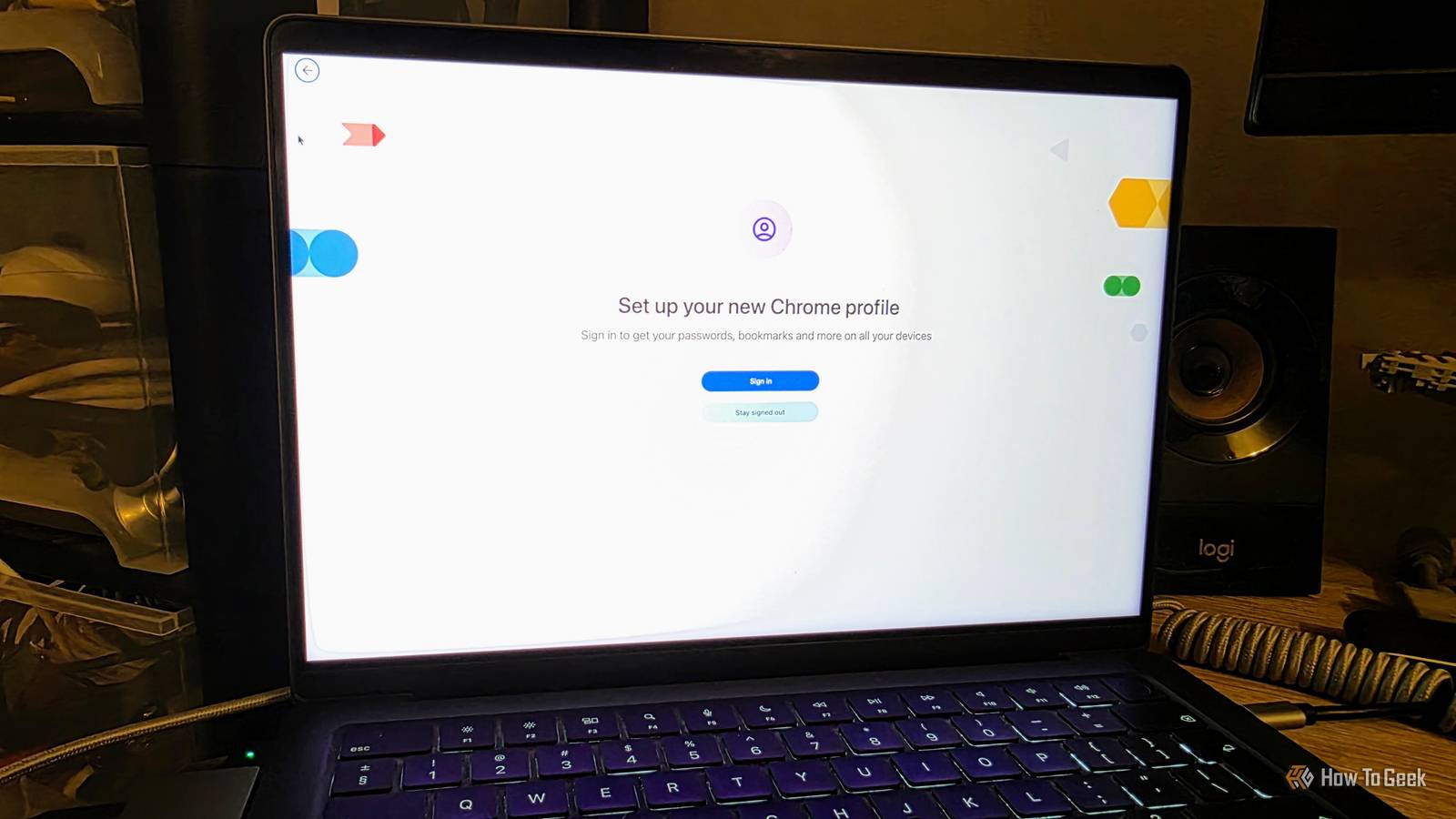
It's less hassle than using separate browsers! A new profile gives you a genuinely separate cookie jar Literal internet cookies, by the way Close Creating a profile is as easy as going to Settings -> [Your Name] -> Add new profile.Chrome profiles aren't just workspaces or a way to organize tabs.Each profile creates a completely separate storage space and identity.
That means your cookies, browser history, saved passwords, and everything else are completely isolated from each other.You can choose to have each profile linked to an email address, which is going to be necessary if you want to use different Google Account for things like file storage or logging into websites.However, if you just want a separate profile for a purpose that does not require this, you can choose not to sign in and just use a local profile.
This still keeps things separate, but that profile will not sync across devices.You can also create a "guest" profile, which is designed for those times when someone wants to use your computer to, for example, log into their bank account.When that profile is closed, it disappears.
Of course, you can use the "Manage profiles" option located below the profile creation entry to remove any profiles you no longer need.ChromeOS devices handle profiles at the user level, so you need to use separate user accounts.It's not as convenient, because you can have windows from multiple profiles open side-by-side.
Profiles stop one part of your online life spilling into another There's no reason Facebook needs to know about your action figure obsession Because profiles are kept this separate, it means that you can't be tracked across profiles and, as far as advertisers or other interested parties are concerned, you're two completely different users.For example, for my job, I have to research a ton of products on sites like Amazon and beyond.I also have to do research on topics that I don't want sites to track for use during my personal browsing.
So, by having a separate work profile, I can prevent the ads I see during normal browsing from being completely bonkers.More importantly, perhaps, is that having multiple profiles makes it less likely that you'll upload a personal file to your work Google Drive, for example.It help that Chrome windows from different profiles aren't the same color! Profiles allow you to log onto the same website in separate Chrome sessions, and that's also a good safety net.
How many times have we seen social media managers accidentally make personal posts using a work account because they rely on a site like X to juggle those profiles? Having separate Chrome profiles reduces the odds of that happening significantly.Profiles let you quarantine extensions instead of trusting them everywhere If you must have them, separate them Perhaps the biggest boon from using Chrome profiles relates to extensions.Like most technology outlets, we've highlighted the dangers of Chrome extensions for decades and always recommend you either only use ones made by Google or otherwise minimize your use of extensions as much as possible.
But, by using Chrome profiles, you can spread out your extensions.After all, most of the extensions you use are probably ones that don't need to be active all the time.If your extensions group into different use cases, you can create a Chrome profile for each.
That way, if an extension turns out to be malicious, you limit what it can see and what damage it can do.Profiles are privacy compartments, not an invisibility cloak It's very important to understand that Chrome profiles only help protect your privacy in very specific ways.It's not a substitute for other forms of security like VPNs.
Chrome profiles don't make you anonymous; they just give you several identifications.Each of which can still be traced back to you.Some tracking methods are at a level above Chrome profiles.
Your IP address is still the same regardless of profile.Unless you use something like a VPN as well.Likewise, information about your computer such as its specs, operating system, or the hardware level ID of your network device are still exposed.
You'd have to run Chrome from inside a virtual machine to get around that, as one example.Obviously, if you log into the same account across multiple profiles, the site provider will know those profiles are associated with one another.So there are numerous ways in which you can deliberately or confidentially nullify the benefits of compartmentalization.
That said, Chrome's ability to manage multiple profiles is an incredibly powerful tool that can help you reduce some of the tracking and chaos that comes from working and living on the internet.So if you aren't already using this feature, it's time to create that disposable "research" profile at the very least.
Read More