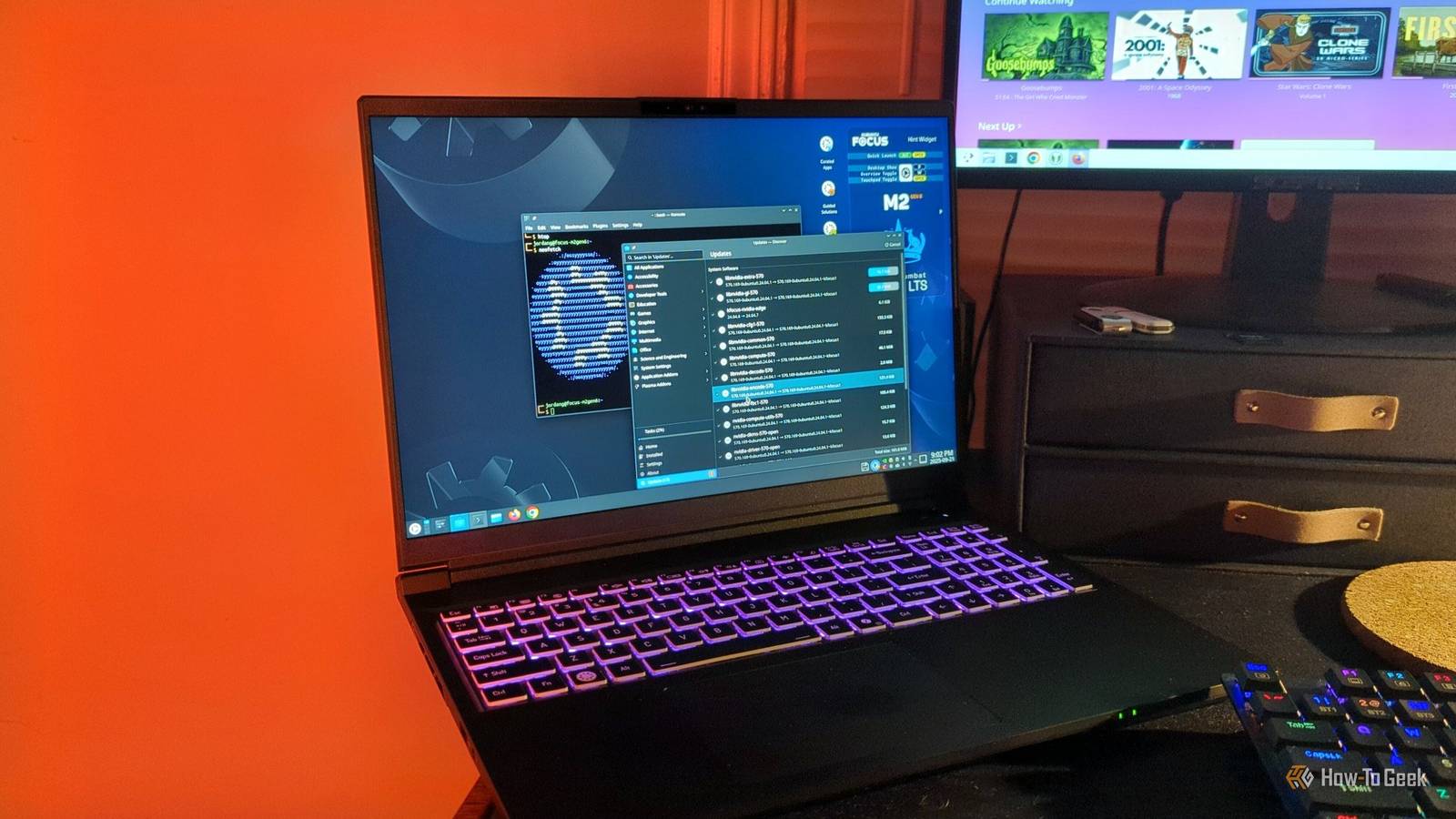
I think it's no surprise that many of the team here at How-To Geek love Linux.Open-source operating systems that you can play around with and tweak exactly how you want to are a geek's dream, after all.But can a Linux computer go beyond just a fun project to tinker around with, or can it be your daily driver that replaces Windows or macOS for you completely? For Senior Writer Jordan Gloor, it's both.
On The Inside is our series where we ask our editors what they use on a day-to-day basis that they love."I mostly use [my Kubuntu Focus M2] for work," Jordan tells me."But I also use it for my personal documents, budgeting, and I do a little bit of gaming, too." He also told me taking his laptop to a friend's and playing via a LAN party.
"[It's] the first LAN party I've ever been to." It wasn't too long ago that working with a Linux distro meant making a lot of sacrifices in terms of usability and sometimes even basic features that you need to work.But it's no longer like that.Related This Linux Laptop Makes the Most of Kubuntu's Capabilities If you're looking to get started developing on Linux, this might be the place to start.
Posts By Jordan Gloor "Sometimes when you order a Linux laptop, they give you an option of which operating system you want, or they send it to you without any at all," Jordan explains.He specifically uses the OS that came with the Kubuntu Focus, which is (unsurprisingly) Kubuntu."It's meant to be used for several years without having to do any major upgrades to the operating system." So Kubuntu is a stable and long-term Linux distro, making it great for work and personal use.
But it begs the question: If you're going to stick with a stable, long-term distro like Kubuntu, why not just use Windows 11? Jordan is tired of Microsoft's direction with the OS: More and more these days, I'm turned off by Windows when I [switch] over to it.Just the 'Copilot-ification' of it all—all the annoying features and pop-ups.And it's not like Jordan doesn't test out and tweak other distros, either—he just mainly does so on his desktop.
Of course, switching over to Linux completely for your daily driver might not work for some people."If you have specific software that you have to do for your job, then you should do your research and make sure that either that program specifically works, or you can use an alternative program that works just as well.How-To Geek Report: Subscribe and never miss what matters Unlock your tech-savvy potential and master the digital world with How-To Geek.
Subscribe By subscribing, you agree to receive newsletter and marketing emails, and accept our Terms of Use and Privacy Policy.You can unsubscribe anytime.But that doesn't mean every app that's incompatible now will be forever.
Linux developers, for example, have started making strides in making Microsoft Office apps work in Linux.Of course, you can opt for an open-source alternative for most of the Office suite apps, but if you specifically need one of Microsoft's apps and an alternative won't work, you may be able to switch soon.With laptops like the Kubuntu Focus, it seems a Linux-only future may be possible sooner rather than later.
For Jordan, that future is here now, and if you don't need very specific Windows or macOS apps to do your job, it might be here now for you, too.Kubuntu Focus M2 Gen 6 8 Operating System Kubuntu 24.04 LTS CPU Intel Core Ultra 9 275HX (2.7GHz up to 5.4GHz) GPU NVIDIA GeForce RTX 5070 Ti (dGPU), Intel Graphics (iGPU) RAM 32GB Dual-Channel DDR5 262-pin SODIMM (5600MHz) This laptop is purpose-built for developers and professionals who want a Kubuntu Linux-powered portable workstation and gaming platform.It features an Intel processor capable of hitting 5.4GHz and both integrated graphics and a dedicated NVIDIA 5070 Ti GPU for when you need extra power for machine learning or games.
Storage 1TB M.2 2280 NVMe PCIe GEN 5x4 Battery 80 Wh Embedded 4-Cell Polymer with FlexiCharger Battery Optimization Display (Size, Resolution) 16in WQXGA (2560 x 1600), 100% sRGB Color, 190 DPI, 240Hz, 525 nits, Matte Anti-Glare Finish, G-Sync Capable Speakers HD Audio, 2 x 2 W Side-Firing Colors Black Ports 1 x HDMI 2.1b Output (with HDCP), 2 x USB-C 3.2 Gen 2 with Thunderbolt 4, Displayport 2.1b, and Power Delivery DC In, 2 x USB-A 3.2 Gen 2 Ports (1 x Powered USB, AC/DC), 2-in-1 Audio Jack, 2.5 Gigabit RJ-45 Ethernet LAN Network Intel Wi-Fi 7 BE200 + Bluetooth, M.2 2230 Card Dimensions 14.01 x 10.67 x 0.78 in (356 x 271 x 20 mm) Weight 4.96 lb (2.25 kg) with Battery Brand Kubuntu Focus Card Reader Micro SD Push-Push Keyboard Full Size, Numpad, 3.5 mm travel, 65,536-Color LED Backlight Display type IPS LCD Audio Integrated Microphone Array, Temporal Noise Reduction Webcam 5.0 MegaPixel (2880 x 1800) with and Security Shutter Connectivity Bluetooth 5.4 Box contents 1 x Kubuntu Focus M2 Gen 6 laptop, 1 x 230W LITEON adapter, 32GB thumb drive, Quick Start Guide Security Full Disk Encryption, Kensington Lock $2895 at Kubuntu Focus Expand Collapse
Read More