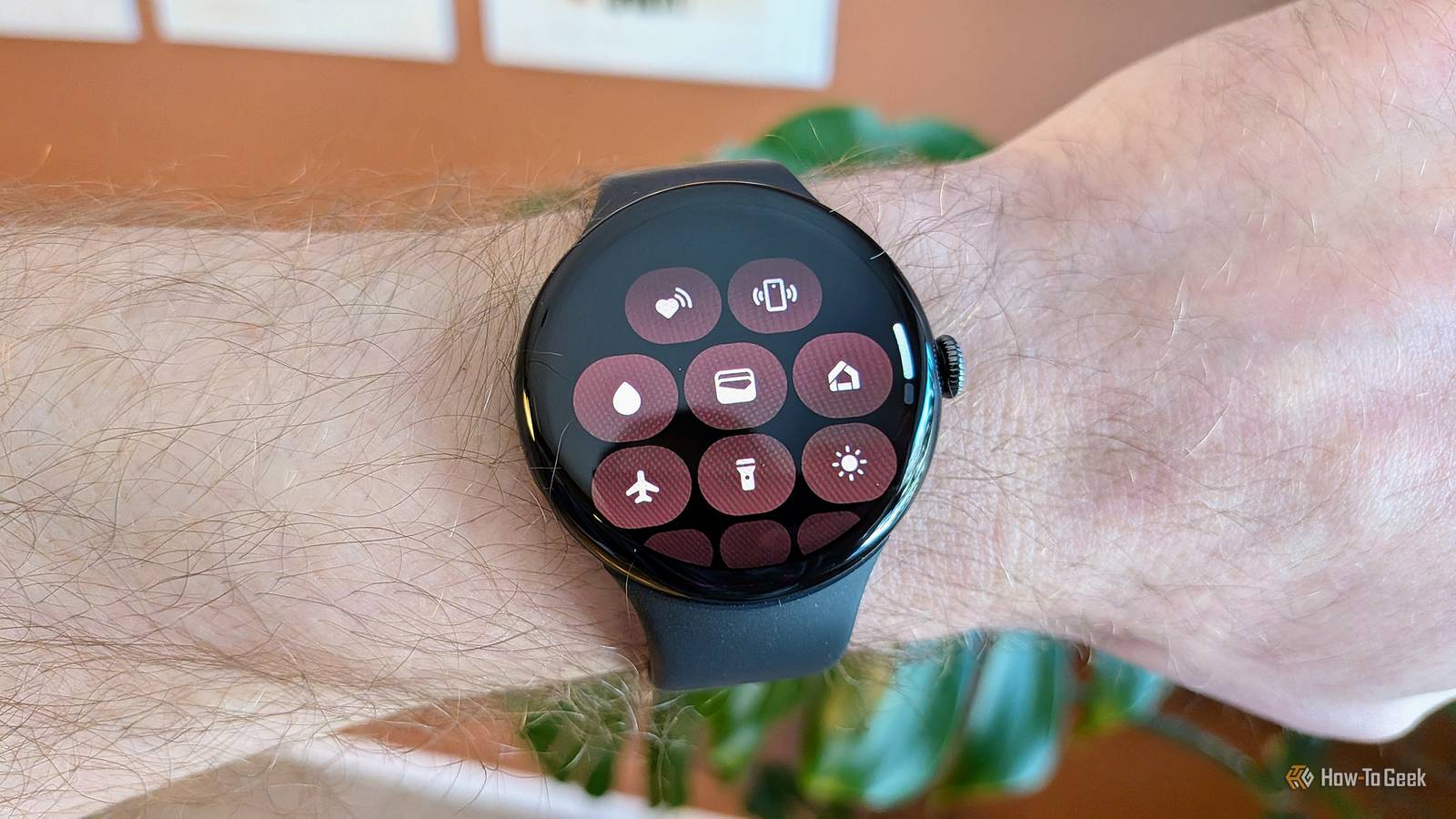
A smartwatch can do far more than show notifications or count your steps, especially if it's connected to the rest of your smart home.Google's ecosystem has quietly turned the wrist-worn device into a surprisingly capable remote control, letting you interact with devices around your home without reaching for your phone.What makes this particularly useful is that you don't need a dedicated controller for every smart device.
With the right setup, a few taps or a voice command can take care of chores, check what's happening at your front door, control your TV, or switch everyday appliances on and off.Some of these capabilities are obvious once you see them, while others are surprisingly easy to overlook.Here are four devices you might not realize you can control directly from your Pixel Watch.
Access dock controls for your smart vacuum cleaner Clean your house with a simple command Vacuuming is one of the most tedious chores there is, in my humble opinion.There are few things that irk me more than having to clean my floors.Luckily, we live in an age where just about everything in one's house can be automated, even the vacuuming.
Smart vacuum cleaners are an ingenious invention in their own right, keeping things tidy without you having to lift a finger.If you have a Pixel Watch, they are even more convenient.Using the Google Home app, you can directly control your smart vacuum from your Pixel Watch.
Tapping the Home app icon, selecting the room where your vacuum is, and then tapping your vacuum icon allows you to start/stop the cleaning process and you can access dock controls.Alternatively, you can use voice commands to get it to start cleaning or to send it back to its dock, among other things.Richer control of your Nest Camera/Doorbell From animated notifications to live video feeds Close Security cameras and digital doorbells are a great way to keep tabs on your home, even when you're not there physically.
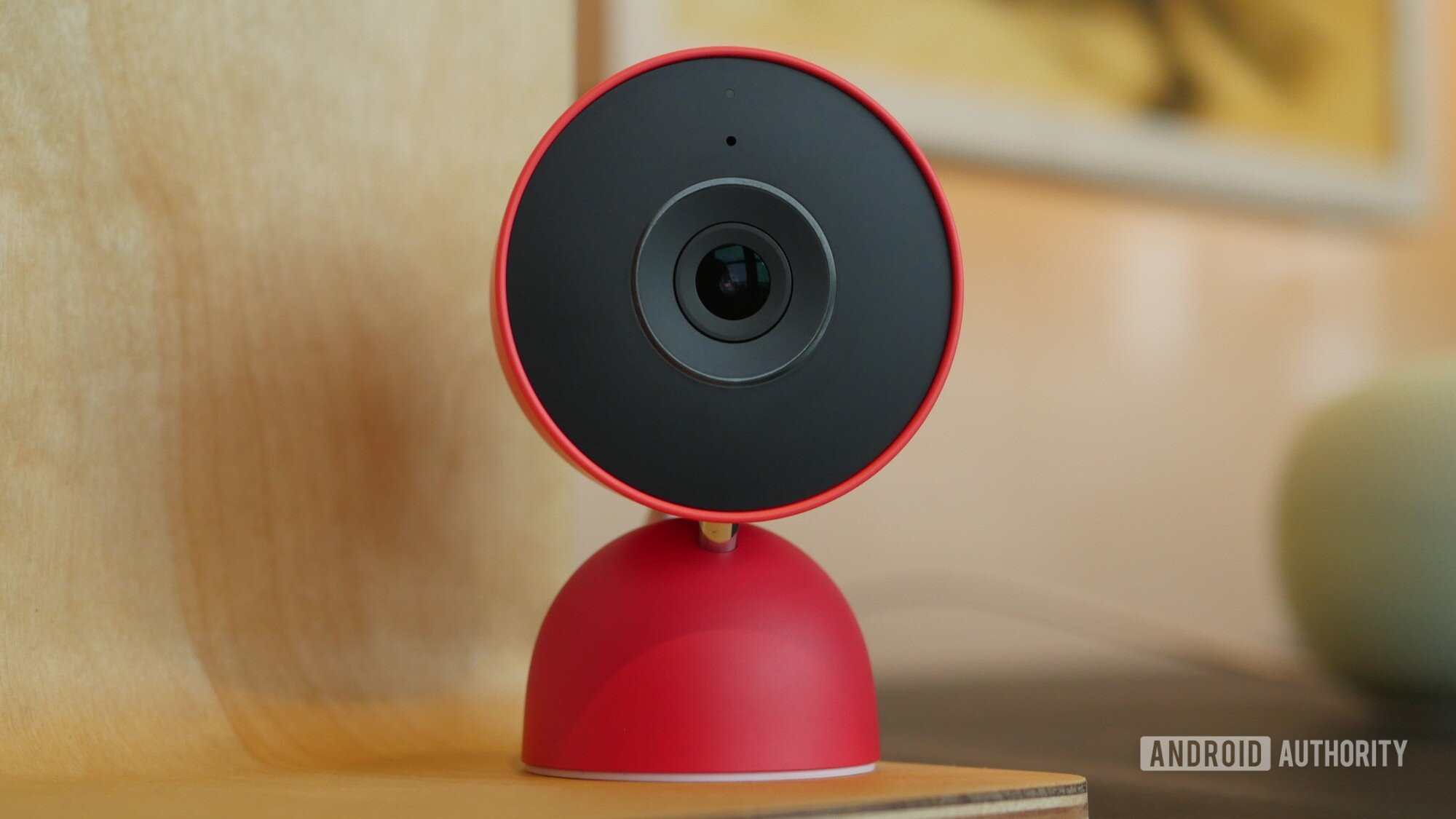
Google offers doorbells and cameras under the Google Nest brand, which includes a ton of smart home hardware, from thermostats to speakers.While there are a ton of smartwatches that can receive things like notifications from Nest Doorbells and Cameras, the Pixel Watch offers a lot more.As well as getting notifications, if you have a Pixel Watch and a modern Nest Camera/Doorbell, you can actively check the live feed directly from your watch.
You can also use quick actions to send quick responses to your doorbell, or you can initiate two-way talk and speak with the person at your door, all from your wrist.The notifications that you get are also quite detailed, coming with an image or animated preview.A surprisingly comprehensive TV remote Where did the remote go? I am constantly misplacing things, with the most common item that goes missing in my house being the TV remote.
Thankfully, in our increasingly connected world, you don't really need a remote to control your TV.I often use my phone as a remote, but sometimes that goes AWOL too.Those with a newer Pixel Watch don't have to worry about this problem, though, as you can pull up a remote control right on your wrist.
Your Pixel Watch comes loaded with just about every function you could need.Once you've opened up the tile, you get a D-pad that allows you to scroll through content, push play or pause, and fast-forward or rewind.There is also a back button and a home button.
You can also control the volume by tapping on your watch or rotating the crown on its side.Smart plugs mean you can control basically anything Simple but very functional Another great addition to your smart home are smart plugs.They are fairly simple devices that plug directly into a socket and can be turned on and off via an internet connection.
They can essentially turn any 'dumb' device into a smart device.More advanced smart plugs also come with consumption monitors, which can be incredibly useful as they allow you to track high-consumption devices and turn them on and off from anywhere.On your Pixel Watch, controlling these smart plugs is pretty simple.
Navigating through your Home app, you can go into each room in your house and find the individual smart plugs, once they're set up, of course.Then you simply switch them on and off.While you don't get a ton of control over the devices, it gives you control over things already in your home without you having to shell out extra money for newer smart devices.
Some of the most common uses for smart plugs include using them to control lights or lamps, switching on dehumidifiers, turning on kettles or coffee makers, and rebooting Wi-Fi routers.The uses of smart plugs are endless, though, and you can get pretty creative with them.Your Pixel Watch is a hub to control just about every smart device in your home The Google Home infrastructure is constantly growing, and things in your house are getting more and more connected and convenient.
The above are just a few examples of things that you can control while on the move.The Pixel Watch takes this convenience to another level, allowing you full access to just about every function in your home without you ever having to do much more than lifting your wrist and tapping a few tiles.
Read More