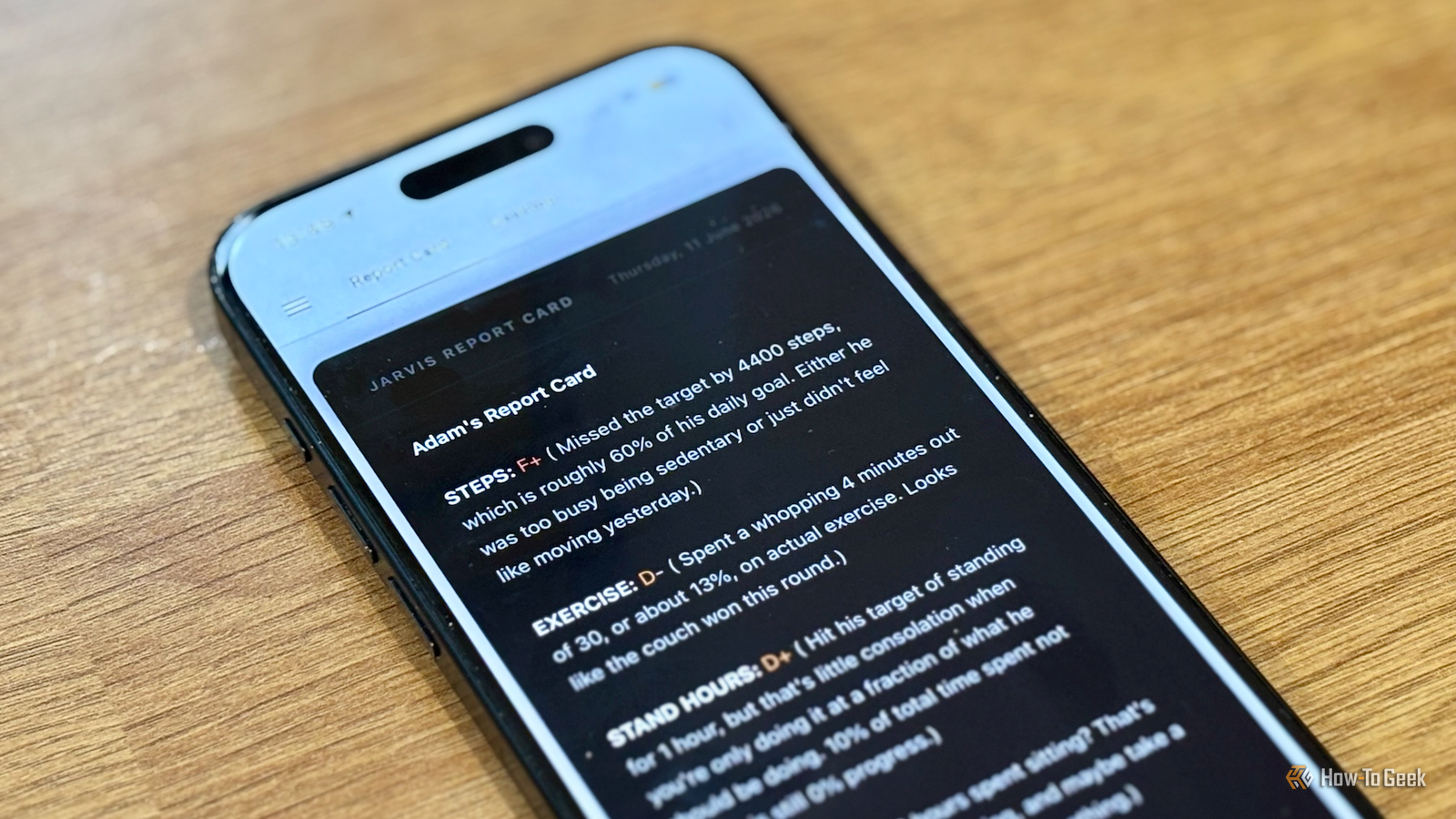
My smart home knows a lot about me, and not all of it is good.It knows how long I’ve spent sitting in my office chair, how few steps I’ve taken, how little exercise I’ve done, and more.In an effort to shame myself into doing better, I decided to use a local AI model to generate a snarky report card every day.
Getting my health data into Home Assistant A shortcut saved me from having to pay The trickiest part of setting this up was getting my health data into Home Assistant.My iPhone and Apple Watch record a lot of health information, but since this is Apple, getting access to that information can be challenging.There are some apps that can pass Apple Health data to Home Assistant, but many of these are paid apps, and I didn’t want yet another subscription.
Instead, I used the Shortcuts app.There are actions in Shortcuts that can pull information such as my step count, exercise minutes, and stand hours, and I can use the Home Assistant REST API to get the shortcut to send the data to Home Assistant.The /api/states endpoint lets me save the step count, exercise minutes, and stand hours to specific Home Assistant sensors.
The method of triggering this automation is key; the health data may only be read reliably when the iPhone is unlocked, so running it on a timer won’t always work.Instead, I set up an automation that runs when I plug in my iPhone to charge at bedtime, so I can be sure that the phone is unlocked when I do so.A simple "If" action ensures that the automation only runs after a set time in the evening, instead of every time I charge my phone.
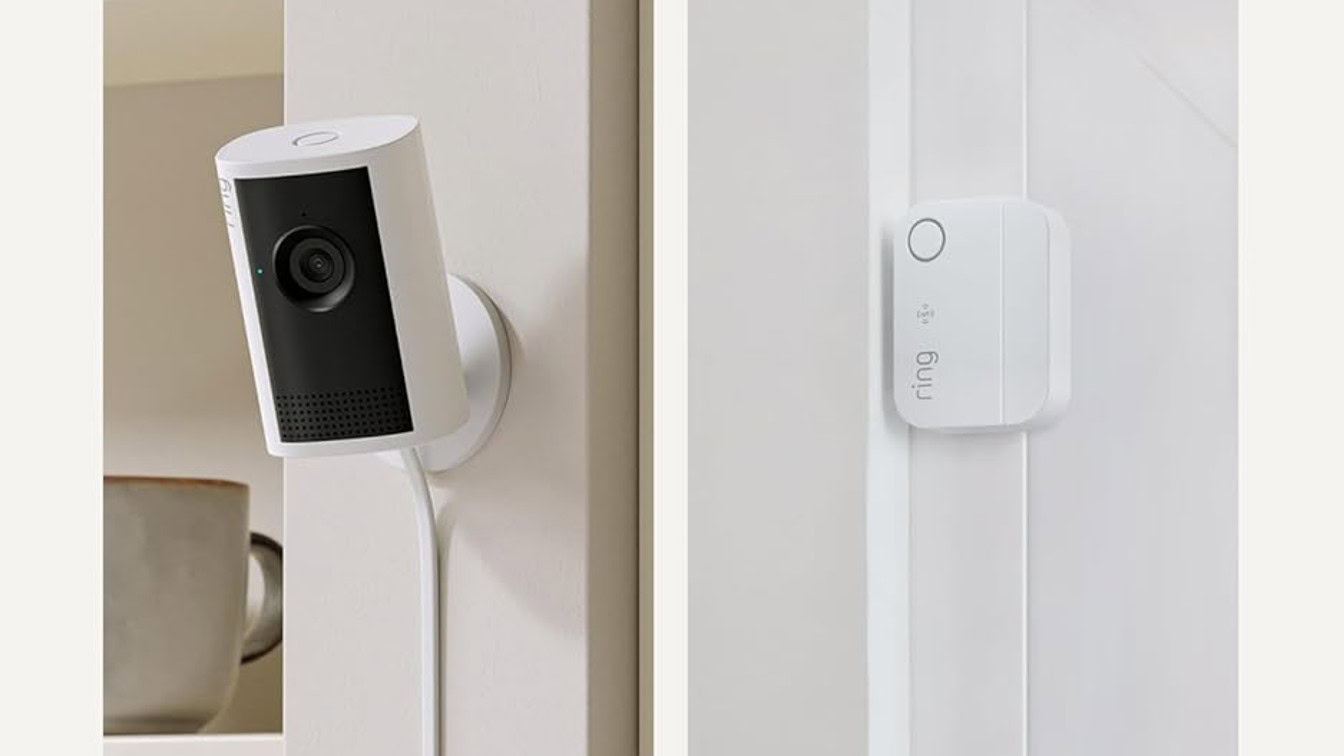
Apple Watch Ultra 3 Brand Apple Heart Rate Monitor Yes The Apple Watch Ultra 3 offers a new satellite feature, which makes updating friends and family easier. $799 at Amazon $799 at Apple Expand Collapse An n8n workflow builds the prompt The data is assembled from four sources My shortcut ensures that my health data is available to Home Assistant, which provides one source of information for my report card.The presence sensor in my home office provides another source.
I set up a zone around my office chair, and by determining how long presence has been detected in that zone, I get an accurate indication of how long I’ve been sitting in my office chair.I also have a to-do list in Home Assistant with due dates for each task.Using these due dates, I can see any items that are overdue.
The final piece of the puzzle comes from outside Home Assistant.I have a Notion page with all of the articles I need to write for work, along with due dates.Since this information isn’t stored in Home Assistant, I decided to use n8n to build the prompt for my local LLM to run.
An n8n automation pulls all of the data I need from Home Assistant, and then queries the relevant Notion page to see if I have any articles coming up or overdue.All of the data is then combined into a single prompt.Related These Are the 7 Best Ways to Run Home Assistant Find the best hardware for your smart home hub.
Posts 7 By Adam Davidson Waking the LLM and running the prompt Ollama gets to work during the night, then shuts down again The final stage of my n8n automation is to pass the prompt to a local LLM running on my mini PC using Ollama.Since the model uses a fair amount of RAM, I have steps in the automation to start the Ollama container in Proxmox before passing the prompt to the LLM to process.I used llama3.2:3b as the model in Ollama as it’s small enough to run without too many issues, but capable enough to generate a reasonable response.
It takes several minutes to generate the output, but since I’m running this in the middle of the night, the wait isn’t a problem.Once the report card text has been generated by the LLM, it’s passed to an input_text helper in Home Assistant, and the Ollama container is shut down again to free up RAM.One issue is that the input_text helper state can only store up to 255 characters.
However, attributes don’t have the same 255-character limit, so a truncated version of the report card is saved as the state, with the full text set as an attribute.Displaying my report card in a dashboard My smart speaker also reads it to me each morning When the n8n automation finishes running, the full_report attribute of my input_text helper contains the full text generated by the LLM.All I needed was a way to consume it.
Deals Score Smart Home Deals on Sensors, Speakers & Hubs Find savings on smart home gear and accessories — from presence sensors and smart speakers to home hubs, mini PCs for local AI, and automation-friendly gadgets.Browse discounts and limited-time offers to upgrade automation, dashboards, voice routines wit Deals Explore Smart Home & Gadgets Deals I ended up with two solutions.The report is written to a dedicated dashboard, so that I can access it at any time from my phone or computer.
The report is also read aloud to me when I first sit down at my desk to start work in the morning.An automation is triggered by the same presence sensor that tracks how long I’m sitting in my office chair, and it reads the entire report card aloud through my smart speaker.My report card is genuinely useful This project started out as a bit of fun to see if I could make it happen, but it’s actually been genuinely useful.
Hearing how much time I’ve spent sitting at my desk each day has been a real eye-opener, even when I try to get up and move every half hour.It’s made me start using my standing desk much more, which can only be a good thing.
Read More