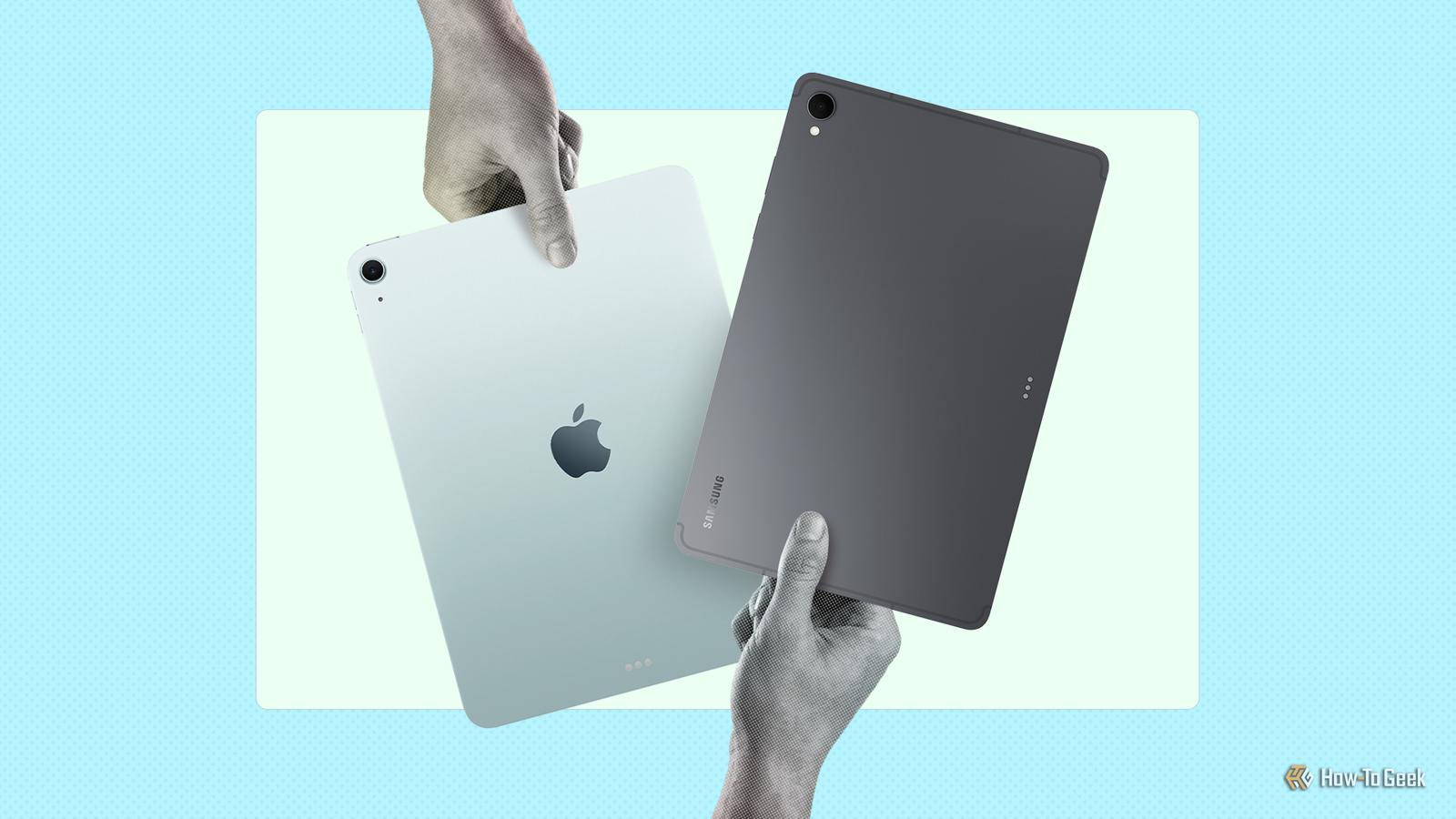
Did you buy a new iPad and wonder what to do with your old Android tablet? Or are you finding that your new iPad isn’t a solid replacement for it? I’ve been there—and here’s how I use both my old Android tablet and my new iPad Air M2 side by side.Why I switched to iPad from Android Before switching to an iPad, I was daily driving the Mi Pad 5, which I bought in August 2022.Fast forward to 2024, and Xiaomi stopped pushing OS updates.
The tablet is now stuck on Android 13, which feels outdated considering most Android devices are running Android 16 now.It also received its final security patch in March 2025.At the time of writing, it’s been nearly eleven months without a security update, which makes it risky to use for anything sensitive.
Yes, Xiaomi released the device in 2021, and the tablet technically received three years of OS updates and four years of security updates—a support window—but I still feel wronged.I’m fine with a shorter update cycle for my smartphone because I use it heavily every day.After two or three years, it feels like I’ve gotten my money’s worth, so I’m ready to upgrade.
Related Why Android software support matters even if you don’t use your phone for many years Turns out you do need updates for years.Posts By Arol Wright But tablets aren’t used as heavily—at least not by me.My Mi Pad 5 is still in almost mint condition, so seeing it become obsolete simply because the company stopped providing security updates really annoyed me.
That’s exactly why I was hesitant to buy another Android tablet.I knew I’d be walking into the same problem all over again.So I bought an iPad instead—specifically, the iPad Air M2.
Apple typically supports its iPads with five to seven years of OS updates and up to nine years of security updates.That means this device should last well into the 2030s, which is a much more respectable time frame.Apple iPad Air 11-inch (M2) The 11-inch iPad Air’s powerful hardware and fantastic display are perfect for handling the needs of a college student.
Combined with a keyboard case, it becomes even more versatile.See at Amazon See at Best Buy See at Target Expand Collapse And because the iPad was already a year old when I bought it in late 2025, I got it for under $500.Yes, it was about 1.5× more expensive than my Mi Pad 5, but when you factor in more than double the software support, a desktop-class processor (the Apple M2 chip), and access to what’s widely considered the best tablet OS, the switch was a no-brainer.
But the iPad wasn’t than my Android tablet You’d think buying your first Apple product would feel amazing, but I regretted getting the iPad within a week.It ultimately came down to four main reasons: Battery life issues I really took my Mi Pad 5’s battery life for granted—it lasted a full week on standby and about two days with moderate use.I could binge Netflix for four hours on Saturday, another four hours on Sunday, and still have battery left for Monday morning.
The iPad barely lasts three days on standby, around a day and a half with moderate use, and you can’t binge Netflix for more than five hours in one stretch.This became a real problem when I watched a show one night and planned to use the iPad the next morning for reading, only to find the battery almost dead.I had to charge the iPad and use my phone instead—not a comfortable experience.
Not enough storage space iPadOS promises desktop-grade applications, but Apple doesn’t provide desktop-grade storage.I bought the 128GB model because the 256GB version is significantly more expensive, and about 50GB is already taken up by apps and system data.Add another 50GB of files, and the storage is nearly 80 percent full.
By comparison, my Mi Pad 5 has 256GB of storage, which gave me plenty of breathing room.Using the iPad has left me feeling claustrophobic and constantly thinking about storage space.Choosing between display quality vs.
the Apple Pencil When I bought the iPad Air M2, I also picked up the Apple Pencil Pro to take full advantage of it.However, I wasn’t comfortable using the Pencil on the bare screen—if it got badly scratched, I’d need an expensive screen replacement.So I installed a paper-like screen protector.
Apple Pencil Pro Compatibility Devices iPad Air 11-inch (M2 and M3), iPad Air 11-inch (M2), iPad Air 13-inch (M2 and M3), iPad Air 13-inch (M2), iPad Pro 11-inch (M4), iPad Pro 13-inch (M4), iPad mini (A17 Pro)iPad Air 11-inch (M2 and M3), iPad Air 11-inch (M2), iPad Air 13-inch (M2 and M3), iPad Air 13-inch (M2), iPad Pro 11-inch (M4), iPad Pro 13-inch (M4), iPad mini (A17 Pro) Color White Weight 0.68 Ounces $129 at Amazon $129 at Apple Expand Collapse While it reduced my anxiety about scratching the display, it ruined the image quality.Photos looked faded and the colors appeared off.I eventually switched to a regular screen protector, but now the Apple Pencil skids while I write.
You shouldn’t have to choose between protection and usability.Overheating problems I don’t know if this is specific to my unit, but my iPad Air heats up far more than I expected.It could be related to iPadOS 26 and may improve with future updates.
However, right now, the device becomes uncomfortably hot while gaming, streaming movies, and—most confusingly—while taking notes in Apple Notes or Freeform.I can’t hold it in my hands or rest it on my lap for long, so I usually keep it on a desk or tablet stand.I never experienced anything like this with my Mi Pad 5.
I’m now using two tablets for different workloads My iPad Air isn’t than my Mi Pad 5 in the sense that it can do everything the Android tablet can and more.However, it is better suited for certain workloads.So I decided to keep using my Android tablet for the tasks it still handles well—even without software support—and use my iPad for everything else.
How I’m using my Android tablet My biggest concern with using a device that no longer receives security updates is the increased risk of hacking and data theft.Because of that, I factory-reset the tablet and didn’t sign in to any important accounts.It contains no sensitive data that could be compromised.
The only account it’s connected to is Netflix, effectively turning it into a dedicated streaming device.Yes, it could still be hacked, but the risk is relatively low, and I’m personally comfortable with that.I also take precautions by downloading shows and keeping it disconnected from the internet most of the time.
How-To Geek Report: Subscribe and never miss what matters Unlock your tech-savvy potential and master the digital world with How-To Geek.Subscribe By subscribing, you agree to receive newsletter and marketing emails, and accept our Terms of Use and Privacy Policy.You can unsubscribe anytime.
Beyond that, I use it as a dedicated Pomodoro timer and notes display.I keep the screen on for about eight hours a day while I work, using split screen to show a timer and a to-do list.I could even turn it into a digital photo frame—displaying motivational quotes, travel photos with my fiancée, or images of places I want to visit as work inspiration.
Related 7 ways to repurpose your old Android tablet Your old tablet isn't obsolete yet—it just needs a new job appropriate for its age.Posts 10 By Dibakar Ghosh How I’m using my iPad I mainly use my iPad for reading—documents, articles in Feedly, and Kindle books.I also use it to jot down ideas when they strike.
Sometimes a thought is best explored by writing it out, drawing diagrams, and doodling until the full concept clicks.The iPad has allowed me to digitize this workflow, for which I used to rely on pen and paper.I’m also experimenting with digital art using Procreate and Pixelmator.
I’ve wanted to try sketching and illustration for a long time, but hardware limitations have always held me back.Now, I use the iPad at the end of the workday to decompress and unwind.Related There's No Procreate for Android, But You Can Use These 6 Apps Instead You still have options to create amazing digital art.
Posts By Chifundo Kasiya Owning two devices in the same category doesn’t necessarily mean redundancy.By assigning each tablet to specific workflows and playing to its individual strengths, you can end up with a more flexible and efficient setup overall.
Read More