Z-Wave has a reputation for reliability, which makes it a popular choice for critical smart home devices such as smart locks and alarm systems.The trouble is that if you make some common mistakes, your Z-Wave devices can respond far more slowly than they should.Not having enough powered Z-Wave devices Battery-powered devices can't act as routers Z-Wave is a mesh network in which some devices can act as routers.
These devices can pass information back and forth to other devices in the mesh, without those devices needing to communicate directly with the Z-Wave controller.It means that your smart home hub can communicate over the mesh with Z-Wave devices that are too far from the controller to connect directly.The problem is that not every Z-Wave device can act as a router.
Battery-powered devices such as sensors, smart buttons, or smart locks often sleep to conserve power, and so aren’t able to route traffic to other nodes.Plug-in devices don’t need to worry about conserving power, so they can act as repeaters.If you find that devices a long way from your controller are slow to respond, a lack of repeaters in between may be one possible cause.
Adding more powered Z-Wave devices to the mesh can improve things considerably.Related 4 reasons why Zigbee is more popular than Z-Wave in the smart home This might help you choose between the two.Posts 9 By Adam Davidson Putting the controller or routers in the wrong locations Your hub may not be in the optimal position Close Just randomly adding more powered devices won’t always fix a sluggish network on its own.
If you add a powered Z-Wave device right next to your Z-Wave controller, it’s not going to help extend the mesh network by very much.Placement of these devices matters.A powered Z-Wave device somewhere between your controller and your furthest device is generally more useful for extending the mesh than one that’s close to either end.
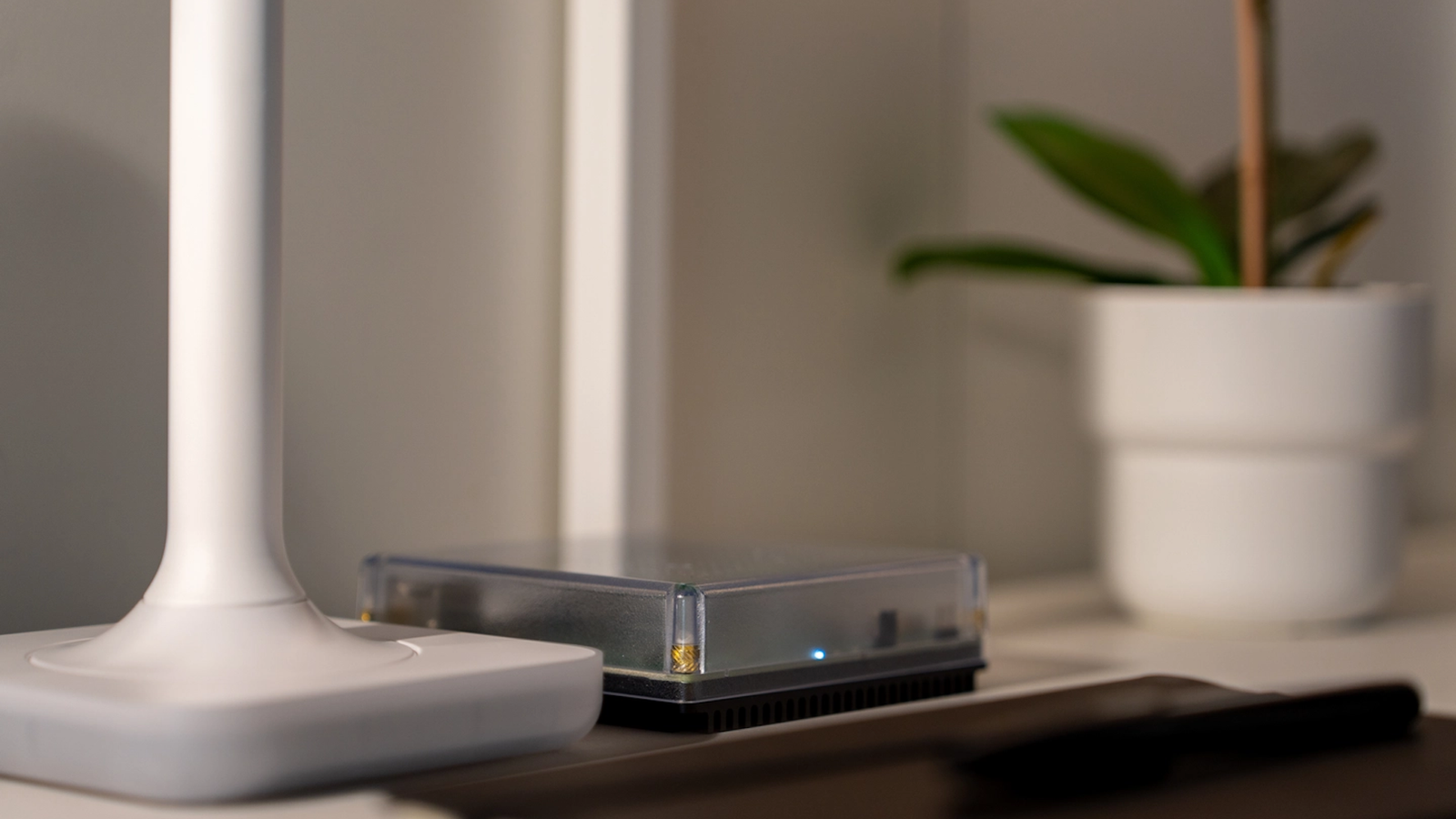
Spreading powered devices around your home at reasonable intervals can give you a far more stable network.If you don't have many powered devices, the position of your Z-Wave controller can make a big difference.The obvious place to set one up is next to your smart home hub so that you can connect the controller directly to the hub.
This isn’t always the optimal position.If you can’t move your hub, you can run software such as Z-Wave JS on another device like a Raspberry Pi.You can then connect the controller to the Raspberry Pi and place it in a better location, while still making the controller available to your smart home hub over your network.
Leaving ghost devices on the network Don't make your controller try routes that don't exist If a Z-Wave device dies or is removed without being properly excluded from the network, the controller may still retain a node for a device that’s no longer there.These ghost devices can cause problems with your network, especially if other devices still try to use a nonexistent repeater as part of their routes.You can stop this from happening by manually excluding devices from the network before you remove them.
If a device dies or you forgot to exclude it before you removed it, you should also be able to remove the device through your smart home software.With Home Assistant, for example, you can remove devices through the Z-Wave integration.Letting devices flood the network Chatty devices can slow everything down Z-Wave is a low-bandwidth protocol by design.
It’s intended for sending small, reliable messages over distance using very little power, rather than transferring lots of data.Most Z-Wave devices send tiny packets of data saying things such as “turn the light on” or “the door unlocked.” Some devices may be much chattier.Energy-monitoring smart plugs, for example, can detect tiny changes in power consumption and can flood the network with an unnecessarily high frequency of messages.
This can clog up the rest of the network, causing everything else to act sluggishly.If the device supports it, a simple fix is to update its configuration to increase the reporting intervals.This will cause the device to transmit data less frequently.
You may also be able to change its reporting thresholds if small changes are causing it to send data too often.Older Z-Wave devices may also use the legacy S0 security method, which requires more traffic than the newer S2 security method.If a device supports S2, using that option instead of S0 can significantly reduce traffic.
Healing the network when it doesn’t need it First, do no harm Z-Wave has a process often called "healing" that Z-Wave JS now calls "rebuilding routes." The reason for the name change is that using this feature isn't a magic bullet that will fix your sluggish Z-Wave network.In fact, the opposite can be true.Healing your network makes the controller discover and assign new routes to each device.
While this can result in a more optimal network after making changes that affect existing routes, doing it when nothing has changed is often counterproductive.The process can slow down the entire network while it happens, and you may even end up with routes that were working fine being replaced with other routes that aren’t as good.If there's one particular smart home device that's acting up, you may be able to rebuild routes for just that device; this is an option in Home Assistant.
This discovers new routes for that device without rebuilding routes for the entire network.Ultimately, healing makes most sense when you've made significant changes that affect existing routes, such as moving devices around or adding or removing repeaters.Otherwise, you may be slowing things down for no real gain.
Z-Wave works well given the right conditions Z-Wave's reliability is one of its biggest selling points.You shouldn't have to put up with lights that take seconds to turn on just to take advantage of that reliability.A few simple tweaks can make a sluggish Z-Wave network feel zippy again.
Read More