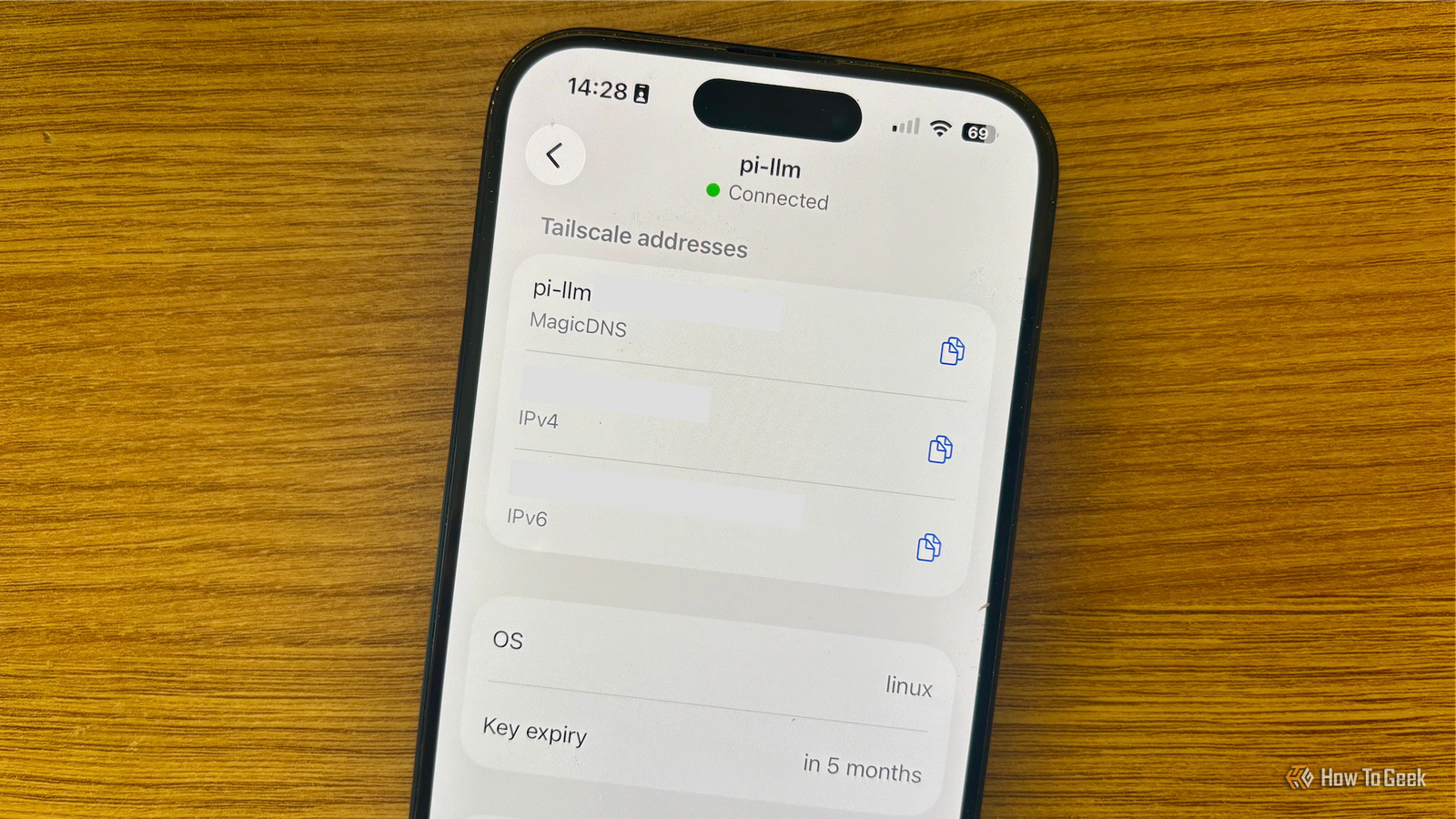
Tailscale is pretty much the default option when you want to access anything remotely.It's definitely the option most people will give you when you ask them for recommendations.There's a good reason for that: Tailscale handles NAT traversal automatically, usually establishes direct encrypted connections, and can always fall back to a Tailscale Peer Relay or DERP when there's no direct path.
That's all well and good, but ask yourself, do you actually need another private network? Sometimes you just want to be able to control another PC and do one thing.There are tools that are way simpler that'll help you do just that.ZeroTier works better when you actually need LAN-style behavior Some software really wants to believe it's on the same Ethernet network Close If you know Tailscale, you've probably heard of ZeroTier, too.
It's not too different from Tailscale in the sense that it creates a virtual network between devices.However, there's a major difference in the way it approaches that network.ZeroTier can emulate Ethernet, supporting stuff like multicast and ARP.
The result is that you get devices that feel like they're on the same physical LAN even though they're very much not.Tailscale primarily works at Layer 3.That means that normal IP connections work great, but software that's reliant on being able to discover nearby devices may struggle.
For a lot of modern hardware, that distinction between the two won't be important; but older stuff, like cameras, AV equipment, or embedded devices, as well as some software, may care.(Especially things that insist on automatically finding something on the local network instead of letting you input an IP address.) ZeroTier can even bridge a physical Ethernet network into its virtual network if you need Layer 2.If whatever you're working with expects everything to look like one big LAN, ZeroTier might be the better fit.
Related Stop port forwarding your NAS: The safer way to access files remotely This is the one NAS security feature most people still ignore Posts 6 By Monica J.White Syncthing works better when you just want the same folder everywhere Remote file access and file synchronization aren't the same job What does Syncthing do? It's in the name: it syncs things.I could stop there, but I'll elaborate.
I find Syncthing a great fit when you just want to have the same files on two different computers with minimal hassle and setup.It lets you keep selected folders fully synchronized between devices without needing to connect back to one machine every time you need something.Once you sync a file, it's still there on the other PC locally, which is a lot more convenient for people who tend to bounce between a desktop and a laptop all the time.
(Looking at you, hybrid workers.) Don't get me wrong, Tailscale can help with files, too, especially now when it has Taildrop for sending files between devices and Taildrive for exposing folders over your tailnet.But it's still a different workflow.Syncthing was built around the idea of keeping local copies in sync automatically.
Cloudflare Tunnel works better when you only need one app It gives you the application without the rest of the network If you don't want remote access for the entire network, but just one specific thing, like Home Assistant or a private dashboard, Cloudflare Tunnel makes a lot of sense.You can pick an individual service reachable through a hostname while the machine itself keeps making outbound connections to Cloudflare, meaning you don't have to open an inbound port or expose your network alongside it.The next step is to put Cloudflare Access in front of that app so that you can require authentication before anyone gets through.
This is a neat setup, much simpler than putting your laptop on a private network just so you can reach some browser-based service.Quick Assist helps when you're just fixing someone else's PC Tech support doesn't need permanent network access As the resident tech support person in my family, I'm no stranger to the likes of TeamViewer.More often than not, it's not even an app that I end up using, but rather frantically trying to get my relative to navigate a UI I can't even look at myself, being miles away.
In any case, for this type of thing, Tailscale is not needed.This kind of remote access can easily be handled with Quick Assist.You, as the IT pro (at least by your family's standards, if not in reality), generate a temporary code and get your friend or family member to enter that code, then choose to either share their screen or hand over the controls.
This is way easier, and just generally smarter, than trying to add someone else's PC to your private network just because you sometimes help them out.Unless it happens literally every day, Quick Assist is a better pick than Tailscale.Tailscale makes sense when you actually need a network Although I just spent a few minutes convincing you to drop Tailscale, I'm not trying to say it's not useful.
Quite the opposite.If you need several devices to communicate across different networks or access multiple services, as well as reach an entire home LAN through a subnet router, all that extra networking machinery starts working in your favor.Having to juggle a million different tasks across multiple devices is easier with Tailscale and one private network that ties it all together.
I just don't think you need it for every single remote access use case you can come up with.Related 6 weird things you can do with an old Wi-Fi router that nobody seems to talk about Your old router can do way weirder things than extend Wi-Fi Posts 1 By Monica J.White
Read More