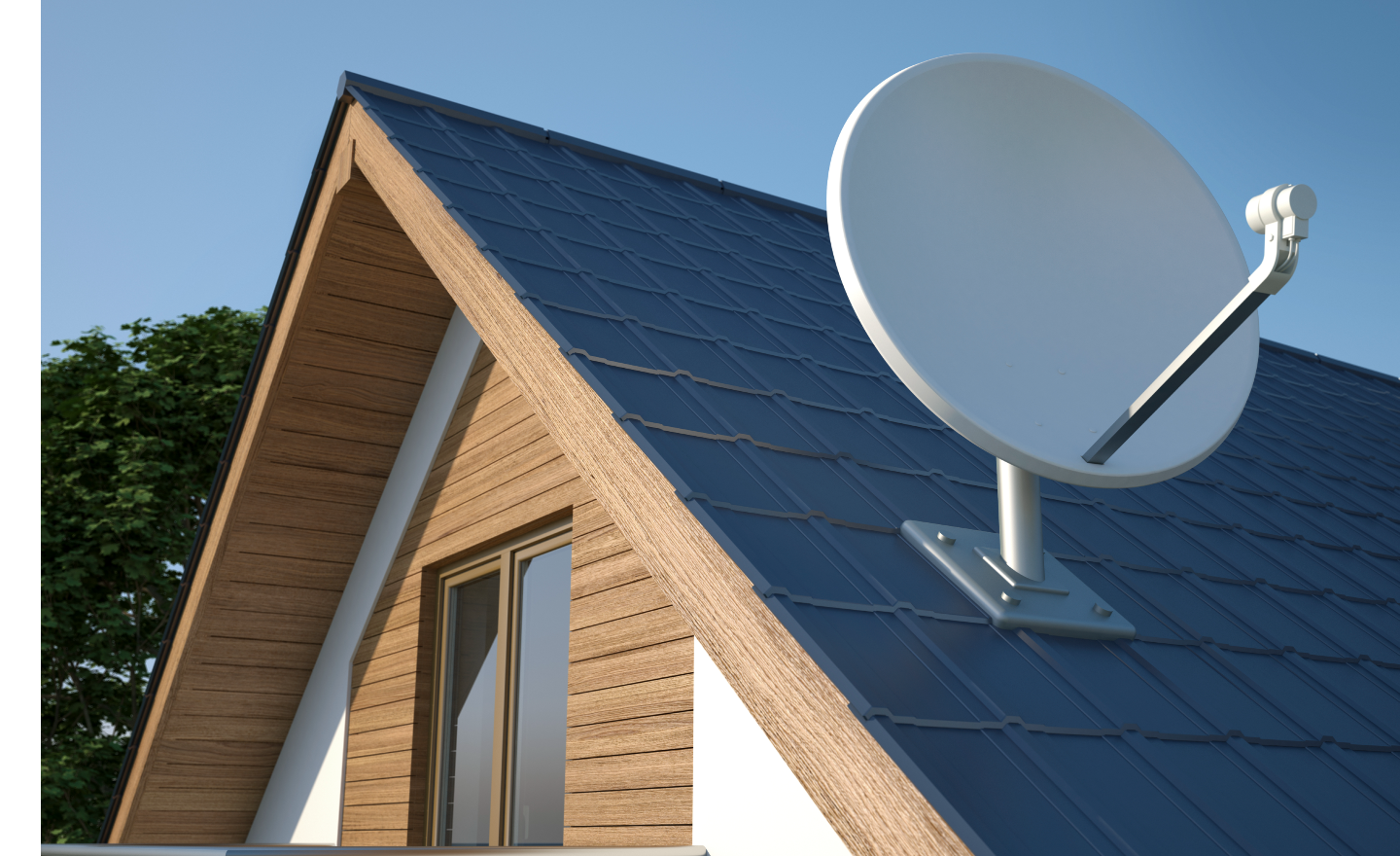
What we cover on this page: Satellite internet infrastructure and equipment How does satellite internet work? Satellite internet availability The footprint of satellite orbits History of satellite internet Weather and satellite internet Satellite internet data caps Satellite internet infrastructure and equipment Satellite internet requires some hardware to ensure the service reaches your home. Satellite dish: Attached to your home with a clear view of the sky Reflector: This dish antenna is used to transmit and receive signals that deliver wireless internet TRIA: The transmit and receive integrated assembly (TRIA) is used on a two-way satellite dish to process signals to and from the provider’s ground station and an Earth-orbiting satellite Fiber internet cables: Cables run underground from the service provider to their ground station Modem: Modems bring internet into your home Router: Routers distribute internet from the modem to your devices How does satellite internet work? It’s a fairly simple process to receive and set up satellite internet in your home: The satellite internet provider sends an internet signal from their ground station, called a network operations center (NOC), to their satellite orbiting the Earth That signal is bounced to the dish on your home Your modem then interprets that signal from your dish to bring internet inside the home Your router then uses it to disperse to your connected devices The signal travels in an ongoing loop from your device, to your satellite dish, the NOC, the provider’s satellite and back again to complete upload and download commands from your home Wi-Fi network as you search, stream, game, etc.Historically, satellite internet’s method of operation has produced higher latency (e.g., lag) than cable or fiber internet, which can present a big challenge when real-time gaming Satellite providers like Starlink and Amazon’s Project Kuiper are increasingly deploying low Earth orbit (LEO) satellites, which cut down on lag time and improve ping rates, resulting in quicker response times and less buffering Satellite internet availability Although satellite internet is touted as being available to nearly 100% of the U.S., there are actually areas where it is not possible to connect.Line-of-sight obstacles, challenging terrain, restricted areas or network capacity can all hinder satellite internet availability at your home.
Satellites require a clear line of sight to the sky in order to work.Mountains and tall buildings can obstruct the signal, so a deeply rural valley home or a shorter building surrounded by skyscrapers may not be able to connect.There are also places where regulations limit satellite reach, like the National Radio Quiet Zone in West Virginia or certain parts of Alaska and Nevada.
These rules are usually due to radio frequencies or government radar that are in use.Coverage is also spotty in areas of the West, particularly within national parks or designated Tribal lands.Another reason satellite may not be available to you is simply a matter of capacity.
Each satellite has a limit to how much bandwidth it can handle and providers would need to release more satellites serving your area to expand services.The footprint of satellite orbits Hughesnet and Viasat use geostationary (fixed position) satellites that are about 22,000 miles above the Earth’s surface, whereas Starlink uses low-orbit satellites at 340 miles above Earth.Speeds range between 25 and 250 Mbps for residential internet customers.
There are three types of orbit, high, medium and low: History of satellite internet First developed in the late 1950s, satellite technology was used for military purposes.The Soviet Union launched the first one in 1957, quickly followed by the U.S.By the 1960s, the tech was being used for commercial communications. According to Hughesnet, “The invention of the World Wide Web created a new role for satellites in communications.
In 1993, Hughes Aircraft Company filed for a license with the FCC to develop SPACEWAY, the first Ka-band satellite, which was later launched by Hughes Network Systems, Inc.in 2005.After the success of this launch, the FCC called for more companies to get involved in satellite Internet service, opening up the industry to more companies.” “At the time, early adopters of internet technology accessed the web using their telephone lines.
Instead of waiting for data to crawl through a phone line at mere kilobits per second, users could receive it via satellite at ten times the speed.” Hughesnet anticipates the planned launch of the next generation of ultra-high-density satellites will bring its customers download speeds of 25 to 100 Mbps.Viasat started offering speeds up to 150 Mbps in some areas and says, “as we add newer, more advanced satellites with global coverage, the service is expected to only get better and faster — as well as available in many more places.” Starlink offers 100 – 400 Mbps residential download speeds and is launching more low-orbit satellites monthly.Weather and satellite internet Weather can interrupt your satellite signal.
Hughesnet shares, “A cloudy sky, light rain, or fog shouldn’t impact your internet service.But heavy thunderstorms or heavy snow/ice storms may result in intermittent connectivity or a temporary loss of connection.” Something to keep in mind is that there may be stormy weather at the ground station where your internet connection starts and that can also interfere with service. Weather isn’t the only issue that may affect your service.Placement of your dish, high trees and shrubbery and other things may interrupt it.
Satellite internet data caps An important thing to consider with satellite internet is data caps.Unlike other technology types like fiber, cable and 5G internet, data caps are common with satellite internet plans.A satellite internet data cap is the amount of data you can use each month with a satellite internet plan.
Once that limit is reached or exceeded, a provider may penalize you according to their data policy and whether they impose soft or hard data caps.Always research your satellite internet provider’s data policy before you subscribe to an internet plan to avoid being surprised by data overage fees or speed throttling.Learn more about data speed throttling by your ISP.
Allconnect: Let us compare providers for you Why should you choose Allconnect? We’re the #1 broadband marketplace in the U.S., meaning you can trust us to search, compare and order internet and TV service for your home.Get started What to read next Read more Featured How to actually get reliable internet while traveling (even off-grid) Camryn Smith — 4 min read Featured Does the weather affect your internet? Robin Layton — 4 min read Featured Internet connection types: DSL, cable, fiber Lisa Iscrupe — 6 min read Latest Monday, May 18, 2026 What is a good internet speed? Camryn Smith — 7 min read Monday, May 18, 2026 5G home internet rules – watch out for the fine print Camryn Smith — 2 min read Monday, May 18, 2026 Which internet providers offer seasonal holds? Lisa Iscrupe — 2 min read
Read More