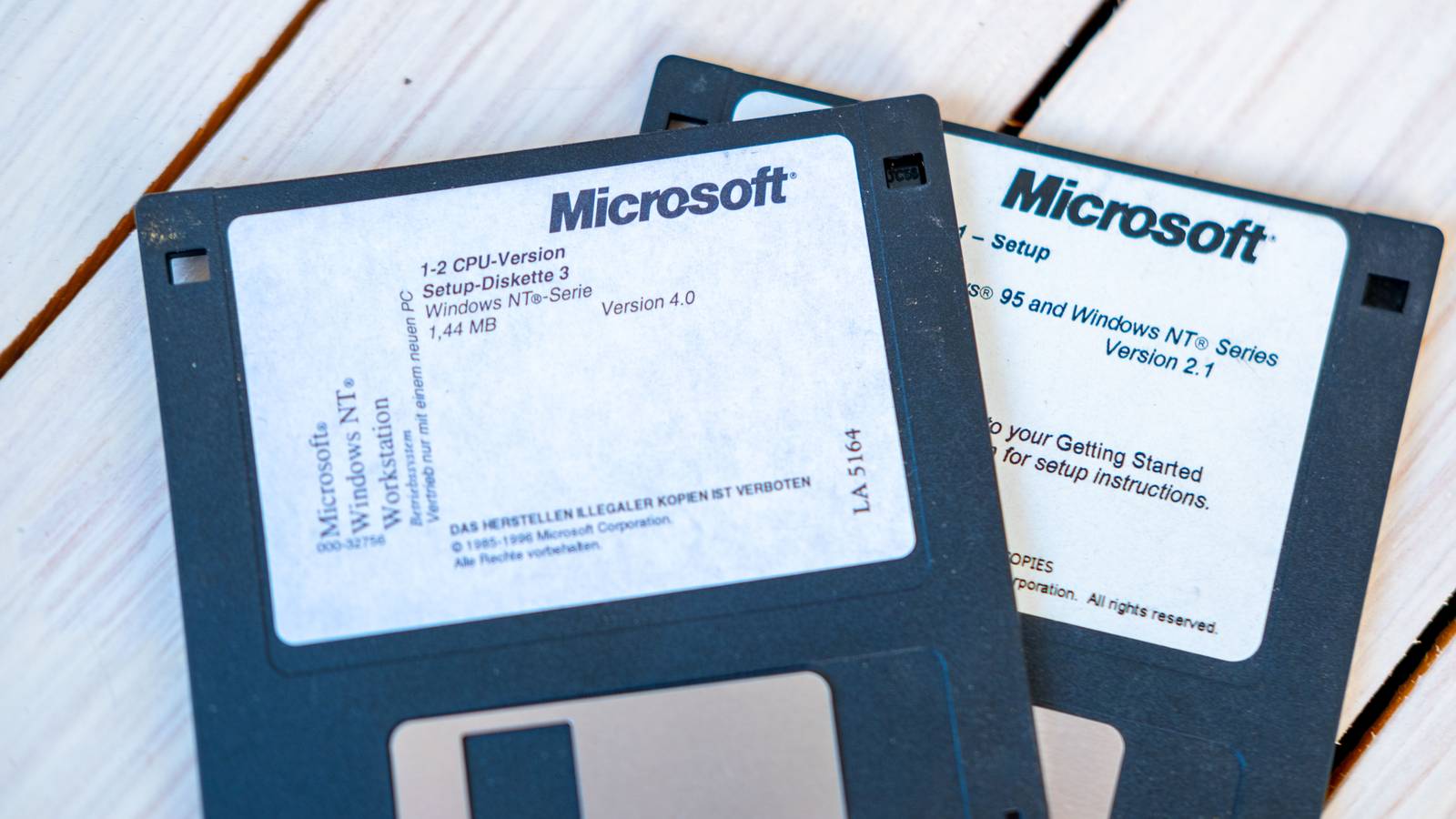
For most of my Windows-using life, there was an annual ritual we all got to know very well.When your computer started getting slow and creaky, you'd back up all your files to a separate medium, format your system disk, and reinstall Windows.Nothing beats the feeling of a fast and fresh new Windows install, but these days there's almost always a better fix than nuking your Windows installation from orbit, and in most cases you can just run a few repair commands to get things back in shape.
However, the main reason reinstalling Windows isn't really worth doing anymore is that you're not getting the fresh start you think.A clean install now cleans the drive, not your Windows identity They have a file on you We had good reason to do that (roughly) annual maintenance.Windows had a habit of accumulating all sorts of debris.
Old drivers would not be properly replaced by updated versions, apps didn't uninstall cleanly, app shortcuts piled up and broke.You could absolutely fix all of this manually, but ultimately it was almost always faster to just spend an evening wiping and reinstalling your system.If you reinstall Windows today, even on a clean drive, a lot of the stuff that you'd want to get rid of in the past is now attached to your current Microsoft Account.
Microsoft is hell-bent on getting rid of true local accounts, and so you're basically forced into signing in to use a new copy of Windows.At which point all of your baggage is neatly downloaded to your new computer.There have been several tricks to get around this, like running special commands in the Command Prompt, as you see here.
Close However, Microsoft keeps plugging these workarounds, so this doesn't work anymore.If you have any Windows backups in the cloud, you can restore a new installation from there.It's your choice, but again, it just brings back all the little app pins and other stuff you set up on a previous installation or different PC.
It can be convenient to have all your Wi-Fi passwords and such restored, but personally, I like a clean sheet, and I don't want years' worth of credentials that I'll never use again to keep floating around.This is at least all optional, but I'd bet most people just go with the strong suggestion of restoring their old data.OneDrive can put your old desktop back before you install anything It's the Windows app that goes bump in the night It's maybe a little over the line, but some days I feel like OneDrive is practically malware.
Every time I log into a new Windows PC (much less do a fresh installation), OneDrive immediately starts pulling documents and other files to that computer that I did not ask for.I've turned OneDrive off over and over again across multiple versions of Windows, and yet Microsoft always seems to find a way to reactivate it.Even Microsoft’s installation image comes with somebody else’s idea of essential software Who thought this was a good idea? Remember It was a third-party game included with Microsoft Plus! 95 and as an optional installation with Windows 98.
People really loved that little game, myself included, so I don't want to pretend that Microsoft hasn't been bundling software with Windows from other developers for ages now.However, I feel there's a difference between that and forcing the installation of on every new Windows 10 installation.Windows 11 doesn't pre-install these promotional games in the same way, but the icon will still show up in your Start Menu, just one click away from infecting your drive with itself.
Your hardware tells Windows which manufacturer software to bring back You might have heard that LG monitors are installing spyware, and this is possible due to a Windows feature that automatically installs software that a manufacturer says should go with their hardware.So it's not enough to get a working driver; all the utility bloatware that comes with it can silently sneak onto your PC in the background.It's not all bad, since I was probably going to install my GPU control utility anyway, but I don't want Logitech's mouse manager utility.
The problem here is not that Windows can detect your hardware and install the utilities for it automatically.The problem is that, as the user, I'm not even consulted in the process.The LG incident highlights how hardware manufacturers can abuse this feature, and conceivably actual hackers might find a way to exploit this as well one day.
There was a time when getting rid of all this bloatware was why I wanted a fresh Windows installation.Now Windows itself is merrily saving me the trouble of filling my computer with junk.I guess that's progress, of a sort.
Read More