TL;DR Google is rolling out Notification Organizer to Pixel 9 and Pixel 10 users running Android 16 QPR2.The feature utilizes on-device AI to analyze notifications, categorize them, and deliver them silently.Support is currently limited to the English language and specific regions, including the US and UK.
As part of the November 2025 Pixel Drop, Google announced that it would roll out the Notification Organizer feature to supported Pixels “next month.” With December now well underway, the company is finally rolling out the feature, saving users from unnecessary interruptions.Don’t want to miss the best from Android Authority? Set us as a favorite source in Google Discover to never miss our latest exclusive reports, expert analysis, and much more.You can also set us as a preferred source in Google Search by clicking the button below.
As spotted by 9to5Google, Notification Organizer is now rolling out to supported Pixels that already have the Android 16 QPR2 update installed.Have you received the Notification Organizer feature on your supported Pixel?2 votesYes, Notification Organizer just rolled out to my phone.50%No, I still don't have Notification Organizer on my supported phone.50%I don't have a supported Pixel phone on Android 16 QPR2.0% Google notes that Notification Organizer has a few requirements for support.For one, Google had already revealed that the feature will be exclusive to the Pixel 9 series and Pixel 10 series, excluding the Pixel 9a.
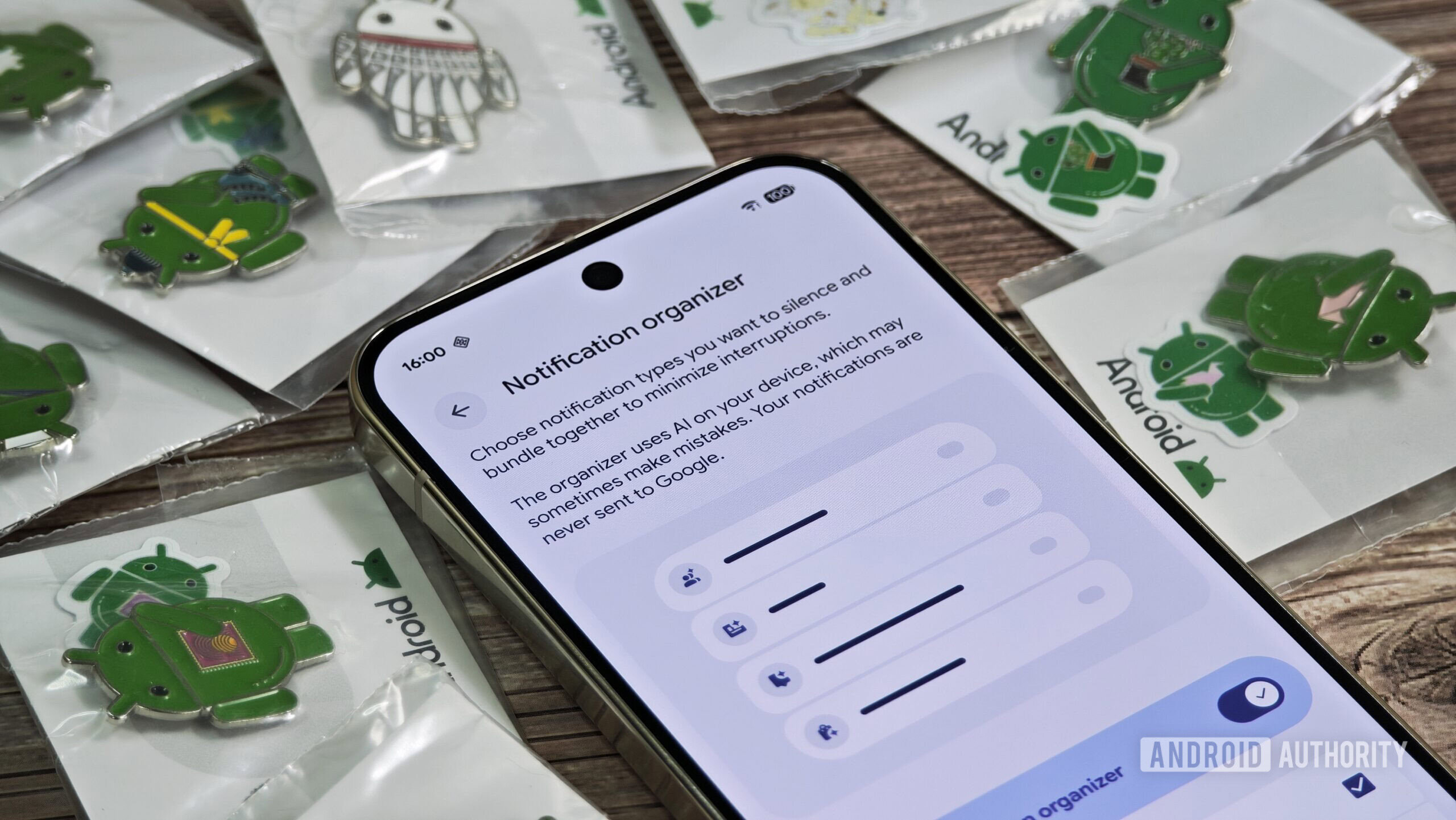
Through its support page, Google has confirmed that the feature works only when the primary system language is English, and the user has set their Pixel to one of these supported regions in the Region settings: Australia Canada Germany Japan United Kingdom United States If you meet the criteria, try rebooting your Pixel once and then navigate to Settings > Notifications > Notification organizer to enable the feature.Mishaal Rahman / Android AuthorityNotification Organizer bundles and silences notifications into categories, such as “News” and “Promotions.” The feature doesn’t categorize all notifications from a single app into one bundle, though; instead, it uses on-device AI to analyze the specific notification and determines where to place it based on its content, not the app that sent it.Mishaal Rahman / Android AuthorityIn the image shared by Google, showcasing the feature, notifications from Google News and the Google App are grouped under the “News” bundle, while notifications from Google One, YouTube Music, and Google TV are grouped under “Promotions.” Notification Organizer is enabled by default for Promotions and News categories, but you can also enable it for Social and Suggested categories.There’s also an option to “Always expand bundles.” All notifications that are categorized/organized appear under the “Silent” section of the notification shade, so you don’t get disturbed by notification spam.NewsGoogleGoogle PixelFollowThank you for being part of our community.
Read our Comment Policy before posting.