The internet is a wonderful thing, but we don't always appreciate it.It's only when we lose access that we remember how amazing it really is to have access to pretty much all the information that exists.My internet went down recently, and it took me far too long to notice, so I built myself a tiny internet status light to keep track.
My internet went down, and it took me a long time to notice My smart home and my phone kept on working I recently got an upgrade deal from my ISP offering me a free Wi-Fi 7 router.I don't normally go for ISP routers, but for some bizarre reason, I was getting the router and faster speeds for less than I was currently paying.Of course, it didn't take long to regret my decision.
An over-the-air update to my router completely killed it and cut off my internet access.It happened overnight, but it was a good hour or so after I woke up before I finally noticed.My smart home is set up using Home Assistant and aims to be as local as possible, so most of my automations were working as expected without any internet access.
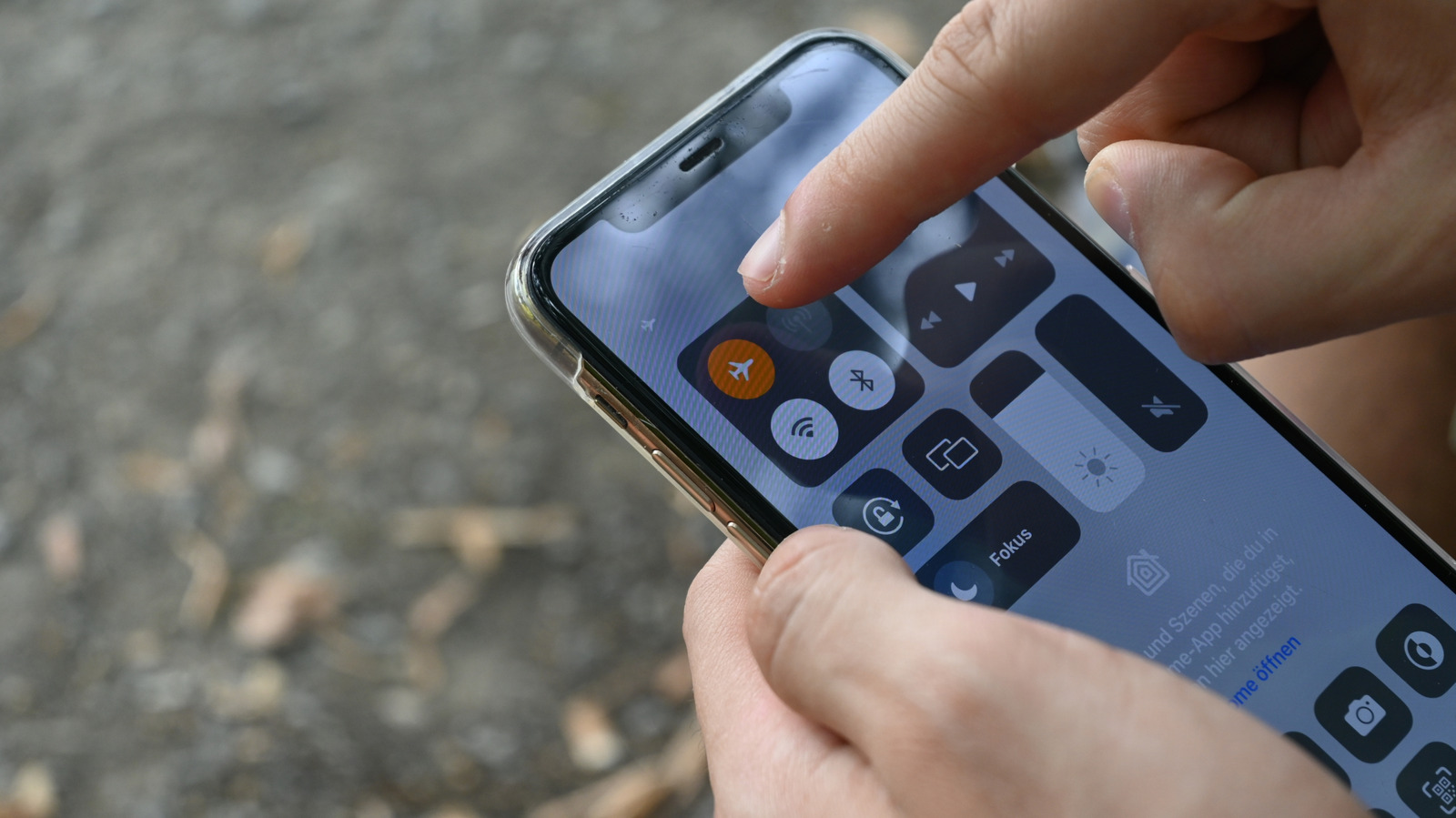
I didn't notice when I checked my phone because it had automatically switched to cellular data.When I did finally notice, it took me several hours to get it resolved, so I wish I'd noticed sooner.I decided that I would never be unaware of my internet going down again.
Seeed Studio XIAO ESP32C3 Brand Seeed Studio The Seeed Studio XIAO ESP32-C3 is the perfect budget-friendly microcontroller for smart home projects.With Wi-Fi and Bluetooth built-in, it also features a super deep sleep mode for low power usage when it isn't doing anything.The compact size makes this ideal for building smart home projects, and ESPHome allows it to easily integrate into Home Assistant.
$5 at Seeed Studio $10 at Amazon Expand Collapse I wanted a simple way to see when the internet or Wi-Fi was down Home Assistant notifications weren't ideal for this My plan was to build something that could give me a visual indication of when the internet was up, and which could immediately make it obvious when the internet went down.I also wanted it to be able to alert me if the Wi-Fi dropped, too.I could have used Home Assistant to set something up.
Even if the Wi-Fi went down, Home Assistant would still be able to control my Zigbee lights, so I could make an automation to flash them on and off if something was wrong.I really wanted something that was always-on, however, so that if I suspected the internet was down, I could check with a quick glance.Using a light bulb for this wasn't ideal.
I decided to see if I could make a dedicated internet monitor instead.Related I stopped rebooting my router to fix Wi-Fi, and these 7 tricks worked instead Rebooting your router won't fix your Wi-Fi: 7 tricks that actually work Posts 2 By Monica J.White An ESP32 had everything I needed On-board Wi-Fi and an LED were all I required Close As is almost always the case, if you want to build something, an ESP32 will probably be able to help.
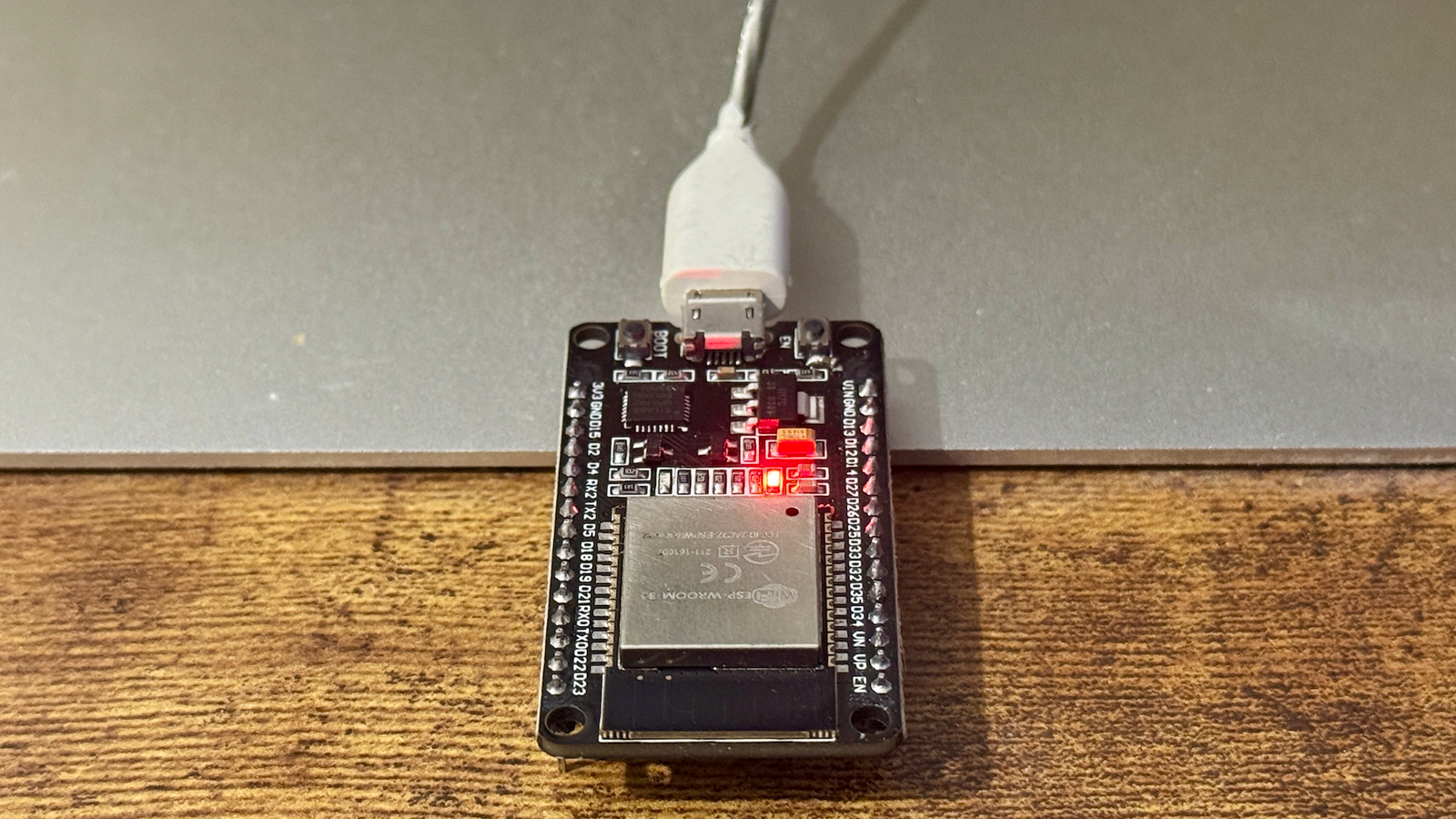
A cheap ESP32 board has everything I'd need for an internet monitor.It has Wi-Fi to be able to check the connection, and an on-board LED that I can change to different states.Using ESPHome, I created a fairly simple YAML file to achieve what I wanted.
Every 10 seconds, the ESP32 checks if it's connected to the router.If it can't connect, the LED on the ESP32 goes into a fast blink, indicating the Wi-Fi is down.If the ESP32 can connect to the router, it then sends a tiny HTTP request to a well-known, highly available internet address.
If the first address fails, it tries a second address.If a reply comes back from either address, the ESP32 has internet access, and the light stays solid.If there's no response, the LED starts a slow blink, indicating that the Wi-Fi connection is working, but internet access is unavailable.
My internet status light is simple but effective A flashing light is hard to ignore As is always the case, since setting up my internet monitor, my home network and internet access have remained rock solid, so the light has remained solid red.I did test it before I deployed it by turning off Wi-Fi temporarily, and using Pi-hole to block the domains that the ESP32 uses to check internet connectivity.The blinking is obvious enough that I'm not going to miss it.
I have the ESP32 on my desk in my home office, which is where I spend the majority of my time at home.The real benefit is being able to instantly see if everything is fine with a glance.If I can't connect to Home Assistant, for example, I glance at the LED and confirm that it's solid, so I know immediately that there isn't a wider network or internet outage.
It's honestly very satisfying to be able to rule out a potential problem almost instantly.An ESP32 can do a lot Even if you don't connect an ESP32 to any other hardware, it can still be a really useful device.I have several around my home running as Bluetooth proxies that I can use to track my location on a room-by-room basis.
For my simple internet status light, it was the perfect tool, and I had it up and running in less than ten minutes.
Read More