If you own a Pixel phone, you probably know it comes with tons of exclusive features.While some of them, such as Magic Cue, have fairly limited real-world usefulness, others have become indispensable parts of my day-to-day life, and that of many other Pixel owners.Here are some of the best Pixel-exclusive features you should check out the moment you finish reading this piece.
Google Pixel 10 Brand Google SoC Google Tensor G5 Looking to upgrade to a Pixel but not sure if you need all the bells and whistles of the more expensive models? You won't be disappointed with the standard Pixel 10 model.Coming in striking colors, Gemini features, and seven years of updates, you can't go wrong with this purchase.See at Amazon $799 at Best Buy $799 at Google Store $799 at AT&T Expand Collapse Live Transcribe and Recorder Very similar on the surface, but they both offer unique value The built-in Recorder app is one of the most powerful tools on Pixel phones.
It's simple, but it does its job with aplomb.Its primary purpose is to record audio, but it can also provide live transcriptions, which are saved and include nifty features such as speaker labels.You can search for specific keywords in transcripts, jump to different parts of recordings, and more.
It's a must-have if you attend lots of meetings or need a reliable voice recorder capable of transcribing lectures.Live Transcribe, on the other hand, automatically recognizes speech around you and provides real-time transcriptions.You can read the text as it appears, search through saved transcriptions, and get notified about important sounds such as alarms, doorbells, household appliances, crying babies, and more.
You can also record custom sounds and add them to the notification list.While the audio itself isn't saved, transcriptions are stored on the device for up to three days.Although its primary purpose is to assist people with hearing impairments, you can also use it to hold conversations in loud environments or get notified about specific sounds while wearing headphones, as important sound alerts can trigger your phone's camera flash.
Now Playing My favorite Pixel feature Back when I got my Pixel 10 Pro, I didn't expect Now Playing to become my favorite Pixel feature.It works seamlessly in the background, recognizing songs playing around you.It uses an offline model, so you don't need an internet connection, it usually takes only a few seconds to identify a song, and it's impressively accurate.
You can access your song history in the Now Playing app to check out every song it has recognized, and you can also search for recognized tracks on Spotify and YouTube Music.It's a brilliant little feature that every Pixel owner should be using.Photo tools Pixel phones offer a number of handy photo features Pixel phones come with a ton of exclusive photo tools and features.
Add Me is probably the best of the bunch, allowing you to add yourself (or the person taking the photo) to a group shot.All you need to do is take the first photo and then hand the phone to someone else, who can take a second shot with you in the frame.The person taking the second photo will see an AR overlay showing the framing of the first shot, making it easy to line everything up.
The on-device AI then merges the two photos into a single group photo that includes everyone and looks surprisingly natural.You also get Camera Coach, a handy learning tool for photography newcomers.It's an AI-powered assistant that helps you take better photos by suggesting adjustments to the angle, framing, or camera mode.
Pro Res Zoom isn't particularly useful for taking high-quality photos, but it's a neat party trick.It uses AI to enhance heavily zoomed-in photos and reconstruct details that would otherwise be lost.The results are often mixed, but it's great when you want a closer look at distant objects.
You can even end up with usable photos if you don't push the zoom too far.In my experience, shots taken at up to around 60x zoom can still look decent.Last but not least, Top Shot and Auto Best Take can be lifesavers when photographing people.
When both features are enabled, you can take a group photo, and Auto Best Take will combine the best expressions from multiple shots to create a final image where everyone looks their best.If you don't like the AI's recommendations, you can always open Google Photos and make your own selections.They're far from revolutionary features, but they're a handy way to avoid photos ruined by blinks, awkward expressions, or poor timing when shooting friends and family.
Quick Tap Use it to perform actions or open any app on your phone Quick Tap is another cool little Pixel feature that doesn't get talked about enough.In a nutshell, it lets you perform various actions by quickly tapping the back of your Pixel twice.You can use the gesture to take screenshots, play and pause music and videos, show notifications, and open any app on your phone.
I use it to open my bank's wallet app since I use it multiple times a day, but whenever I need to grab a bunch of screenshots—for an article, for instance—I remap Quick Tap to take screenshots instead, and it's been working wonderfully.Along with Now Playing, Quick Tap has become one of my favorite Pixel features.Related Squeeze your phone: Why Google's forgotten Pixel gesture was better than anything today Physical buttons that no one could see.
Posts 1 By Joe Fedewa Call assistance features Some of the most useful features on Pixel phones Call assistance features, most of which are powered by AI, are among the best exclusive features on Pixel phones.There are quite a few of them, and most are genuinely useful.Call Screen lets you answer calls with the help of on-device AI and read a real-time transcript of the conversation.
It's especially handy when an unknown number is calling, and you don't want to outright reject the call, as you can take over and answer it yourself at any time.Hold for Me is a godsend when you're left on hold while calling customer support, which seems to happen more often than not.You can put the phone down, and it will notify you the moment a human operator picks up the call.
You also get multiple scam-detection features that not only block potential scam calls but can also monitor conversations and warn you if the person on the other end uses patterns commonly associated with scammers.Two other cool call-assistance features are Live Translation and Call Notes.The former translates calls in real time when you're speaking with someone who uses a different language, allowing both of you to hear translations in your own language while also providing real-time transcriptions.
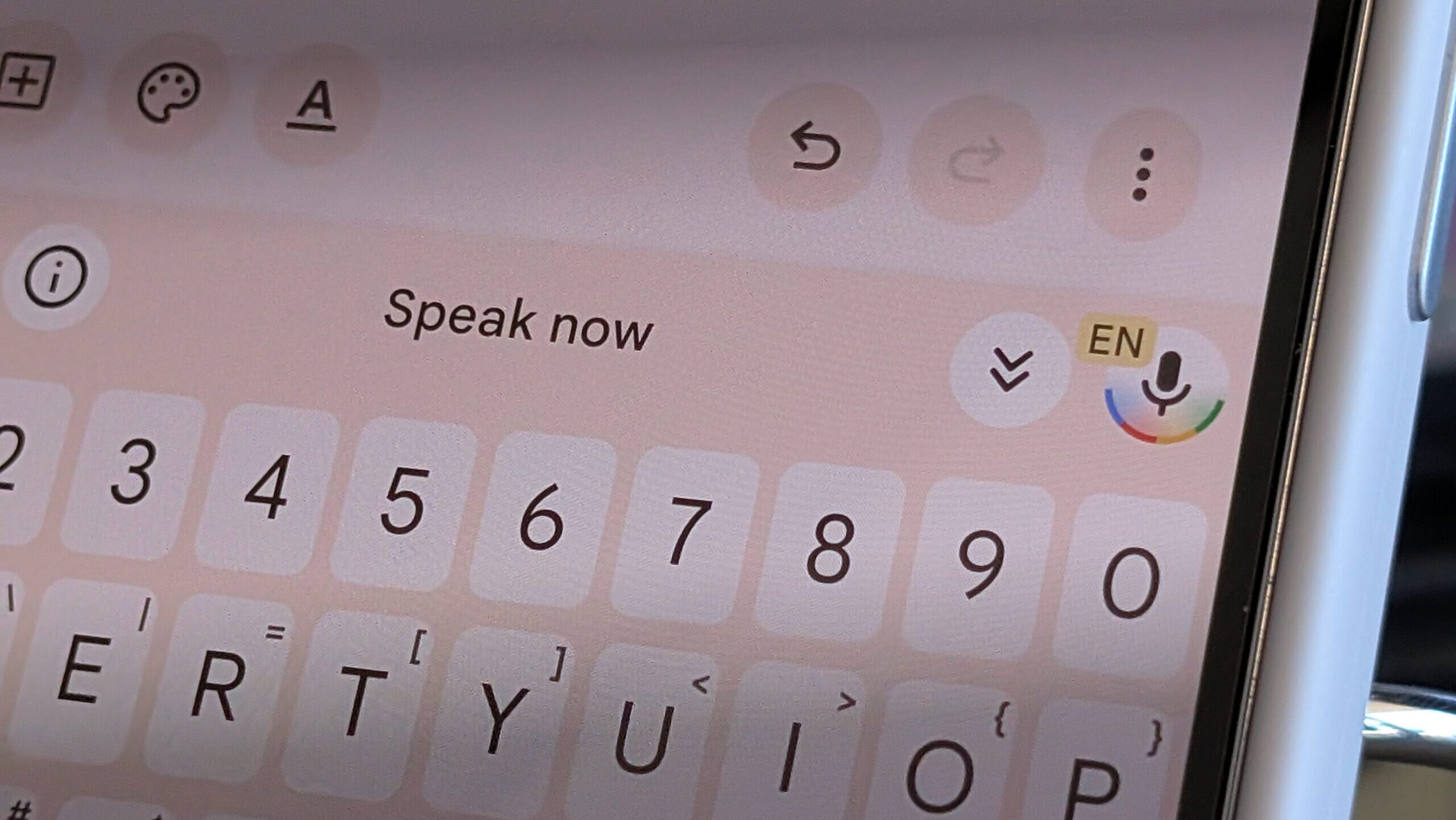
Call Notes automatically records and transcribes your calls and can also generate summaries of each conversation.Note that the other person is always notified at the beginning of the call that the conversation is being recorded.Voice Typing The best way to voice-type on any Android phone Gboard on Google Pixel devices comes with a few very powerful features.
Voice Typing uses an on-device AI model to deliver an incredibly fast and accurate dictation experience that's hard to match with third-party apps.Then there are advanced voice-typing features that let you use voice commands to edit text, add emojis, send messages, and more.Together, these features offer arguably the best voice-typing experience on any smartphone.
You can dictate and edit text on the fly using only your voice, send messages, even rewrite text for a truly hands-free typing and editing experience.Google Pixel 10 Pro Brand Google SoC Google Tensor G5 Display 6.3-inch Super Actua, 20:9 RAM 16 GB RAM Storage 128 GB / 256 GB / 512 GB with Zoned UFS / 1 TB with Zoned UFS Battery 4870mAh The Pixel 10 Pro offers an upgrade over the base model with the powerful Google Tensor G5 chip, more RAM, and more storage (if you need it).See at Amazon $999 at Best Buy $999 at Google Store $999 at AT&T Expand Collapse There are some other, smaller Pixel features you ought to try out as well Your Google Pixel packs a number of smaller features that, while not game-changing, can end up being surprisingly handy depending on how you use your phone.
For instance, Flip to Shhh allows you to silence incoming notifications and calls, aside from those from contacts and apps you've manually allowed.Then there's Private Space, where you can create a separate, private workspace.You can install your banking apps there, keep media and apps you don't want other people to see, or link a separate Google account and use Private Space for work-related tasks, completely isolated from the rest of the phone.
VPN by Google is handy when you're connected to a public Wi-Fi network and want to keep your browsing private by encrypting your traffic and preventing anyone else on the same network from snooping on your activity.Pixel phones also include multiple display comfort filters (Comfort View and Night Light) that can noticeably reduce eye strain, especially at night.Lastly, Pixel Screenshots is a standalone app that uses on-device AI to analyze your screenshots, generate summaries, and let you add your own notes.
So instead of bookmarking pages, you can simply take a screenshot of an article or product.Pixel Screenshots will analyze it and make it easier to revisit the article or find the product again later.
Read More